

Looking for the best free sticky notes alternatives for Windows 11/10? The built-in Sticky Notes app is handy, but you might want extras like always-on-top notes, hotkeys, reminders, or sync. Here’s a clean, bloat-free roundup you can trust.
What to Look For in a Free Sticky Notes App
- Always-on-top so notes stay visible while you work.
- Fast capture via hotkeys and quick “new note” actions.
- Search & organization with colors, tags, or groups.
- Reminders (alarms) when you need nudges.
- Backup/sync options to keep notes safe across reinstalls or devices.
- Low resource use and no adware or junk.
Best Free Sticky Notes Alternatives for Windows
Sticky Notes (GearUpWindows Online Tool)
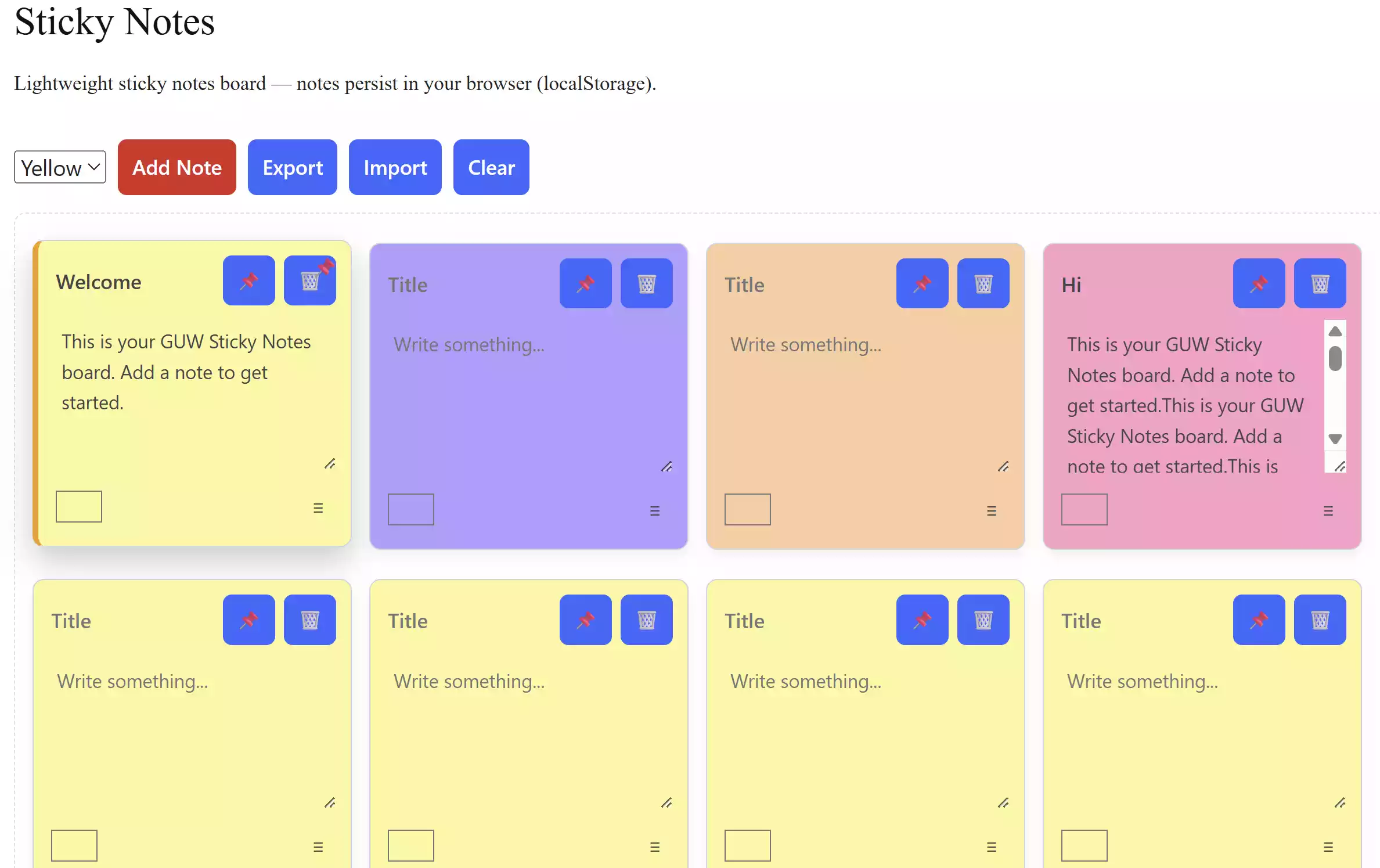
What it does: GearUpWindows offers a free Sticky Notes tool that works directly in your browser. You can quickly jot down reminders, to-dos, or ideas without installing anything on your PC.
Why choose it: Unlike traditional apps, this online tool is lightweight, fast, and accessible from anywhere. It’s perfect for users who want simple note-taking without syncing accounts or downloading third-party software.
- Pros
- Free and browser-based — no installation needed
- Clean and distraction-free interface
- Works on Windows 11, Windows 10, and any modern browser
- Considerations
- No cloud sync across devices
- Best suited for quick notes rather than long-term storage
Simple Sticky Notes (Free, lightweight)
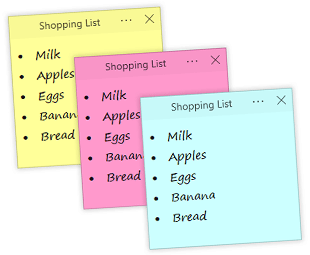
Why it stands out: Simple Sticky Notes is a fast, no-nonsense desktop stickies app with color themes, transparency, and handy hotkeys. It feels like classic Post-it notes, just digital—great for minimalists who want quick notes without extras.
Good for: Everyday desktop notes, color-coding, quick capture.
Stickies by Zhorn (Freeware, power features)
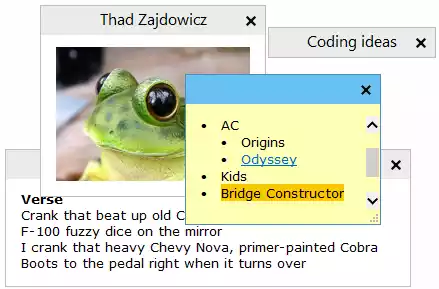
Why it stands out: A veteran with deep features: attach notes to specific apps or windows (they appear only when that window is active), set alarms, share over a LAN, and use a portable build. Power users love the flexibility.
Good for: Timed reminders, window-aware notes, and advanced customization.
Download: Official site
PNotes.NET (Open source & portable)
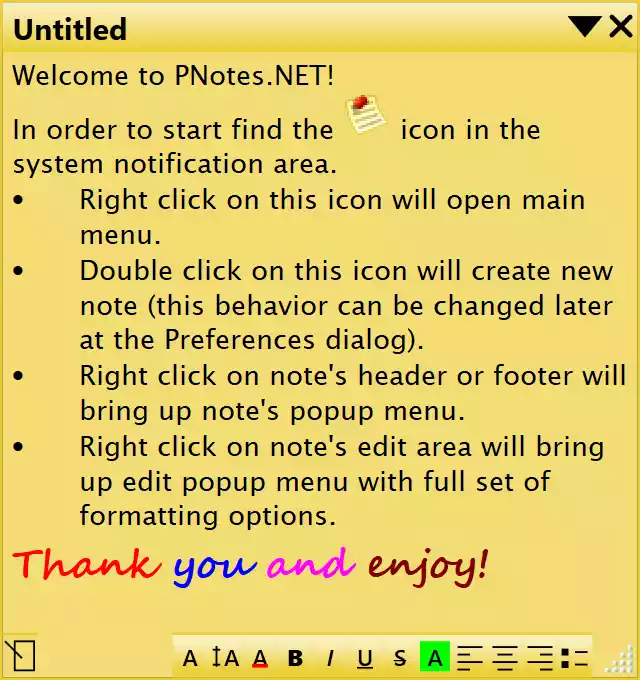
Why it stands out: Open-source notes with groups, skins, encryption options, scheduling, and robust hotkeys. The portable mode is perfect if you move between PCs.
Good for: Open-source fans, portability, and organized note collections.
Download: Project page
Microsoft Sticky Notes (Built-in, sync via Microsoft account)
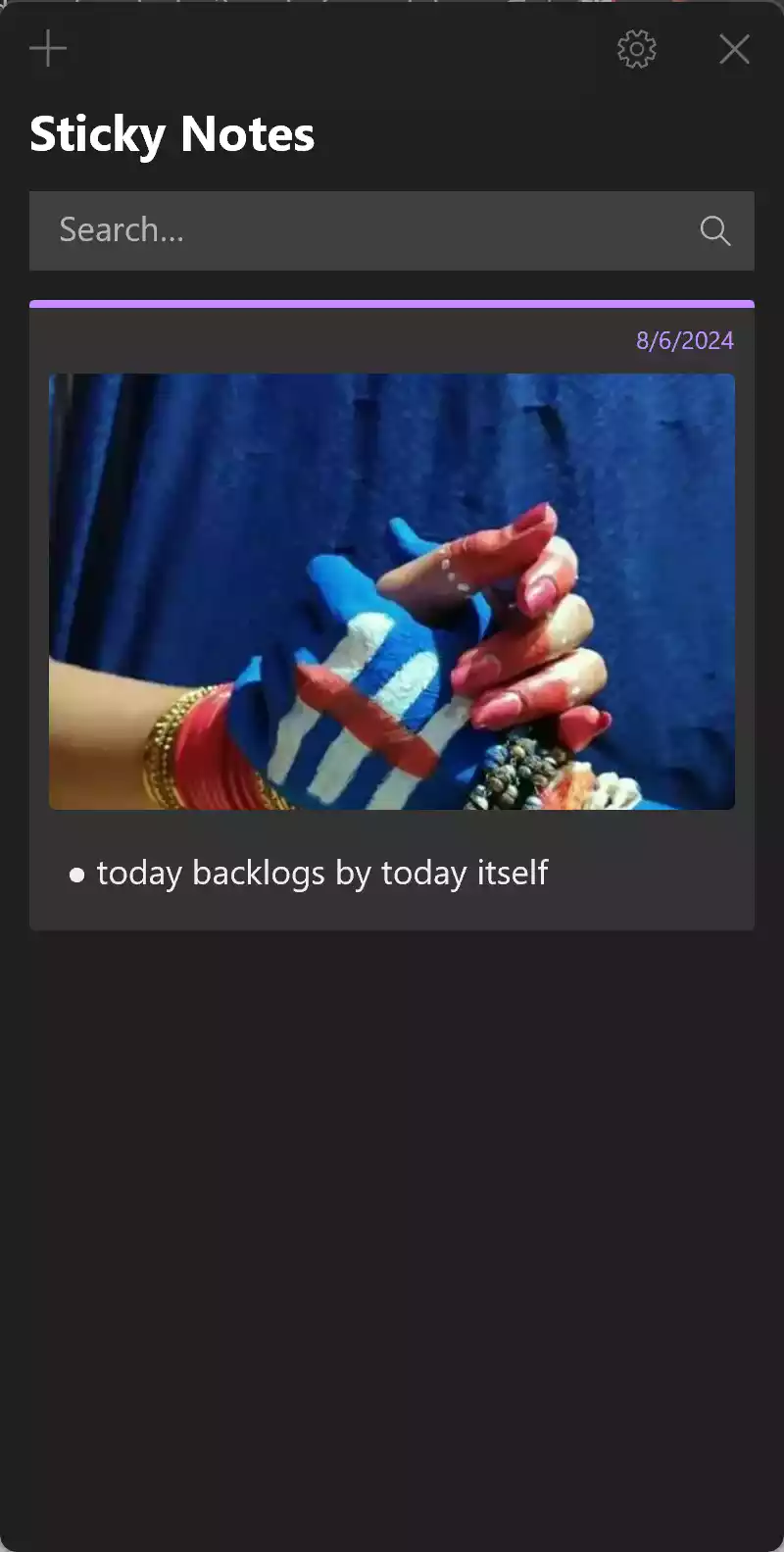
Why it stands out: Already on Windows and tied into the Microsoft ecosystem, so notes can sync with your Microsoft account and appear in OneNote and mobile companions.
Good for: Users who prefer built-in apps and cross-device access with a Microsoft account.
Open: Find “Sticky Notes” from Start on Windows 11/10
Simplenote (Free, cross-platform)
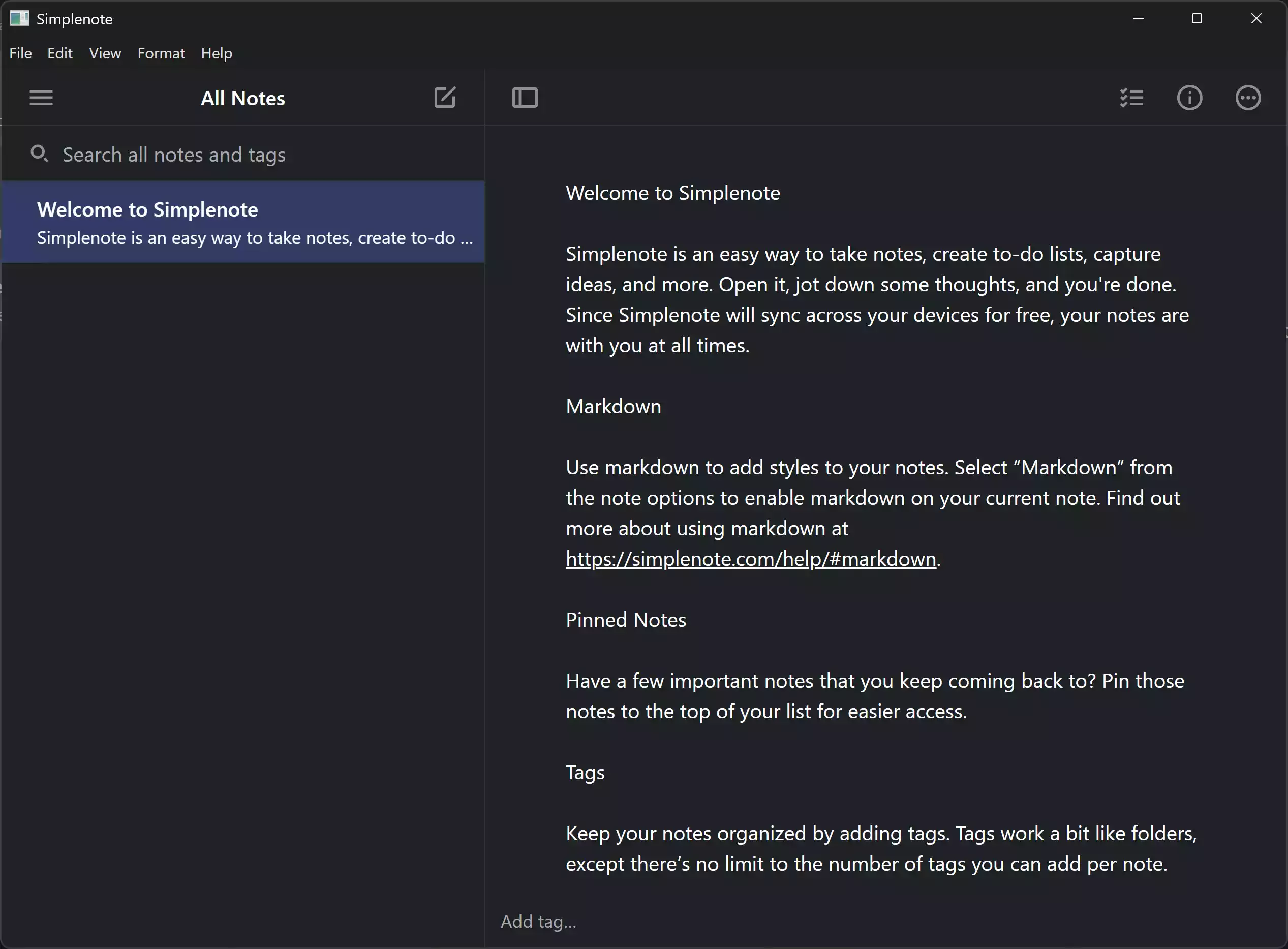
Why it stands out: Not a classic “desktop sticky,” but excellent for fast, plain-text notes with instant sync on Windows, Mac, Linux, web, and mobile. Great search and versioning.
Good for: Users who want cloud notes everywhere with zero fuss.
Download: Official site
Zoho Notebook (Free, multimedia notes)
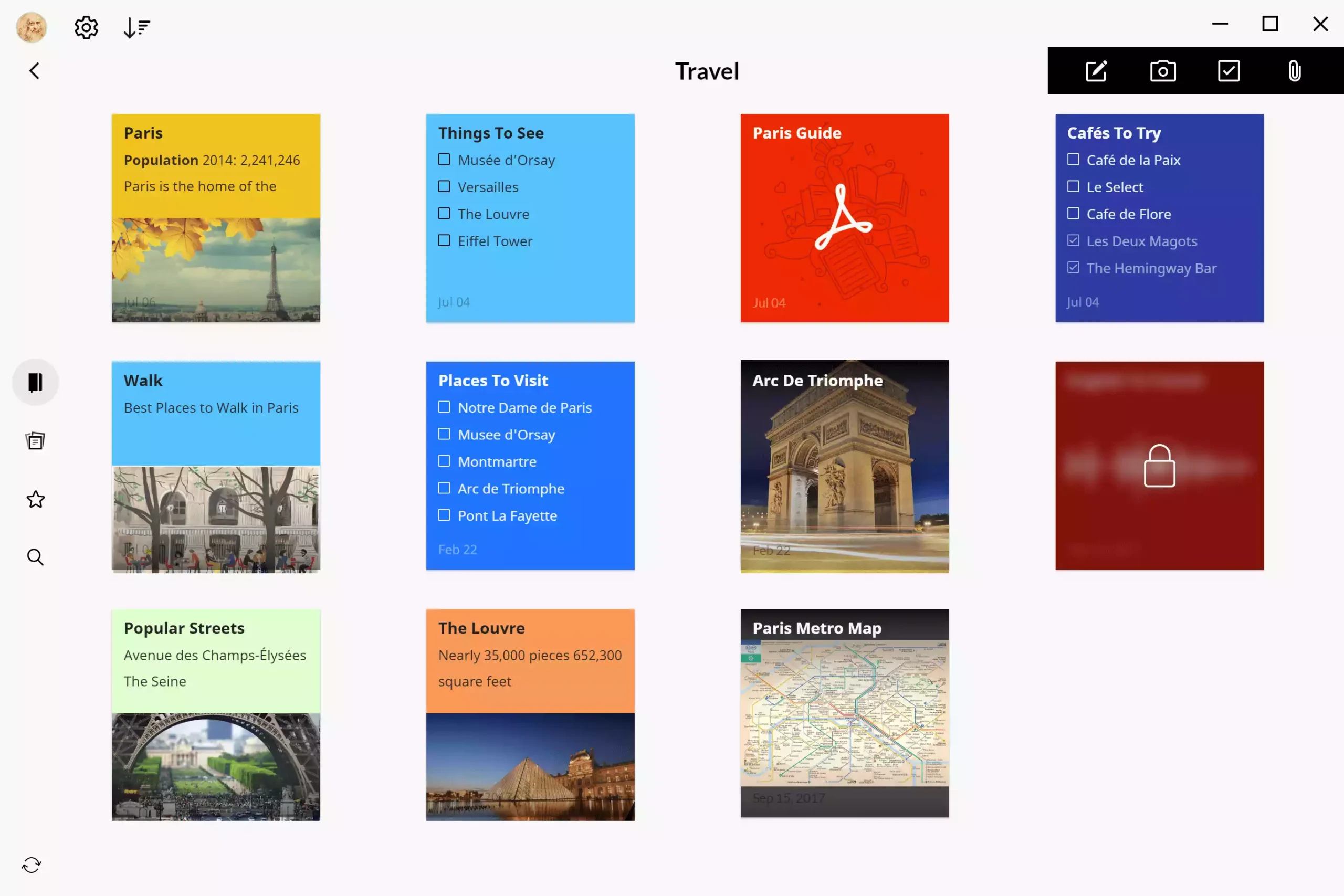
Why it stands out: Beautiful, card-style notes (text, checklists, images, audio, files) with free sync and a polished Windows app. Heavier than classic stickies, but far more flexible.
Good for: Visual thinkers, mixed media notes, to-do lists.
Download: Windows app
Google Keep (Free PWA, reminders & OCR)
Why it stands out: Runs as a web/PWA on Windows, with fast capture, time/location reminders, and image text-grab (OCR). It’s ideal if you live in Google’s ecosystem.
Good for: Seamless web/mobile access, lightweight reminder notes.
Open: keep.google.com
Quick Comparison
| App | Always-on-top | Sync | Reminders | Portable | Price |
|---|---|---|---|---|---|
| Simple Sticky Notes | Yes | No (local) | Basic | No | Free |
| Stickies (Zhorn) | Yes | LAN/shared | Yes (alarms) | Yes | Free |
| PNotes.NET | Yes | Manual/3rd-party | Yes | Yes | Free |
| Microsoft Sticky Notes | Yes | Yes (MS account) | Via ecosystem | No | Free |
| Simplenote | Windowed | Yes (cloud) | No native alarms | No | Free |
| Zoho Notebook | Windowed | Yes (cloud) | Yes | No | Free |
| Google Keep (PWA) | Windowed | Yes (cloud) | Yes (time/location) | PWA | Free |
Which One Should You Pick?
- I want classic desktop stickies: Simple Sticky Notes or Stickies.
- I want open-source & encryption: PNotes.NET.
- I already use a Microsoft account: Microsoft Sticky Notes.
- I need fast cloud sync on every device: Simplenote or Google Keep.
- I want rich, card-style notes with media: Zoho Notebook.
FAQs
Are these apps truly free?
Yes. Every option listed here offers a free Windows app or PWA. Some have optional paid tiers or companion products, but the free features are enough for sticky-note tasks.
Which one feels closest to classic Post-it notes?
Simple Sticky Notes and Stickies deliver the most traditional desktop sticky-note experience with colors and always-on-top support.
Can I sync sticky notes to my phone?
Yes. Microsoft Sticky Notes syncs via your Microsoft account; Simplenote, Zoho Notebook, and Google Keep sync across devices by default.
Conclusion
For a familiar desktop sticky notes feel, start with Simple Sticky Notes or Stickies. If you want seamless cloud sync and access on every device, try Simplenote or Google Keep. Need visual, multimedia notes? Zoho Notebook is a polished, free choice.