

Windows 11 is the latest iteration of Microsoft’s popular operating system and offers a range of new features and design changes. One of the most exciting new additions is the ability to customize the look and feel of the desktop with a wide variety of themes. While there are many themes available for Windows 11, dark themes have become increasingly popular due to their sleek and stylish appearance, as well as their potential benefits for eye strain and battery life. In this article, we’ll explore some of the best Windows 11 dark themes available and how you can use them to give your desktop a fresh new look.
With the release of Windows 11, Microsoft has introduced a new design language that emphasizes simplicity, clarity, and elegance. While the default theme is certainly attractive, many users prefer a more personalized desktop experience. Whether you’re looking to create a professional-looking workspace, a cozy and comfortable environment, or a cutting-edge gaming setup, there’s a dark theme out there that’s perfect for you. By customizing your desktop with a dark theme, you can create a cohesive and visually striking aesthetic that reflects your unique style and personality. So, let’s dive in and explore some of the best Windows 11 dark themes available on the market today.
How to Install a Desktop Theme on Windows 11 or 10?
The themes showcased here do not require an external app. Here’s how you can install and personalize them:-
If the theme is from the Microsoft Store, it will automatically get added to the Themes section in Personalization once you download it. Other themes can be installed by double-clicking the theme pack file, which will also appear in the Themes section.
Best Windows 11 Dark Themes
1. Grey Eve
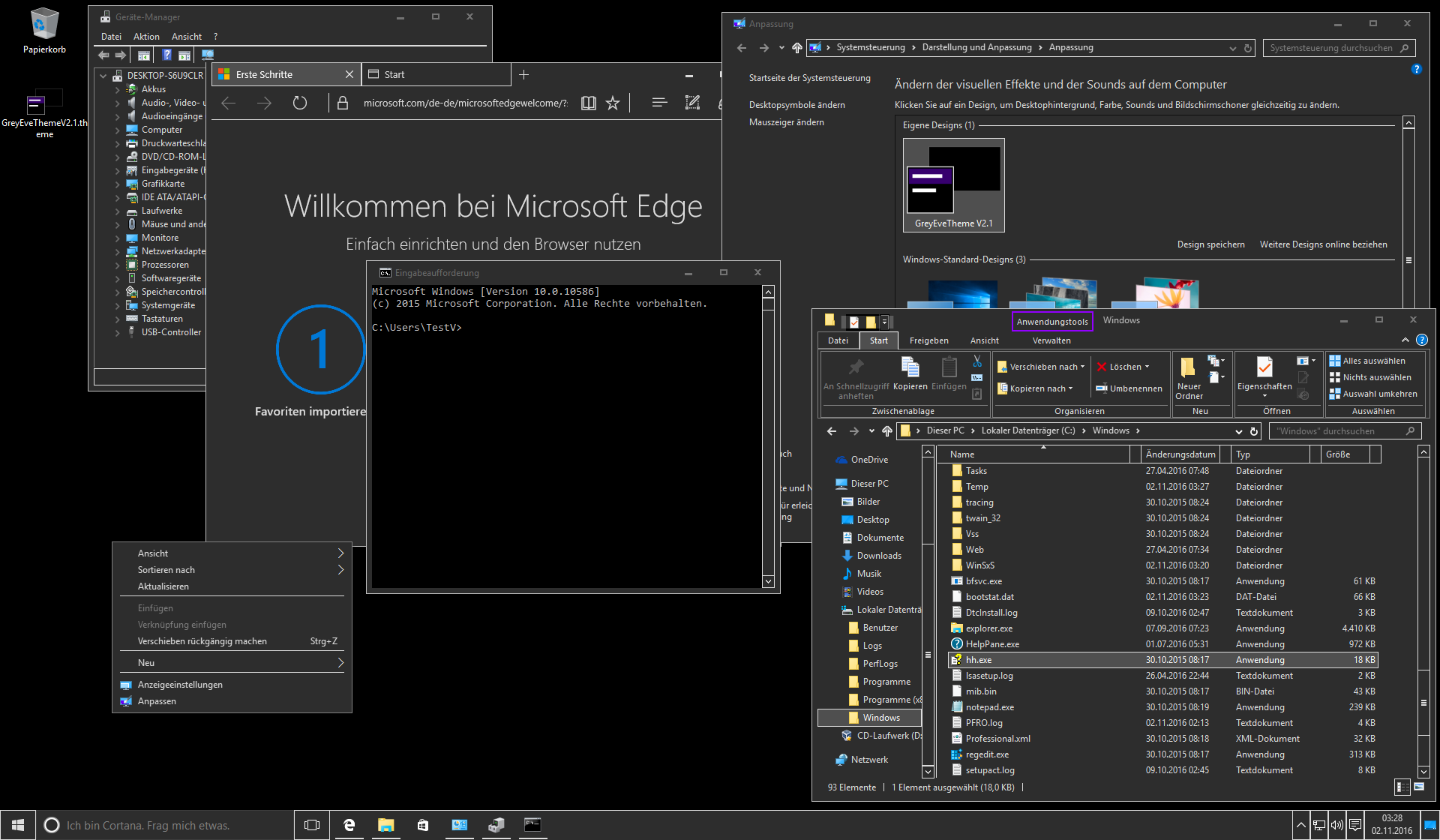
The Grey Eve theme is one of the best options available with the default Microsoft theming engine, though its white borders may be a downside. This theme is based on the High Contrast theme, so some programs may appear differently. If you’re not satisfied, you can easily switch back to the default Windows theme.
Grey Eve offers a sleek and minimalistic look with a deep black background and a dark grey tone applied to Windows apps. White borders frame various elements such as Settings, Start Menu, Calendar, Notifications pane, and File Explorer.
According to the developer, Grey Eve is based on the Windows High Contrast theme and can be applied without modifying system files.
You can download the Grey Eve theme from GitHub.
2. Forest Camo Special Edition
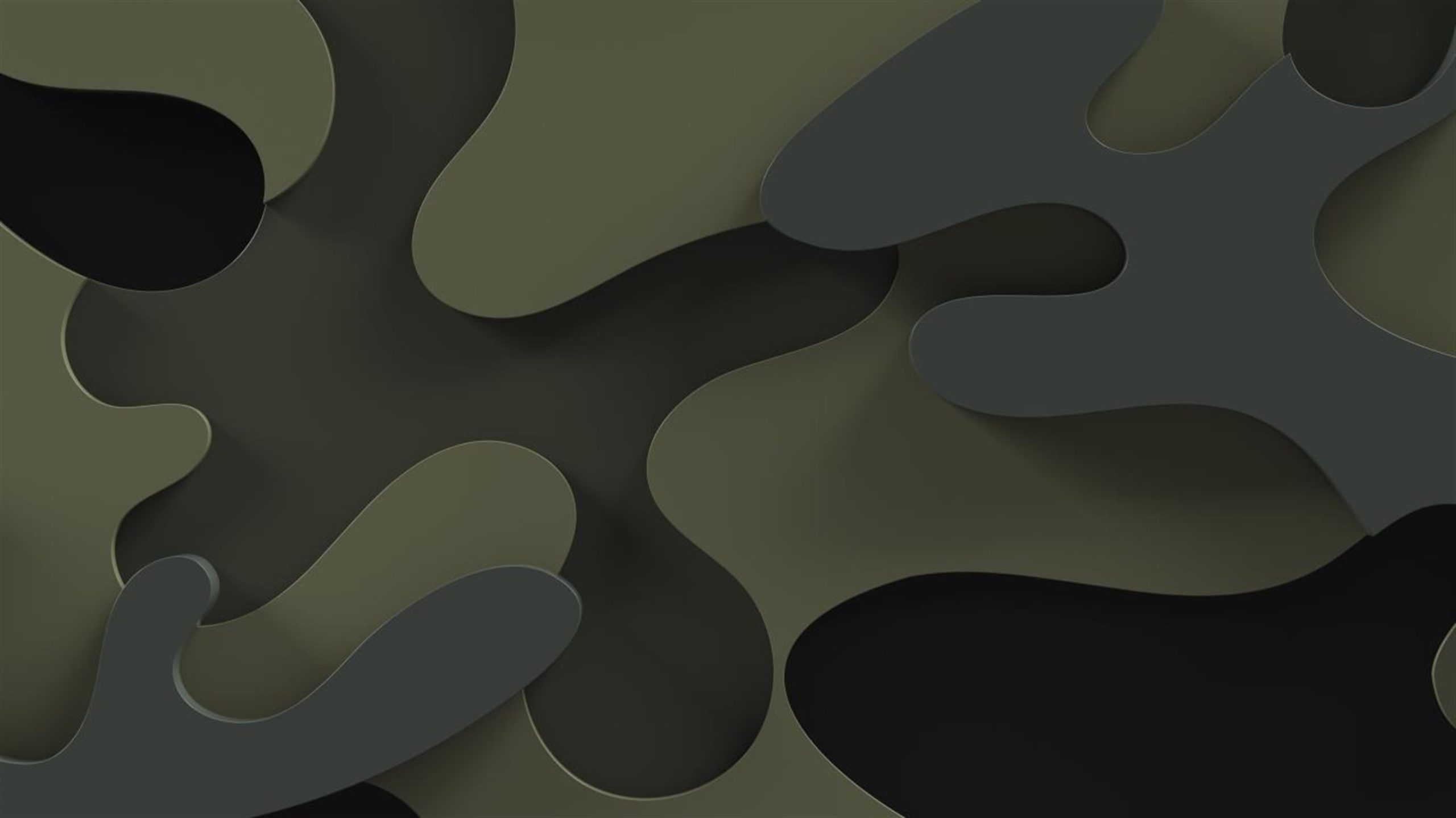
The Forest Camo Special Edition theme showcases camouflage designs in deep, dark green shades inspired by forests. It includes nine images with camouflage patterns, fabric textures, and nature scenes of trees, lakes, and mountains. This theme perfectly complements the Forest Camo Special Edition Microsoft Bluetooth Mouse.
To complete your setup, explore the Nightfall Camo Special Edition theme pack, which features similar patterns in cool, dark blue tones.
You can download Forest Camo Special Edition from the Microsoft Store.
3. The Northern Lights
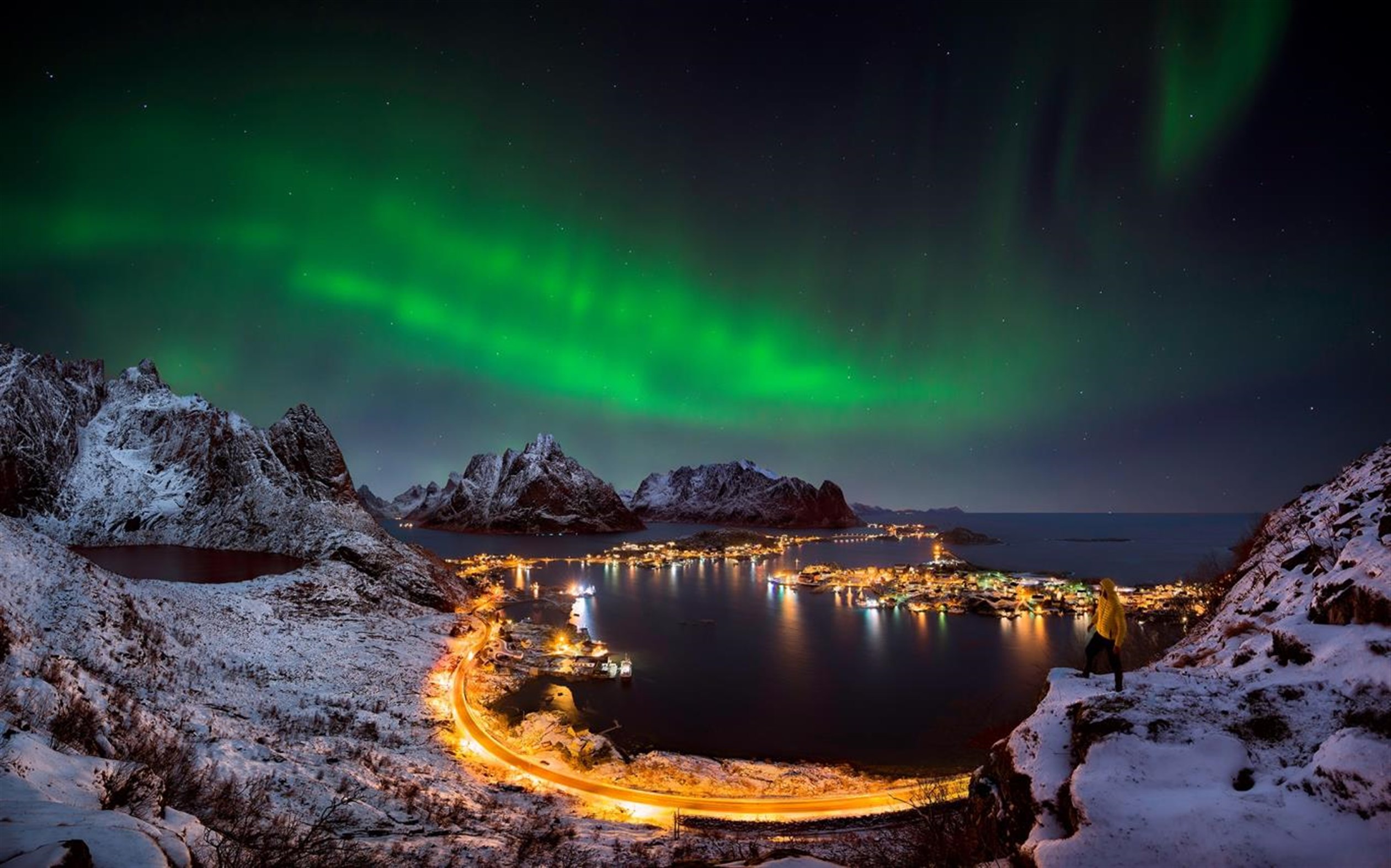
The Northern Lights theme features 15 breathtaking photos of the Aurora Borealis and the Milky Way from Norway, Iceland, Thailand, and Death Valley, USA. These stunning displays of light are caused by solar particles interacting with Earth’s magnetic field. Ideal for skywatchers and nature lovers, this theme brings the night sky to your desktop.
You can download The Northern Lights theme from the Microsoft Store.
4. Earth From Above

Experience the stunning beauty of our planet with the Earth From Above theme. This premium 4K set includes 14 captivating aerial images of Earth’s continents, weather patterns, and landscapes. It’s free for Windows 11/10 users and perfect for refreshing your desktop.
You can download the Earth From Above theme from the Microsoft Store.
5. Dark Skies by Tracy Hymas
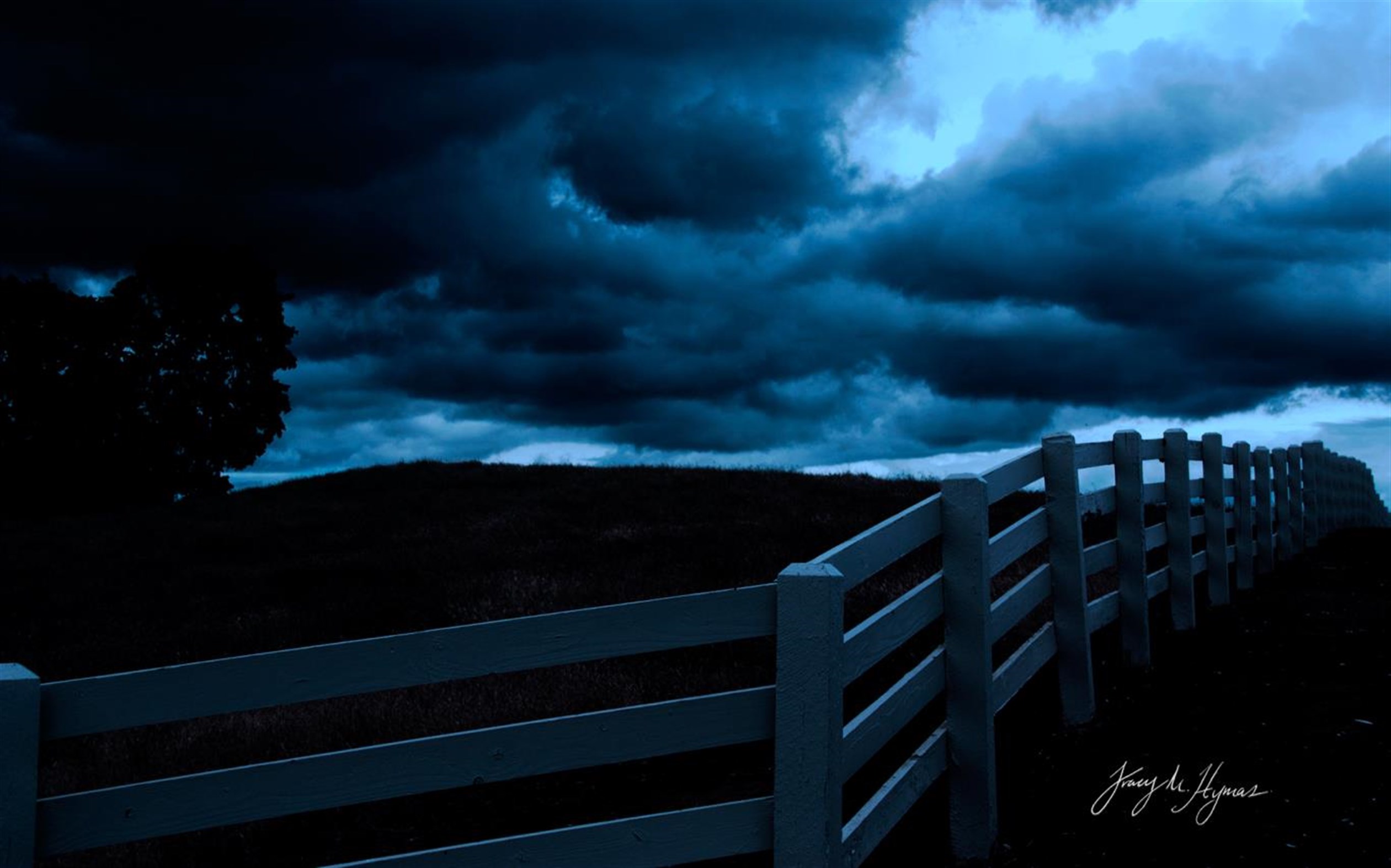
Step into a world of gothic intrigue with the Dark Skies theme by Tracy Hymas. This free Windows theme includes 10 moody photographs capturing dark clouds, twilight fields, and the rich blues and blacks of dusk.
Designed for desktop wallpaper use, this theme brings drama and elegance to your workspace.
You can download the Dark Skies theme from the Microsoft Store.
6. Dark Abstract
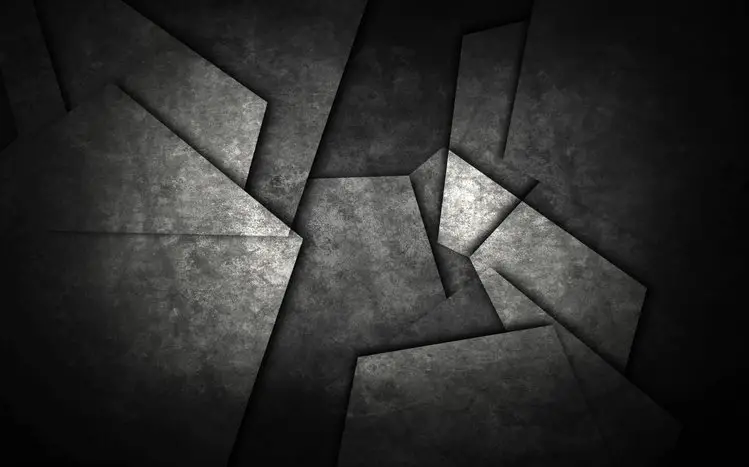
The Dark Abstract theme showcases 17 imaginative wallpapers with a blend of dark hues and abstract art. Featuring geometric patterns, fluid shapes, and textured designs, it’s ideal for those who appreciate modern digital art.
You can download the Dark Abstract theme from here.
7. Dark Fantasy Landscape
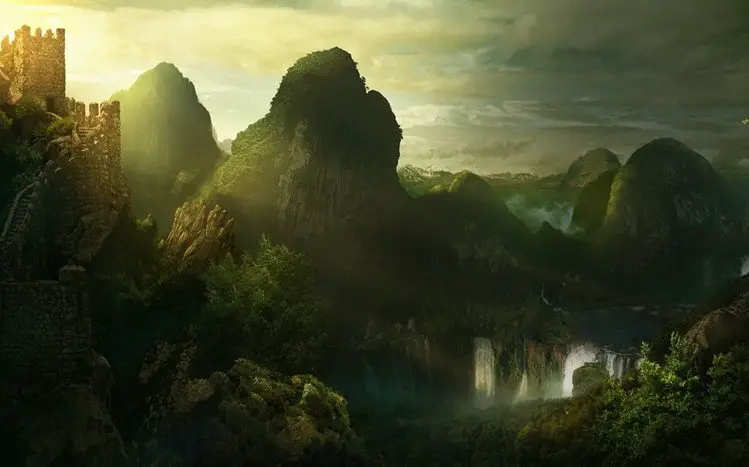
Embrace the mystery of dark fantasy with the Dark Fantasy Landscape theme. This collection includes 16 HD imaginary landscapes filled with haunting details, eerie creatures, and shadowy scenes that define the fantasy-horror genre.
You can download the Dark Fantasy Landscape theme from here.
8. Dark Cars
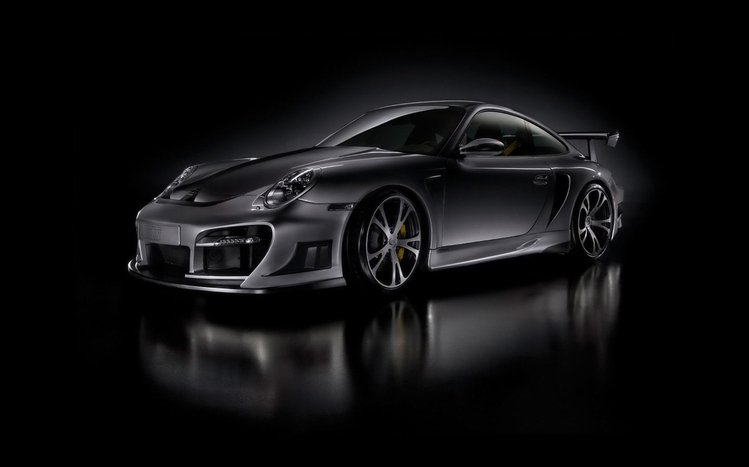
If you love luxury and speed, the Dark Cars theme is for you. Featuring 17 HD wallpapers of iconic car brands like Lamborghini, Audi, Maserati, and Lexus, this theme highlights the sleek curves and glossy finishes in moody, dark tones.
You can download the Dark Cars theme here.
9. Dark Amoled
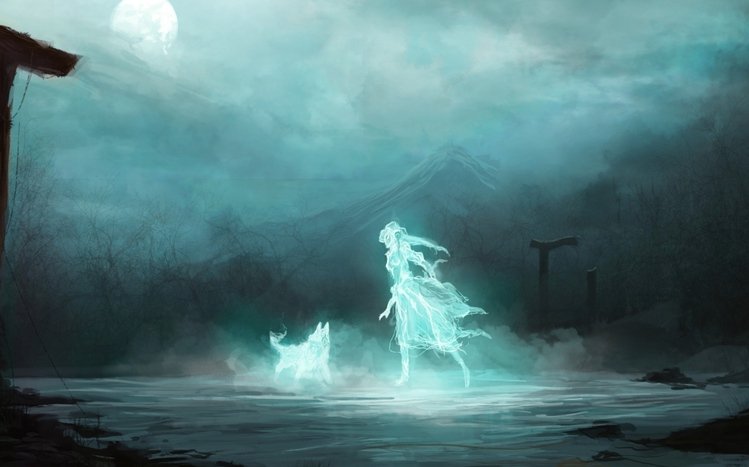
Fans of horror, dark fantasy, and the supernatural will love the Dark Amoled theme. With 16 premium HD wallpapers featuring haunted towns, ghostly beings, and eerie landscapes, it’s the perfect way to bring a dark edge to your desktop.
You can download the Dark Amoled theme from here.
10. Dark Space
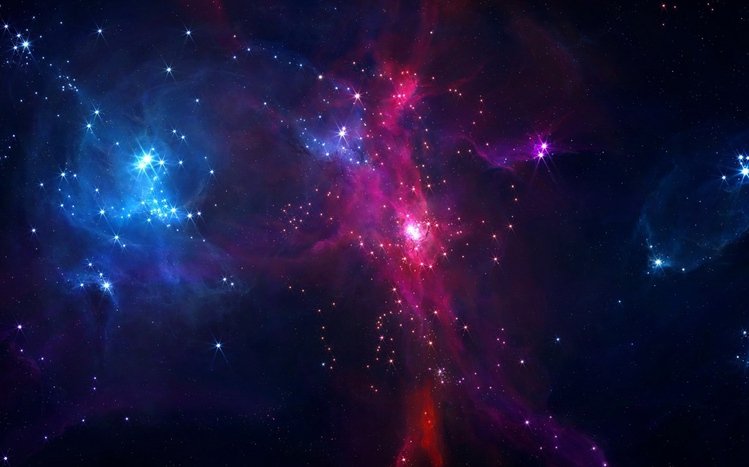
Explore the universe with the Dark Space theme, which includes 18 ultra-HD wallpapers of celestial bodies, stars, and cosmic scenes. It’s perfect for space enthusiasts who want to add a touch of wonder to their desktops.
You can download the Dark Space theme from here.
Conclusion
Dark themes offer a unique way to personalize your Windows 11 or 10 desktop. Whether you prefer a minimal look, a nature-inspired vibe, or a futuristic aesthetic, there’s a dark theme to suit every taste. These themes not only enhance your desktop visually but may also help reduce eye strain and extend battery life, especially on OLED screens.
From sleek abstract visuals to atmospheric landscapes and luxury car backdrops, the options are endless. You can easily install these themes from the Microsoft Store or trusted third-party sources. Once applied, your system will instantly reflect your preferred visual mood without the need for extra tools or complex setups.
So go ahead—choose a theme that matches your style and give your Windows experience a bold, modern makeover.