

Free VPNs can be a practical way to add extra privacy on Windows without paying for a subscription. However, they nearly always have trade-offs such as limited monthly data, fewer server locations, and sometimes reduced speeds. This guide compares reputable free VPN services tested and reviewed on Gear Up Windows, so you can decide which works best for your needs. If you plan on streaming in HD or downloading large files regularly, a paid VPN is likely a better option.
What Is a Free VPN?
A free VPN routes your internet traffic through encrypted tunnels without charging a subscription fee. In exchange, providers typically limit data, server locations, features, or speed. The VPNs listed below are well-known names with transparent privacy policies—not random browser extensions or unknown apps.
Quick Comparison of Free VPNs for Windows (No Tables)
- PrivadoVPN Free: 10 GB/month; limited free locations; no streaming guarantees. Best for: secure casual browsing.
- ZoogVPN Free: 10 GB/month; US/UK/NL; basic feature set. Best for: occasional public Wi-Fi use.
- Hide.me Free: Unlimited data; few free locations; speeds vary at peak times. Best for: daily privacy without data worries.
- Windscribe Free: 10 GB/month (expandable); ~10–11 free locations; streaming hit-or-miss. Best for: a feature-rich setup.
- Proton VPN Free: Unlimited data; few locations; one device, and no P2P/streaming. Best for: always-on private browsing.
- Bright VPN: Unlimited data; wide locations; unique data-use model. Best for: quick global access.
- Hotspot Shield Free (Basic): 500 MB/day on mobile; often unlimited on desktop (region-dependent); ads on free tier. Best for: fast, desktop-first use.
- Opera VPN (Built-In): Unlimited data; built into Opera browser; browser traffic only. Best for: quick, browser-only privacy without extra installs.
*Free server locations may change—check the app for the latest list.
The Eight VPNs — Key Details, Pros & Cons
PrivadoVPN Free
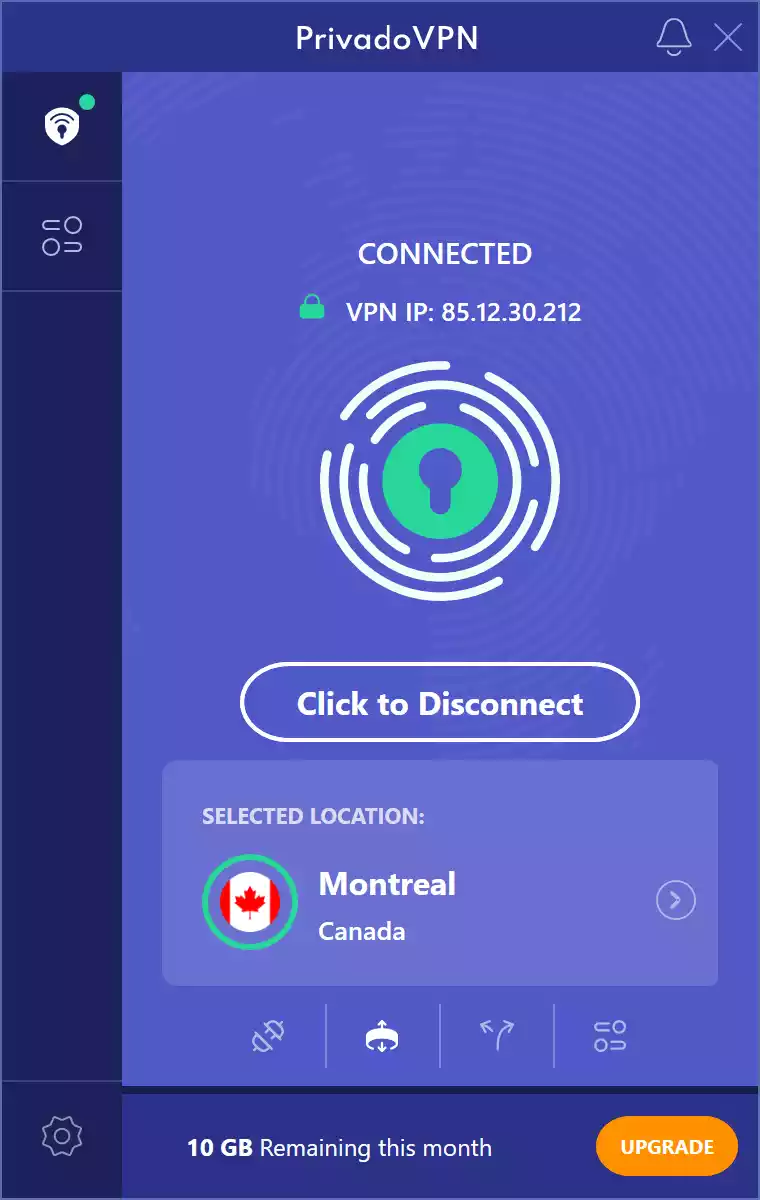
Cap: 10 GB/month · Standouts: kill switch, split tunneling, no ads.
Best For: Secure casual browsing on Windows without intrusive ads.
- Good: Clean Windows app, sensible defaults, privacy-friendly jurisdiction.
- Limits: Data cap runs out quickly if you stream; free servers can be busy.
ZoogVPN Free
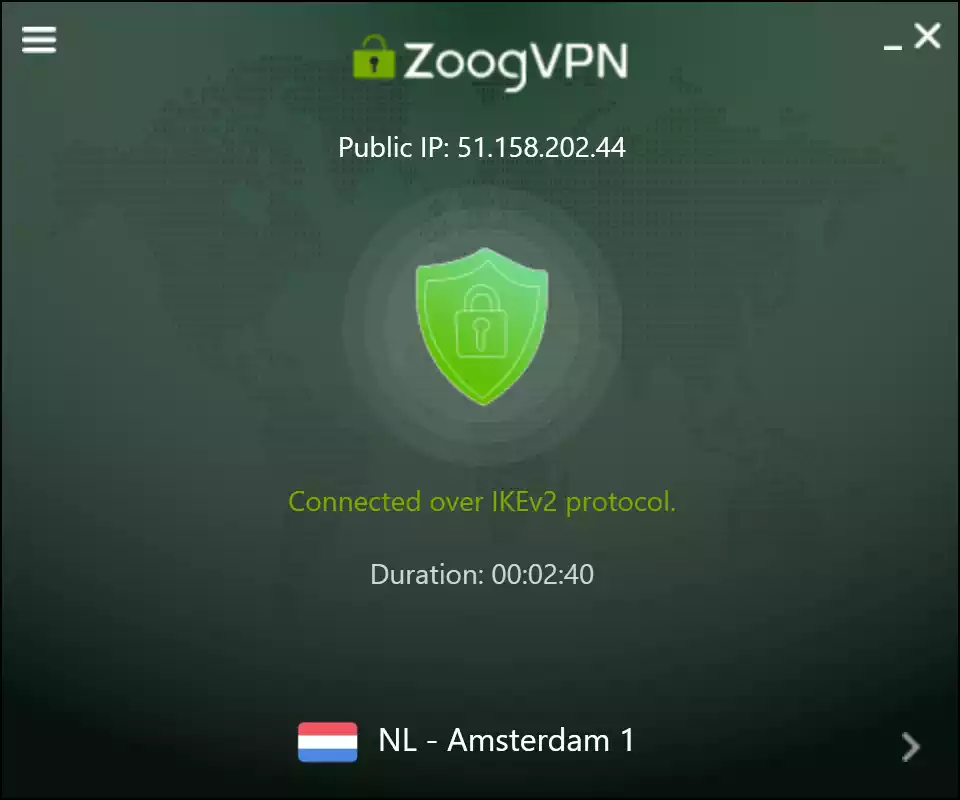
Cap: 10 GB/month · Standouts: simple UI, DNS leak protection, kill switch.
Best For: Occasional café/airport Wi-Fi where you need quick protection.
- Good: Quick to set up; works well for basic public Wi-Fi security.
- Limits: Small free network; advanced features are minimal on the free tier.
Hide.me Free
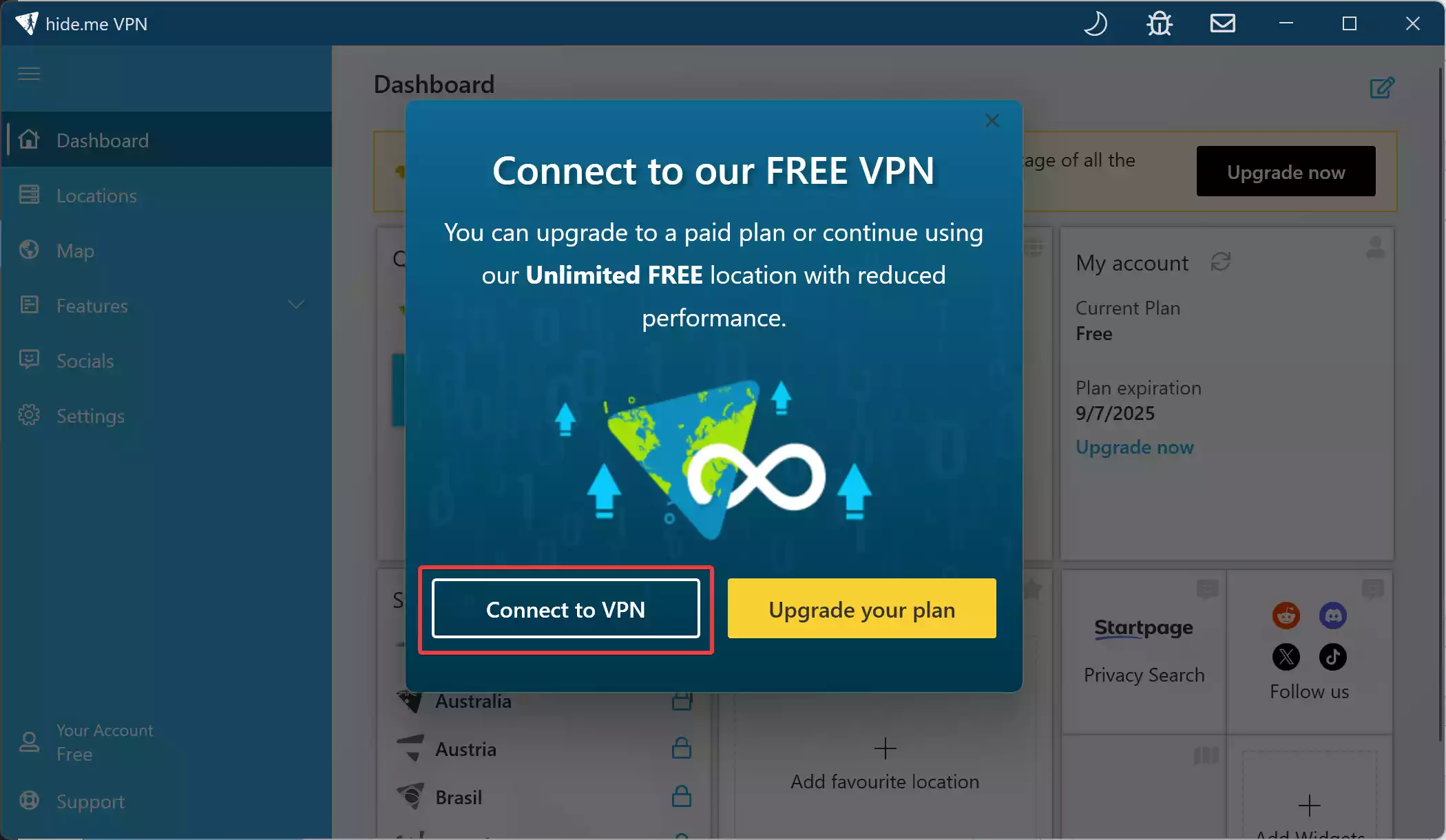
Cap: Unlimited · Standouts: WireGuard/OpenVPN/IKEv2, kill switch, split tunneling.
Best For: Daily privacy on Windows without worrying about data limits.
- Good: No registration required; gives advanced users control over settings.
- Limits: Few locations on the free tier; speeds can drop during peak hours.
Windscribe Free
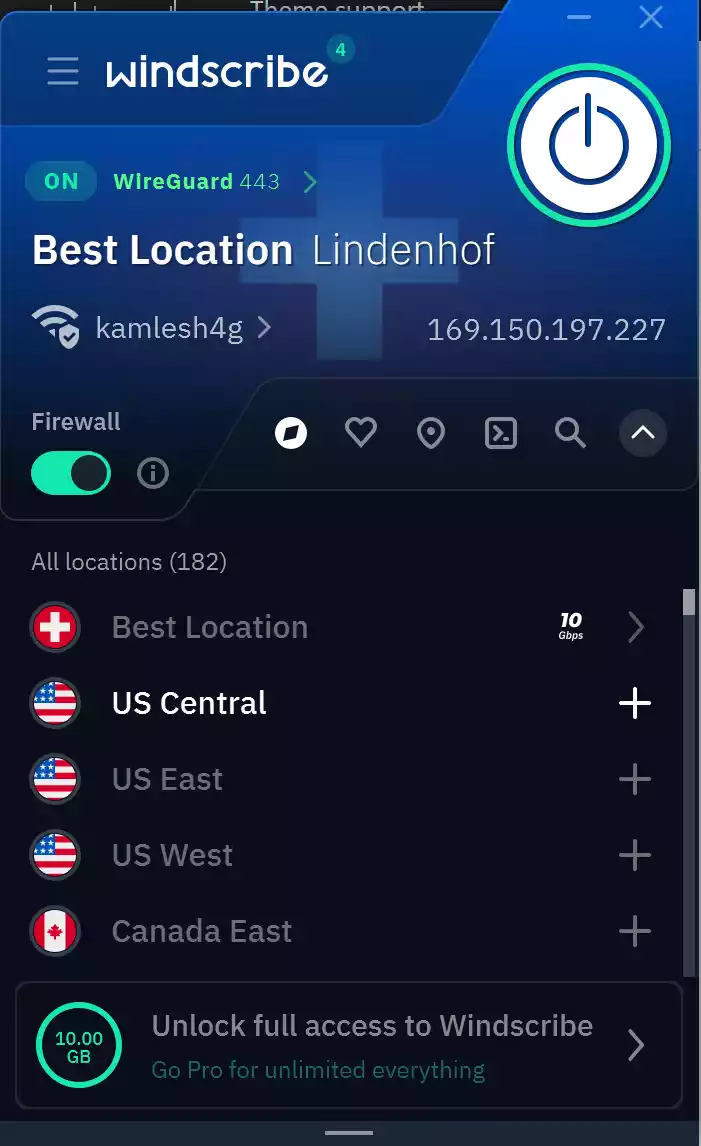
Cap: 10 GB/month (expandable) · Standouts: R.O.B.E.R.T. ad/malware blocker, split tunneling, unlimited devices.
Best For: Tinkerers who want extra controls and built-in blockers.
- Good: Plenty of configuration options; privacy extras built in.
- Limits: Streaming performance is inconsistent; the data cap still applies.
ProtonVPN Free
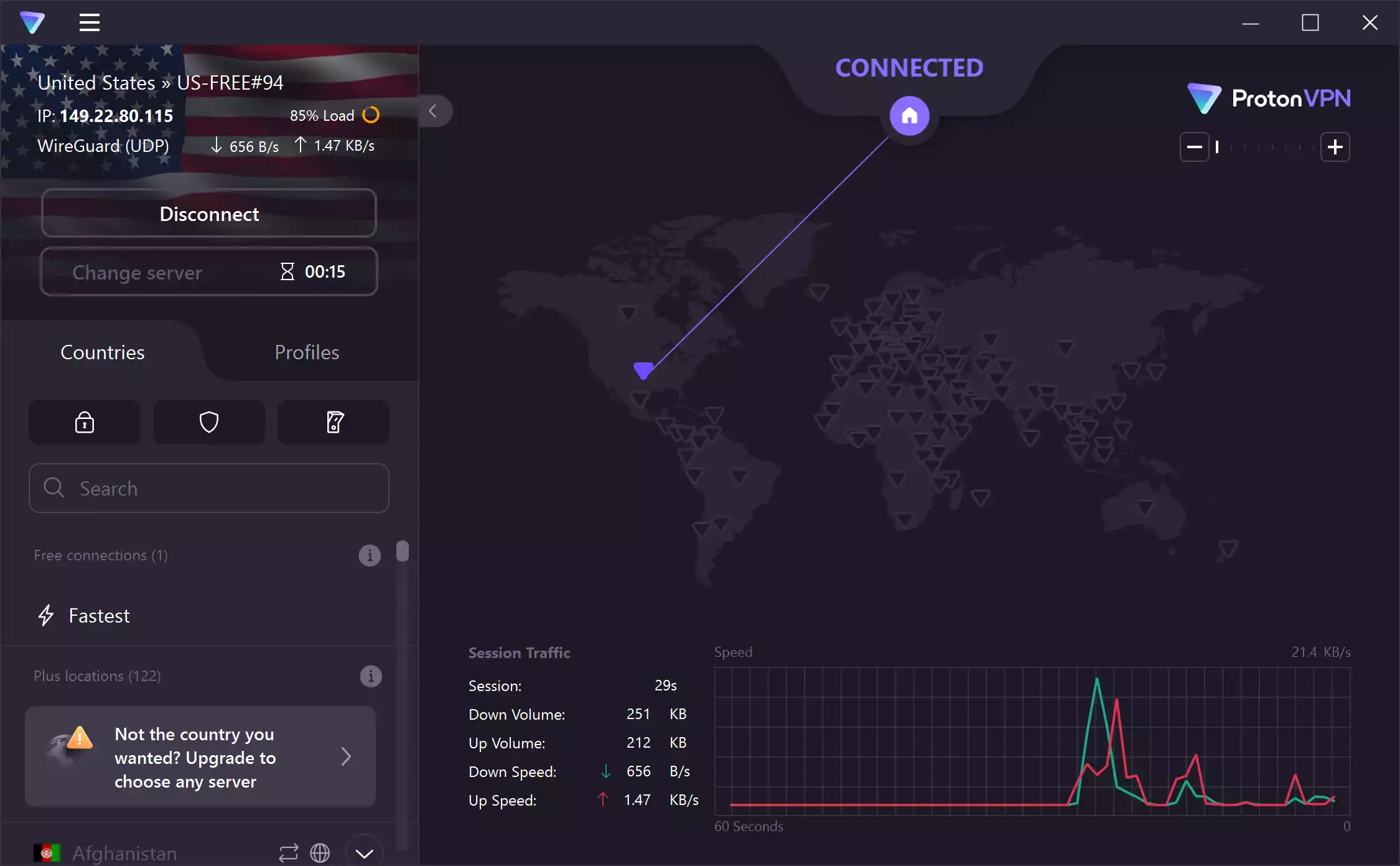
Cap: Unlimited · Standouts: open-source apps, independent audits, strict no-logs policy.
Best For: Always-on private browsing with no ads or data caps.
- Good: Great for daily protection without data limits; strong privacy credentials.
- Limits: Fewer server options; no P2P or streaming on the free plan.
Bright VPN
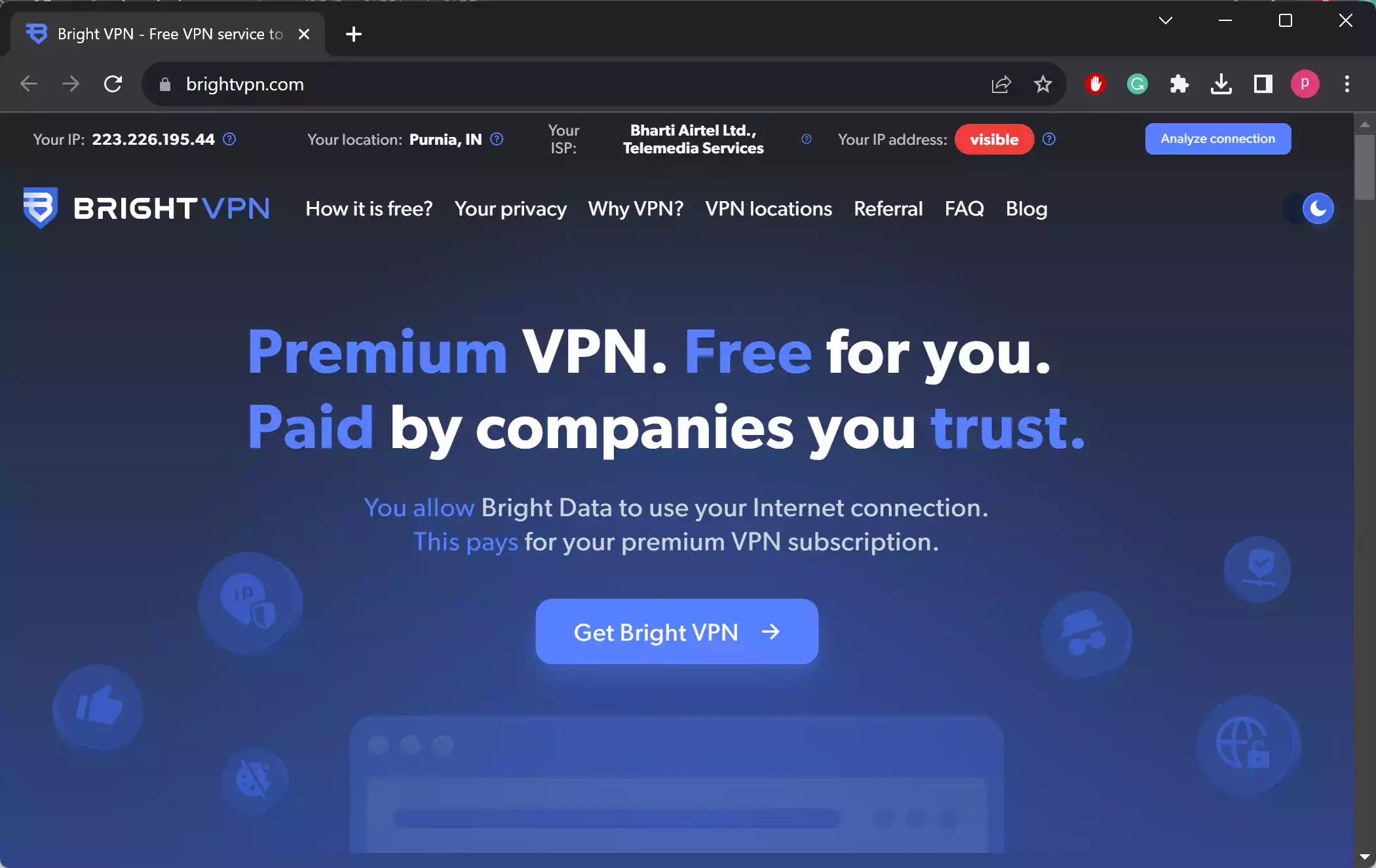
Cap: Unlimited · Standouts: quick setup, wide location access, IKEv2 protocol.
Best For: Rapid, zero-cost access to lots of locations (after reviewing its model).
- Good: No email required; very fast to get started.
- Important: Uses a bandwidth-sharing model for public datasets—check the policy before using.
Hotspot Shield Free (Basic)

Cap: 500 MB/day on mobile; often unlimited on desktop (region-dependent) · Standouts: Hydra protocol, simple UI, desktop kill switch & split tunneling.
Best For: Fast, desktop-first browsing where the data policy can be generous.
- Good: Quick connections and snappy browsing for a free plan.
- Limits: Ads on free tier; limited locations; mobile’s 500 MB/day cap is restrictive.
Full Hotspot Shield Free review
Opera VPN (Built-In Browser VPN)
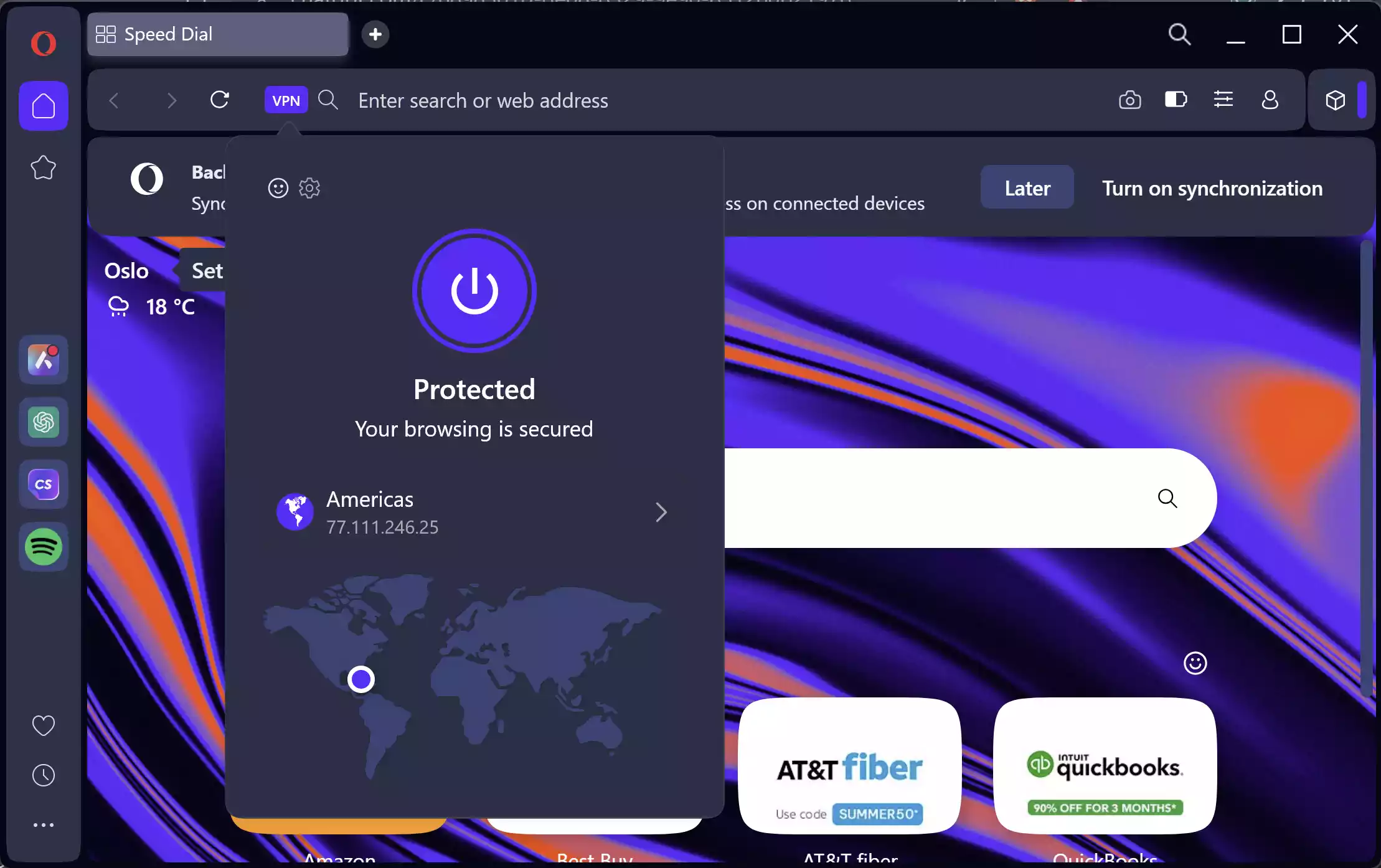
Cap: Unlimited · Standouts: No separate app needed, simple on/off toggle, built into Opera browser.
Best For: Quick, browser-only privacy without installing extra software.
- Good: Free and unlimited; works immediately after enabling in Opera settings; lets you choose regions.
- Limits: Encrypts only browser traffic; fewer server options; speed can drop during busy times.
Safe Use Tips for Beginners
- Know the cap: Video streaming will quickly use up 10 GB on capped plans.
- Check privacy policies: Look for a no-logs promise and third-party audits.
- Choose nearby servers: Closer servers generally mean faster speeds.
- Use modern protocols: WireGuard and IKEv2 balance speed with strong security.
- Download from official sources: Avoid unverified installers or extensions.
When a Free VPN Makes Sense
Free VPNs are best for short public Wi-Fi sessions, reading geo-blocked articles, or basic daily privacy. For heavy streaming, large downloads, or business use, paid plans are worth considering.
Conclusion
Each of these free VPNs offers a different balance of data limits, features, and server availability. ProtonVPN Free and Hide.me Free work well for unlimited, everyday use. Windscribe Free and PrivadoVPN Free suit users who want more control and can manage a monthly cap. ZoogVPN Free is a straightforward pick for simple browsing, while Bright VPN delivers quick access with a unique model (be sure to review how it works). Finally, Hotspot Shield Free stands out for speed and desktop-first generosity, with mobile better for light, on-the-go protection, while Opera VPN is perfect for those who want quick, browser-only privacy without installing separate software.
Frequently Asked Questions
Will a free VPN keep me anonymous?
No VPN can make you completely anonymous. They improve privacy by encrypting your traffic and hiding your IP address, but accounts, browser fingerprinting, and online behavior can still identify you.
Why is streaming unreliable on free VPNs?
Free servers are often overcrowded and deprioritized for streaming. Results vary depending on location and time of day.
Are browser VPN extensions enough?
Browser extensions usually protect only the browser traffic. For full device coverage, install the VPN’s desktop client.
What happens if I hit the data cap?
You may be disconnected or throttled until next month. Consider lowering video quality or upgrading if you need more bandwidth.
Can I use these VPNs on other devices?
Most of these providers offer apps for mobile and other platforms, but free plan limits still apply across devices.