

If your browser keeps opening pop-ups, your homepage/search keeps changing, or toolbars/extensions reappear after you remove them, Malwarebytes AdwCleaner is the quick fix. It’s a free, portable utility built to remove adware, PUPs, toolbars, and browser hijackers—no installation or background services required.
For always-on protection after cleanup, keep one real-time antivirus active. See our picks here: Best Antivirus for Windows 11 (paid & free). For a portable deep-scan option, check Dr.Web CureIt!.
What Is Malwarebytes AdwCleaner?
AdwCleaner is a small on-demand cleaner from Malwarebytes. You download a single EXE, run a scan, review what it finds, and click to clean. It targets the junk that clutters browsers and Windows—things like ad injectors, unwanted extensions, search hijackers, and leftover services that keep resetting your settings.
When Should You Use It?
- New tabs, pop-ups, or ads appear even on trusted sites.
- Your homepage, search engine, or DNS/proxy settings keep changing.
- Unknown extensions, toolbars, or programs return after removal.
- Your PC feels normal, but browsers act suspicious—perfect “first response.”
Key Features
- Adware & PUP removal: cleans unwanted programs, toolbars, and junkware.
- Browser repair: resets common changes made by hijackers.
- Portable & fast: run from Downloads or a USB drive—no installation.
- Quarantine & restore: undo if something you need was removed.
- Works with your AV: safe to run alongside Microsoft Defender or third-party antivirus.
Download Malwarebytes AdwCleaner
Get the latest build from the official page: Download Malwarebytes AdwCleaner.
How to Use AdwCleaner (Step-by-Step)
- Download AdwCleaner and save it to your Desktop or Downloads.
- Run as administrator: right-click the EXE and choose Run as administrator. Approve the UAC prompt.
- Update components if prompted so you scan with the newest database.
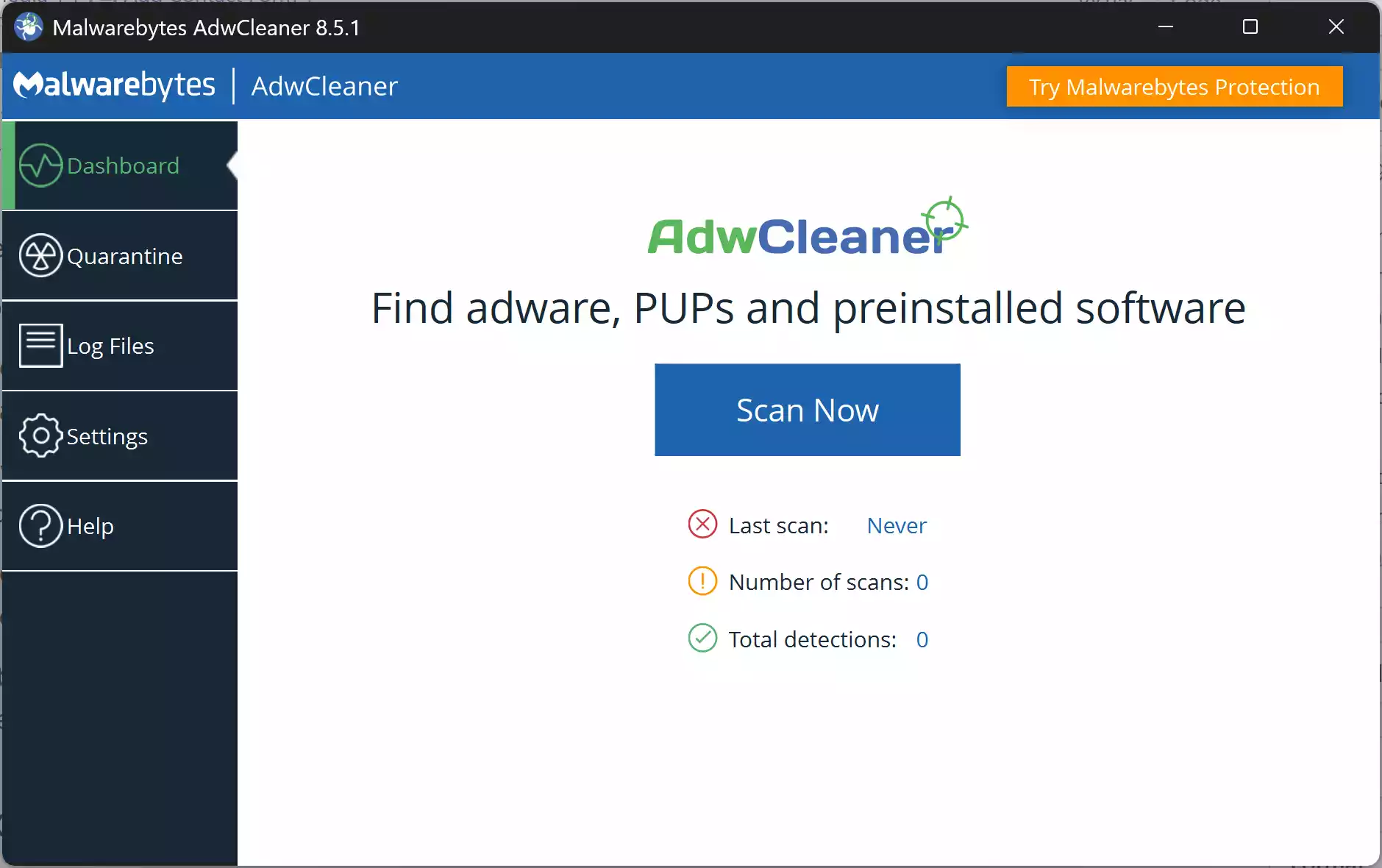
- Click Scan Now to analyze browsers, services, scheduled tasks, and common adware locations.
- Review detections carefully: expand each item for details. Uncheck anything you recognize and trust.
- Click Clean & Repair: AdwCleaner will close browsers and related processes, remove selected items, and may request a reboot.
- After reboot: AdwCleaner shows a report (log). Use Quarantine to restore items if needed.
If Adware Persists
- Boot to Safe Mode with Networking and run AdwCleaner again.
- Reset browsers (Chrome/Edge/Firefox) to default settings, then rescan.
- For a broad “second opinion,” see our roundup: Best Free One-Time Malware Scanners.
Pros
- Excellent at removing adware, PUPs, and browser hijacks quickly.
- Portable EXE; no install or background services.
- Quarantine with an easy restore option if you removed something by mistake.
Considerations
- Will close browsers during cleanup and may require a reboot.
- Aggressive on unwanted add-ons—review the list before cleaning.
- Best for adware/PUP cleanup; pair with a full antivirus for broad protection.
Frequently Asked Questions
Does AdwCleaner replace my antivirus?
No. It’s a focused, on-demand cleaner for adware, PUPs, and browser hijacks. Keep one real-time antivirus (like Microsoft Defender) running.
Do I need to install it?
No. It’s portable—download the EXE, run it, clean, and delete it when you’re done.
Will it remove my bookmarks or passwords?
No. AdwCleaner targets adware/PUPs and related settings. If a browser reset is needed, it aims to preserve essentials, but always back up if you’re unsure.
Can I undo changes?
Yes. Use Quarantine to restore an item if you believe it was a false positive.
Does it work on Windows 11 and Windows 10?
Yes. AdwCleaner supports modern Windows versions, including Windows 11 and Windows 10.
Do I need an internet connection?
It runs offline, but an internet connection helps update detection databases before scanning.
It found items I don’t recognize—what should I do?
Leave them checked and clean if you didn’t intentionally install them. When in doubt, quarantine first (you can restore later).
My symptoms remain after cleaning—what next?
Run another second-opinion scan from our roundup, reset browsers, and consider an offline AV scan if issues persist.
Conclusion
Malwarebytes AdwCleaner is the fastest way to clear adware, toolbars, PUPs, and browser hijackers on Windows. Run it as a first response, review detections, and clean. For deeper checks, follow with Kaspersky Virus Removal Tool (KVRT) or another one-time scanner from our roundup, and keep your real-time antivirus active.