

PhraseExpress is a text-expansion tool that allows users to increase their writing speed in any program, including text editors, email clients, web browsers, and more. It works by expanding text using hotkeys or textual shortcuts, allowing users to quickly insert frequently used phrases, sentences, or paragraphs into their writing.
To complement PhraseExpress’s speed boosts, consider improving clarity and grammar with GUW’s readability tool — GUW Readability & Grammar Checker. Together, they form a powerful duo for faster and clearer writing.
What is PhraseExpress?
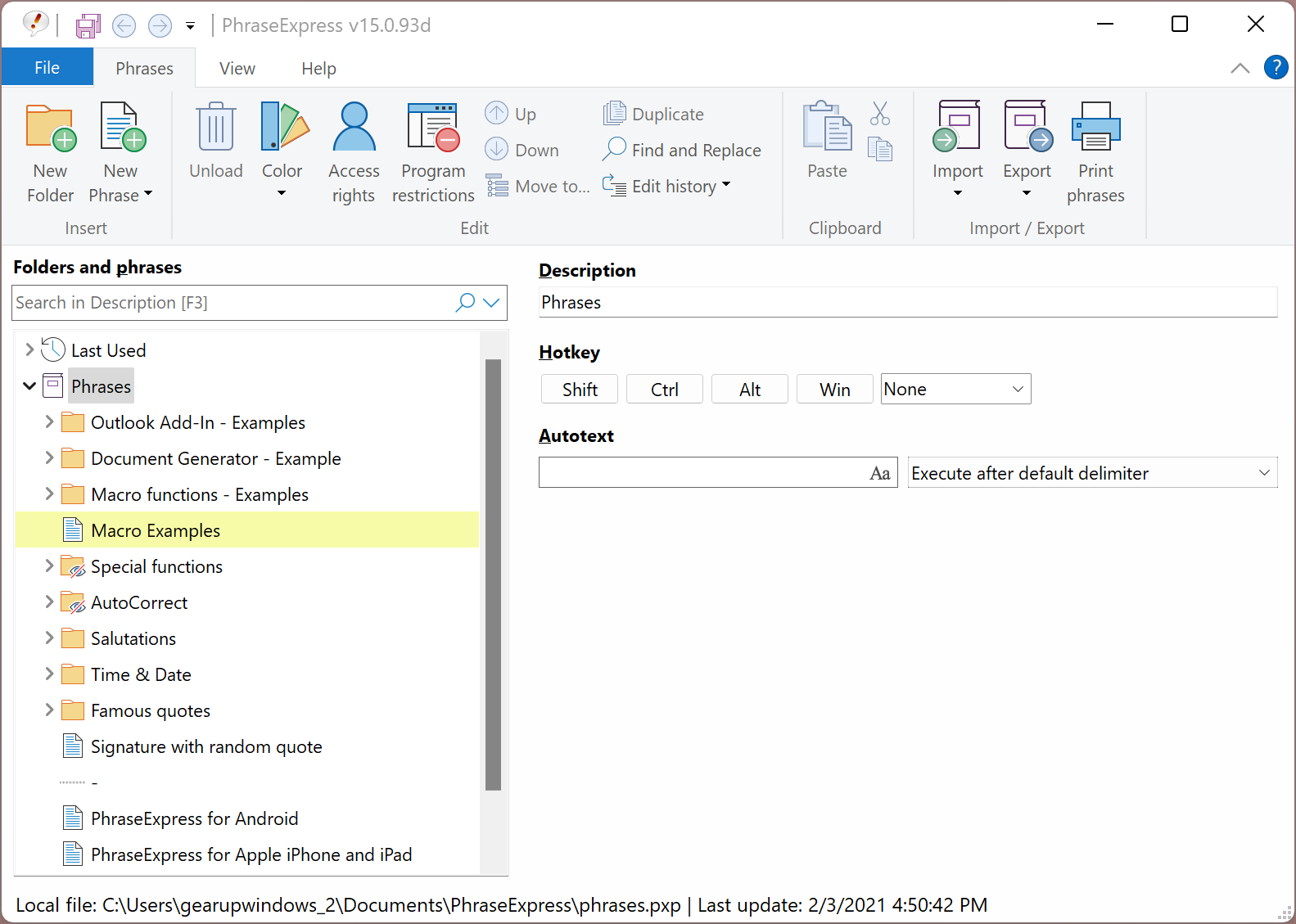
PhraseExpress expands text with keyboard shortcuts or typed abbreviations so that repetitive phrases, signatures, or complex snippets are inserted instantly. It works across applications and supports multi-language templates through a robust template manager — ideal for both individuals and teams that write in multiple languages.
Key Features
- Text expansion with hotkeys/text shortcuts: Save frequently used phrases and paste them anywhere with a shortcut.
- Template manager (multi-language): Create, edit, and manage expansions in different languages for international teams.
- Spelling correction & autocorrect: Built-in correction features help reduce typos and maintain consistent writing quality.
- Clipboard management: PhraseExpress includes clipboard features — for additional clipboard utilities, check the Free Clipboard History Manager on GearUpWindows.
- Portable and multi-platform support: Works in terminal/remote environments (Citrix, RDP) and has portable options for users who switch workstations frequently.
Why PhraseExpress?
PhraseExpress helps users type faster by letting them set up shortcuts for specific sentences or boilerplate text. When a shortcut is typed or a hotkey pressed, PhraseExpress automatically inserts the corresponding phrase — a massive time-saver for support replies, code snippets, signatures, legal text, and more.
For teams keeping shared knowledge and phrases in sync, GUW Smartboard can help organize templates and collaboration — see GUW Smartboard — Notes & Ideas Organizer.
Team Members Follow the Same Rules of Phrasing
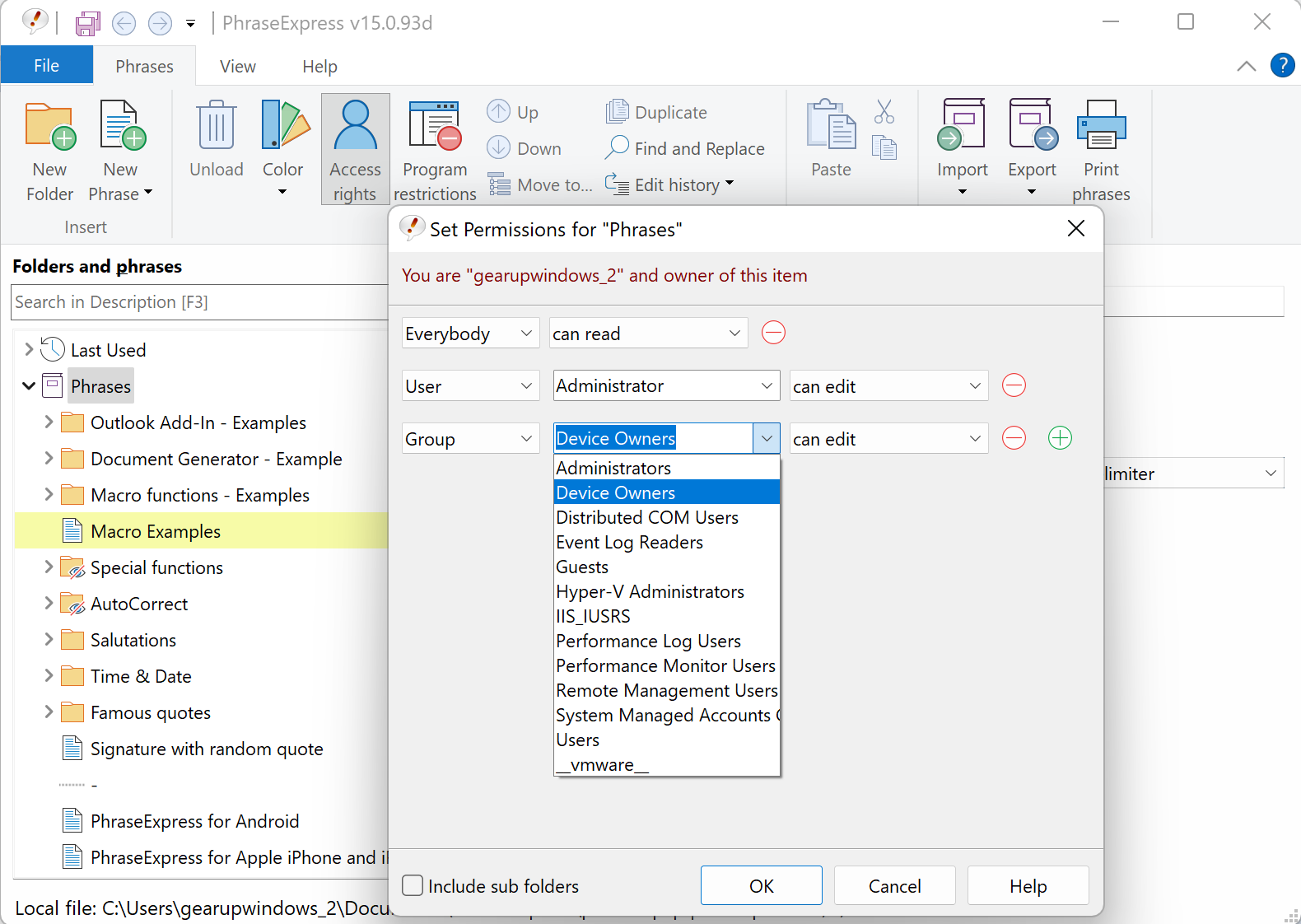
PhraseExpress can enforce consistency across a team by sharing phrase libraries and shortcuts. Admins can distribute standard responses (customer support replies, legal disclaimers, or brand-approved phrases) so everyone follows the same style and tone.
Good Workflow Comes from a High-End Local Network
Because PhraseExpress supports server-based and networked setups, teams using central file servers or high-end local networks can store shared phrase libraries centrally. For lightweight, portable, cloud-free note-taking across devices, try GUW Notepad, which is handy when you switch between desktops.
Security & Safety Measures
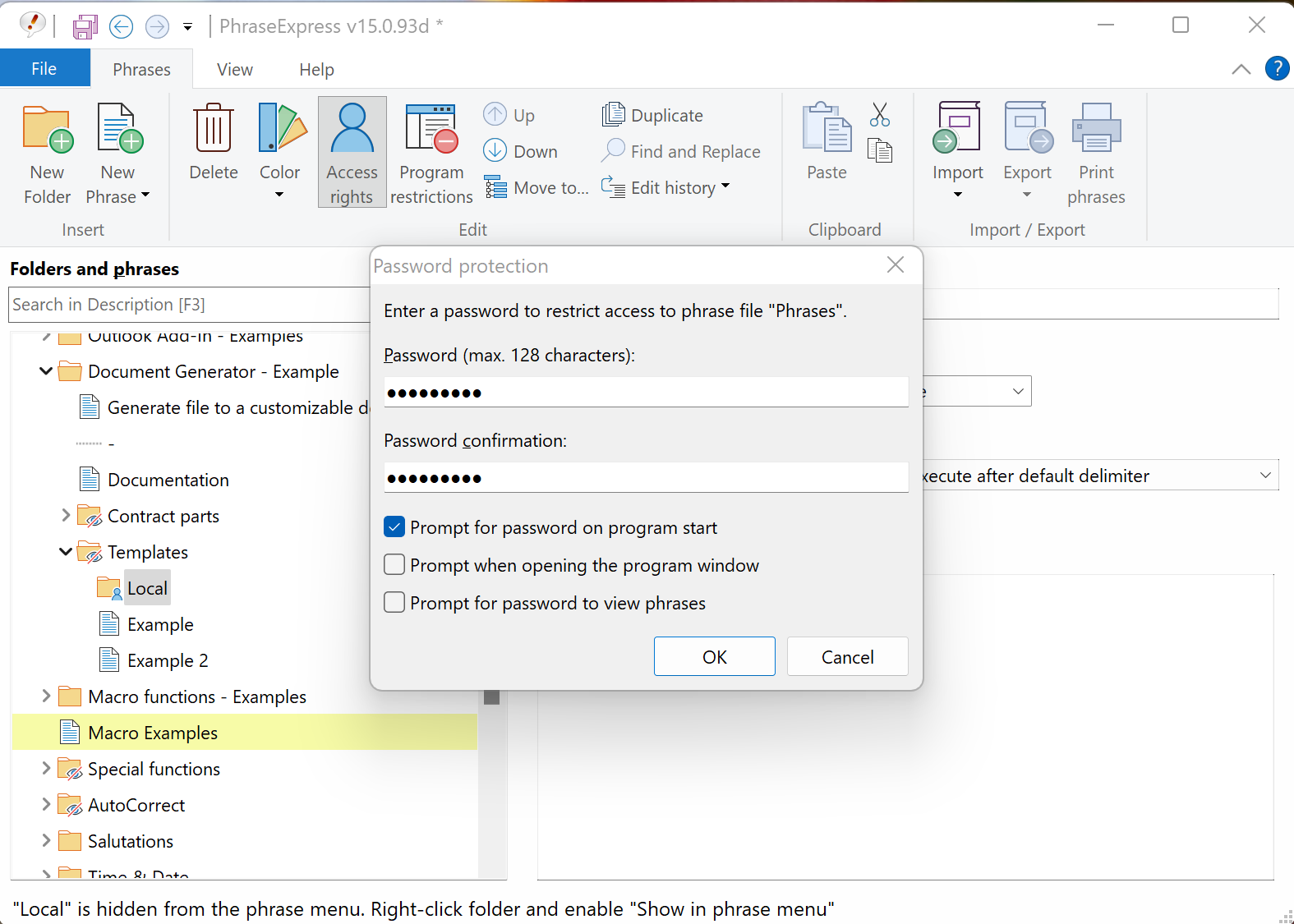
PhraseExpress offers encryption for stored phrases and options for password protection to safeguard sensitive snippets. Administrators can restrict access rights and monitor usage via central management tools, helping prevent unauthorized access to confidential templates.
Cloud Support for High-Level Collaboration
The cloud sync feature enables remote teams to access shared folders and phrases from anywhere. Because cloud data is encrypted during transit and at rest (when configured), it allows safe, real-time collaboration on phrase libraries and templates.
Download PhraseExpress
You can download PhraseExpress for Microsoft Windows, Apple Mac, and iPhone/iPad from the official PhraseExpress website.
Conclusion
PhraseExpress is a versatile text-expansion and productivity suite that benefits both individual users and collaborative teams. When paired with tools that improve writing quality and clipboard workflows — like GUW Readability & Grammar Checker and Free Clipboard History Manager — you get a faster, clearer, and more consistent writing workflow.