

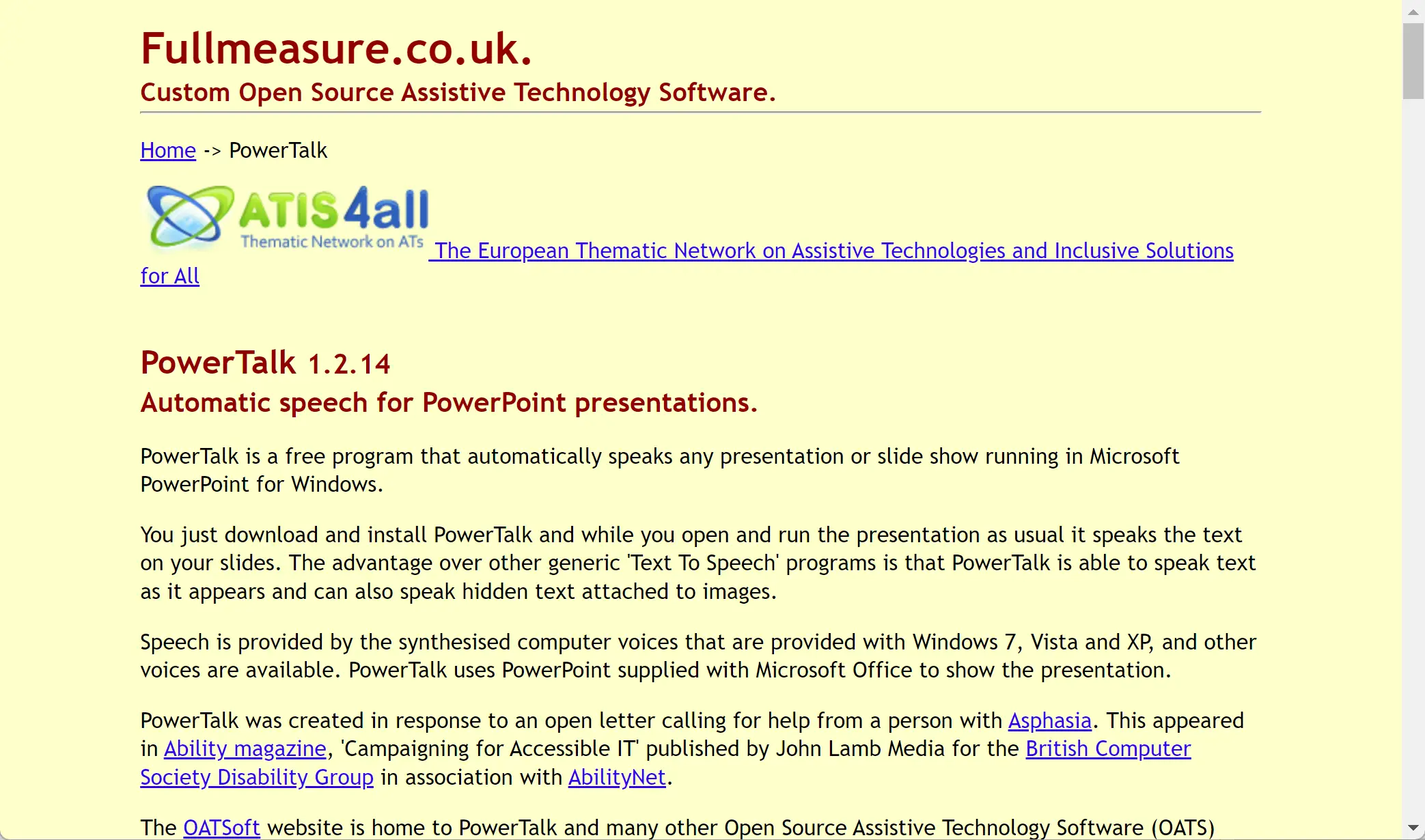
PowerTalk Speech Reader is a free software that offers a unique solution for people who find it difficult to speak during presentations or have visual impairments. With the help of this software, PowerPoint presentations can be automatically spoken, and users can customize the speech according to their preferences.
If you’re looking for another excellent free text-to-speech option, try Balabolka, which supports multiple file formats and voice customization.
What is PowerTalk Speech Reader?
PowerTalk Speech Reader is a free and accessible tool designed to convert PowerPoint presentations into spoken audio, providing invaluable support for individuals with speech difficulties or visual impairments. It automatically reads slides aloud as you navigate through them, offering multiple voices, MP3/WAV file exports, and customizable Alt Web Text for personalized narration. With support for PDFs and plain text files, the software also doubles as a text-to-speech converter, making it ideal for both educational and professional use.
For users who prefer a simple browser-based reader, ReadAloud is a free tool that can read websites and documents aloud directly in your browser.
Key Features
- Automated Speech: PowerTalk Speech Reader can automatically read PowerPoint presentations as the presenter navigates through the slides. This feature is especially helpful for people who may have trouble speaking or presenting due to a variety of reasons, including stage fright or physical limitations.
- Voice Storage: One of the main advantages of PowerTalk Speech Reader is that it can store the voice file after converting the text file. This allows users to listen to the audio afterward, which can be beneficial for individuals who want to review the content or share it with others.
- Text-to-Speech Conversion: It not only allows users to listen to PDF files but also converts text files into MP3 or WAV format. This feature allows users to easily carry the audio files in their pen drives or other portable devices.
- Multiple Voices: PowerTalk Speech Reader comes with several voices to choose from, allowing users to select the voice that best suits their preferences. This feature can help make the presentation more engaging and interesting for the audience.
- Alt Web Text Customization: The software also allows users to customize the speech using Alt Web Text. This feature can be useful for individuals who want to add personal touches to their presentations or make the speech more accessible to people with different reading preferences.
If you need a lightweight standalone reader for any text or document, check out the Free Text-to-Speech Reader, which instantly converts written content into natural audio formats.
Key Benefits
- Accessibility: PowerTalk Speech Reader makes presentations more accessible to people with visual impairments, making it easier for them to follow along with the presentation.
- Ease of Use: The software is user-friendly and easy to install, making it accessible to people with different levels of technological proficiency.
- Customization: The ability to customize the speech using Alt Web Text and multiple voice options allows users to tailor the presentation to their preferences, making it more engaging and interesting for the audience.
- Convenience: The ability to store the voice file after converting the text file makes it easier for users to review the presentation or share it with others.
- Education: PowerTalk Speech Reader can also be used for educational purposes, as it can make it easier for students with visual impairments to follow along with lectures or presentations.
You might also find it useful to convert PDFs or documents into editable slides first — try the Free PDF to PowerPoint Converter for quick conversions that can then be narrated by PowerTalk.
Download PowerTalk Speech Reader
You can download this software from its official website.
Conclusion
PowerTalk Speech Reader is a powerful tool that can make presentations more accessible and engaging for people with visual impairments or those who have trouble speaking during presentations. Its ability to store the voice file after converting the text file, multiple voice options, and customization features make it a valuable resource for a variety of settings, including education, business, and personal use. Its user-friendly interface and ease of use make it accessible to people with different levels of technological proficiency. Overall, PowerTalk Speech Reader is a valuable addition to any presentation toolkit.
For a more interactive approach to digital reading and online voice options, consider AcapelaBox, which provides customizable online voices ideal for presentations and narration.