

ArsClip is a free, lightweight clipboard manager for Windows. It watches your clipboard, saves a history of items, and lets you paste from a fast popup menu triggered by a hotkey or mouse gesture. It also supports Permanent Clips for frequently used snippets and powerful Macros for automated pasting workflows. A portable build means you can run it from any folder without a formal install.
Why Would a Beginner Use ArsClip?
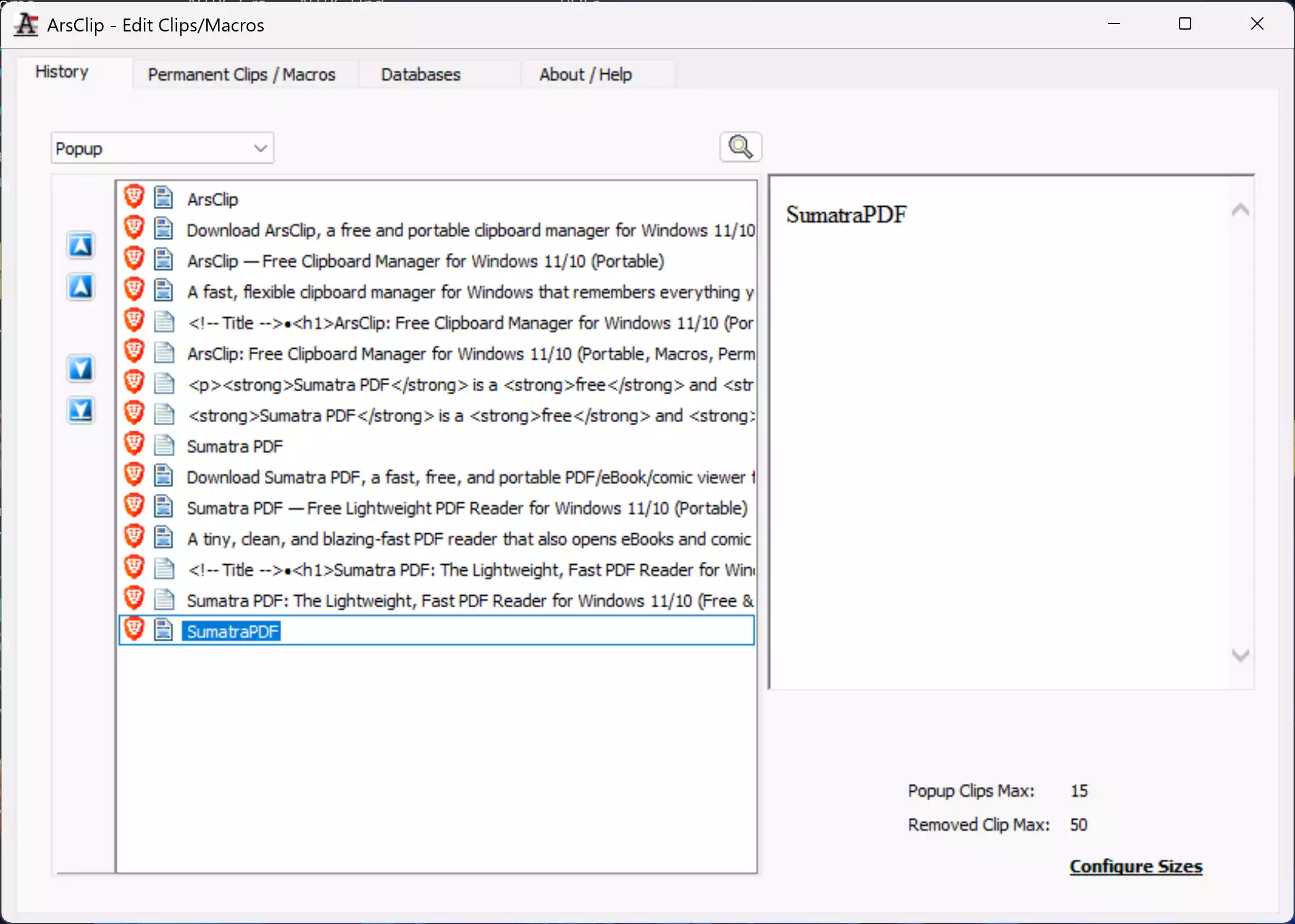
Because it’s simple and saves time. With ArsClip, you can recall text you copied minutes or days ago, pin important snippets, and paste them anywhere. The popup stays out of the way until you need it, and sensible defaults make it easy for first-time users. If you’ve used Windows’ basic clipboard and wished for history, search, or favorites, ArsClip gives you that in a compact package.
Main Features of ArsClip
- Clipboard history: Keep recent items and paste from a quick popup menu.
- Permanent Clips: Pin your most-used text fragments for instant access.
- Macros & automation: Build simple paste sequences and keystroke actions for repetitive tasks.
- Trigger options: Open the menu via hotkey, right-click hold, or a tiny trigger window.
- Rich formats: Supports plain text plus common rich formats (e.g., HTML, RTF) and pictures.
- Portable mode: Run from a folder/USB drive; no heavy footprint.
- Highly configurable: Tweak history size, appearance, per-app behavior, and more.
How to Use ArsClip
Step 1. Download the installer or portable ZIP from the official page (links below). If you prefer portable, extract the ZIP and run the executable.
Step 2. Launch ArsClip. Copy a few items as usual (Ctrl + C) to build history. Invoke the popup (default hotkey or right-click hold) to see recent clips.
Step 3. Paste from the popup by selecting an item. Use the search box in the popup (when shown) to find older clips quickly.
Step 4. Create Permanent Clips for phrases you use often (email signatures, addresses, canned replies). Organize them into groups for neat access.
Step 5. Explore Macros to automate repetitive pastes (for example, paste a sequence with delays or simulated keystrokes).
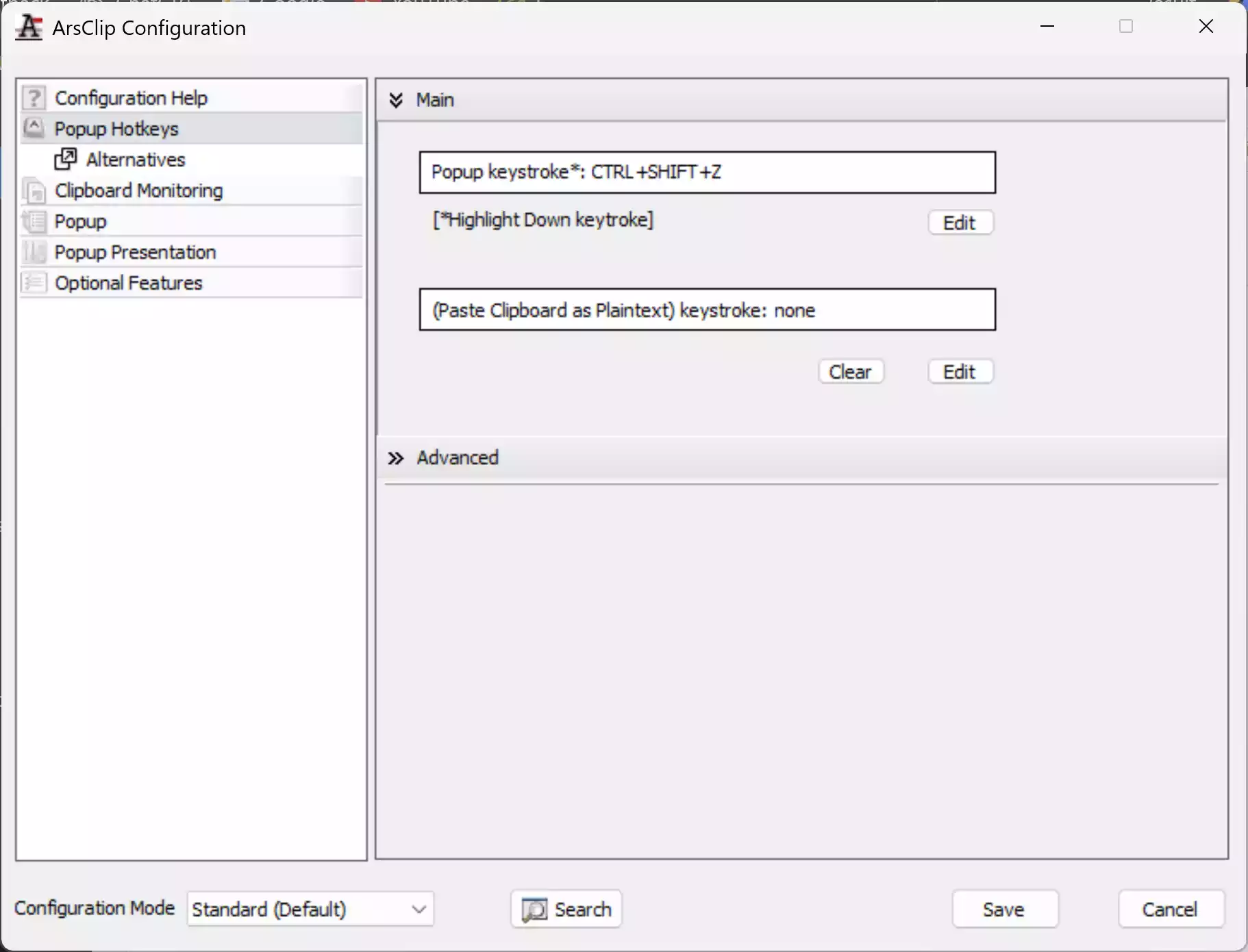
Step 6. Tweak options: set history length, customize hotkeys, and choose whether the popup opens near the caret or mouse pointer.
Step 7. Optional clean-ups: if you paste from the web and want plain text, use our free Text Cleaner & Formatter or Text Case Converter to strip formatting and fix casing.
Safe Use Tips for Beginners
- Mind sensitive data: Clear recent items if you copied passwords or OTPs. Disable history for password managers in Settings if needed.
- Keep it portable if shared: Use the portable folder on your own drive so histories stay with you.
- Use Permanent Clips for speed: Store boilerplate responses and assign hotkeys to avoid mis-pastes.
- Exclude noisy apps: If an app copies lots of transient content, exclude it in settings so your history stays clean.
- Backup favorites: Export Permanent Clips occasionally so you can restore them on a new PC.
When ArsClip Can Help You
- Blogging & support replies: Keep signatures, disclaimers, and common answers ready to paste.
- Data entry & coding: Paste fixed templates with Macros and avoid repetitive typing.
- Research: Save multiple quotes/URLs, then paste them in one go without switching back and forth.
- Comparisons: Keep several versions of a paragraph or snippet and try them in an editor quickly.
- Alternatives: If you want cloud sync or a different UI, see our posts on Ditto Clipboard Manager and ClipAngel, or our free clipboard managers roundup.
Pros and Considerations
- Pros: Fast popup, strong Permanent Clips and Macros, portable build, very configurable, tiny footprint.
- Considerations: No cloud sync by default; interface is utility-first (less modern than some rivals). If you need sync across PCs, consider Ditto or ClipboardFusion.
Download ArsClip
Note: The latest stable at the time of writing is 5.42 for Windows 11/10 (portable available). Check the official page for updates and beta builds.
Frequently Asked Questions About ArsClip
Is ArsClip really free?
Yes. ArsClip is free software for personal and work use on Windows.
Does ArsClip support images and rich text?
Yes. It can store and paste pictures and common rich formats like HTML/RTF, alongside plain text.
How do I create a Permanent Clip?
Open ArsClip’s configuration, add a new Permanent Clip, and give it a name and content. You can group clips and assign hotkeys for instant pasting.
What are Macros in ArsClip?
Macros let you automate paste sequences with optional delays and simulated keystrokes. They’re great for forms, canned replies, and repetitive steps.
Can I use ArsClip without installing it?
Yes. Use the portable ZIP, extract it to a folder or USB drive, and run the executable. Your settings and history stay in that folder.
Conclusion
If you want a compact, capable clipboard manager for Windows, ArsClip hits the sweet spot: fast popup pasting, Permanent Clips for everyday snippets, and Macros for automation — all in a portable package.