

Text is everywhere — from notes, documents, and emails to websites, scripts, and source code. Whether you’re a student preparing an assignment, a developer formatting scripts, or a blogger writing content, managing text efficiently saves both time and frustration. The good news? You no longer need to install heavy desktop software. With today’s browser-based text utilities, you can format, clean, analyze, or even convert text in just a few clicks.
In this roundup, we explore the best free text utilities available online through GearUpWindows — each tool runs directly in your browser, requiring no sign-up, no uploads, and no installations. From formatting paragraphs to converting encodings, comparing two documents, or generating passwords — this list covers every essential text operation.
What Are Text Utilities?
Text utilities are web-based or desktop tools that help users manipulate, format, and process plain text or document content. These tools can perform everything from case conversion (uppercase/lowercase) and line cleanup to advanced functions like Base64 decoding, text hashing, and grammar checking. In short, text utilities simplify text management and boost productivity — especially for writers, editors, programmers, and office users.
Best Free Text Conversion and Formatting Tools
If you often copy text from emails, PDFs, or web pages, you know how annoying unwanted line breaks, double spaces, or hidden characters can be. Instead of cleaning everything manually, use these free utilities to make your text clean and well-formatted instantly.
Text Cleaner & Formatter
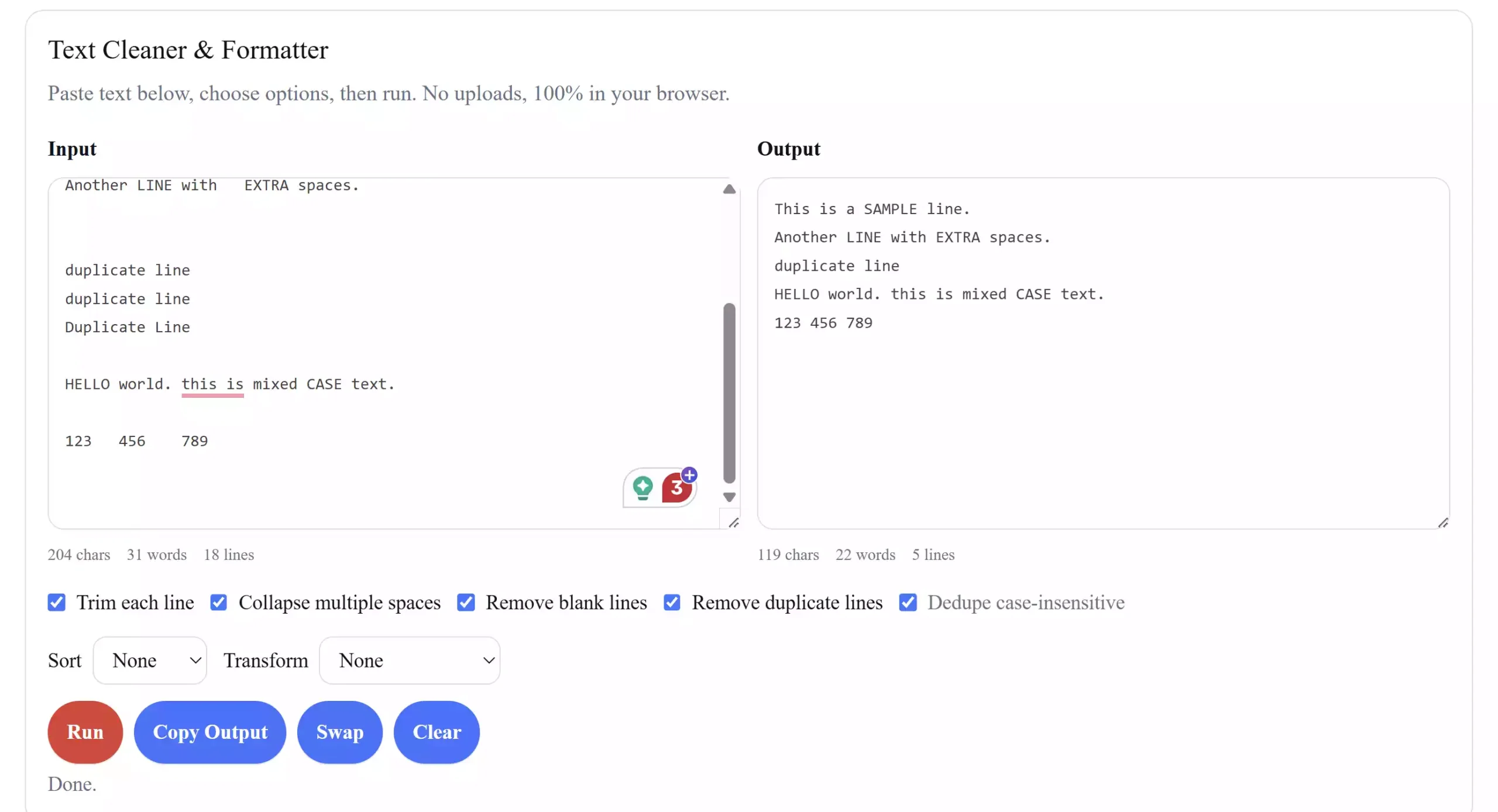
This simple yet powerful online tool helps you remove extra spaces, unwanted line breaks, HTML tags, or weird encoding symbols from your copied text. Paste your messy content, click clean, and it’s instantly formatted for re-use — ideal for writers, editors, or anyone preparing web content.
Access Text Cleaner & Formatter
Free Text Case Converter

Need to quickly change text to uppercase, lowercase, or title case? This browser tool lets you instantly switch between text cases without touching your keyboard again. It’s especially handy for preparing documents, scripts, or academic reports that need uniform formatting.
Text to PDF Converter
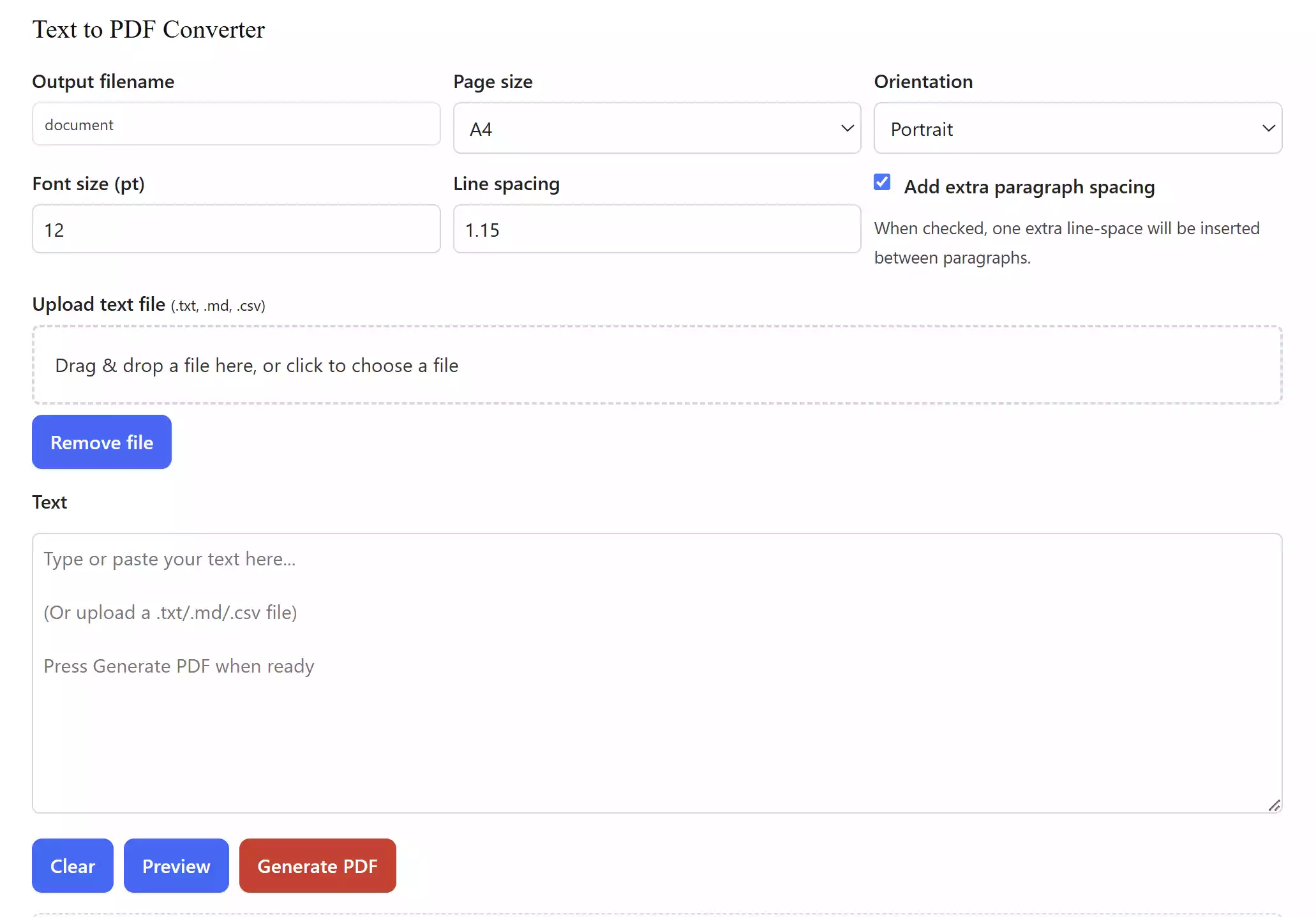
Sometimes, you just want to save plain text as a polished PDF for easy sharing or printing. With this tool, you can convert your notes, code, or written content into a professional PDF file instantly — perfect for resumes, instructions, or documentation.
Base64 to Text Converter
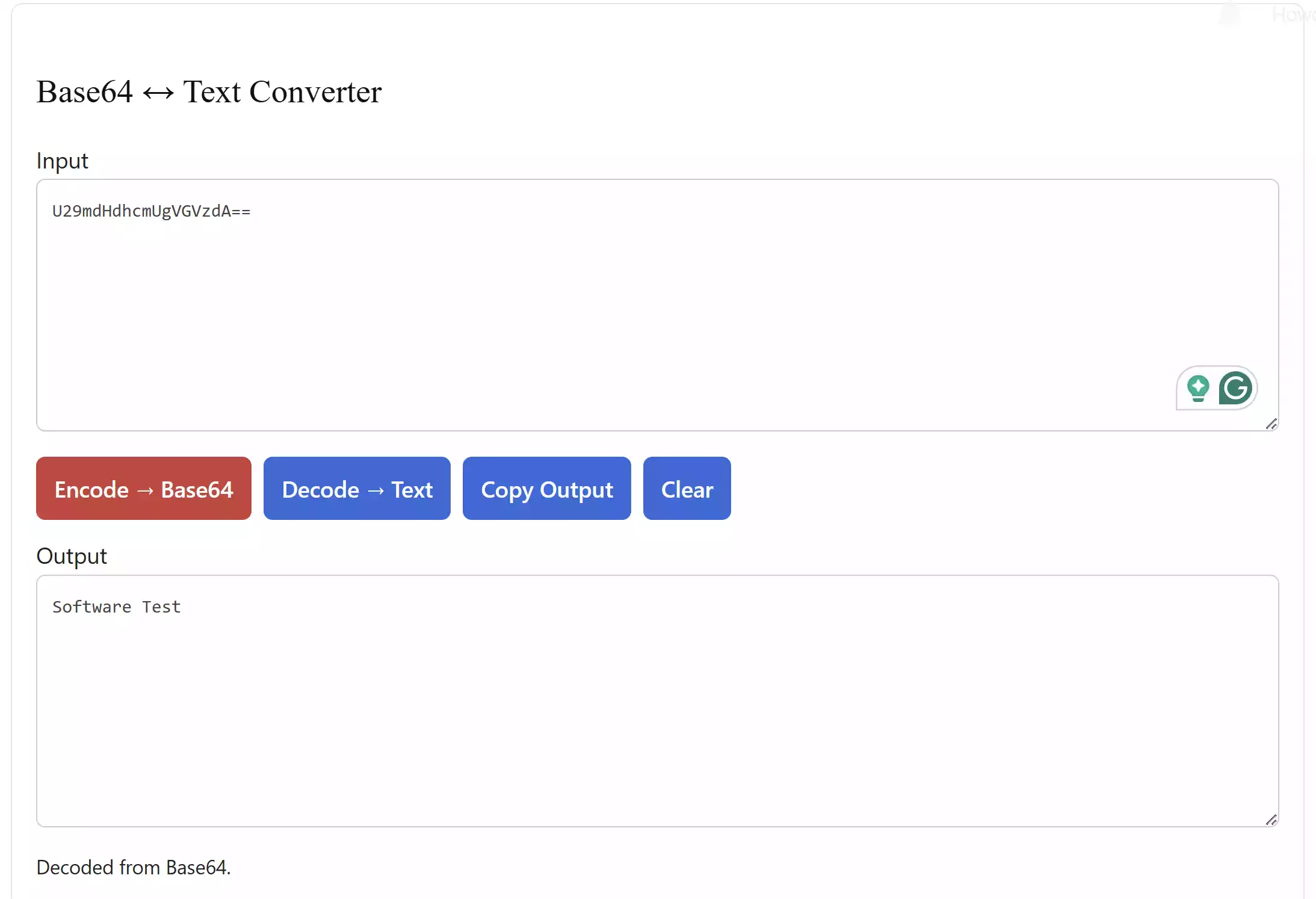
Developers or digital marketers frequently encounter Base64-encoded strings. This converter decodes Base64 into human-readable text, or vice versa, right in your browser. It’s lightweight, privacy-friendly, and ideal for debugging or decoding embedded data.
Access Base64 to Text Converter
Text to Hex Converter
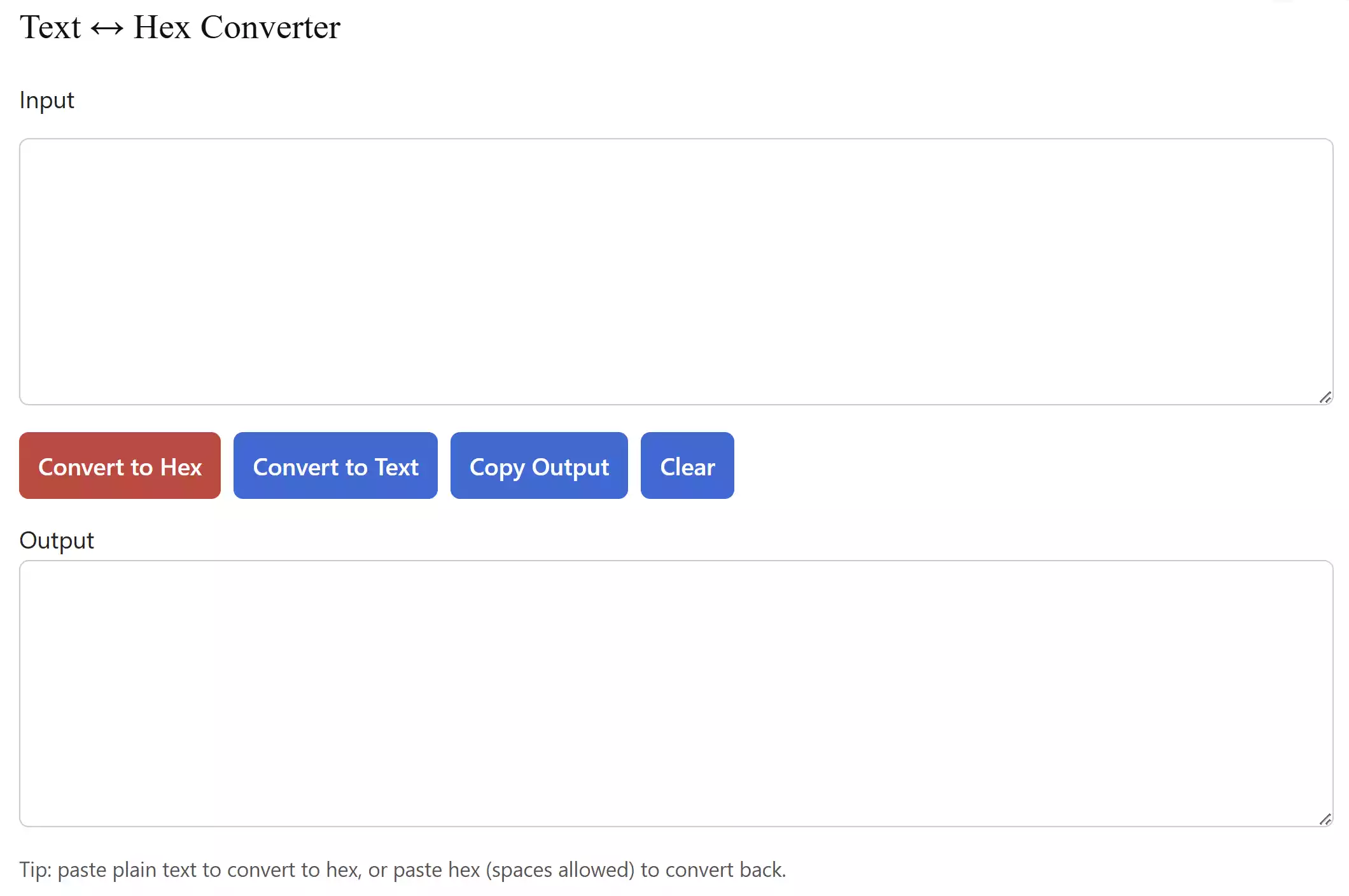
If you need to convert plain text into hexadecimal format for encryption, debugging, or encoding tasks, this free online converter is a lifesaver. Simply paste your text and get accurate hex output in seconds.
PDF to Text Reader
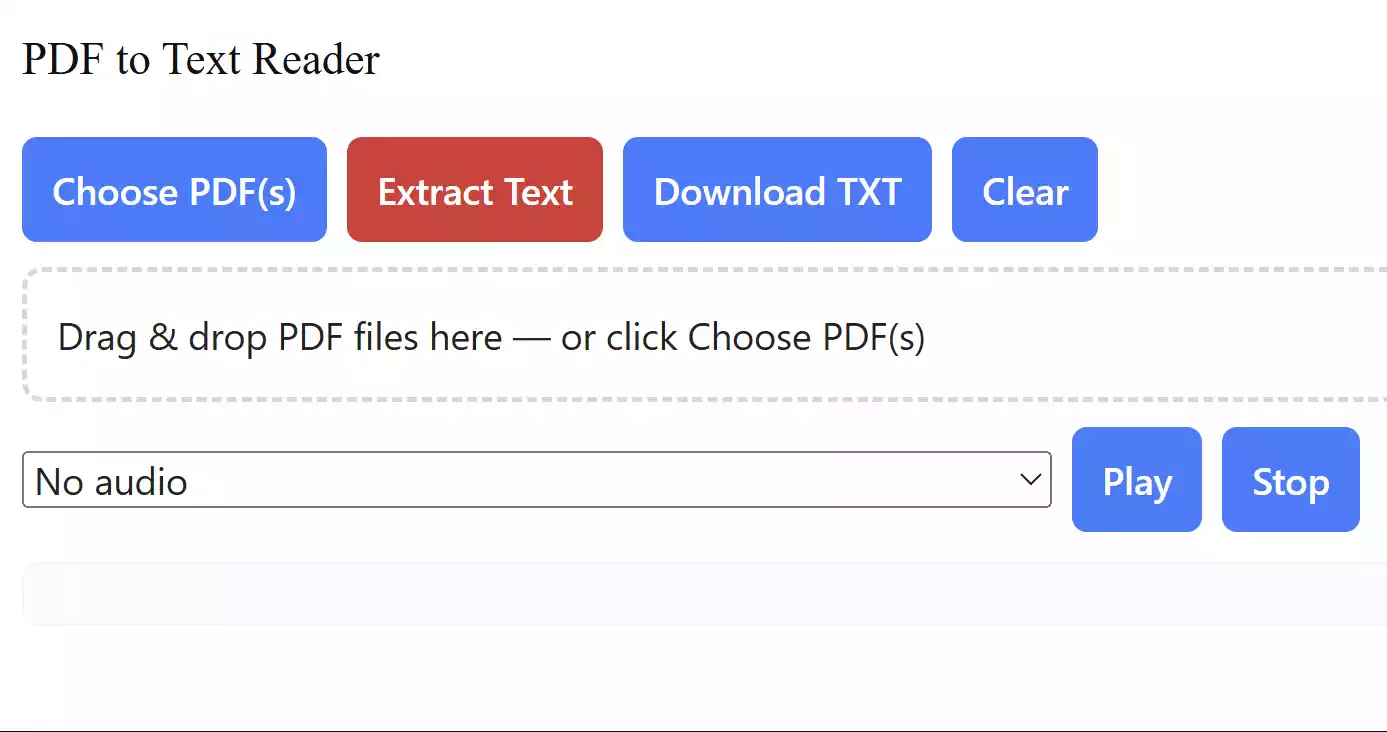
This utility extracts readable text from PDF files — even from scanned or locked ones. What makes it even better is its built-in text-to-speech engine that can read the extracted content aloud for proofreading or accessibility use.
Analyze, Compare, and Improve Your Text
When writing or editing, it’s not just about having the right words — it’s also about structure, grammar, and readability. The tools below help you analyze text quality, compare versions, and polish your content for professional presentation.
Free Online Word & Character Counter Tool
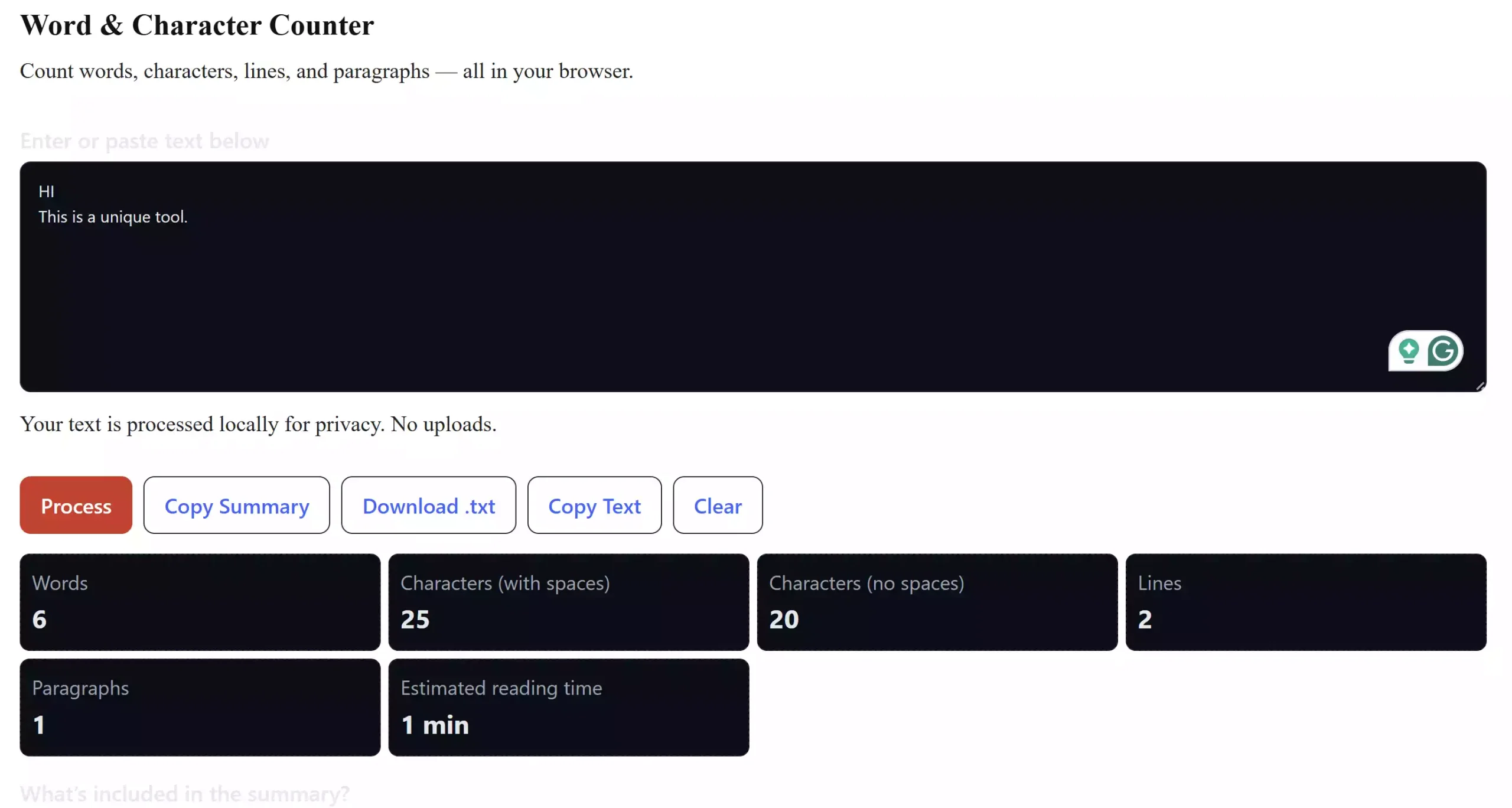
Writers, SEO professionals, and students will love this one. It quickly calculates words, characters, lines, and even paragraph counts. Whether you’re writing an article, a tweet, or an academic essay, this ensures you stay within the required limits effortlessly.
Access Word & Character Counter
Diff Checker – Compare Two Texts
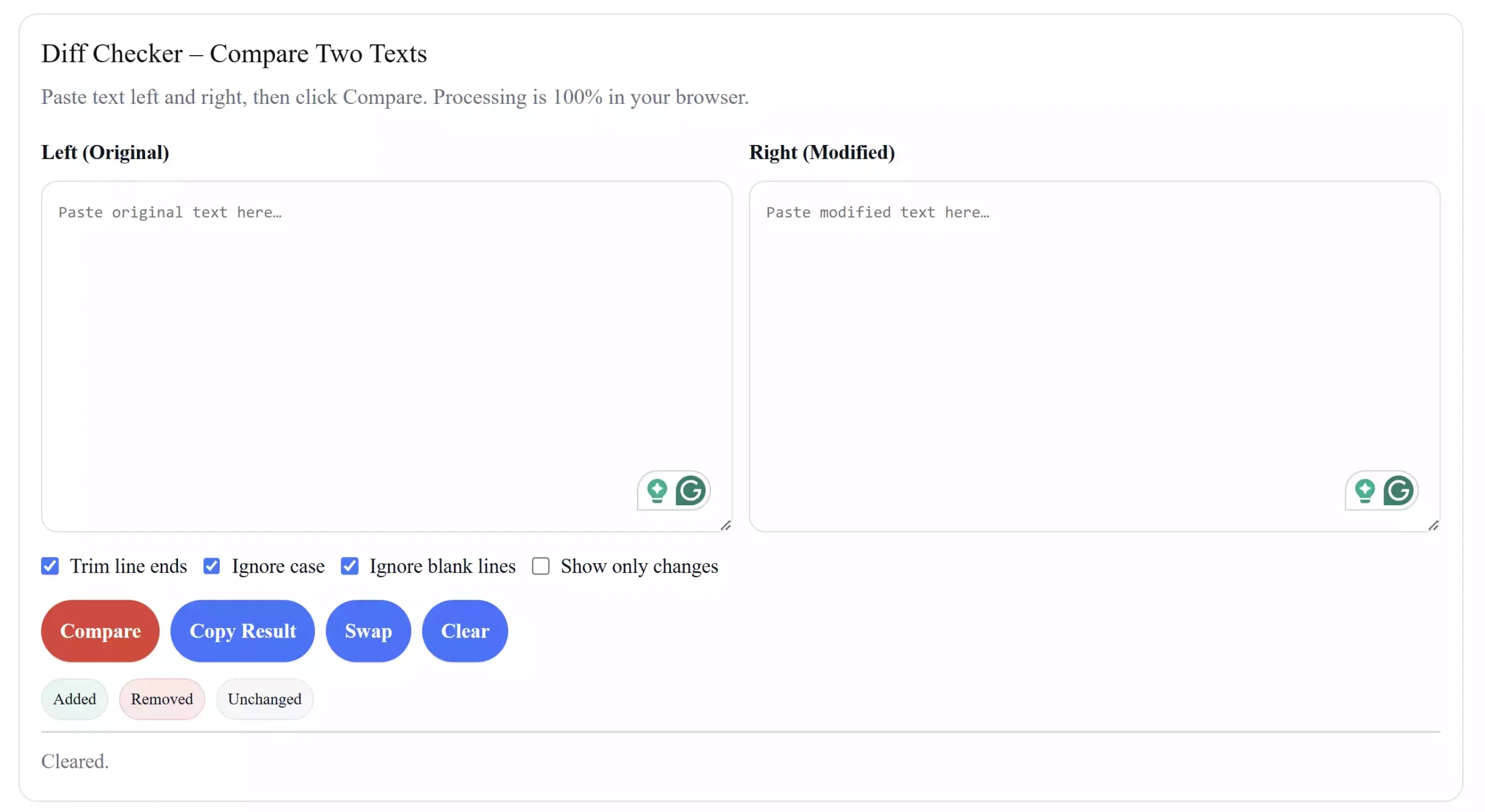
If you ever need to compare two versions of a document, code snippet, or paragraph, this tool is a must-have. It highlights every difference side-by-side, allowing you to review edits, revisions, or code changes clearly without confusion.
Access GUW Diff Checker – Compare Two Texts
Readability & Grammar Checker
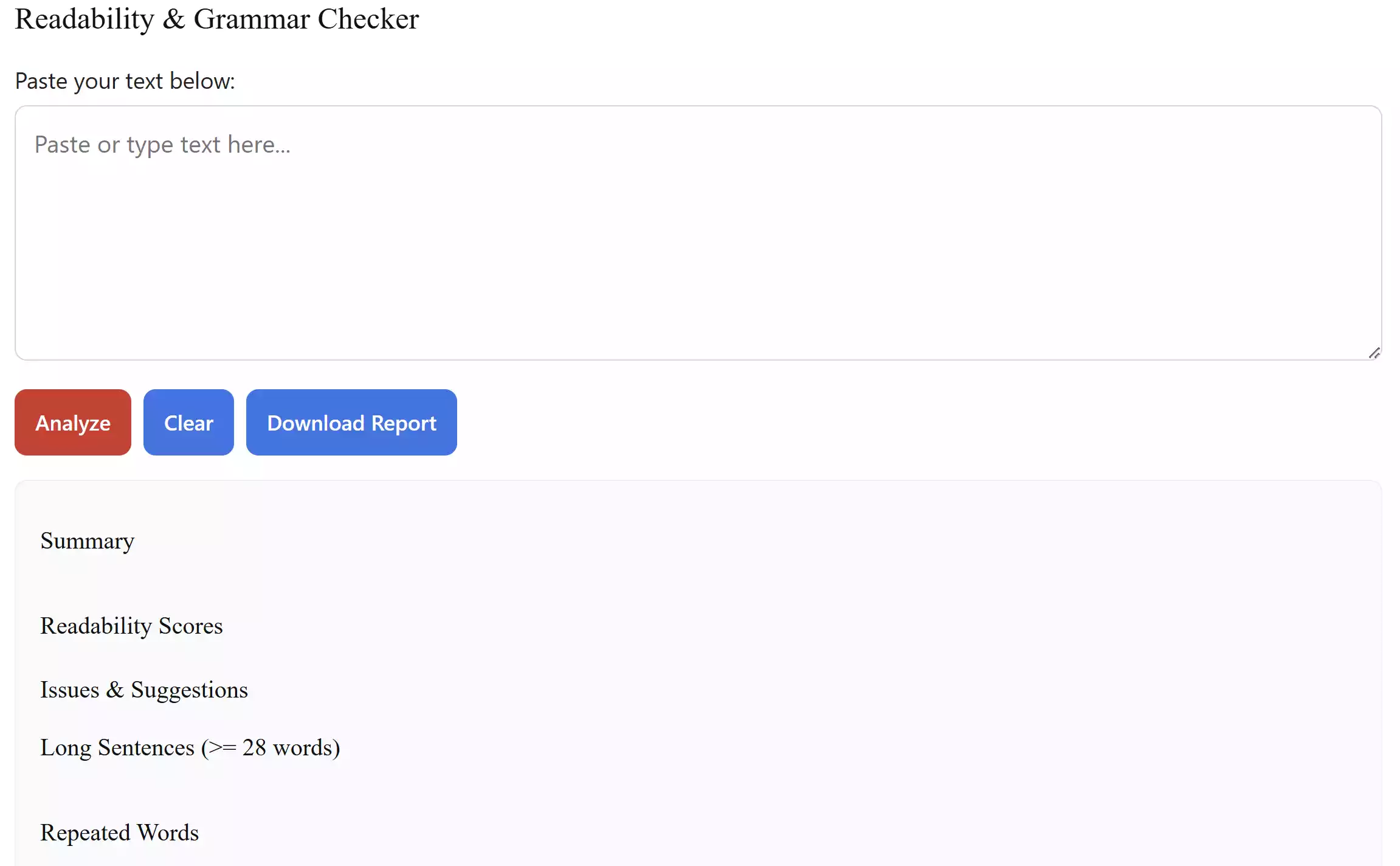
This AI-powered browser utility checks your text for spelling mistakes, grammar errors, and readability issues. It provides instant feedback, helping you refine your content for clarity and professionalism — an essential tool for content creators and students alike.
Access Readability & Grammar Checker
Hashing, Security, and Encoding Tools
Sometimes you need to validate data integrity, generate strong passwords, or perform hash verification. These online tools bring the same level of reliability as desktop utilities — right inside your browser.
Free Online MD5, SHA1, SHA256 Hash Generator

Perfect for developers and IT pros, this tool creates cryptographic hashes from any input text. Use it to check file integrity, verify data transfers, or simply learn how hashing works. It supports all major hash algorithms — MD5, SHA1, and SHA256.
Access MD5 | SHA1 | SHA256 Hash Generator
Secure Password Generator
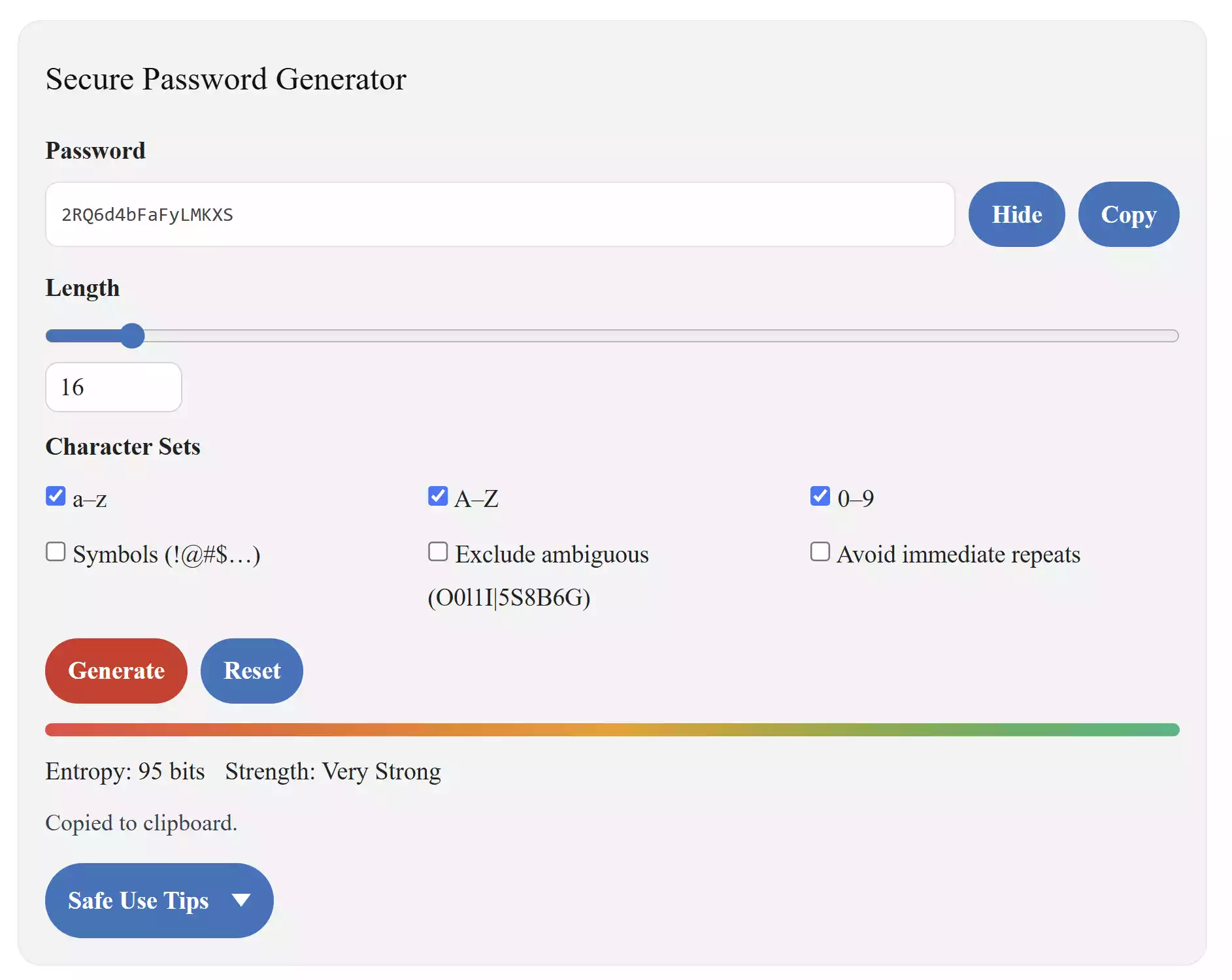
Weak passwords are a hacker’s best friend. This tool generates secure, random passwords of custom length with uppercase, lowercase, symbols, and numbers — plus an instant strength check. Great for securing your online accounts and cloud logins.
Access Secure Password Generator
Listen to Your Text — Turn Words into Speech
For accessibility, presentations, or proofreading, hearing your text aloud can highlight mistakes your eyes might miss. Try this lightweight, browser-based speech reader.
Free Text-to-Speech Reader
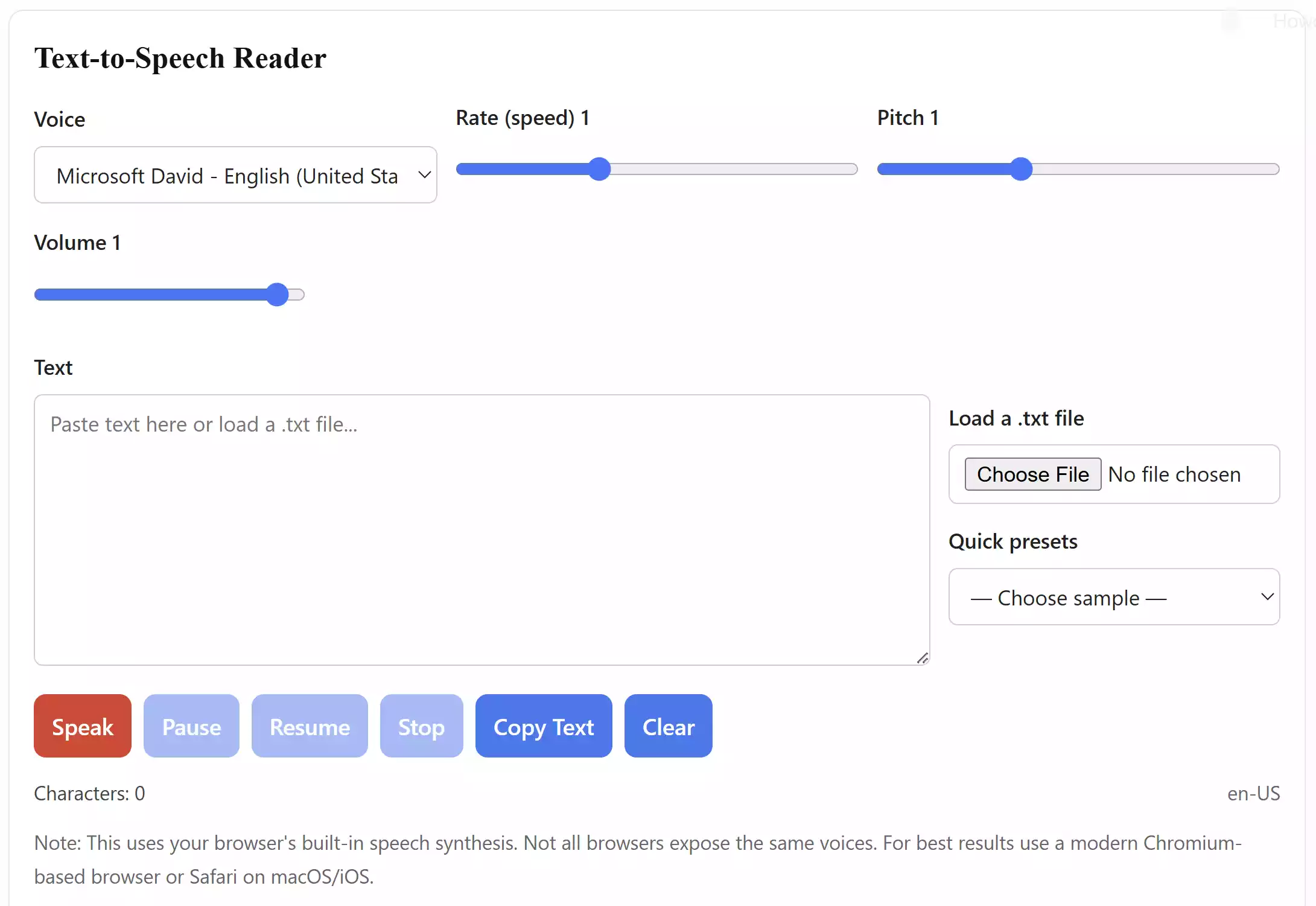
This text-to-speech converter uses realistic AI voices to read any written text aloud. It’s ideal for writers who want to proof-listen to drafts or for users who prefer auditory learning. Simply paste your content and hit “Play.”
Bonus: Additional Handy Text Utilities You Should Try
If you’re dealing with frequent file-to-text operations or document transformations, here are a few additional GearUpWindows tools worth bookmarking:
- GUW PDF to Text Reader – Extract text or listen to PDFs aloud.
- GUW Text to PDF Converter – Save notes or formatted text as professional PDFs.
- GUW Diff Checker – Compare file versions side by side.
- GUW Text Cleaner – Instantly clean and organize copied content.
When Text Utilities Can Help You
These tools are not just for tech-savvy users. They’re made for everyday use — from school assignments to office work. Here’s how they can make your workflow easier:
- Writers and bloggers: Clean messy text, check readability, and count words easily.
- Students: Reformat essays, check grammar, and convert notes to PDFs before submission.
- Developers: Encode or decode Base64/Hex and verify hash values with precision.
- Editors and proofreaders: Compare document versions and ensure content consistency.
- Professionals: Create strong passwords, remove metadata, or organize written data effortlessly.
Why These Tools Are Different
Unlike many online text tools that upload your content to third-party servers, all GearUpWindows utilities are client-side. That means your data never leaves your browser. You get fast results, total privacy, and the convenience of working offline in most cases. There’s no registration, no ads, and no file size restrictions for most of these apps — making them ideal for secure and quick use anywhere.
Tips to Get the Most Out of Text Utilities
- Bookmark frequently used tools like Text Cleaner and Case Converter for one-click access.
- For document-heavy workflows, use Text to PDF Converter for easy exports.
- When collaborating, use Diff Checker to track team edits.
- Before publishing, run your draft through Grammar Checker to polish tone and accuracy.
FAQs
Q1. Are these tools completely free?
Yes. All tools listed here are free to use and do not require account registration or installation.
Q2. Will my data be stored or shared?
No. All tools mentioned are client-side applications. Your text is processed locally and never uploaded to external servers.
Q3. Can I use these on mobile devices?
Yes, these GearUpWindows tools are optimized for smartphones and tablets, so you can manage and convert text on the go.
Q4. Which tool helps me fix copied text formatting?
Use the Text Cleaner & Formatter to instantly clean up any copied text from PDFs, emails, or websites.
Q5. Can I compare two versions of a file?
Yes, simply paste both versions into Diff Checker to see precise differences.
Conclusion
The world runs on text — and with the right online utilities, managing that text becomes effortless. The best text utilities collection listed here empowers you to clean, convert, format, compare, analyze, and even listen to your content — all in your web browser, free and private. Whether you’re writing a novel, preparing documentation, or editing code, these tools give you total control over your text workflow without wasting time or compromising security.
Start exploring them today on GearUpWindows, and simplify every aspect of your writing and editing process — from creation to conversion.