

GIMPHOTO is a free, open-source image editing software that is based on the popular GIMP (GNU Image Manipulation Program). It was designed to give users a professional-grade photo editor similar to Adobe Photoshop in both interface and capabilities. Discover the power of GIMP to understand the foundation on which GIMPHOTO is built.
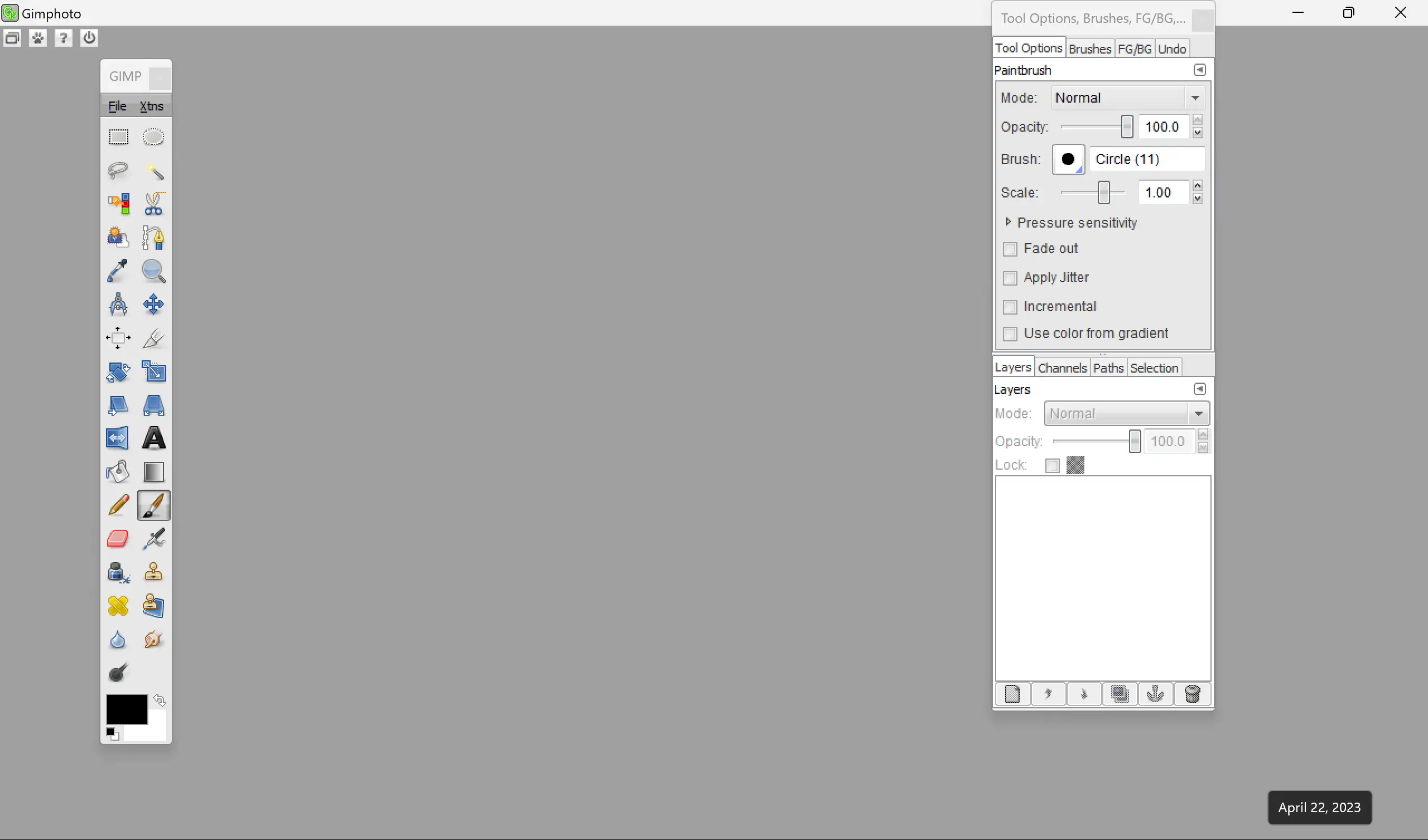
What is GIMPHOTO?
GIMPHOTO merges the flexibility and open-source foundation of GIMP with an interface that closely resembles Adobe Photoshop, making it easier for beginners and professionals to transition. This software supports numerous image formats, integrates Photoshop plugins, and offers tools for advanced editing, making it a compelling alternative to expensive paid programs.
It’s a perfect fit for photographers, digital artists, and designers seeking a no-cost yet robust editing solution that doesn’t compromise on performance or features.
Key Features
- Photoshop-style interface with customizable toolbar and shortcuts. You can also try Paint.NET – a powerful and free image editing software.
- Supports Photoshop plugins like Nik Collection, Topaz Labs, and others.
- Compatible with JPEG, PNG, GIF, and RAW image formats. You can also try RawTherapee – a powerful free software for editing RAW images.
- Comprehensive layer support with masks, blending modes, and effects.
- Advanced selection tools for precision-based editing and retouching.
- Integrated text and graphic design capabilities.
- Completely free and open-source with accessible source code.
- Ideal for Photoshop users transitioning to open-source tools.
- Fully compatible with Windows 11 and Windows 10.
If you prefer a lighter or portable open-source photo editor, try PhotoDemon – A free open-source image editor for Windows 11 and 10, which offers similar creative control.
Download GIMPHOTO
You can download GIMPHOTO from its official website. Installation is simple, and the interface layout mirrors Adobe Photoshop, allowing an effortless transition for anyone familiar with Adobe’s workflow.
Frequently Asked Questions (FAQs)
Is GIMPHOTO better than GIMP?
GIMPHOTO isn’t necessarily better; it’s a modified version of GIMP designed to mimic Photoshop’s layout and usability. It’s perfect for users transitioning from Photoshop.
Can GIMPHOTO run Photoshop plugins?
Yes, it supports a variety of Photoshop plugins, including popular ones like Nik Collection and Topaz Labs, though compatibility may vary depending on the plugin.
Is GIMPHOTO available for Mac or Linux?
GIMPHOTO is primarily built for Windows users, but since it’s based on GIMP, similar versions or alternatives can be used on Mac and Linux.
Is GIMPHOTO completely free?
Yes, GIMPHOTO is 100% free and open-source, meaning you can use, modify, and distribute it without any licensing costs.
Does GIMPHOTO support vector editing?
While GIMPHOTO focuses mainly on raster (pixel-based) editing, vector tools are limited. For vector graphics, try Inkscape – a free vector graphics editor.
Conclusion
In conclusion, GIMPHOTO provides a robust, Photoshop-style experience in an open-source package. Whether you’re enhancing photos, creating artwork, or designing graphics, it delivers professional-quality results without the cost. Its compatibility with Photoshop plugins and RAW formats makes it a serious contender for anyone looking to escape subscription-based software.
For more open-source creative tools and image utilities, visit GearUpWindows for trusted freeware recommendations and tutorials.