

Organizing and managing photos on your iPhone can be a daunting task. With limited storage and the hassle of transferring photos to your computer, it’s easy to feel overwhelmed. That’s where iPhone Photo Manager Free by iTop comes to the rescue. This powerful yet user-friendly photo manager offers a seamless solution to manage your iPhone, iPad, and PC photos with ease. You can also explore Tipard iPhone Transfer if you need a broader iOS file management solution.
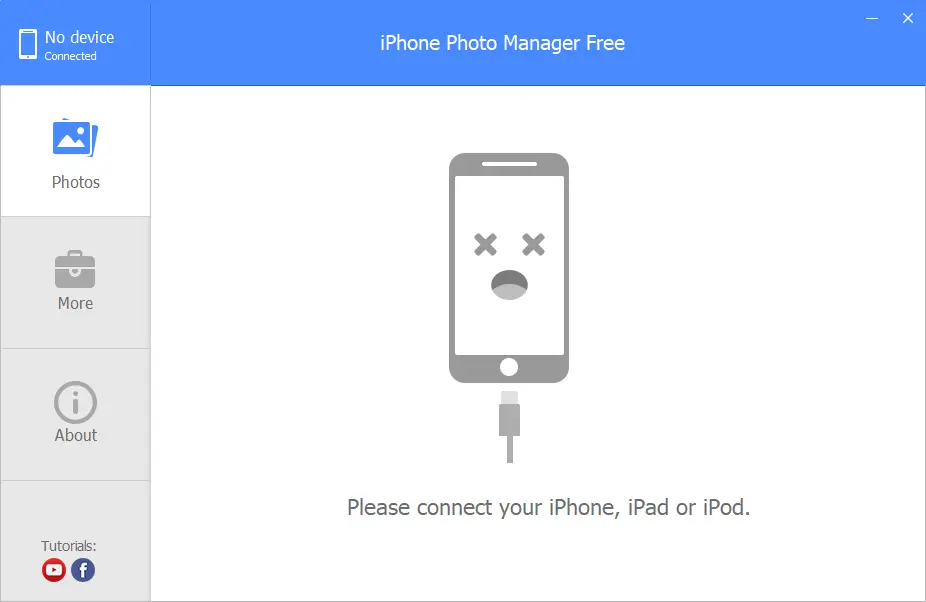
What is iPhone Photo Manager Free?
iPhone Photo Manager Free offers a simple and efficient way to transfer, back up, organize, and delete photos from your iPhone directly on your PC—no iTunes or iCloud required. Compatible with iOS 8 and above, and supporting Windows XP to Windows 11, it’s the perfect tool for users who want full control over their photo collections with just a few clicks.
Key Features of iPhone Photo Manager Free
- Transfer iPhone photos to PC quickly and easily. You can also try Coolmuster iOS Assistant for managing additional iPhone data like messages, contacts, and more.
- One-click photo backup for safe storage.
- Batch delete multiple photos to free up space.
- Edit, sync, and manage photos directly from your computer.
- Compatible with all iPhones running iOS 8 or later.
- Supports Windows 11/10/8/7/XP/Vista.
- Clean, intuitive interface ideal for all user levels.
- 100% free to use with no hidden costs.
Download iPhone Photo Manager Free
You can download iPhone Photo Manager Free directly from the official website.
Frequently Asked Questions About iPhone Photo Manager Free
Is iPhone Photo Manager Free safe to use?
Yes, it is a secure freeware tool designed for safe photo management without risk to your files.
Can I use it without iTunes or iCloud?
Yes, the tool works independently, so you don’t need iTunes or iCloud for transfers.
Does it support older iPhones?
Yes, it supports all iPhones running iOS 8 or later, making it compatible with both older and newer devices.
Can I delete multiple photos at once?
Yes, batch delete is supported to quickly free up storage on your iPhone.
Does it cost anything?
No, iPhone Photo Manager Free is 100% free with no hidden charges.
Is there a free tool for editing photos on Windows?
Yes, if you also need to edit or enhance your photos after transfer, you can try PhotoDemon, a free and open-source photo editor for Windows.
Conclusion
In conclusion, iPhone Photo Manager Free by iTop is a user-friendly solution for efficiently managing your iPhone, iPad, and PC photos. With its one-click transfer, sync, editing, and deletion features, you can easily organize and safeguard your precious memories. Say goodbye to the complexities of iTunes and iCloud, and enjoy the convenience of managing your iPhone photos directly from your PC. Download iPhone Photo Manager Free today and experience a seamless and hassle-free photo management experience.
If you often need to manage your entire iPhone data, not just photos, consider using Tipard iPhone Transfer — a comprehensive alternative for transferring contacts, music, and videos between devices.