

Fluent Search is a productivity tool that allows users to quickly find and access files, folders, and applications on their Windows PC. With Fluent Search, users can easily search for any file or folder on their PC using keywords or phrases.
Why Fluent Search?
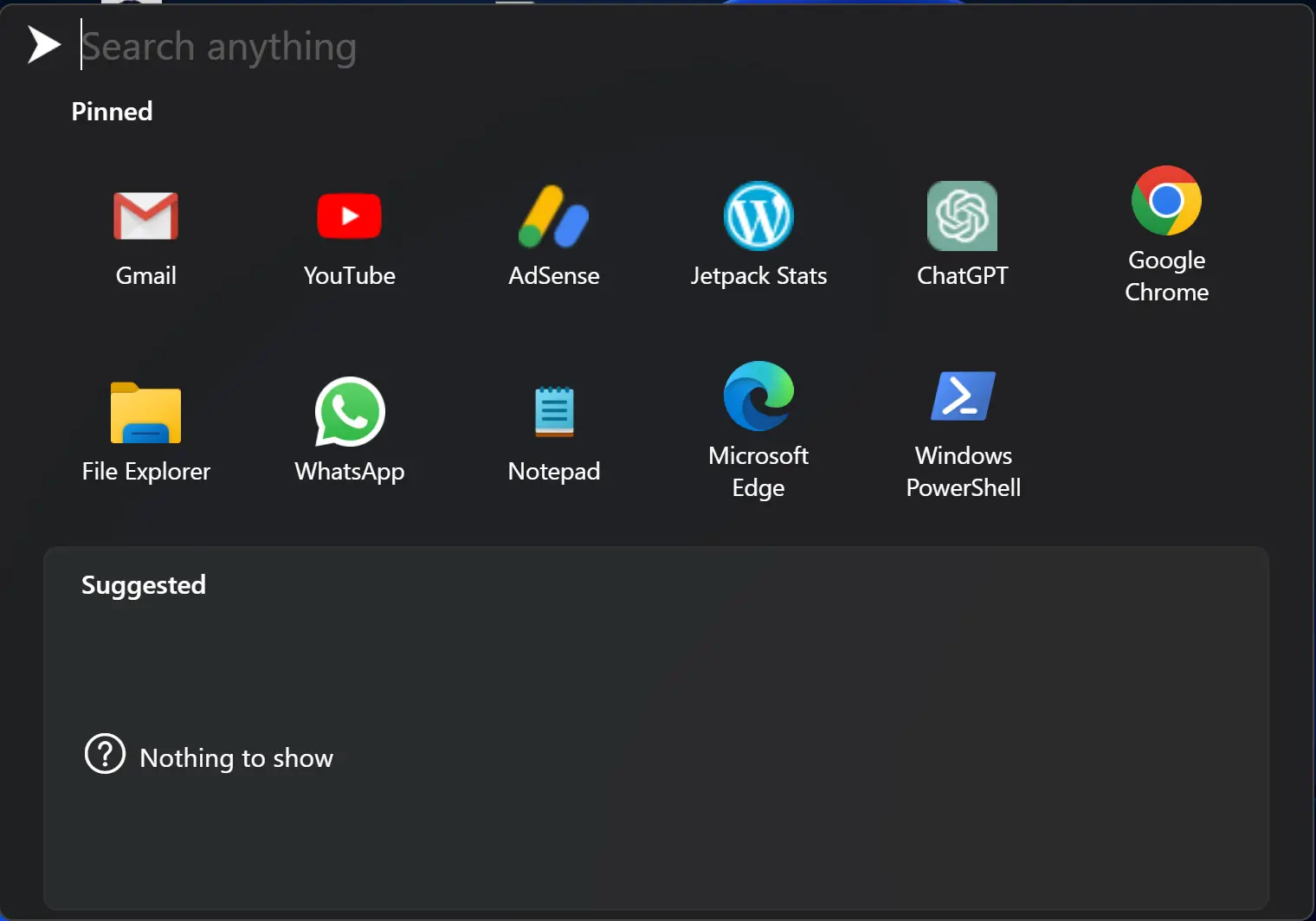
The interface of Fluent Search is user-friendly and simple to use. Once installed, it appears as a small search bar on the desktop. Users can start typing their search query into the search bar, and the tool will display relevant results in real-time.
One of the most significant advantages of using Fluent Search is its speed. It has been designed to be a lightweight application that doesn’t consume too many system resources. Therefore, users can perform their searches without slowing down their PC.
Another notable feature of Fluent Search is that it allows users to search for content within files as well. This means that users can search for specific words or phrases within a document, spreadsheet, or presentation, making it easier to find the information they need.
Fluent Search also supports integration with various web services, including Google Drive, OneDrive, and Dropbox. This means that users can search for files and folders stored in these cloud services directly from the Fluent Search interface.
In addition to its core features, Fluent Search also offers several customization options. Users can customize the appearance of the search bar and change the keyboard shortcut to open the search bar.
Although Fluent Search is a relatively new tool in the market, it has already gained a reputation as an efficient and reliable productivity tool. It is a great alternative to the default Windows search tool, which can be slow and limited in its search capabilities.
Similar Freeware Tools
If you’re looking for additional tools to boost productivity and simplify file access, here are some excellent options:
- Quick System Cleaner Checklist – A handy utility to quickly organize and clean your Windows system for better performance.
- Clipboard History Manager – Keeps track of your copied content and helps manage data while working on multiple tasks.
- Keyboard Shortcut Finder – Easily discover shortcuts for Windows apps and speed up your daily workflow.
- Readability & Grammar Checker – Enhance documents by checking readability and grammar before saving or sharing.
Download Fluent Search
You can download it from its official website.
Conclusion
In conclusion, Fluent Search is an excellent productivity tool for anyone who wants to streamline their workflow and improve their productivity. Its fast search capabilities, support for file content searching, and integration with cloud services make it a powerful tool that is worth considering for Windows users.