

Apple has released the biggest update for its macOS — macOS 11 Big Sur. Big Sur introduces major improvements and exciting features to the operating system that powers the best Macs. It was first unveiled during Apple’s Worldwide Developers Conference in June 2020. macOS 11 Big Sur features an overhauled interface, including an update to the curvature of windows, refreshed color schemes, and redesigned icons in the Dock.
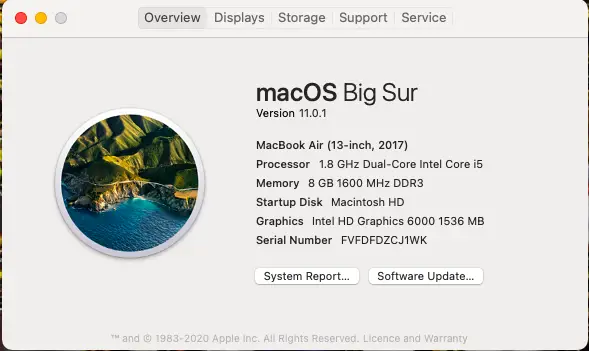
macOS Big Sur elevates the world’s most advanced desktop operating system to a new level of power and beauty. Now, you can experience Mac to the fullest with a refined new design. The built-in Safari browser has also been updated. According to Apple, it is now 50% faster than Google Chrome. This marks the biggest Safari update ever. Big Sur also introduces new features in Maps and Messages and brings more transparency to your privacy.
The update includes full-height sidebars and refreshed toolbars. A clean new app design ensures your content remains front and center. The Dock has been revamped with a consistent shape for app icons, offering a balance between uniformity and the unique character of macOS.
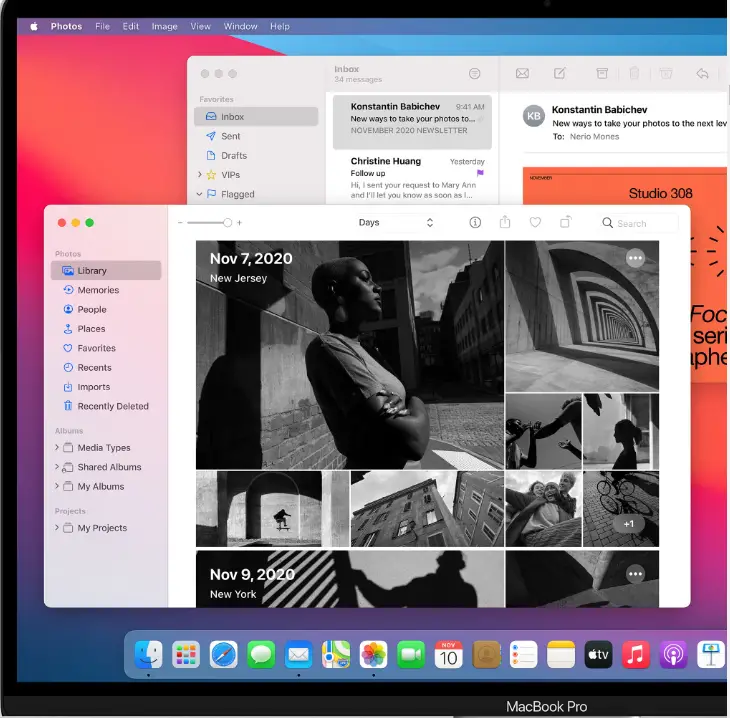
Notification Centre has received a new design that merges notifications and widgets into a single view for quicker access to information. Notifications are now grouped by app, and many are interactive, allowing you to do things like play new podcast episodes or respond to Calendar invitations. The redesigned widgets come in three different sizes, so you can tailor your view.
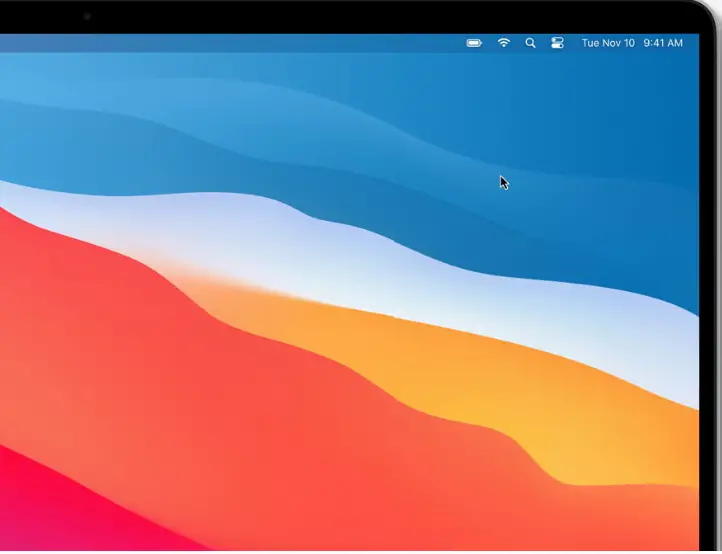
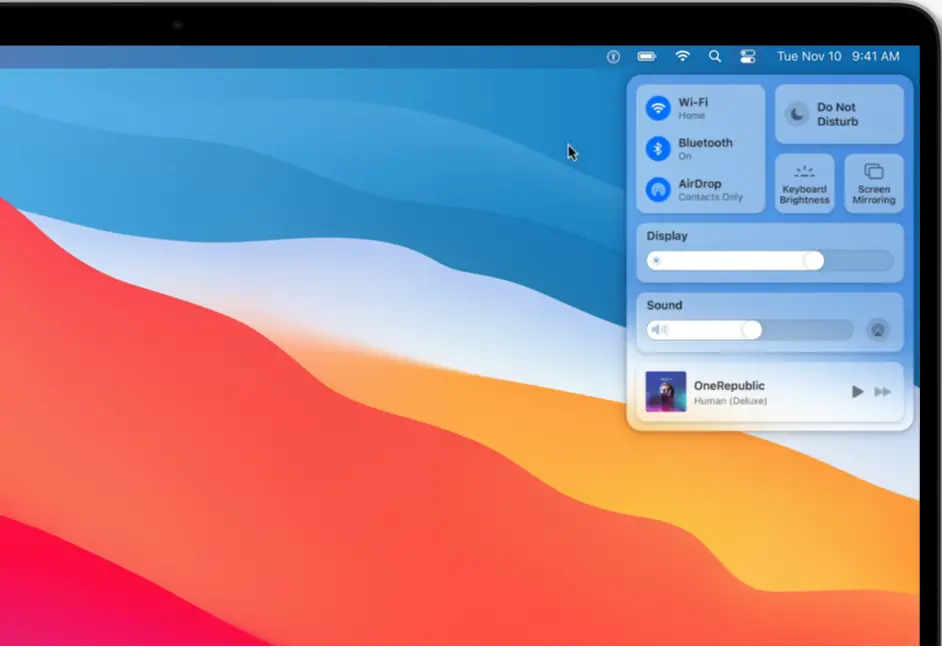
In Big Sur, you can quickly access essential controls like Wi-Fi and Bluetooth. You can also control music playback and toggle Dark Mode. The new Control Centre allows you to customize the menu bar by adding and rearranging your favorite controls.
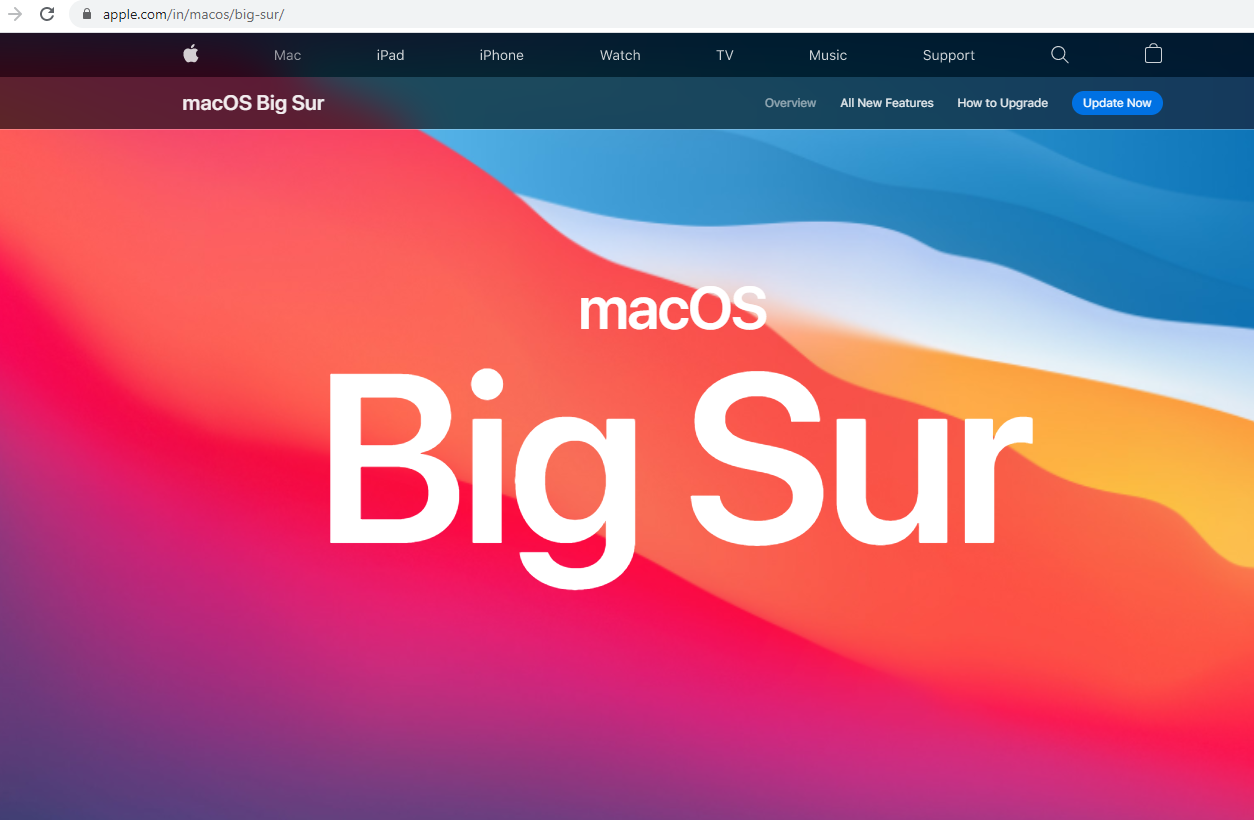
Apple has introduced several improvements, and the public release of macOS 11 Big Sur is now available for download. If you haven’t received a notification about the update, you can manually check for it under System Preferences. Alternatively, visit Apple’s official website to begin the upgrade process.
Can your Mac run macOS 11 Big Sur?
Before downloading macOS 11 Big Sur, ensure your device is compatible. The following Macs support this update:
- 12-inch MacBook (2015 and later)
- MacBook Air (2013 and later)
- MacBook Pro (Late 2013 and later)
- Mac mini (2014 and later)
- iMac (2014 and later)
- iMac Pro (all models)
- Mac Pro (2013 and later)
Before updating your macOS, it is strongly recommended to back up your Mac to avoid any data loss.
FAQs
What is macOS 11 Big Sur?
It is Apple’s major macOS update that introduces a refreshed design, improved Safari performance, redesigned widgets, a new Control Centre, and enhanced privacy features.
Is macOS Big Sur faster than macOS Catalina?
Yes. Big Sur delivers faster Safari performance, smoother UI transitions, and overall system optimizations, especially on supported hardware.
Which Macs support macOS 11 Big Sur?
Supported devices include 2015+ MacBook, 2013+ MacBook Air, Late 2013+ MacBook Pro, 2014+ Mac mini, 2014+ iMac, all iMac Pro models, and 2013+ Mac Pro.
Does Big Sur change the appearance of macOS?
Yes. It introduces updated window curvature, new color palettes, refreshed Dock icons, redesigned Notification Centre, and an all-new Control Centre.
Is Safari actually faster on macOS Big Sur?
According to Apple, Safari on Big Sur is up to 50 percent faster than Google Chrome, making it the biggest Safari update yet.
Should I back up my Mac before installing Big Sur?
Absolutely. Creating a backup using Time Machine or another method ensures your data stays safe in case anything goes wrong during the update process.
Conclusion
macOS 11 Big Sur marks one of the most significant upgrades Apple has delivered to the Mac operating system. With a refreshed interface, redesigned icons, updated widgets, and the introduction of the new Control Centre, Big Sur brings a more modern and unified experience across macOS. Safari is now faster and more efficient, while improvements in Messages, Maps, and privacy controls make the update even more compelling.
Before upgrading, always confirm device compatibility and back up your Mac to avoid data loss. If your system supports it, macOS Big Sur is a worthwhile update that enhances both performance and usability on supported Macs.