

F.lux is a free and open-source software that adjusts the color temperature of your computer’s display based on the time of day. This can help reduce eye strain and improve sleep quality, especially if you spend a lot of time in front of your computer late at night. For a quick alternative to control dark and light display modes automatically, check out the Dark Mode Switcher for Windows 11/10.
Why F.lux?
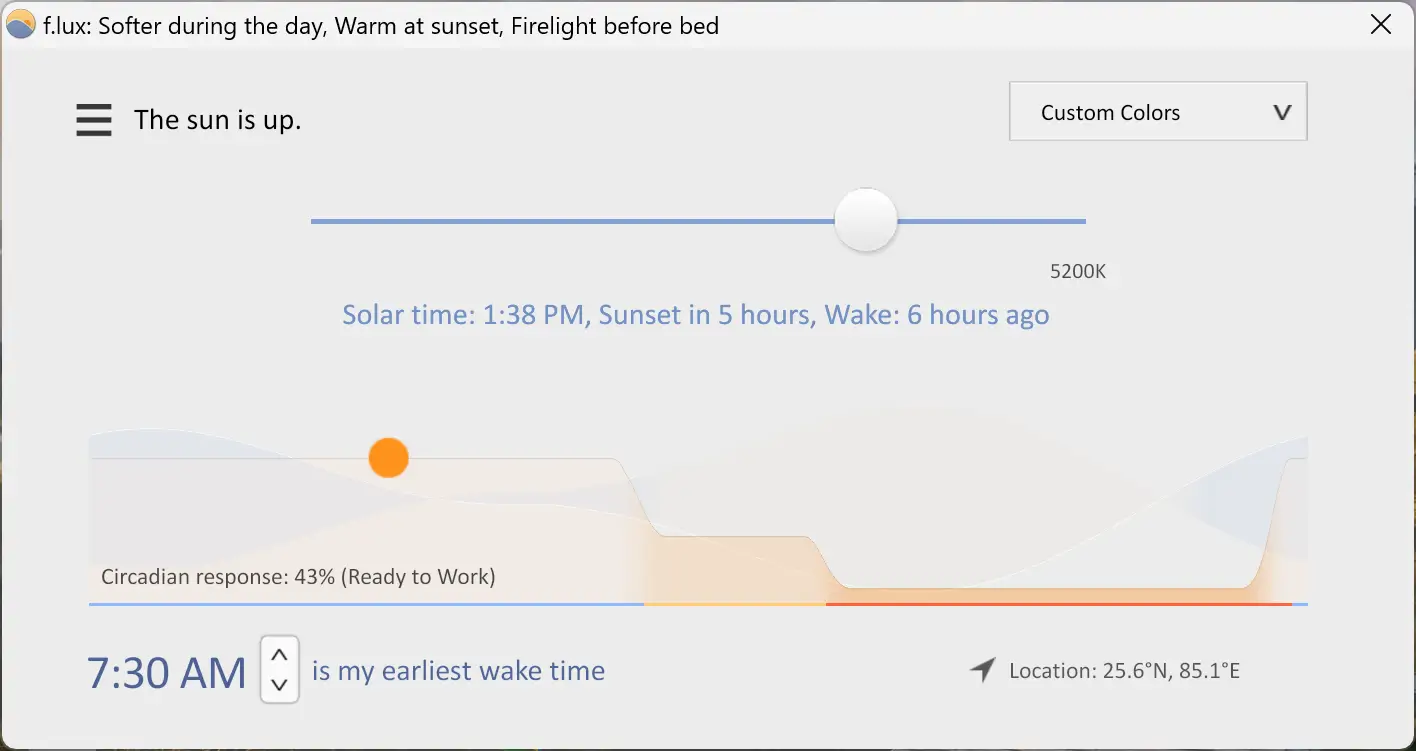
F.lux is a simple yet effective tool that adjusts your computer screen’s color temperature based on the time of day, helping to reduce blue light exposure and improve sleep quality. By mimicking natural lighting—cooler during the day for alertness and warmer in the evening to promote melatonin production—F.lux supports healthier sleep cycles and reduces eye strain. Easy to install and fully customizable, the software adapts automatically to your location’s sunrise and sunset times and offers benefits for shift workers and frequent travelers.
If you’re a Windows user, you can also use the built-in Night Light feature on Windows 10 or Night Light for warmer colors on Windows 11 to achieve similar effects directly from system settings.
Key Features
- Automatically adjusts screen color temperature based on the time of day.
- Reduces blue light exposure to promote melatonin production and better sleep.
- Customizable settings for color warmth and transition speed.
- Supports location-based auto-adjustments using sunrise and sunset times.
- Helps alleviate eye strain, jet lag, and shift work fatigue.
- Easy installation and intuitive interface.
- Available for Windows, Mac, and Linux systems.
Download F.lux
You can download the latest version of F.lux directly from its official website.
Conclusion
In conclusion, F.lux is a highly effective software that can help reduce eye strain, improve sleep quality, and promote overall eye health. By adjusting the color temperature of your computer’s display based on the time of day, F.lux can help regulate your body’s natural circadian rhythm and promote the production of melatonin, thereby improving your sleep quality. Additionally, F.lux is easy to install and use, and users can customize it to suit their individual preferences.
For users who want to optimize their system’s overall health and battery efficiency while improving display comfort, you may also explore Best Free Battery Tools and Tips for Windows 11/10 Laptops.
With its numerous benefits and compatibility across major operating systems, F.lux is definitely worth trying if you spend long hours in front of your computer or experience sleep-related issues.