

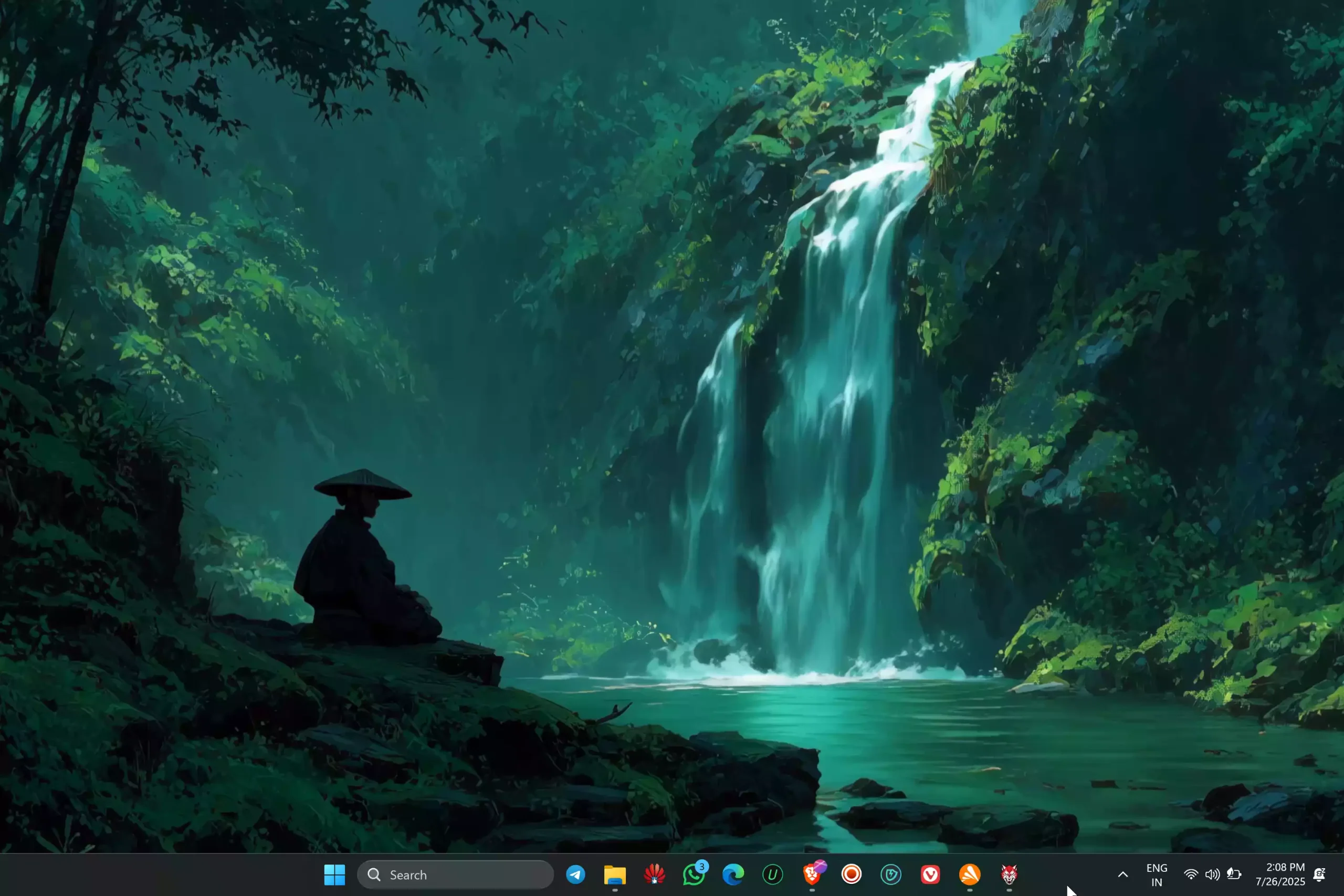
In this gearupwindows guide, we’ll show you how to use MyLiveWallpapers (sometimes called MyLiveSoftware) to apply free animated wallpapers on your Windows desktop. This lightweight app supports its own .mlw format and lets you customize playlists, depth effects, and background music.
What Is MyLiveWallpapers?
MyLiveWallpapers is a free live‑wallpaper application that offers thousands of animated wallpapers across categories like anime, nature, games, and sci‑fi. The software supports .mlw file types and includes modern features such as random playlist mode and depth parallax effects.
Key Features of MyLiveWallpapers
- Free to download and use (Windows 8.1 and 10 compatible, but works fine on Windows 11 too)
- Supports .mlw file formats
- Depth parallax wallpapers for a 3D effect
- Playlist support (choose a folder to rotate wallpapers)
- Option to include background music (MP3 support)
- Auto‑pause during full-screen use or playing games
How to Use MyLiveWallpapers on Windows?
Follow these steps to get started:
Step 1. Visit the official website and download the MyLiveWallpapers installer.
Step 2. Run the installer and complete setup—no bundled software.
Step 3. Download the live wallpaper from mylivewallpapers.com.
Step 4. Launch the application. Go to Live Wallpaper > Locate File and browse to your downloaded wallpaper (.mlw).
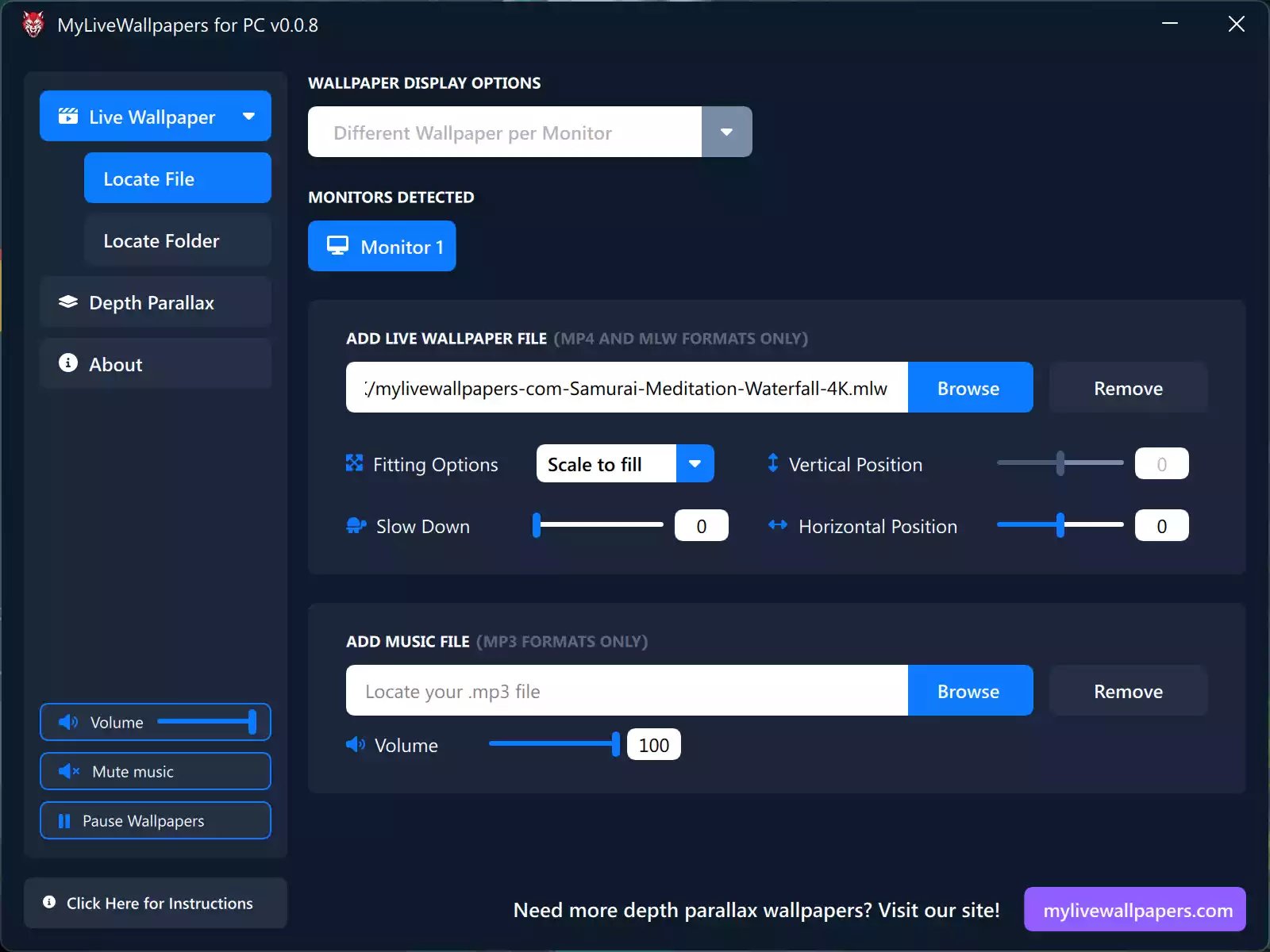
Step 5. Click Open to apply the wallpaper. The application will cycle the wallpaper as soon as you close it. Feel free to exit the app afterward.
For deeper customization, select a folder of wallpapers to enable playlist mode, and add MP3 files for optional background audio.
Customization and Settings
- Folder Playlist: Select a folder with multiple wallpapers to cycle automatically.
- Depth Parallax: Apply 3D motion effects if wallpapers support depth layers (formats like .mlw-depth).
- Music Support: Include an MP3 or multiple files to play background music alongside wallpapers (optional).
- Auto-Pause: The app halts wallpapers during full-screen apps or games to save resources.
Is MyLiveWallpapers Safe and Lightweight?
Yes. The app requires only about 2 GB RAM and works on DirectX 9-compatible systems. It is ad-free, does not install extra software, and does not slow down your CPU or GPU during work or gaming.
Why Choose MyLiveWallpapers?
If you’re looking for a free, easy-to-use wallpaper tool that supports playlists, music, and parallax effects, MyLiveWallpapers is a solid choice. It’s simpler than Wallpaper Engine (paid) yet more feature‑rich than basic live‑wallpaper apps. It works well on older PCs and does not demand heavy system resources.
Unlike DesktopHut or RainWallpaper, MyLiveWallpapers supports animated playlists and 3D depth effects for a dynamic desktop look.
Conclusion
MyLiveWallpapers is a free and flexible tool to add motion, music, and style to your Windows desktop. It supports multiple formats, depth effect, and playlist mode for continuous variation. Perfect for creative users seeking light, fully featured live wallpapers.