

Antivirus software is a crucial tool for any computer user in today’s digital age. With so much sensitive information and personal data stored on our devices, protecting them from malware, viruses, and other security threats is essential. While there are many paid antivirus software programs available, not everyone can afford to pay for them. Fortunately, there are several excellent free antivirus software options available for Windows 11 and 10.
In this gearupwindows article, we’ll take a look at the top 7 free antivirus programs for Windows 11 and 10.
Windows 11 and 10 Antivirus Requirements
Before we delve into the top 7 free antivirus programs for Windows 11 and 10, let’s discuss the requirements your device must meet to run these programs efficiently. Antivirus software requires a certain level of processing power and memory to run effectively, and your computer must meet these requirements to use any antivirus software efficiently.
What Makes a Good Antivirus Program?
When looking for the best free antivirus software for Windows 11 and 10, it’s essential to know what features make a good antivirus program. A good antivirus program should provide comprehensive protection against all types of malware, viruses, and other security threats. It should also be easy to use, offer regular updates, and provide excellent customer support.
Top 7 Free Antivirus Programs for Windows 11 and 10
Avast Free Antivirus
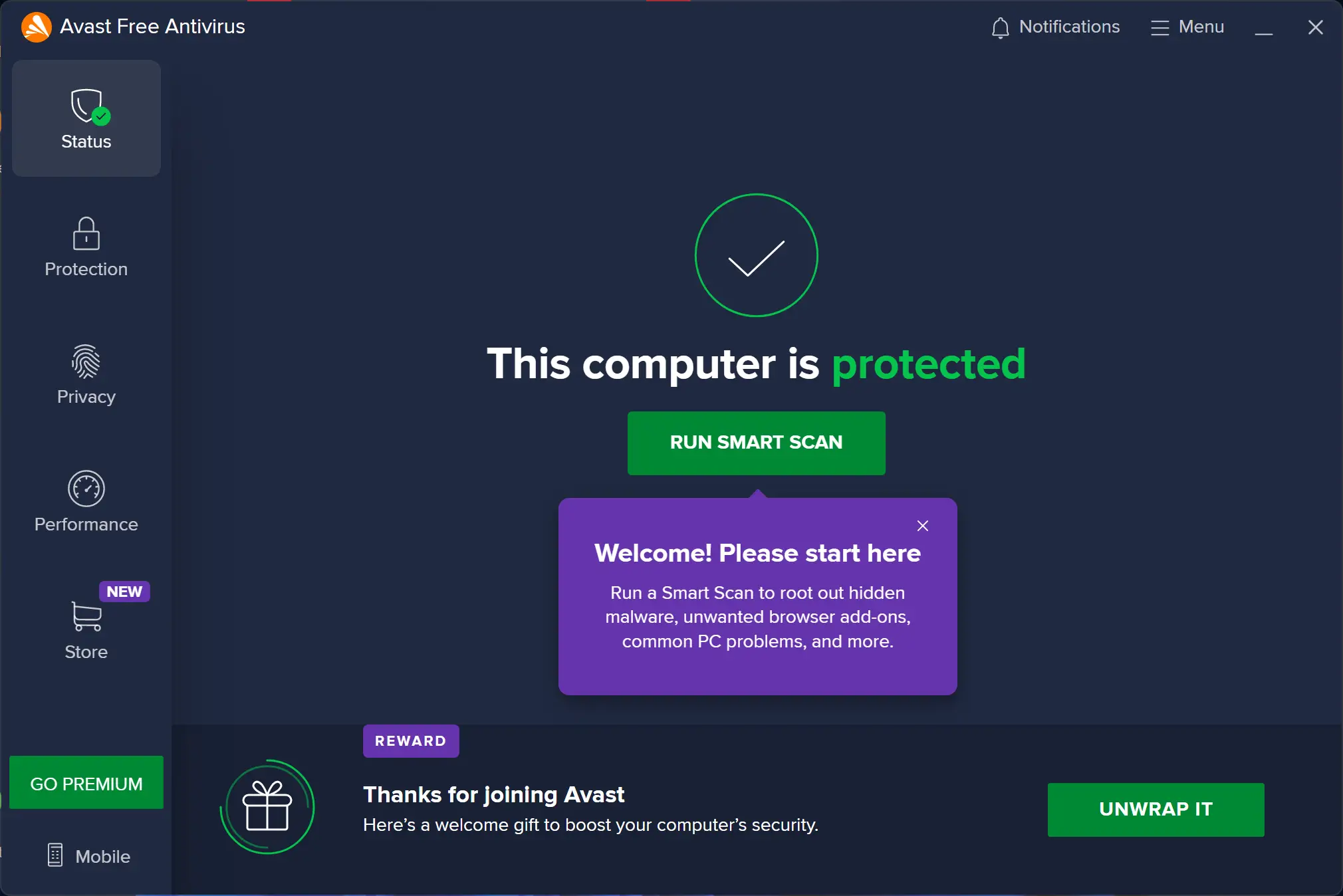
Avast Free Antivirus is a popular and comprehensive antivirus software that offers real-time protection against various threats. Its features include Behavior Shield, CyberCapture, Wi-Fi Inspector, Browser Cleanup, Password Manager, and Sandbox. The interface is user-friendly and allows users to access various features easily. While it is generally considered to be lightweight, some users have reported a slowdown during scans. Avast Free Antivirus is completely free, but there are paid versions that include additional features starting at $59.99 per year for a single device. Overall, it is a great option for anyone looking for reliable and free antivirus software.
AVG AntiVirus Free
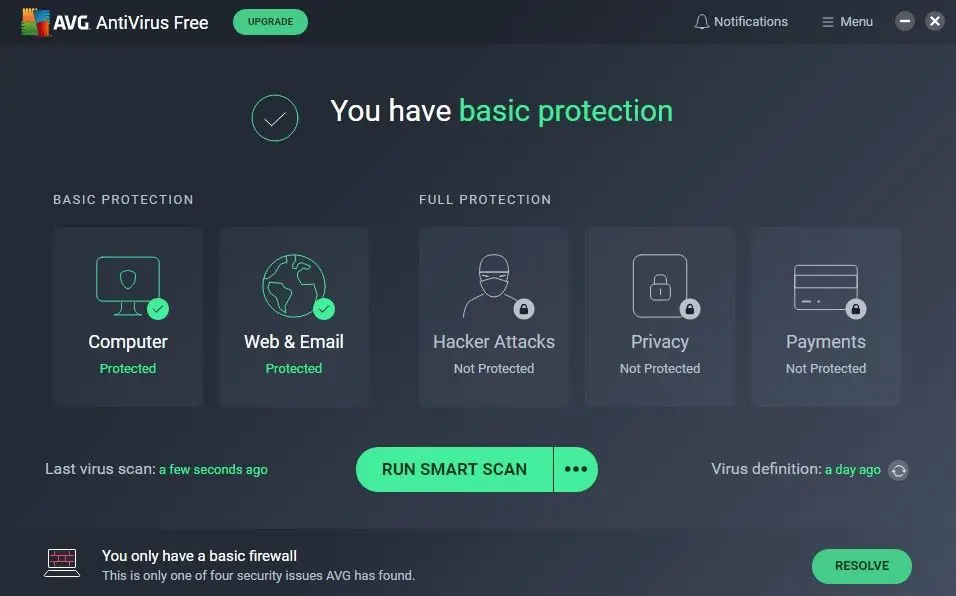
Another popular free antivirus software option is AVG AntiVirus Free. It is a great option for those looking for reliable and comprehensive protection against viruses, malware, spyware, and other online threats. With its easy installation, user-friendly interface, and real-time protection and scanning, AVG Antivirus Free is designed to keep your PC safe and secure. The program also comes with additional features, such as email protection, a file shredder, safe browsing, and a Wi-Fi inspector, which enhance its effectiveness and usability. However, if you need more advanced features, such as a firewall or parental controls, you may want to explore other antivirus programs. Overall, AVG Antivirus Free is a solid choice for anyone looking for basic yet effective antivirus protection.
Avira Free Security
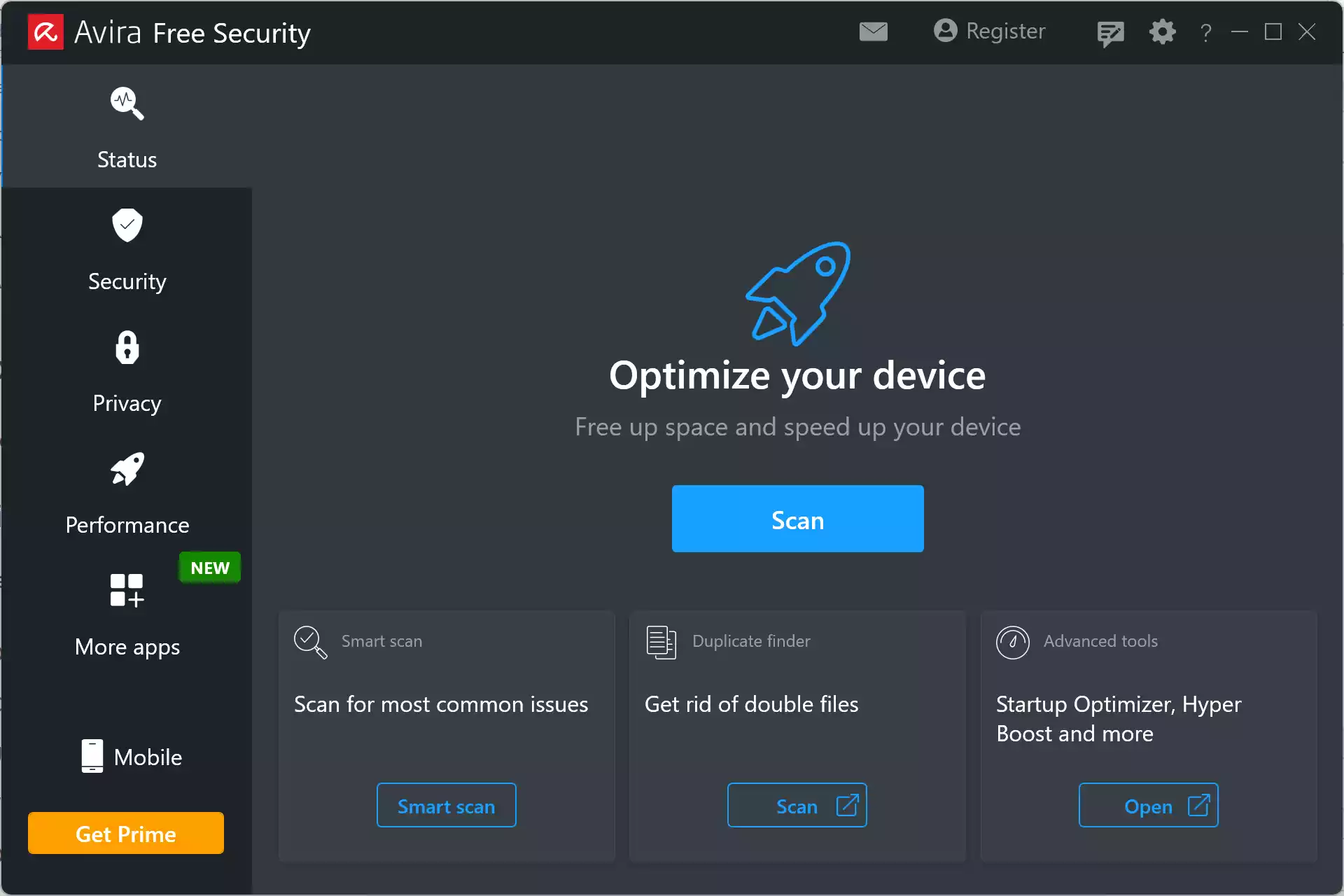
Avira Free Security is another excellent free antivirus software option for Windows 11 and 10. It is a highly effective antivirus software that provides comprehensive protection against cyber threats. With its advanced features, such as an AI-powered antivirus engine, web protection, firewall, password manager, and VPN, it ensures the safety and security of your devices and personal information. Moreover, the software is easy to use, has a user-friendly interface, and is completely free, making it an excellent option for anyone looking for a reliable and cost-effective cybersecurity solution. You can download Avira Free Security from its official website, and rest assured that your devices and personal information are protected against malware, viruses, ransomware, and other online threats. Overall, Avira Free Security is a highly recommended antivirus software that you should consider to keep your devices and personal information safe and secure.
Bitdefender Antivirus Free Edition
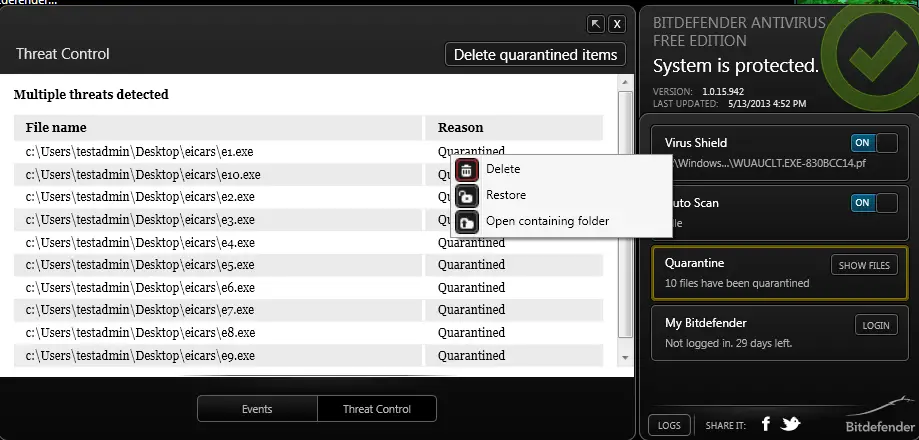
Bitdefender Antivirus Free Edition is a reliable and powerful antivirus software that provides essential protection for your Windows PC. It offers real-time protection against malware, viruses, and other online threats without compromising your system’s performance. Compared to other free antivirus software, such as Avast Free Antivirus, Bitdefender Antivirus Free Edition stands out with its comprehensive set of features, including Autopilot mode and a boot-time scan. Additionally, it has a lower impact on system resources and a more streamlined user interface. However, it is important to note that while antivirus software is essential, safe online behavior is also crucial to keeping your computer secure. Overall, if you want reliable and comprehensive antivirus protection without paying a dime, Bitdefender Antivirus Free Edition is definitely worth considering.
Microsoft Defender Antivirus
Microsoft Defender Antivirus is a built-in antivirus software program that comes with Windows 11 and Windows 10. It offers comprehensive protection against malware and viruses, including real-time protection, email scanning, and web protection.
Panda Free Antivirus
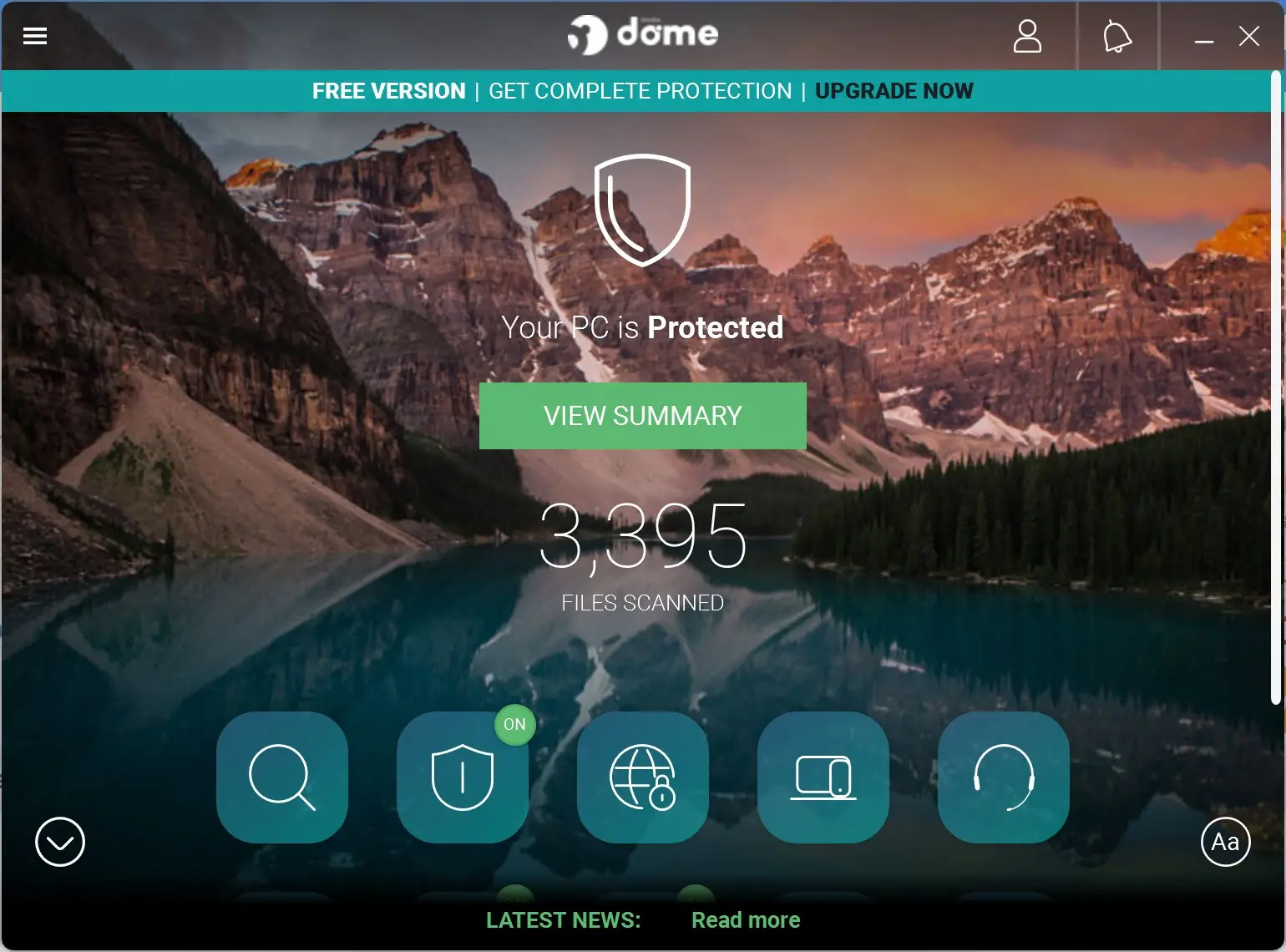
Panda Free Antivirus is a viable option for those seeking a free antivirus program for their Windows or Android devices. It offers real-time protection against malware, viruses, and other threats and utilizes cloud-based technology to protect against the latest threats. Its lightweight design and user-friendly interface make it an excellent choice for beginners. However, those requiring advanced features may need to consider upgrading to a paid version. Overall, Panda Free Antivirus is a dependable and effective antivirus program for those on a tight budget.
TotalAV
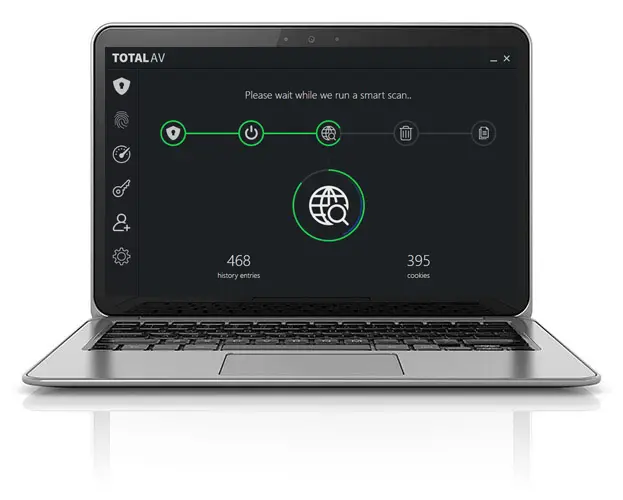
TotalAV is a comprehensive antivirus software that claims to offer advanced protection against various online threats, including malware, spyware, adware, and ransomware. It also includes a range of optimization tools to improve the performance of your system. With multi-device compatibility and a data breach search feature, TotalAV provides users with a robust digital security suite. However, the limited free version and lack of independent testing may be a drawback for some users. Overall, TotalAV is a viable option for those looking for advanced protection and optimization features in their antivirus software.
Frequently Asked Questions
Is Microsoft Defender enough on Windows 11/10?
Microsoft Defender provides solid baseline protection with real-time protection, cloud-delivered updates, and controlled folder access. Many users pair it with a second-opinion, on-demand scanner to catch what the primary AV might miss—see our roundup of best free one-time malware scanners.
Can I install two antivirus programs at the same time?
Running two products with real-time protection can cause conflicts and slowdowns. Use one primary AV for real-time protection and keep others as on-demand scanners that you launch manually when needed.
Will a free antivirus slow down my PC?
Modern free AVs are designed to be lightweight, but background scans can still spike CPU or disk usage. Schedule scans for idle times and exclude large archive folders or developer directories you trust.
Do free antiviruses show ads or upsell screens?
Some free editions include upgrade prompts or bundled feature teasers. These don’t reduce core protection, but you should read each installer screen carefully and decline optional offers you don’t need.
How often should I scan and update?
Keep virus definitions and the AV engine updated automatically. Run a quick scan weekly and a full scan monthly or after installing lots of new software.
What’s a “second-opinion” malware scanner, and why use one?
It’s an on-demand scanner without persistent background protection that you run occasionally to double-check your system. They’re useful alongside your main AV; pick one from our best free second-opinion malware scanners list.
How do I protect against malware on USB drives?
USB media can carry autorun worms and other threats. Combine your AV with dedicated USB security tools (e.g., write-protection, autorun blocking, on-insert scanning). See our guide to the best free USB security tools for Windows.
What should I do if my AV flags a trusted app (false positive)?
First, upload the file to a multi-engine service or scan with a second-opinion tool. If it’s clean, restore from quarantine and add a folder/file exclusion for that app. Report the false positive to the vendor so it’s fixed in future definitions.
Do I still need a firewall if I have antivirus?
Yes. Windows includes a capable built-in firewall. Keep it enabled to block unsolicited inbound connections, and consider alerting outbound rules for unknown apps.
Can a free antivirus block ransomware?
Many include behavioral detection and ransomware shields, but no tool is perfect. Keep reliable backups, disable Office macro auto-run, and avoid running untrusted executables.
What’s the difference between a quick scan and a full scan?
A quick scan checks common infection points (startup areas, memory, system folders). A full scan crawls the entire disk and external drives—use it for first-time checks or when you suspect an infection.
Should I enable real-time protection if I’m a gamer or creator?
Yes—keep real-time protection on. To reduce stutter during heavy workloads, enable your AV’s Game/Do Not Disturb mode and schedule deep scans outside working hours.
How do I clean an already infected PC?
Disconnect from the network, run your AVs offline/boot-time scan, then follow up with an on-demand scanner such as ESET Online Scanner. If malware persists, restore from a known-good backup.
Do free antivirus programs protect web browsing and email?
Most include web protection and phishing filters. Keep your browser up to date, use a modern ad/tracker blocker, and be cautious with email attachments and links.
Any extra tips for removable drives and shared PCs?
Enable write-protection on USB sticks when possible, scan drives on insert, and lock down autorun. Our curated list of free USB security tools covers simple, effective defenses.
Conclusion
In conclusion, having antivirus software is crucial for protecting your computer and personal data from the growing number of online security threats. While paid antivirus software programs offer more features and comprehensive protection, there are excellent free options available for Windows 11 and 10. The top 7 free antivirus programs listed in this article offer reliable and effective protection against malware, viruses, and other online threats. It’s important to remember that safe online behavior is also crucial to keeping your computer secure, and using antivirus software is just one part of an overall cybersecurity plan. So, choose the antivirus software that meets your needs and keeps your devices and personal information safe and secure.