

Balabolka is a free and powerful text-to-speech (TTS) program for Windows that allows users to convert any text into speech in a natural-sounding voice. The program is easy to use and supports a wide range of text file formats, making it an ideal tool for users who need to listen to written content instead of reading it.
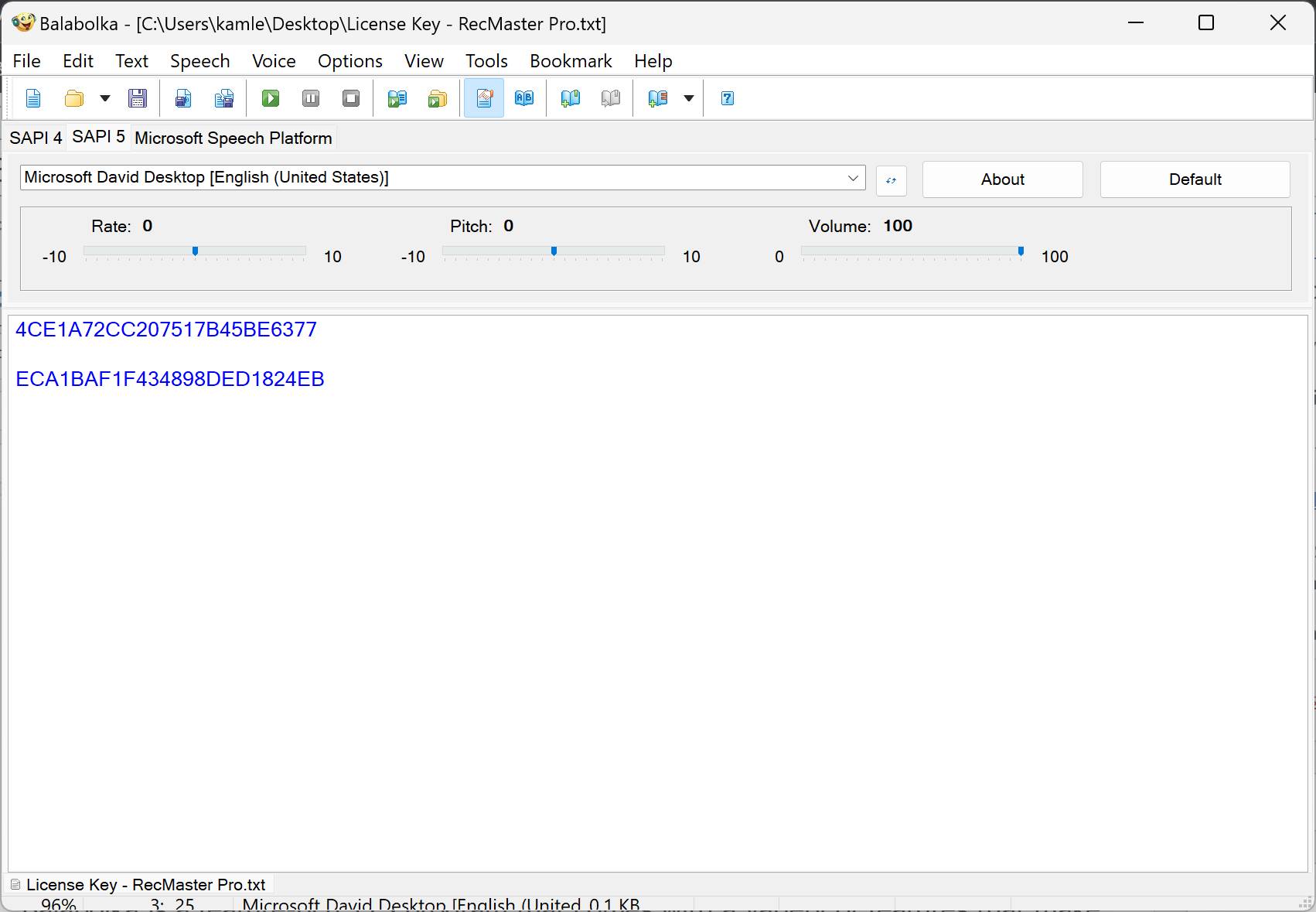
What is Balabolka?
Balabolka is a robust and user-friendly text-to-speech software for Windows that enables users to convert written text into natural-sounding audio. It supports a wide range of text formats and offers customizable voice settings, making it suitable for users with visual impairments or those who prefer listening over reading. Whether you need to convert a single document or perform batch conversions, Balabolka makes the process seamless and efficient with its intuitive interface and wide compatibility.
You can also try the free online alternative, GUW Text-to-Speech Reader, if you prefer using your browser without installation.
Key Features
- Supports multiple file formats: TXT, DOC, RTF, PDF, EPUB, and more.
- Customizable voice settings: speed, pitch, volume, pronunciation.
- Batch conversion for processing multiple files at once.
- Real-time text highlighting during playback.
- Clipboard monitoring for instant text-to-speech conversion.
- Built-in spell checker for improved accuracy.
- Support for multiple languages and voice options.
- Export speech to MP3, OGG, WAV, or WMA formats for portable listening.
If you often extract or read text from PDF files, check our PDF to Text Reader — another free browser-based TTS-friendly tool.
How to Use Balabolka?
Using Balabolka is straightforward and easy. Here are the steps to use the program:-
Step 1. Download and install Balabolka on your Windows PC from its official website.
Step 2. Launch the program and select the text file you want to convert to speech.
Step 3. Customize the speech settings, such as voice, speed, and pitch, according to your preferences.
If you need to clean up text before converting to speech, use Text Cleaner Formatter. It removes unwanted formatting and line breaks instantly.
Step 4. Click on the “Read Aloud” button to listen to the text.
Step 5. To save the speech output as an audio file, click on the “Save” button and select the desired audio file format.
For converting your text into other formats, you can also explore our Text to PDF Converter, which lets you save cleanly formatted reading material.
FAQs
Q1. Is Balabolka completely free to use?
Yes, Balabolka is completely free and does not include any hidden charges or premium upgrades.
Q2. Can Balabolka read PDF files?
Yes, Balabolka supports PDF along with many other file types such as DOC, TXT, RTF, and EPUB.
Q3. Can I save the speech as an MP3 file?
Yes, you can export the speech output as MP3, WAV, OGG, or WMA files for portable listening.
Q4. Is there an online alternative to Balabolka?
Yes, you can use the Text-to-Speech Reader directly in your browser without downloading anything.
Q5. Does Balabolka support multiple languages?
Absolutely! Balabolka supports several languages and voice packs that can be customized as per user preference.
Conclusion
Balabolka is a powerful and reliable TTS program that can help users convert any text into speech in a natural-sounding voice. Its support for multiple file formats, customizable speech settings, batch conversion, and audio file output make it an ideal tool for users who need to listen to written content instead of reading it. With Balabolka, users can easily convert any text into speech and listen to it on different devices, making it a useful tool for people with visual impairments, those who prefer listening to written content, and anyone who needs to convert text into speech.