

ReadAloud is a software developed by Microsoft that has gained popularity in recent times. The software is designed to convert text to voice format, making it easier for users to listen to any content instead of reading it. If you prefer listening over reading, you can also explore our Free Text to Speech Reader for a quick browser-based option. The software is free and supports several formats, such as Word, Epub, TXT, DOCX, and webpages. Similar tools like the Free PDF to Word Converter can help you convert text files easily between document types.
Why ReadAloud?
One of the primary features of ReadAloud is its conversion process. The software can quickly convert any text to an audio format, making it easier for users to listen to any content without having to read it. This feature is particularly helpful for individuals with visual impairments or reading difficulties. If you are exploring accessibility options, check out our guide to Top 6 Best Free PDF Voice Readers for Windows for additional reading solutions.
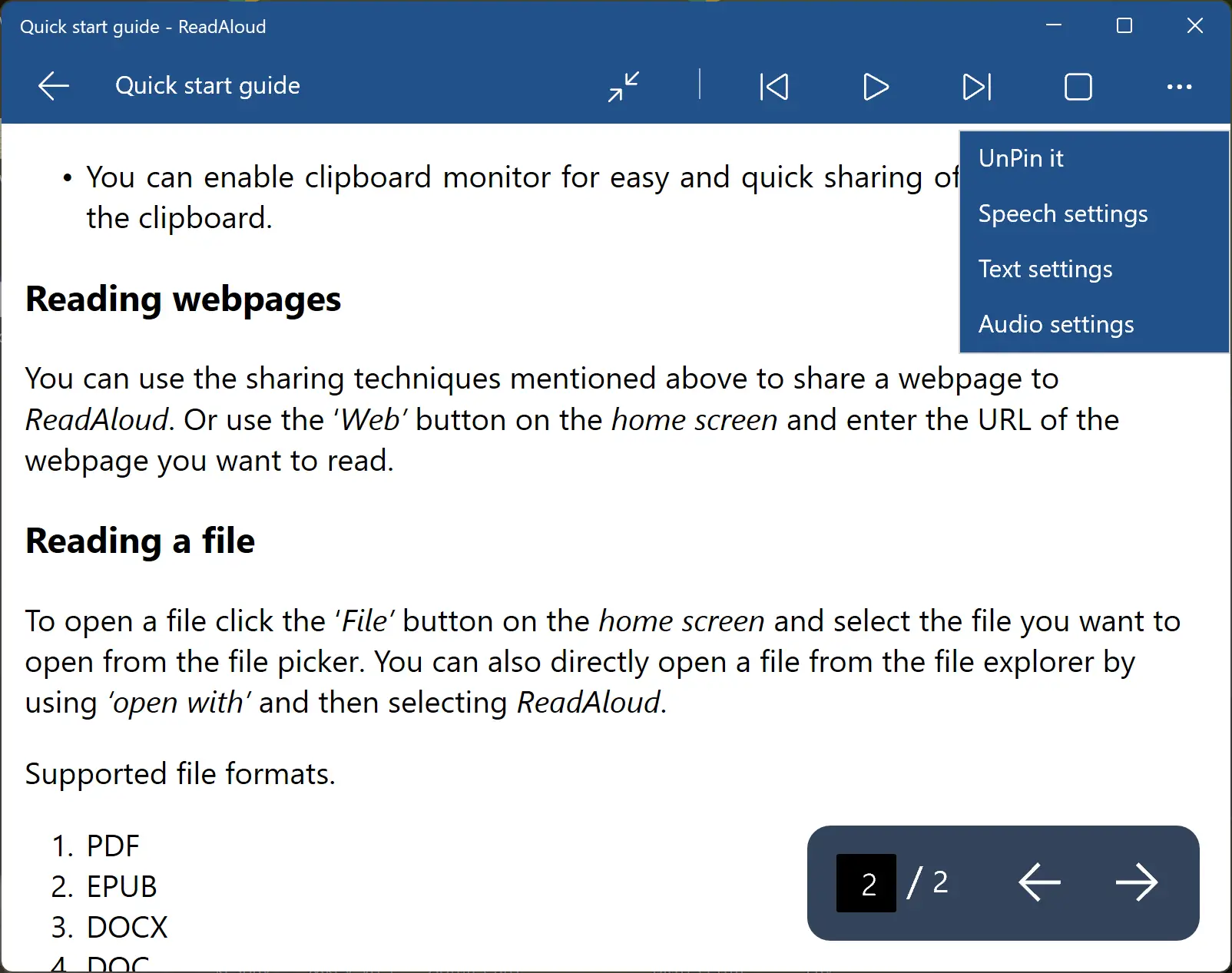
ReadAloud also has a simple and straightforward interface that makes it easy for anyone to use the software, regardless of their experience. The software is highly customizable, allowing users to control volume, speed, pitch rate, fonts, and color schemes. Users can customize the software according to their preferences and make it more user-friendly.
The software also includes a pronunciation editor, which allows users to change the way a word sounds. This feature is particularly useful for individuals who are learning a new language or want to improve their pronunciation. If you’re working on improving clarity and tone, try the Readability Grammar Checker to polish your text content effectively.
ReadAloud also comes with an inbuilt dictionary and a clipboard manager, which helps users move text around and understand what it means. The built-in dictionary feature is particularly helpful for individuals who are reading a text that includes difficult words or phrases. The software will read out the meaning of any word or phrase, making it easier for users to understand the text.
The clipboard manager feature allows users to copy and paste text from different sources into the software. This feature is particularly helpful for individuals who are reading an article or a book and want to copy a specific paragraph or sentence into the software. If you handle large text content frequently, consider using our Free Clipboard History Manager to easily manage and recall your copied text and images.
Download ReadAloud
You can download ReadAloud directly from the Microsoft Store.
Conclusion
Overall, ReadAloud is a powerful and useful software that can help individuals with visual impairments or reading difficulties. The software is free, easy to use, and highly customizable, making it a great tool for anyone who wants to listen to content instead of reading it. Download ReadAloud from the Microsoft Store and experience the benefits of this software for yourself. You can also try Balabolka if you want another free and versatile text-to-speech option.