

If you’ve ever encountered a corrupted or damaged MKV (Matroska) video file that refuses to play on any video player, you know how frustrating it can be. Whether it’s due to a partial download, an incomplete file, or other playback issues, getting your MKV files back in working order can seem like an impossible task. Fortunately, there is a handy tool called Meteorite, which comes to the rescue and can help you easily repair your MKV files.
In this gearupwindows article, we’ll take a close look at the user-friendly and efficient Meteorite software, which allows you to repair your MKV files and restore them to their full functionality in no time.
What is Meteorite?
Meteorite is an open-source project designed specifically for repairing corrupted or damaged MKV video files. MKV files are often used for high-quality videos, but their large size and complexity can sometimes result in issues like partial downloads, corrupted files, or encoding errors, all of which prevent playback. Meteorite allows you to salvage and repair these files, making them playable once again.
One of the main advantages of Meteorite is its simplicity and user-friendly interface. It features a basic layout that makes it accessible even to users with little technical knowledge. Whether you’re an experienced video editor or a novice, Meteorite makes the repair process easy and straightforward.
How to Repair MKV Files Using Meteorite?
Repairing your MKV files with Meteorite is a quick and simple process. Follow these easy steps to get started:
Step 1. First, download Meteorite from a reliable source. It is available for free and is compatible with all major versions of Windows operating systems.
Step 2. After you’ve installed Meteorite on your system, launch the application to begin the repair process.
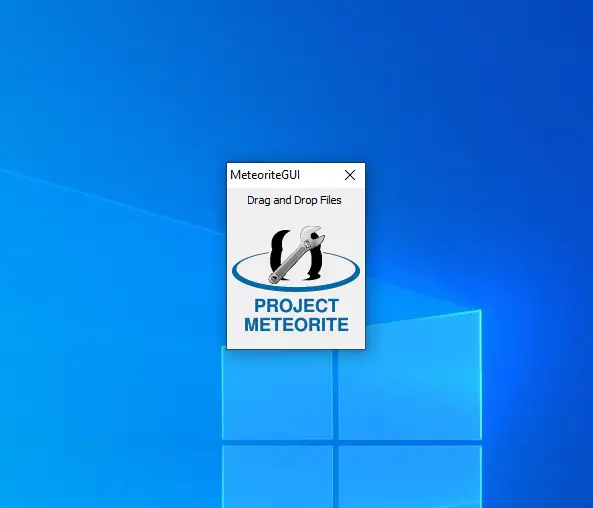
Step 3. Locate the corrupted MKV file on your computer. Once you’ve found it, simply drag and drop the file onto the Meteorite interface to begin the repair process.
Step 4. Meteorite will automatically scan and analyze the MKV file to identify any defects or issues. If any problems are found, the software will proceed to repair the file accordingly.
Step 5. Once the repair process is complete, Meteorite will provide you with a fixed version of the MKV file. You can then choose a location on your computer to save the repaired file, ready for playback.
Open-Source and Free
One of the standout features of Meteorite is that it is an open-source project. This means that it is completely free to download and use, with no hidden fees or premium upgrades. Being open-source also means that Meteorite benefits from community contributions, ensuring that it remains updated and improved over time. This collaborative development model guarantees the software’s continued enhancement and adaptability.
Download Meteorite
To get started with Meteorite, you can download the latest version of the tool from its official Sourceforge page. It is free to use and does not include any adware or unwanted additional software.
Conclusion
Don’t let corrupted or damaged MKV files ruin your movie nights or video viewing experiences. Meteorite provides a simple, effective solution to repair your MKV files with minimal effort. Thanks to its intuitive interface and automated repair process, you can quickly recover your videos and get them back to playing smoothly.
Download Meteorite today and say goodbye to frustrating playback issues with your MKV files. Whether you are trying to repair a downloaded movie, a home video, or any other MKV file, Meteorite is the tool you need to restore your files to their full functionality.