

In today’s digital age, we capture countless photos but often spend hours manually editing and converting them. If you’re tired of wasting time on repetitive tasks, XnConvert is here to revolutionize your photo editing workflow. This powerful, cross-platform batch image converter is designed to automate and simplify the editing process, allowing you to transform your photo collections effortlessly. Let’s dive into the exciting world of XnConvert and discover how it can unleash your creativity.
A smart, cross-platform batch image converter that simplifies editing, saves time, and boosts productivity for photographers and content creators alike.
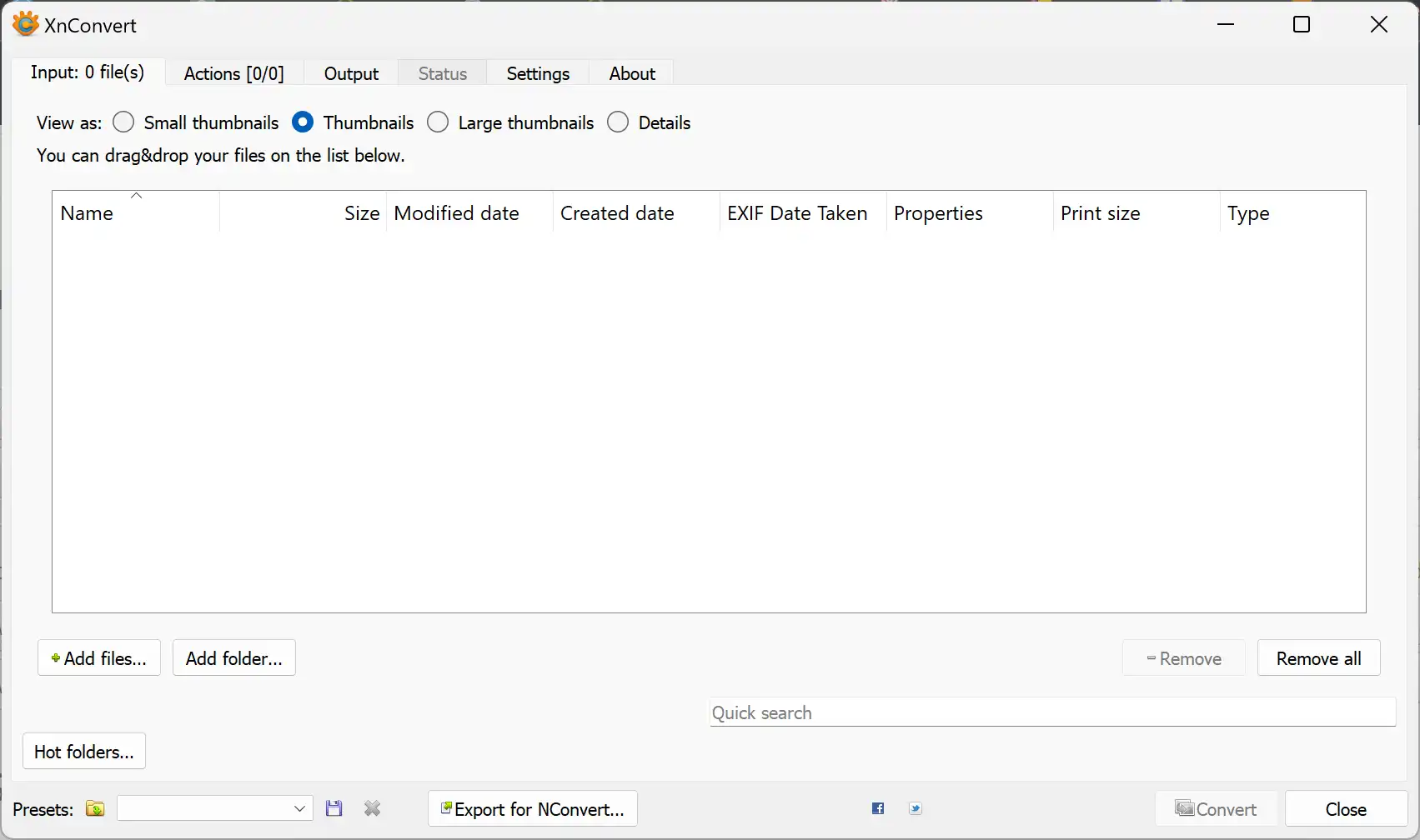
Why XnConvert?
XnConvert is a cross-platform batch image processing tool that offers over 80 powerful editing operations with support for more than 500 image formats. Ideal for photographers, designers, and content creators, it helps simplify repetitive tasks and streamline your workflow using automation and customizable presets.
Key Features
- Extensive Editing Tools: Crop, resize, rotate, adjust brightness and contrast, apply filters, add watermarks, and much more.
- Format Support: Import 500+ image formats and export to 70+ formats, including JPEG, PNG, TIFF, WebP, and HEIC.
- Batch Processing: Edit and convert thousands of images at once using a simple drag-and-drop interface.
- Watch Folders: Automatically detect and process new images in real-time from selected folders.
- Presets: Save and reuse your custom editing settings for faster, consistent results.
- Cross-Platform: Compatible with Windows, macOS, and Linux.
- Multilingual Interface: Available in over 20 languages for global accessibility.
Download XnConvert
You can download XnConvert directly from its official website.
Conclusion
With XnConvert, editing and converting images no longer have to be tedious or time-consuming. This intuitive software allows you to automate your photo editing workflow and save valuable time. Whether you’re a professional photographer, a graphic designer, or someone who simply enjoys working with images, XnConvert gives you the flexibility and power to edit in bulk with ease.
In this gearupwindows guide, we’ve explored how XnConvert can simplify your photo editing process. If you regularly work with WebP files, check out our guides on the WebP Converter and the Vovsoft WebP Converter for seamless format transitions.