

In this gearupwindows guide, we’ll show you 8 of the best free Windows 11/10 themes from the Microsoft Store that can refresh your desktop with ease. Whether you prefer cozy winter pets, scenic landscapes, or minimalist art, these handpicked themes deliver vibrant customization for every mood.
How to Install Themes from the Microsoft Store?
Installing themes from the Microsoft Store is quick and easy. Simply click on the Download link provided below each theme. It will open the theme’s page in the Microsoft Store app. Click on the Get button, and Windows will automatically download and apply the theme. You can also manage or switch themes anytime by navigating to Settings > Personalization > Themes.
Download Free Windows Themes
1. Rain in the City

This theme captures the beauty of rainy city streets. One standout wallpaper features raindrops on a window with diffused lights in the background. It’s ideal for users who love calm and nostalgic visuals.
2. Springtime Art

This colorful set of 18 wallpapers blends nature with artistic charm. Cherry blossoms, a shrine, and Mount Fuji make this a warm, serene choice for any Windows user.
3. Architectural Structures PREMIUM

This minimalist theme showcases 10 images of striking modern architecture. It’s ideal for users who prefer colorful geometry and clean lines in their desktop aesthetics.
Download Architectural Structures
4. Cats Everywhere

This fun theme includes 10 cat wallpapers full of personality and charm. Whether it’s a sleepy ginger tabby or a curious kitten, it adds joy to every glance at your desktop.
5. Dogs in Winter

This cozy collection includes 15 heartwarming wallpapers of dogs in snowy settings. It’s a perfect winter theme that brings smiles and warmth, whether or not you have a pet.
6. Glorious Blue

If blue is your favorite color, this is your theme. With 15 wallpapers featuring icy skies, birds, and abstract blue tones, it’s calming and inspiring for daily use.
7. World National Parks

Enjoy the natural wonders of the world right from your desktop. With 18 wallpapers from India, Chile, Canada, and more, this theme is a visual retreat into global landscapes.
8. Stunning Cityscapes
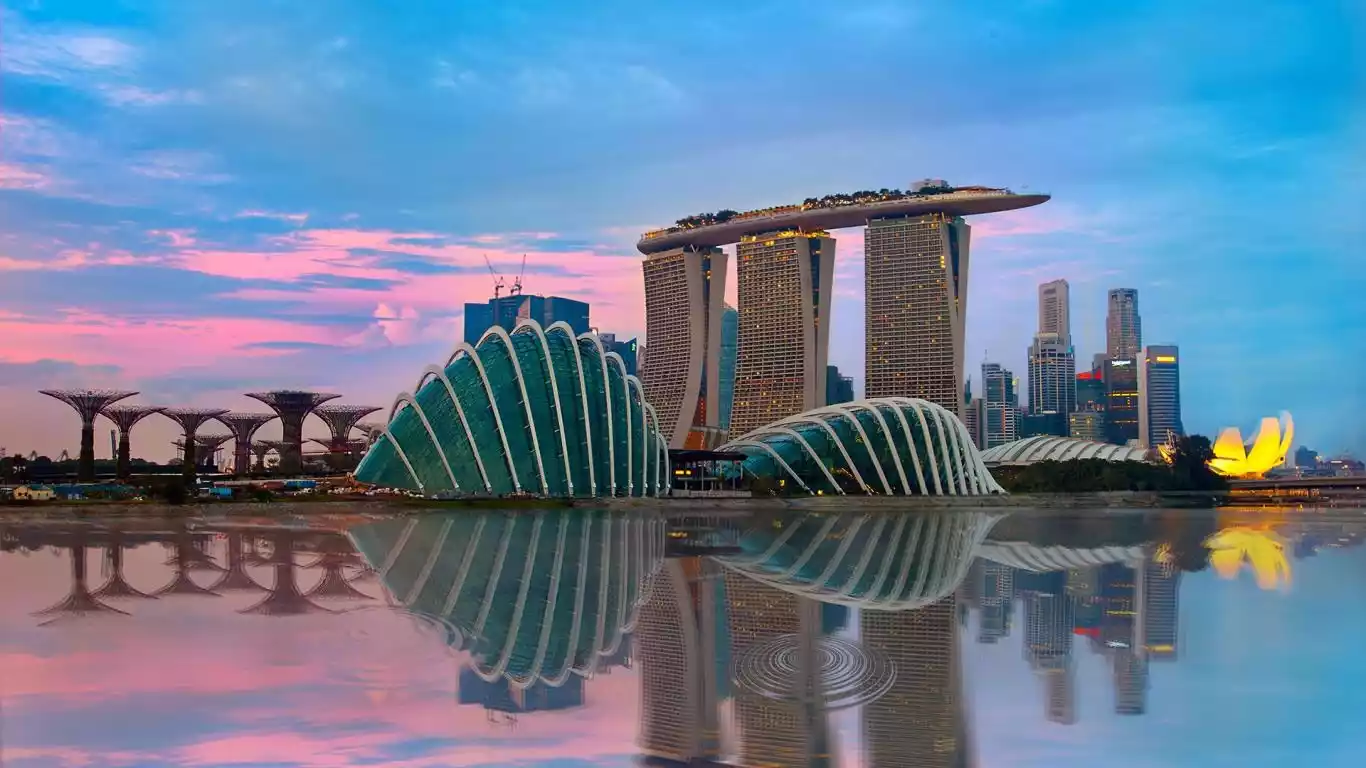
This compact theme includes 9 breathtaking shots from Perth, Dubai, and Sydney Harbor. Perfect for users who love urban skylines and architectural photography.
If you love customizing your PC, don’t miss our other collections of 4K Windows themes, dark mode themes, and top free themes for Windows 11/10. All are handpicked and easy to install from the Microsoft Store.
Conclusion
Personalizing your Windows 11 or 10 desktop has never been easier. These 8 free themes from the Microsoft Store offer beauty, emotion, and vibrancy to your digital workspace. Whether you prefer pets, city skylines, nature, or modern architecture, there’s a perfect pick waiting for you.