

This freeware tool lets you capture, edit, upload, and share screen captures of your desktop. Ashampoo Snap Free captures any screen content on Windows as screenshots.
Why Ashampoo Snap Free?
A picture is worth a thousand words, provided it is well-made, edited, and commented upon. With Ashampoo Snap Free, you can easily take screenshots of web pages, videos, images, and texts. With the smart multi-purpose recording tool, rectangular selections can be captured as easily as scrolling through websites.
Additionally, Snap FREE supports fixed and freehand selections, as well as timer and interval recordings, e.g., for recording a multi-step process. Multiple connected displays can also be captured as a single screenshot, and printing is supported.
In addition to basic image editing functions such as cropping, scaling, and rotating, the built-in editor comes with numerous tools for annotating and highlighting individual image portions, such as text, comments, markers, and arrows. Ashampoo Webspace and email are easy ways to share results, but they can also be sent to other installed applications at the click of a button.
Ashampoo Snap FREE supports printing as well. For instant feature access, you can operate it with the “magic eye” (a floating toolbar near the top edge of the screen), the system tray icon, or with keyboard shortcuts. It is light on system resources and unobtrusive.
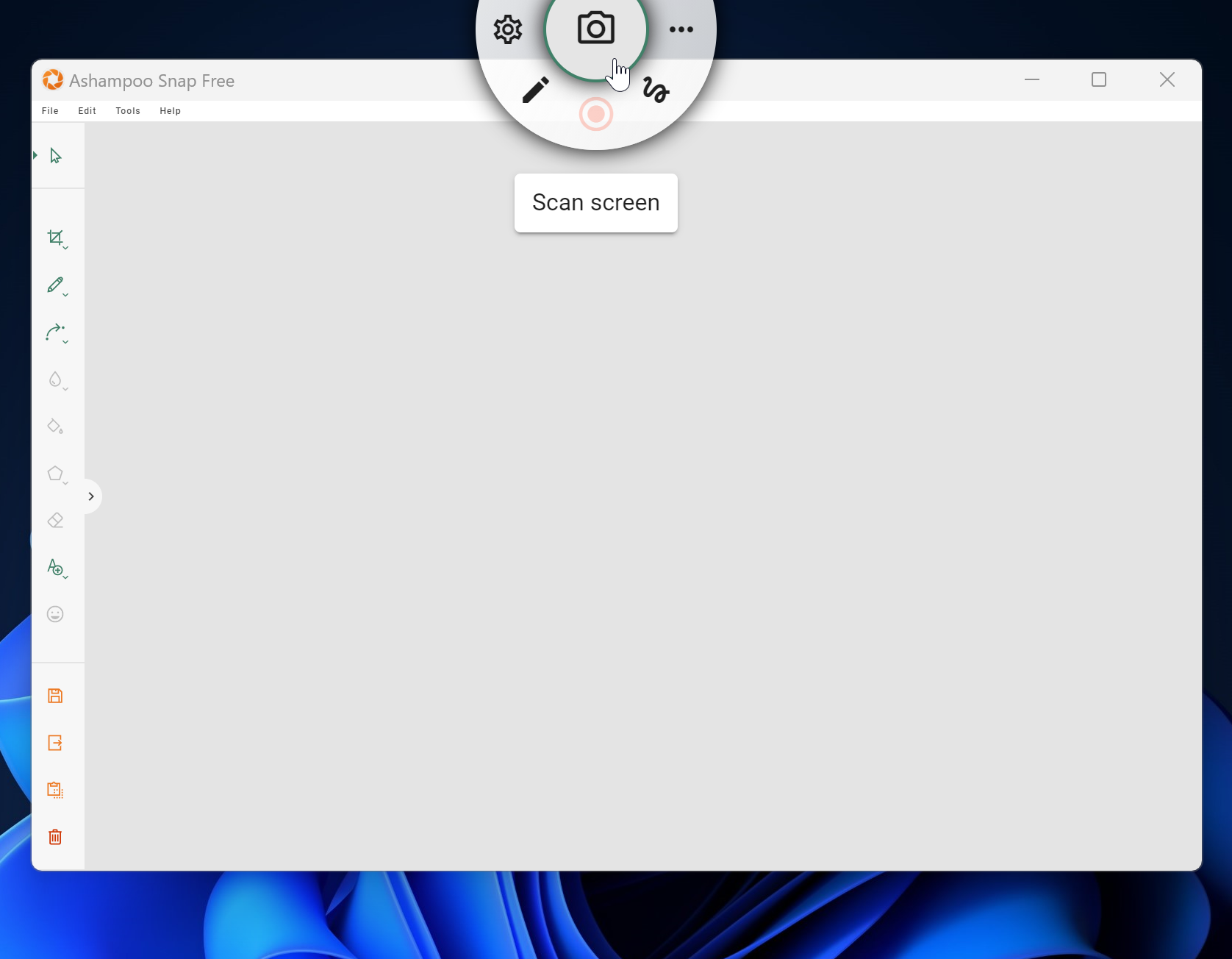
Key Features
- Capture screenshots.
- Multi-purpose capture tool for rectangular areas, entire and scrollable websites.
- Capture fixed-size and freehand selections.
- Capture multiple screens as a single screenshot.
- Print screen.
- Built-in screenshot editor.
- Crop, scale, and rotate images.
- Add straight and curved arrows.
- Add texts and comments.
- Extract screen colors.
- Supports JPEG, PDF, PNG, and PSD formats.
If you want more features than what the Snipping Tool provides in Windows 11/10, we recommend using Ashampoo Snap. The application is compatible with Windows 11 and 10 and works without any issues.
Download Ashampoo Snap Free
If you need it, you can download it from here.
Conclusion
Ashampoo Snap Free stands out as a powerful and user-friendly screen capture tool for Windows 11 and 10. It offers more than just basic screenshots — with features like scrolling capture, multi-monitor support, and precise area selection, it caters to both beginners and advanced users.
The built-in editor makes it easy to annotate, highlight, blur, or crop your screenshots right after capture. You can also quickly share images via email or upload them to Ashampoo Webspace, saving valuable time in your workflow.
If you’re searching for a reliable, free alternative to premium screen capture tools, Ashampoo Snap Free delivers impressive functionality without the cost. It’s a must-try for anyone who frequently works with screen captures.