

Duplicate files silently eat away at your storage space, slow down searches, and make file management confusing. From downloaded movies saved twice to multiple copies of the same document, these unnecessary files clutter your PC. Thankfully, several free duplicate file finders help you scan, detect, and remove duplicates safely. In this guide, we’ll look at the best free options available today for Windows users.
Ashampoo Duplicate File Finder

Ashampoo Duplicate File Finder is a clean and user-friendly freeware tool that makes managing duplicate files easy. It scans your drives quickly and presents duplicate results in an organized way, letting you delete or move them with confidence. For beginners, its guided interface ensures you don’t accidentally remove important files. It also integrates neatly with other Windows tools, making it a good choice if you want a straightforward, no-hassle duplicate cleaner.
CCleaner Free
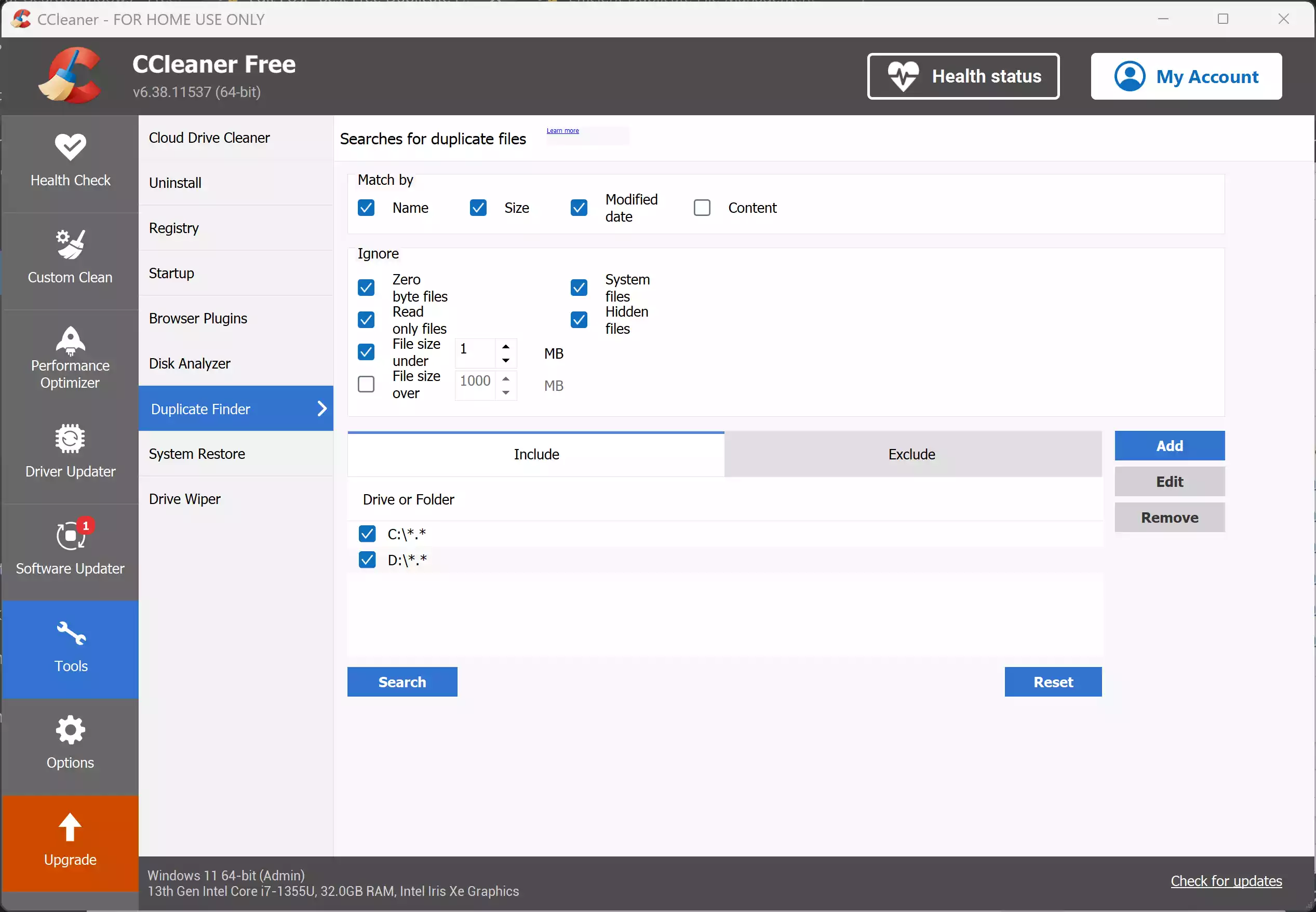
Most people know CCleaner for cleaning junk files and optimizing PCs, but the free edition of CCleaner also includes a duplicate file finder. You can choose to scan specific folders or entire drives, filter by file name, size, or content, and review matches before deleting. Since many already use CCleaner to remove temp files and browser clutter, its duplicate finder is a handy extra feature built right in. Combined with its optimization tools, it’s an excellent all-in-one choice for home users.
Auslogics Duplicate File Finder
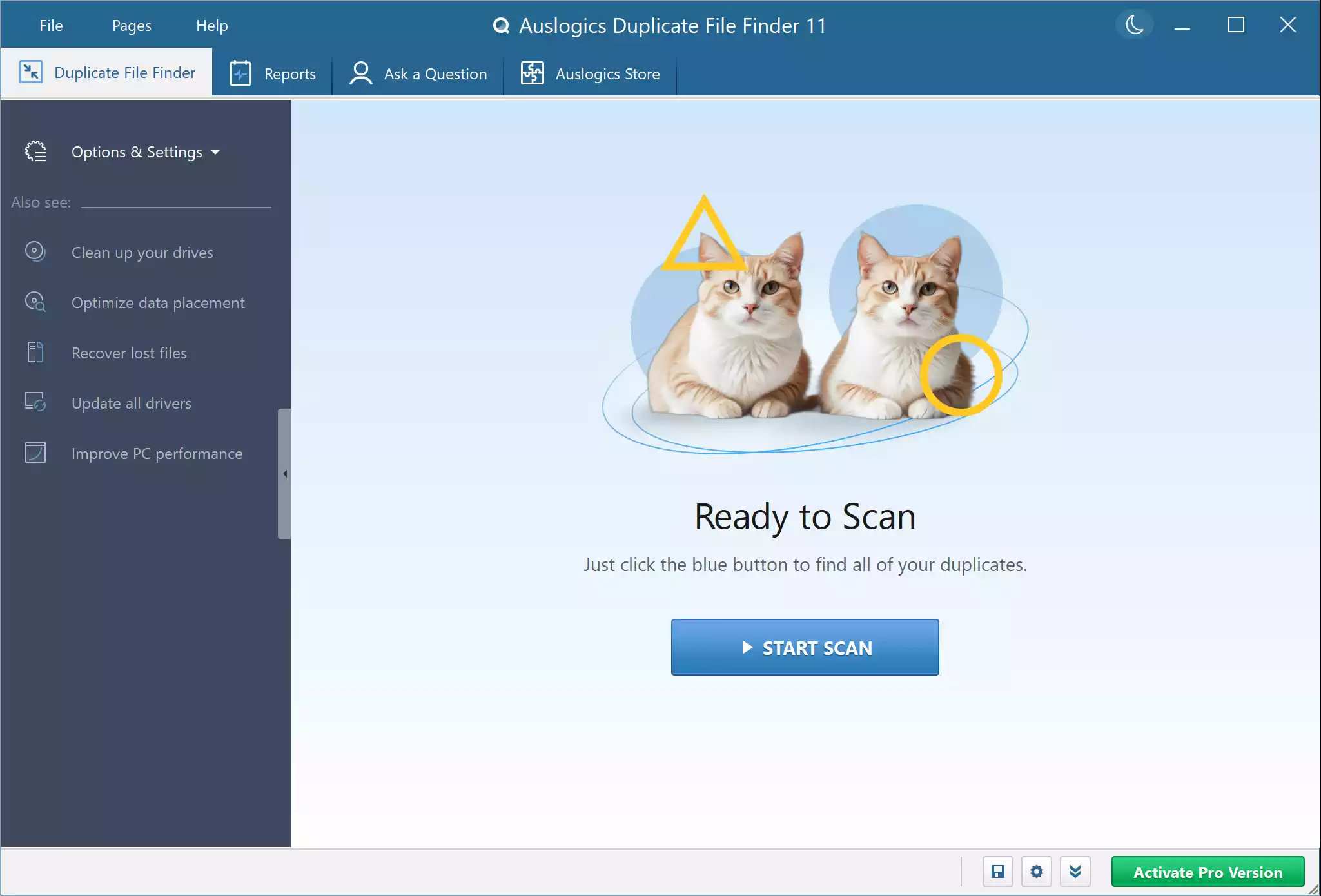
Another highly rated freeware tool is Auslogics Duplicate File Finder. It uses smart algorithms to compare not just file names, but also file content, which ensures accurate detection. You can filter results by file type, which is useful if you only want to clean duplicate photos, videos, or documents. Its preview option also helps you double-check before deleting anything. Auslogics is lightweight, simple to use, and recommended if you want a focused duplicate finder without extra bloat.
dupeGuru
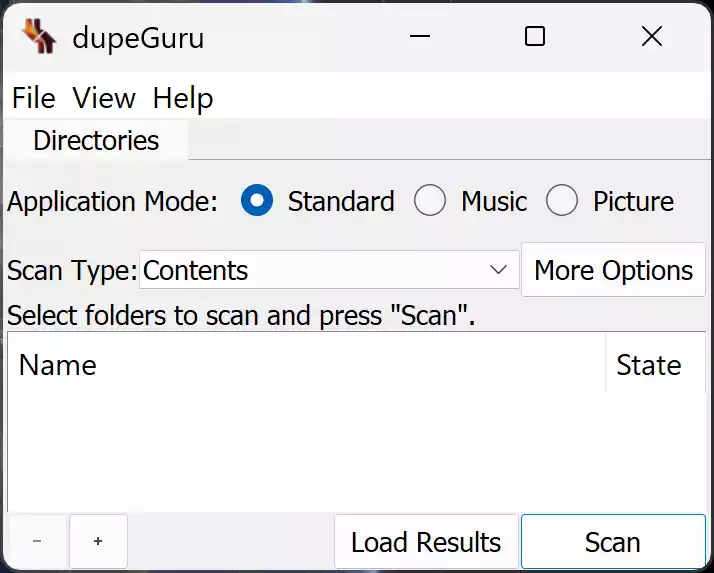
dupeGuru is a free, open-source duplicate file finder available for Windows, Mac, and Linux. It stands out because it can identify duplicates based on filename similarities as well as actual file content. For music lovers, dupeGuru has a special mode to detect duplicate audio files by metadata tags, making it perfect for cleaning large MP3 collections. The interface may look basic compared to polished commercial tools, but its accuracy and reliability are top-notch.
AllDup

AllDup is another powerful freeware option with an impressive set of features. It supports scanning files by name, size, extension, and even inside archives. It also has advanced search filters, batch operations, and detailed reports of found duplicates. For advanced users, AllDup offers one of the most customizable duplicate search options, but beginners can still use its default settings to remove duplicate files safely. Its ability to scan deeply into multiple folders makes it one of the most comprehensive tools in this list.
Wise Duplicate Finder Free
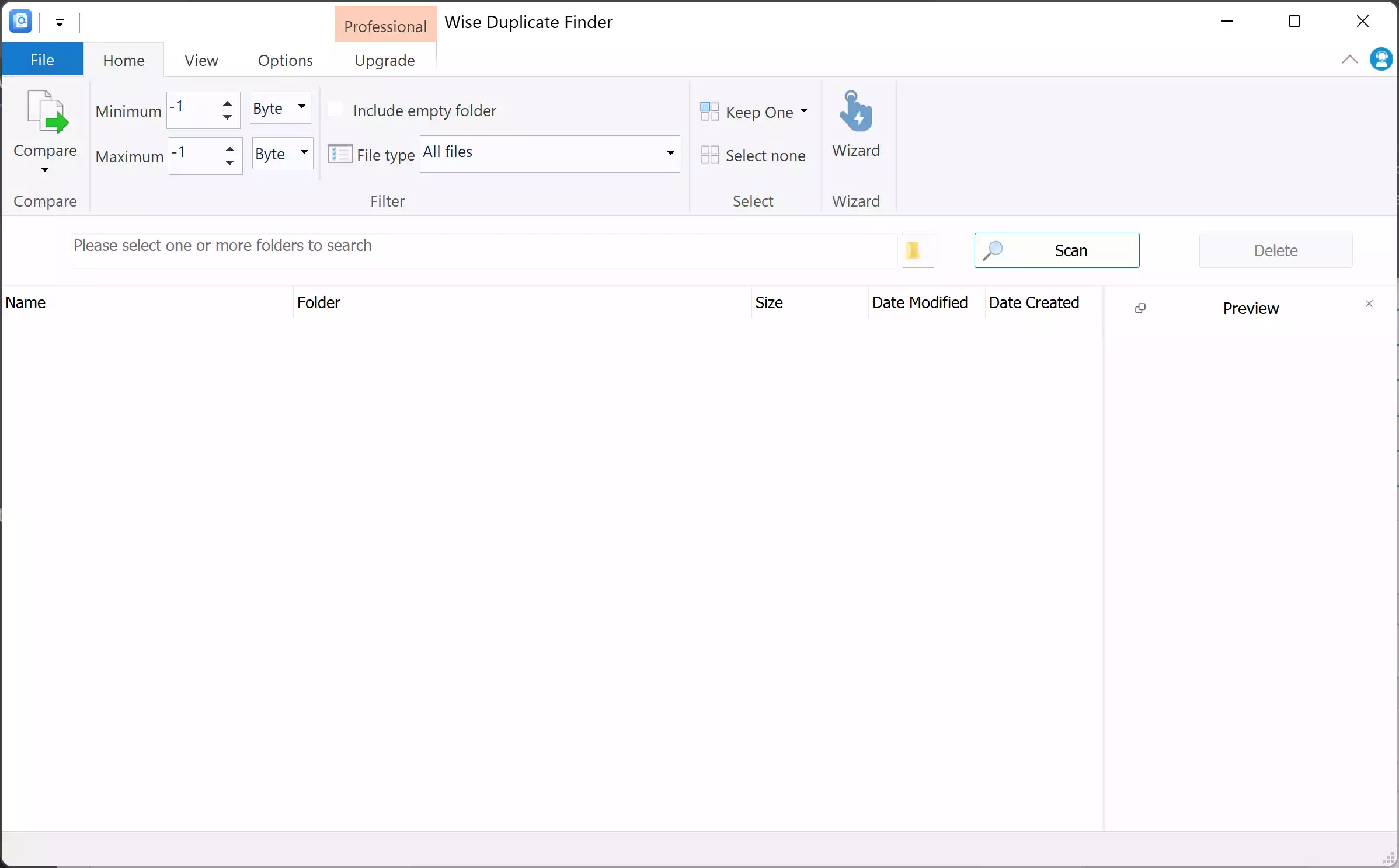
Wise Duplicate Finder comes in both free and paid versions, but the free edition already covers the basics well. It can find duplicates by file size, name, or exact match, and its clean interface makes it easy to navigate. One highlight is its ability to detect empty files, which are often left behind by incomplete downloads or program crashes. If you’re already using Wise Care 365 for system optimization, this duplicate finder complements it nicely as part of the Wise ecosystem.
SearchMyFiles (NirSoft)

SearchMyFiles is a portable tool from NirSoft that comes with a dedicated “Duplicate Search” mode. It allows you to scan with advanced filters like size, date, or attributes and generates detailed reports. Since it’s portable, you don’t need to install it, making it a safe choice for quick scans without adding extra software to your system.
Fast Duplicate File Finder (Free Edition)
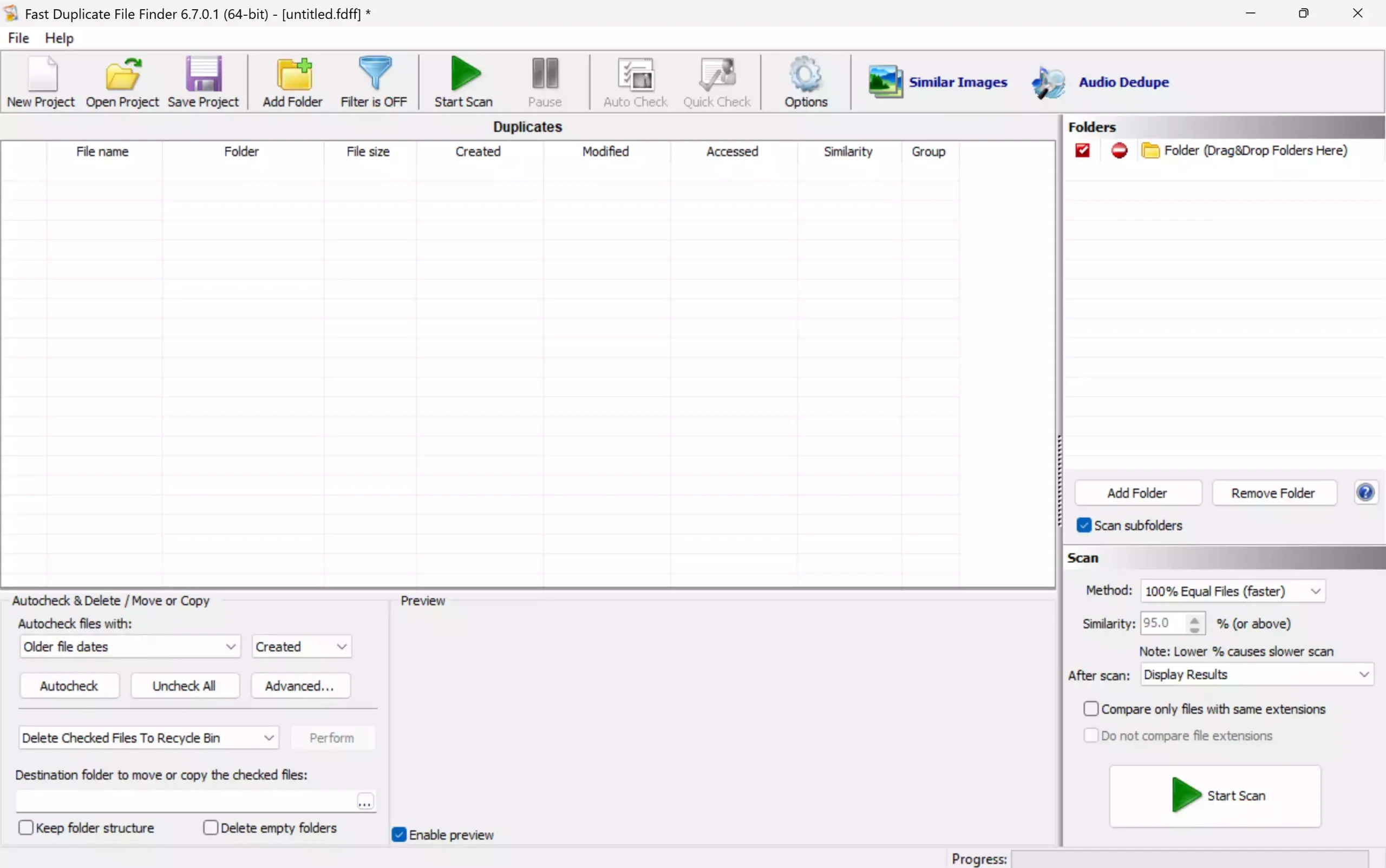
Fast Duplicate File Finder (Free Edition) specializes in finding 100% identical files quickly. It’s lightweight and efficient, ideal if you want a no-frills solution for scanning exact duplicates without complex configurations.
Czkawka
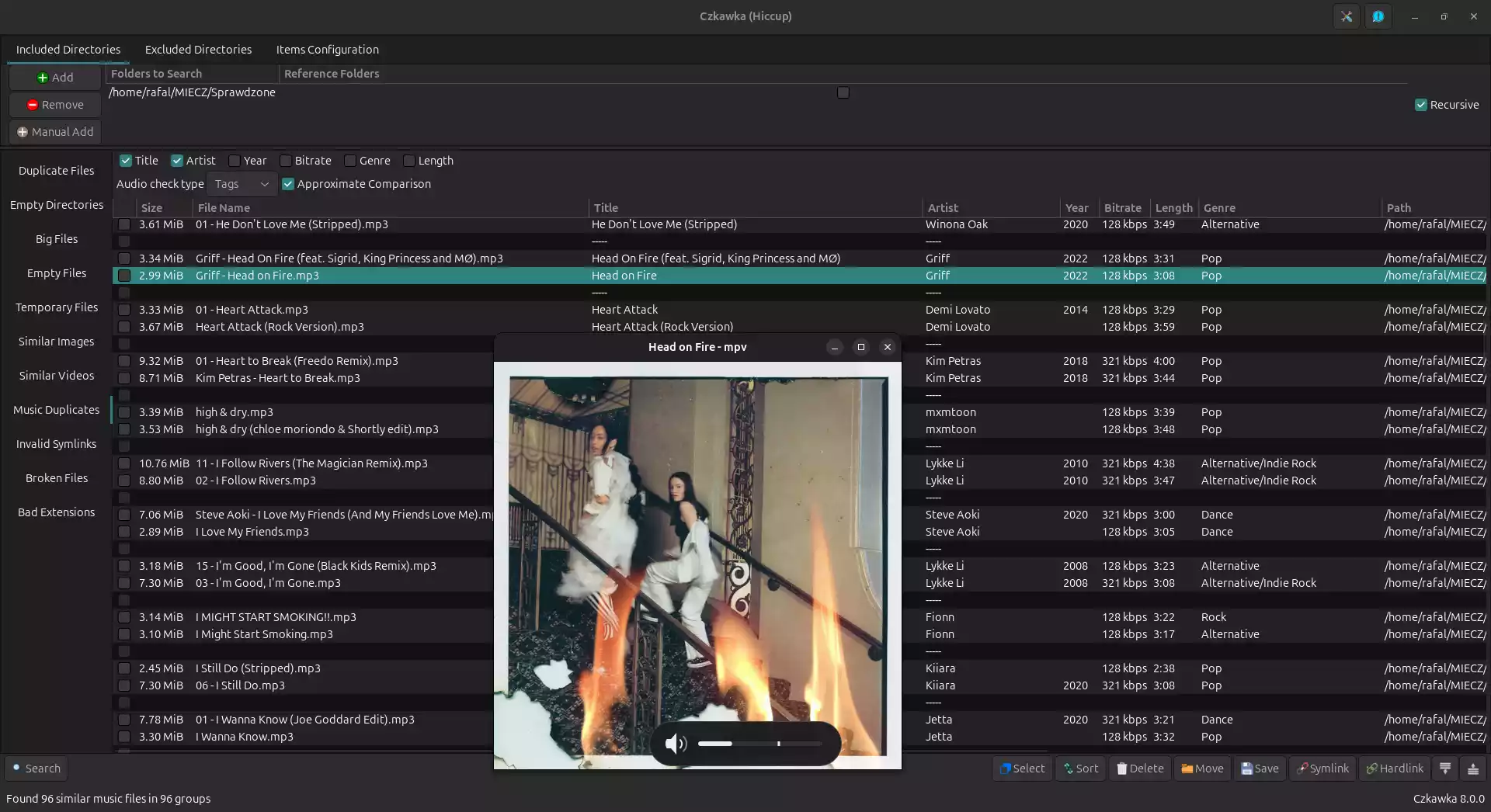
Czkawka is a modern, open-source duplicate file finder written in Rust that delivers exceptional speed and accuracy. It supports exact hash-based matching, similar image detection, and duplicate music scanning using metadata tags, making it a versatile option for handling large collections of photos, videos, and songs. The interface is clean and straightforward, and since it’s actively developed, it continues to receive performance improvements. Some antivirus programs may flag it because it is unsigned freeware, but it is safe to use if downloaded directly from its official GitHub page.
Advanced Uninstaller Pro
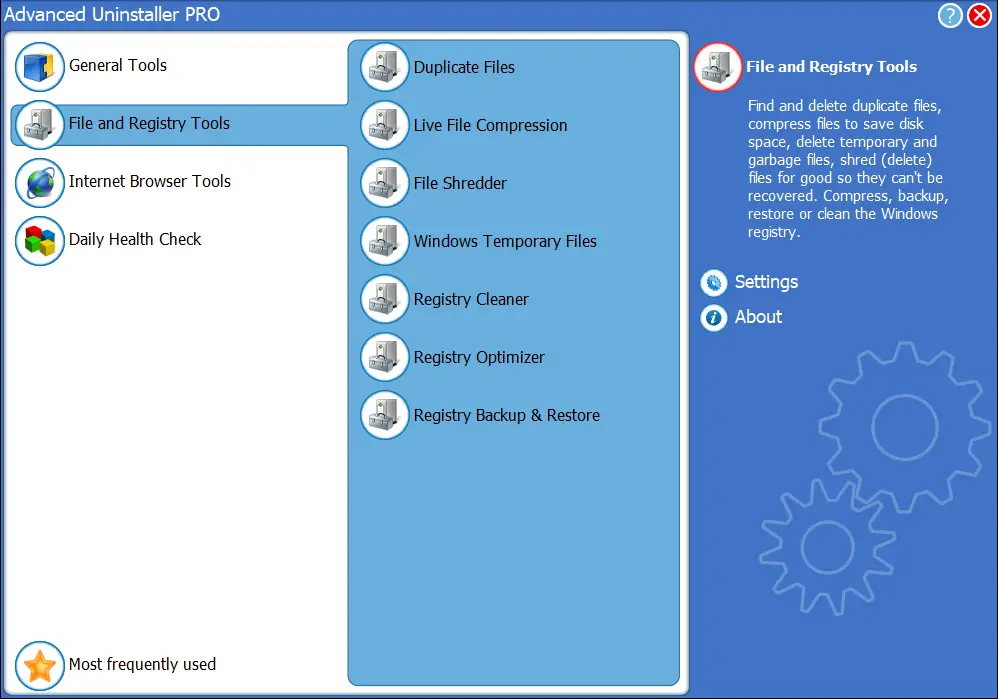
Advanced Uninstaller Pro is primarily known as an uninstaller and privacy tool, but it also includes a duplicate file finder. This makes it a versatile all-in-one solution for users who want to remove programs, clean leftovers, and reclaim space from duplicate files using one package.
Puran Utilities
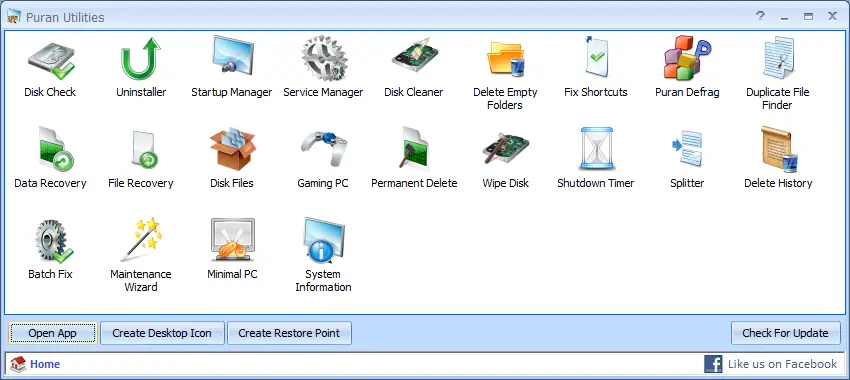
Puran Utilities is a full optimization suite that bundles over 20 free tools, including a duplicate file finder. Its duplicate finder is fast and accurate, letting you select drives or folders and remove unnecessary copies. Since it’s part of a larger toolkit, you also get access to disk cleaning, file recovery, and system maintenance utilities.
Glary Utilities
Glary Utilities is one of the most popular all-in-one optimization tools for Windows. Alongside cleaning, repair, and privacy modules, it features a duplicate file finder to help you clear clutter quickly. If you want a single program that takes care of multiple maintenance tasks, Glary Utilities is an excellent freeware option.
When Free Duplicate File Finders Can Help You
These tools are especially useful if you manage large media libraries, work with big project files, or frequently download from the internet. Duplicate finders can help you reclaim gigabytes of wasted storage space, organize your files better, and even improve system performance. Paired with free PC optimization tools, they can give your computer a noticeable speed boost without spending a penny.
Safe Use Tips for Beginners
Always review detected duplicates before deletion, as system files or personal edits could be mistakenly flagged. It’s a good idea to create a backup or use the “move to folder” option instead of immediate deletion. Stick with well-known freeware tools like the ones listed here to avoid hidden bloatware or malware. By taking a careful approach, you can clean your PC safely and effectively.
Frequently Asked Questions About Duplicate File Finders
Are duplicate file finders safe to use?
Yes, if you use reputable freeware like Ashampoo, CCleaner, or dupeGuru. Always double-check results before deleting to avoid removing important files.
Will removing duplicate files speed up my computer?
Deleting duplicates mainly frees storage space. While it won’t directly boost CPU performance, it can make searches faster and give you more free space for smooth operation.
Can I undo deletions if I make a mistake?
Some tools, like Wise Duplicate Finder, offer a restore feature. Otherwise, moving duplicates to a separate folder before deletion is a safer approach.
Which tool is best for beginners?
Ashampoo Duplicate File Finder and CCleaner Free are easiest for beginners thanks to their clean interfaces and simple options.
Conclusion
Duplicate files are one of the most common sources of wasted disk space, but with the right free duplicate file finder, you can clean them up quickly. From the beginner-friendly Ashampoo and CCleaner to the powerful and advanced AllDup and dupeGuru, there’s a free solution for every user type. Combined with other free system maintenance tools, these apps will help keep your Windows PC clean, organized, and efficient without costing a rupee.