

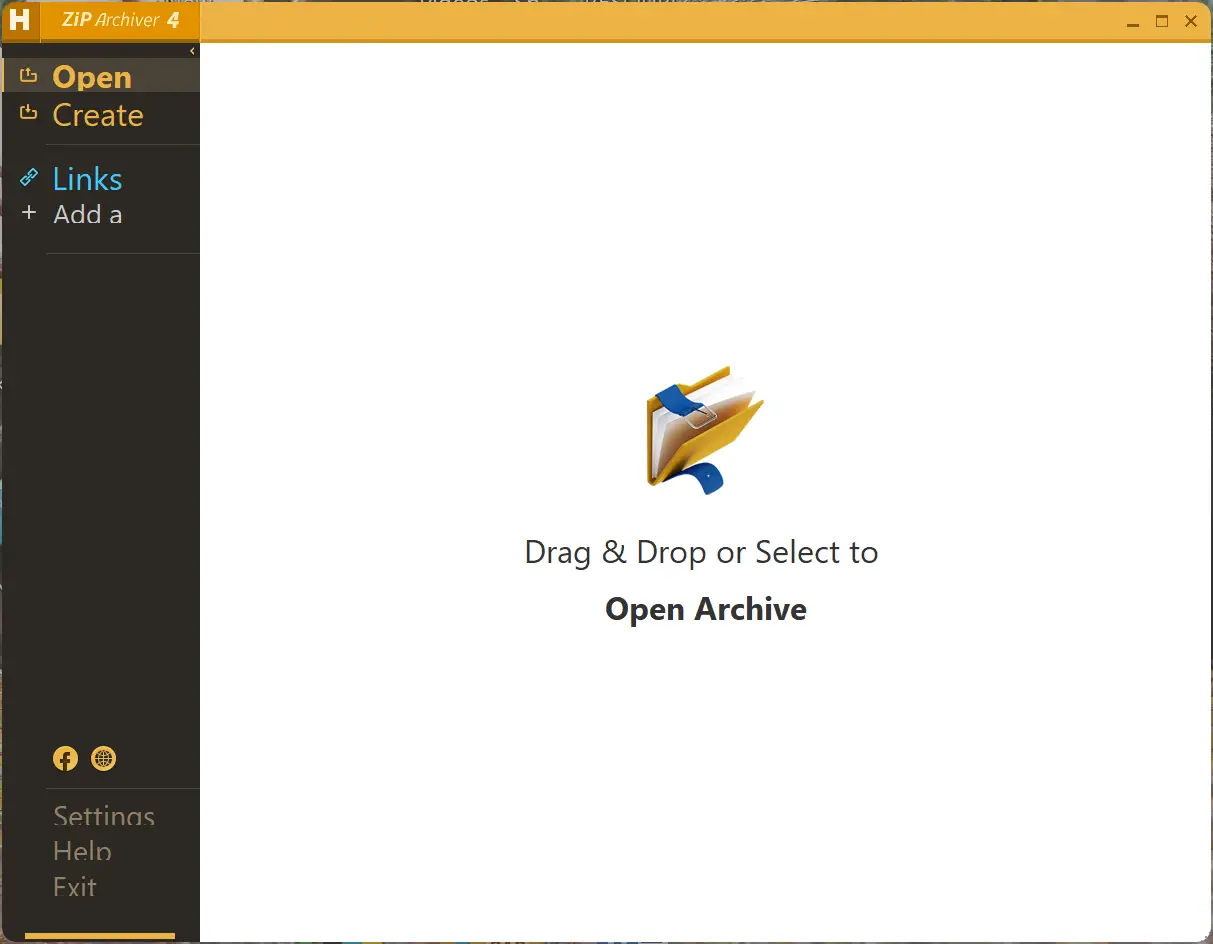
If you’re looking for a fast and easy way to compress or extract files on Windows, Hamster Zip Archiver is a lightweight and free archiving tool worth trying. With its clean design, drag-and-drop support, and reliable performance, it simplifies handling ZIP, RAR, 7Z, and other archive formats without technical complexity.
Whether you’re backing up personal data or sharing large files online, Hamster Zip Archiver makes compression and extraction straightforward. You can even create password-protected or self-extracting archives with just a few clicks. For those who prefer open-source tools, 7-Zip remains a strong alternative known for its high compression ratio and AES-256 encryption.
Why Choose Hamster Zip Archiver?
Hamster Zip Archiver combines simplicity with flexibility. It supports a wide range of archive types and integrates neatly with Windows Explorer, allowing you to right-click any file or folder and compress it instantly. The software also includes smart optimization for faster compression, a modern interface, and multi-volume support for large archives.
If you want a similarly sleek archiver with modern encryption, Zipware is another excellent freeware that works great for everyday file management and secure sharing.
Key Features
- User-friendly interface: A simple, intuitive design that supports drag-and-drop compression and extraction. The multilingual interface makes it accessible globally.
- Multiple format support: Works with all popular archive types, including ZIP, RAR, 7Z, TAR, and GZIP. It can also create self-extracting archives for easy distribution.
- Fast compression and extraction: Optimized for speed and efficiency, Hamster Zip Archiver compresses large files quickly without affecting quality.
- AES-256 encryption: Provides password protection and strong encryption for sensitive files before sharing them online.
- Windows Explorer integration: Adds a context menu shortcut for one-click compression and extraction actions directly from your desktop or File Explorer.
- Custom compression options: Adjust the compression level, choose output formats, and split archives into parts for easier upload or storage.
- Completely free: Available for both personal and commercial use — no ads, no subscription, no limitations.
When to Use Hamster Zip Archiver
Hamster Zip Archiver is ideal for users who need an efficient yet visually appealing compression utility. Whether you’re preparing files for email, cloud storage, or transfer to external drives, it simplifies the process without compromising speed or security. Its ability to create split archives makes it perfect for large projects or multi-gigabyte backups.
If you frequently manage compressed folders, you can also explore Bandizip and PeaZip, both excellent free alternatives with robust format support and advanced features.
Pros
- Clean, beginner-friendly interface with drag-and-drop support.
- Fast compression and extraction speeds.
- Supports all major archive formats.
- Includes AES-256 encryption and password protection.
- Integrates directly with Windows Explorer.
- Free for personal and commercial use.
Considerations
- Not open-source; fewer updates than tools like 7-Zip or PeaZip.
- Limited customization for advanced compression profiles.
- Only available on Windows.
Download Hamster Zip Archiver
You can download Hamster Zip Archiver from its official website. Installation is quick, and the app integrates automatically with Windows Explorer after setup.
Frequently Asked Questions (FAQs)
Q. Is Hamster Zip Archiver free?
Yes, Hamster Zip Archiver is completely free for both personal and commercial use. There are no premium tiers or hidden charges.
Q. Can it open RAR and 7Z files?
Yes, it supports all major archive formats, including RAR, ZIP, 7Z, TAR, and GZIP, for both compression and extraction.
Q. Does it offer strong encryption?
Yes, Hamster Zip Archiver supports AES-256 encryption with password protection to keep your files secure.
Q. Can I split large archives into smaller parts?
Yes, it can automatically create multi-part archives, perfect for large files that need to be uploaded or transferred in smaller segments.
Q. What are good alternatives to Hamster Zip Archiver?
Some great alternatives include 7-Zip, Zipware, Bandizip, PeaZip, and Ashampoo ZIP Free.
Conclusion
Hamster Zip Archiver is a polished and reliable compression utility for Windows users who value simplicity, speed, and style. It delivers everything you need for managing archives — from basic extraction to encrypted, multi-part backups — all in a lightweight, user-friendly package. Whether you’re organizing files, securing sensitive data, or sharing large folders online, Hamster Zip Archiver makes the job quick and effortless.