

In a world where office productivity software is often associated with hefty price tags and proprietary licensing, Rizonesoft Office emerges as a beacon for businesses, students, and everyday users who want a capable, free office suite without compromises. It brings together a friendly word processor, a practical spreadsheet tool, a clean PDF viewer, and a flexible report designer—enough to handle day-to-day work on Windows 11/10 without paying a subscription.
What is Rizonesoft Office?
Rizonesoft Office is a free, open-source suite for Windows that combines four apps: Verbum (documents), Evaluate (spreadsheets), Scholar (PDF viewer), and Imagine (report designer). It focuses on a clean interface, quick startup, and practical features you can use immediately—ideal for beginners and small teams that need essential tools that just work.
Why Would a Beginner Use Rizonesoft Office?
Beginners often need something simple, safe, and familiar. Rizonesoft Office sticks to the basics you use every day—typing, formatting, totals and charts, and reading PDFs—so you can get work done fast. It’s also great for offline use, which means your files stay on your PC. If you’re exploring alternatives, you can also read about other free suites such as LibreOffice or Ashampoo Office Free to see which workflow suits you best.
Main Features of Rizonesoft Office
Verbum: The Powerful Word Processor
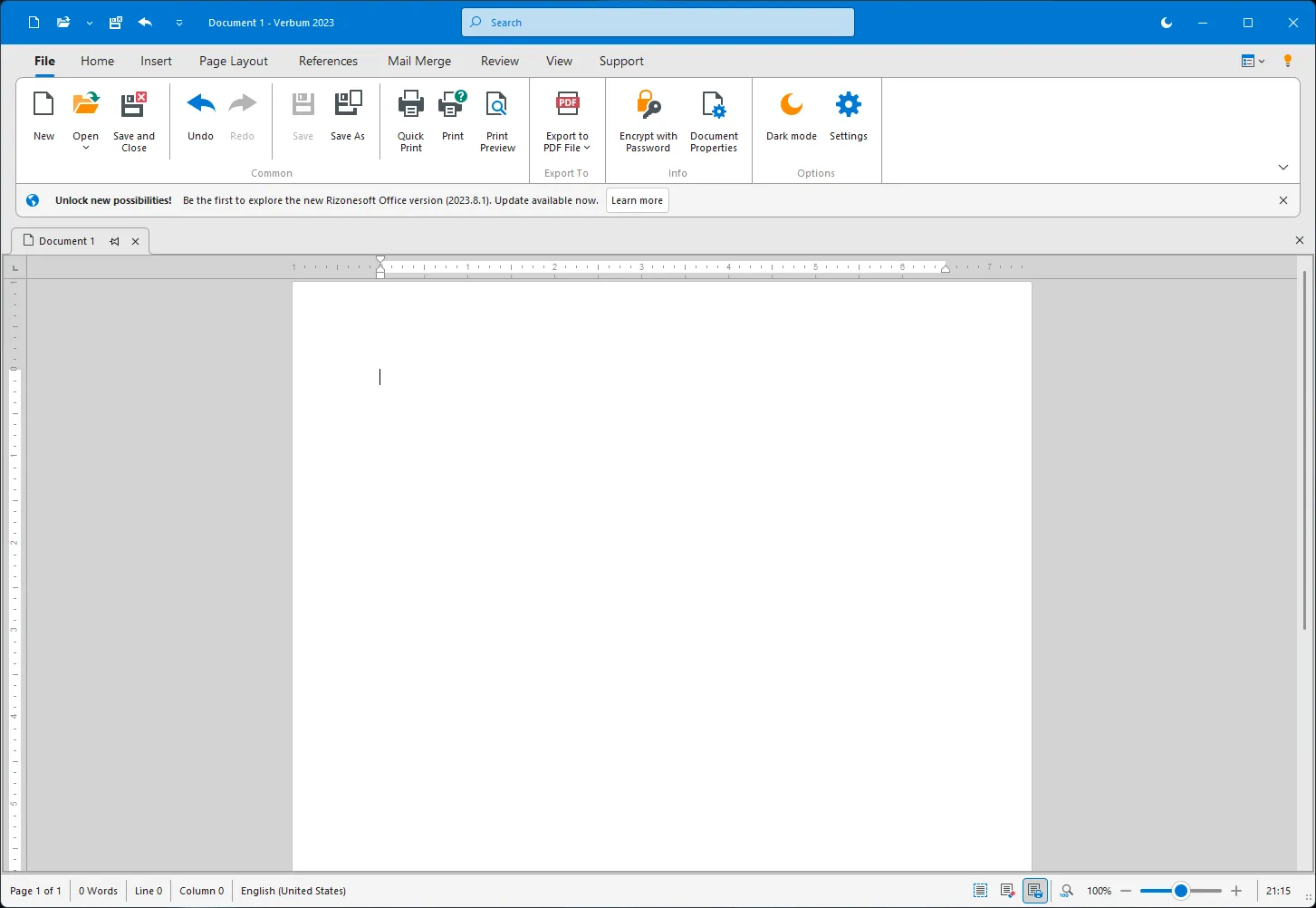
Verbum provides a flexible, intuitive space to draft letters, reports, and notes. You can format text, apply headings, insert images and tables, and export/share your work. It’s designed to feel straightforward for new users while still handling everyday document tasks comfortably.
Evaluate: The Versatile Spreadsheet Program
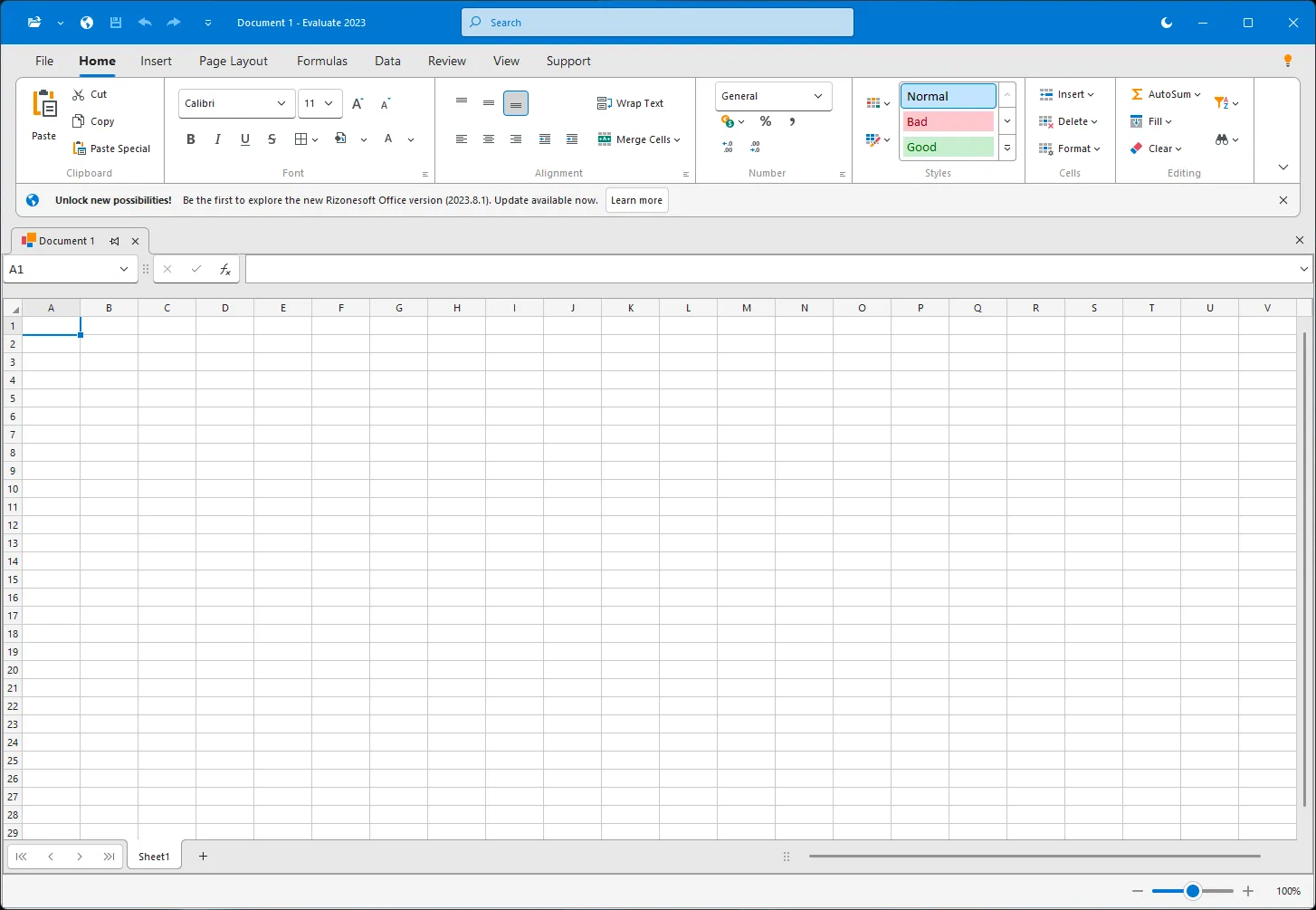
Evaluate handles lists, budgets, and analysis with familiar functions, formulas, and cell formatting. Create quick charts to visualize trends and totals, keep tabs on expenses, or organize team data in a way that’s easy to share and update.
Scholar: The Intuitive PDF Viewer
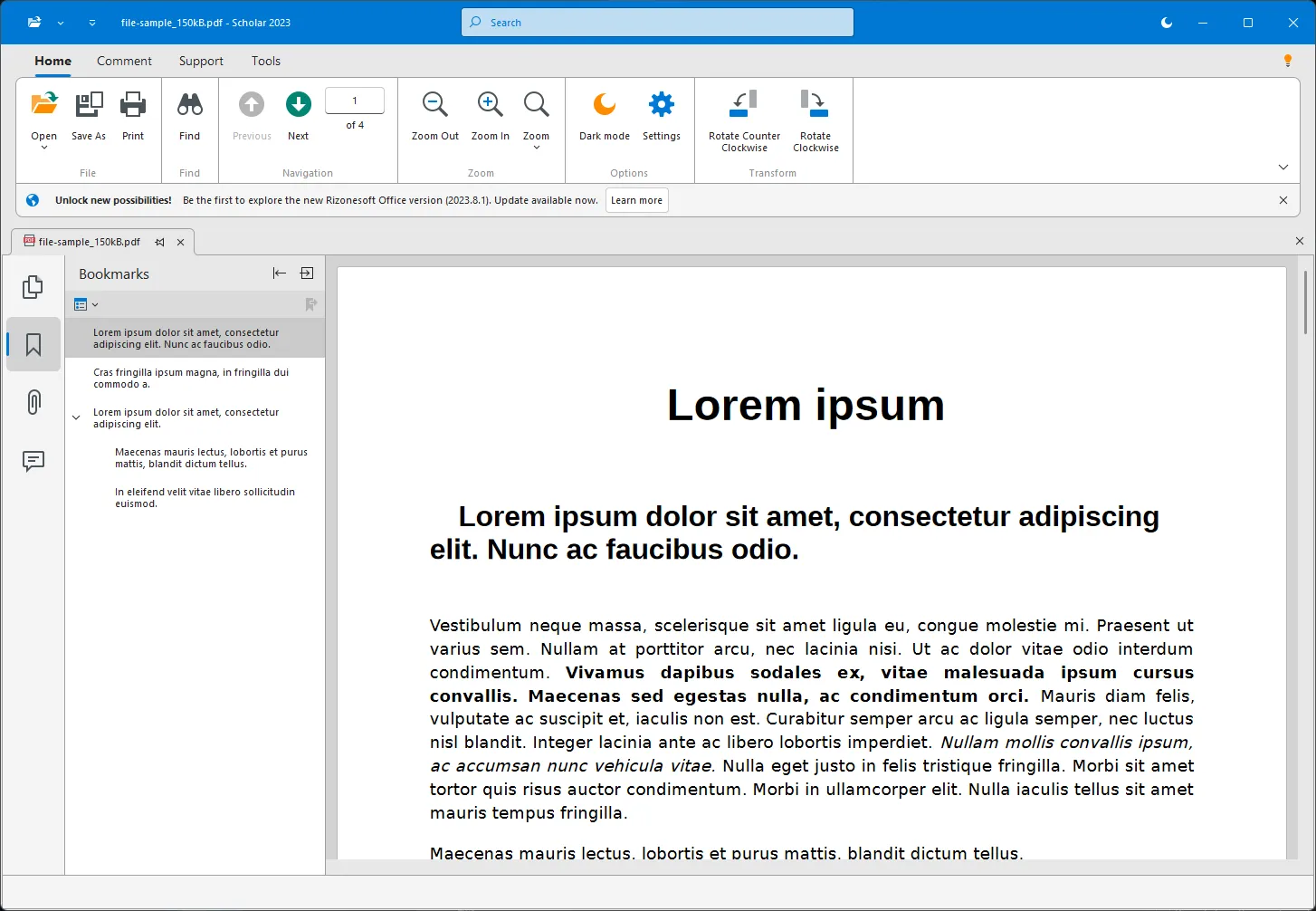
Scholar focuses on smooth reading, zooming, rotating, and searching through PDFs. For heavier PDF work (merge, split, compress, add numbers, etc.), pair Rizonesoft Office with trusted freeware like PDF24 Creator or PDFTK Builder that we’ve covered separately.
Imagine: The Report Designer
Imagine helps you build professional-looking reports. Use a drag-and-drop layout, feed data from various sources, add visuals, and export to common formats like PDF or Excel for distribution.
Basic Interoperability
Rizonesoft Office aims to work with popular document formats so you can exchange files with colleagues using other suites. As with any office alternative, always test mission-critical files, especially those with complex formatting or macros.
How to Use Rizonesoft Office
Short, beginner-friendly walkthrough
Step 1. Download and install Rizonesoft Office using the link in the Download section below. Launch the suite from the Start menu.
Step 2. Create your first document in Verbum. Type a title, add headings, and insert a table or image. Use “Save As” to keep a copy in a common format on your PC.
Step 3. Open Evaluate for a budget or list. Enter a few values, try =SUM() for a total, and insert a chart to visualize results.
Step 4. Use Scholar to read or search a PDF. If you need to modify PDFs (merge/split or add page numbers), pair your workflow with PDF24 Creator or PDFTK Builder.
Step 5. Try Imagine to design a simple report. Drag in fields, add a chart, and export to PDF for sharing.
Pros and Considerations
- Free & Open-Source: No subscription, community-driven development.
- Beginner-Friendly: Clean tools that focus on what most people actually use.
- Offline First: Work locally; your documents stay on your PC.
- Practical Pairing: For advanced PDFs or extras, combine with proven freeware like PDF24 Creator.
- Considerations: Complex Office documents (heavy macros, intricate templates) may need testing; the feature set continues to evolve.
Safe Use Tips for Beginners
- Keep backups. Save important files in more than one place (local + cloud or USB).
- Use common formats. When sharing, export to widely used types (for example, PDF for read-only, common document formats for editing).
- Protect sensitive PDFs. If you need password protection, see our guides and tools like PDFTK Builder or the how-to using PDF24 in this tutorial.
- Test shared files. Before sending documents to clients, open them on another PC to check formatting.
When Rizonesoft Office Can Help You
- Startups & small businesses: Draft proposals, invoices, and simple spreadsheets without subscription costs.
- Students: Take notes, manage budgets, and export assignments to PDF.
- Home users: Track expenses, write letters, and read manuals or e-books in PDF.
- Teams on mixed software: Exchange basic files with colleagues using other suites; export to PDF when in doubt.
Download Rizonesoft Office
You can download Rizonesoft Office from the official page: rizonesoft.com/downloads/rizonesoft-office/
Frequently Asked Questions About Rizonesoft Office
Is Rizonesoft Office really free?
Yes. It’s a free and open-source suite you can use on Windows without paying for a license or subscription.
Can it replace Microsoft Office for me?
For everyday writing, lists, and PDF reading, many users will be comfortable in Rizonesoft Office. If your work depends on advanced Microsoft Office features, test your key files first and consider keeping Office for those specialized cases.
Does it work with my existing documents?
It aims for basic interoperability with popular formats. Simple files typically open fine; complex layouts or macros may require adjustments. Exporting to PDF is a reliable way to preserve layout when sharing.
How do I add page numbers, merge, or compress PDFs?
Pair the suite with trusted freeware. For example, use PDF24 Creator for an all-in-one PDF toolbox, or PDFTK Builder for quick numbering and protection.
Is there a learning curve?
It’s designed to be beginner-friendly. The clean layout in Verbum, Evaluate, and Scholar keeps the essentials up front so you can be productive right away.
Conclusion
Rizonesoft Office is a refreshing, free office suite that delivers the tools most Windows users need—documents, spreadsheets, PDFs, and reports—without the cost or complexity. If you want a reliable, open-source setup for everyday work, give it a try, and combine it with proven PDF freeware from our guides when you need extra power.