

In today’s threat landscape, a layered approach is essential. Your main antivirus handles everyday protection, but a free on-demand malware scanner adds a powerful second opinion for stubborn infections. That’s where Trellix Stinger (formerly McAfee Stinger) fits perfectly—an actively maintained, portable utility that can quickly detect and remove specific, prevalent threats without installing a full suite.
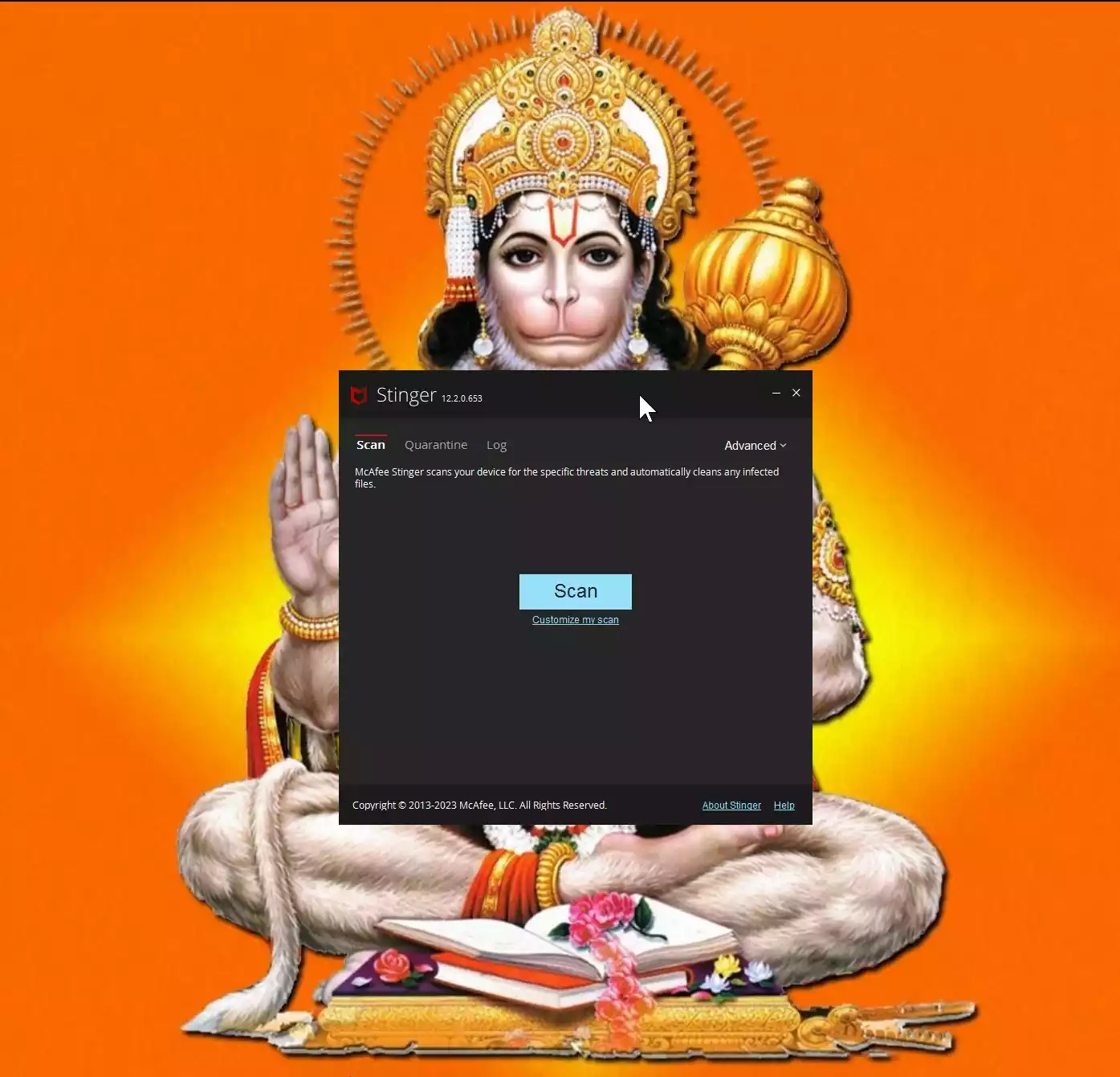
What is Trellix Stinger?
Trellix Stinger is a standalone utility designed to detect and eliminate specific viruses and malware. It doesn’t replace full antivirus protection; instead, it excels as a one-time or occasional scanner when you suspect an infection or want a quick second opinion. If you’re comparing tools, you can also see our overview of the best free one-time malware scanners for Windows.
Why Would a Beginner Use Trellix Stinger?
Beginners appreciate that Stinger is portable—you just download and run it, with no installation required. It offers a clean interface and focuses on prevalent, high-risk threats, making it ideal when your main antivirus seems to miss something, or when you need a quick, targeted cleanup without heavy system impact. For another simple on-demand option, many readers also try the portable Dr.Web CureIt!.
Main Features of Trellix Stinger
- Behavior-Based Detection (Real Protect) – Uses machine learning and cloud-assisted analysis to flag suspicious activity and potential zero-day threats.
- Advanced Scanning Modes – Checks running processes, modules, registry entries, and can include optional rootkit scanning for deeper detection.
- Specific Threat Coverage – Targets widespread families (including notorious trojans/ransomware lineages) and is updated frequently.
- Portable & Lightweight – No install, no background bloat; run it on-demand from your desktop or a USB drive.
- Command-Line Support – Power users can automate or script scans for incident response.
How to Use Trellix Stinger
Step 1. Download the latest Trellix Stinger executable and save it to a convenient location on your PC.
Step 2. Run the EXE—no installation needed. The default interface is ready for an immediate scan.
Step 3. Click Customize my scan if you want to add folders, drives, or network paths. This is helpful when checking a suspicious directory or USB drive.
Step 4. (Optional) Enable rootkit scanning from the Advanced/Settings area. It’s off by default for performance reasons, but useful if you suspect stealthy infections.
Step 5. Start the scan. Detected items are repaired or quarantined automatically. You can adjust actions in settings and review results in the built-in log viewer.
Safe Use Tips for Beginners
- Always download from the official source to ensure a clean copy.
- Keep your main antivirus active; Stinger is a second-opinion tool, not a replacement for real-time protection.
- Review the scan logs before deleting anything important. Logs are saved in the same folder as the EXE.
- If you’re still seeing symptoms, try a second tool like Kaspersky Virus Removal Tool (KVRT) or the technician-friendly Emsisoft Emergency Kit to cross-check.
When Trellix Stinger Can Help You
- You suspect a specific infection and want a targeted cleanup.
- Your real-time antivirus reports are clean, but you still see unusual behavior.
- You need a portable scanner that runs without installation (great for helping family or coworkers).
- You want a quick second opinion before restoring from backup or reinstalling Windows.
Frequently Asked Questions About Trellix Stinger
Is McAfee Stinger discontinued?
No. It has been rebranded and continues as Trellix Stinger. The utility is still maintained and updated.
Why didn’t Stinger detect something I’m sure is malware?
Stinger focuses on prevalent, specific threats. It is not a full antivirus and may not cover every family. Use it as a second opinion alongside a complete security suite.
Where do I find the scan logs?
Logs are stored in the same location where you run the EXE. You can also view them from the program’s Log tab.
What happens to quarantined files?
By default, quarantined items are kept inC:\Quarantine\Stinger, allowing you to review or restore if needed.
Can I run Stinger from the command line?
Yes. Stinger supports command-line parameters (listed in Help) for scripted scans and incident-response workflows.
Download Trellix Stinger
Get the latest build of Trellix Stinger from the official download page. Always verify the version/date so you’re scanning with current detections.
Conclusion
Trellix Stinger remains a trusted, free on-demand malware scanner for Windows users who need fast, targeted cleanup. It won’t replace your primary antivirus, but as a lightweight second opinion—alongside options like Malwarebytes AdwCleaner or Kaspersky Rescue Disk when offline cleaning is required—it’s a smart addition to your security toolkit.