

PotPlayer is a powerful and free media player for Windows developed by Kakao, a South Korean software company. First released in 2008, PotPlayer quickly became a favorite for Windows users thanks to its smooth performance, modern design, and ability to play almost any audio or video format without extra codecs. Whether you want to watch movies, stream videos, or listen to music, PotPlayer delivers a reliable experience.
Why Would a Beginner Use PotPlayer?
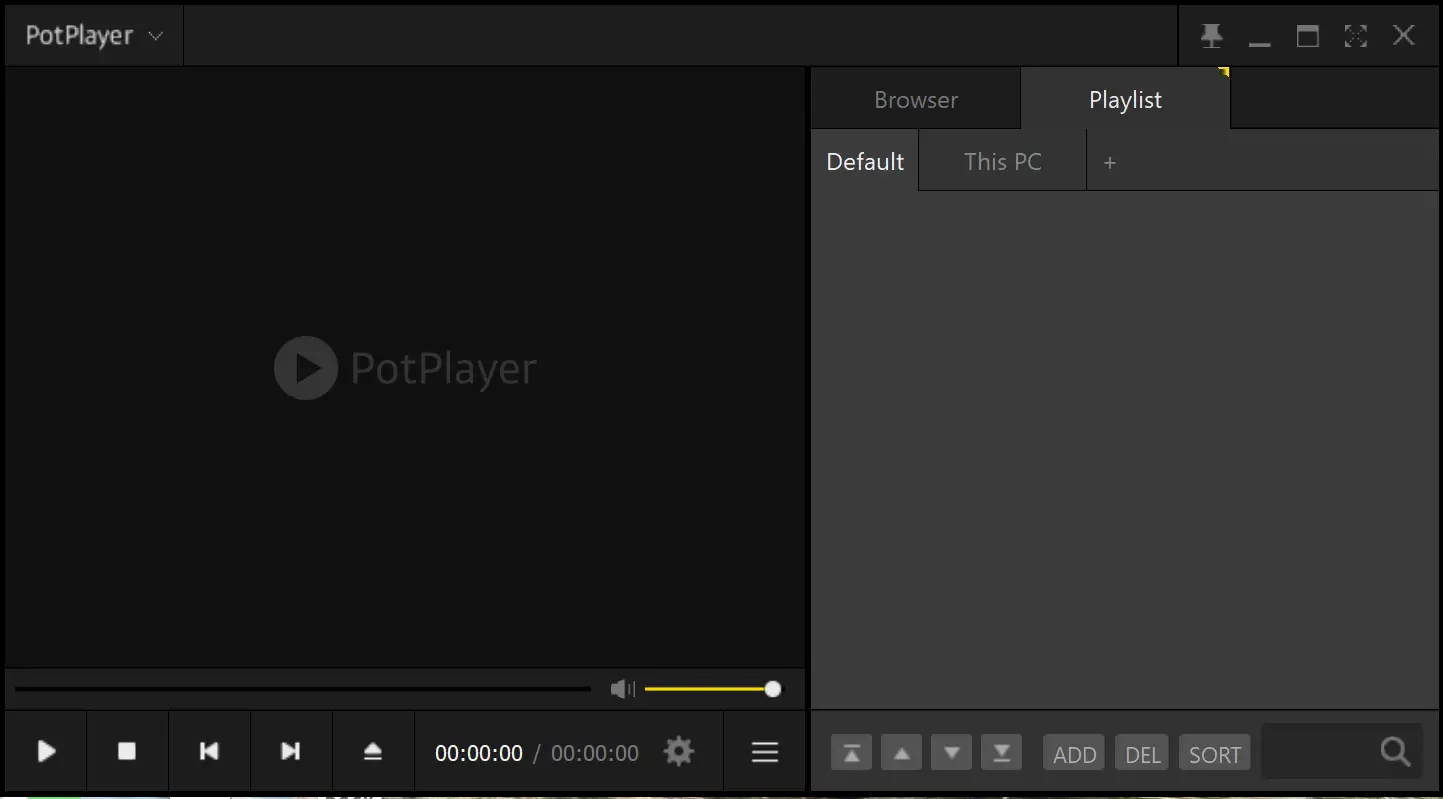
Beginners love PotPlayer because it is simple to use yet packed with features. The interface is clean and easy to navigate, so you can start watching your favorite videos right away. There’s no need for a complicated setup—just install and enjoy. With built-in codec support, you won’t have to waste time downloading extra files for playback.
Main Features of PotPlayer
- Modern, customizable interface with skins and layout adjustments to suit your style.
- Wide file format support, including AVI, MP4, MKV, FLV, and more.
- Advanced subtitle support for SRT, ASS, VTT, and multiple subtitles on-screen at the same time.
- Playback controls such as slow motion, A-B repeat, and playback speed adjustments.
- Video and audio enhancements with equalizers, filters, and 3D video support.
- Screen capture and bookmarking for saving and revisiting important video moments.
- Built-in video converter to easily change file formats.
- Streaming capability to watch online content without using a web browser.
How to Use PotPlayer
Using PotPlayer is straightforward. After installation, drag and drop your media file into the player or open it from the menu. Adjust playback speed, change audio tracks, or customize subtitle settings in real time. Right-click anywhere on the player to access advanced options like video effects, screen capture, and online streaming. Beginners can keep it simple, while experienced users can explore its deeper customization settings.
PotPlayer vs VLC vs KMPlayer – Which is Better?
When it comes to free media players, PotPlayer, VLC, and KMPlayer are often compared. While all three are excellent, each has strengths that appeal to different users.
PotPlayer vs VLC
VLC is famous for its simplicity and cross-platform support. It runs on Windows, Mac, Linux, and even mobile devices. PotPlayer, however, is Windows-only but offers more advanced customization, smoother playback on high-end videos, and features like multiple subtitle support and integrated video conversion. VLC is ideal for users who want a “just works” solution on any device, while PotPlayer is better for Windows users who want deeper control over playback and visuals.
PotPlayer vs KMPlayer
KMPlayer and PotPlayer share some history, as both were developed in South Korea. KMPlayer has a more flashy interface and works on mobile devices as well, but it can be heavier on system resources. PotPlayer is lighter, faster, and generally more stable for Windows PCs. If you like a clean, customizable layout with fast performance, PotPlayer is the better choice. KMPlayer may appeal more to users who want an integrated mobile + PC experience.
Bottom Line
Choose VLC if you want cross-platform compatibility, KMPlayer if you want mobile and PC integration, and PotPlayer if you want maximum performance, customizability, and advanced playback control on Windows.
Safe Use Tips for Beginners
To keep your PC safe, always download PotPlayer from the official website. Avoid downloading from third-party sites, as they may include unwanted software. Stick to the default installation unless you know what each extra option does. Keep PotPlayer updated to ensure smooth performance and security.
When PotPlayer Can Help You
PotPlayer is the perfect choice if you want one player that can handle everything—whether it’s watching high-definition movies, playing music, or streaming online content. It’s especially useful for users who need advanced subtitle options, playback control for study purposes, or video conversion without extra tools.
Download PotPlayer
You can download PotPlayer for free from its official website. The installation process is quick, and you’ll be able to enjoy your media within minutes.
Conclusion
PotPlayer is one of the best free media players for Windows, offering excellent format support, advanced customization, and smooth playback. Whether you are a casual viewer or a power user, PotPlayer delivers a professional-grade media experience. Download PotPlayer today and enjoy seamless video and audio playback on your Windows device.
Frequently Asked Questions About PotPlayer
Is PotPlayer free?
Yes, PotPlayer is 100% free for personal use.
Does PotPlayer work on Mac or Linux?
No, PotPlayer is currently only available for Windows operating systems.
Can PotPlayer play 4K videos?
Yes, PotPlayer can handle 4K and high-definition videos smoothly, depending on your system’s hardware.
Is PotPlayer safe to use?
Yes, PotPlayer is safe when downloaded from the official website and kept updated.
Which is better: PotPlayer or VLC?
PotPlayer offers more advanced features and customization, while VLC is better for users who need a cross-platform, no-frills player.
Which is better: PotPlayer or KMPlayer?
PotPlayer is lighter and faster for Windows users, while KMPlayer may be preferred by those wanting mobile integration alongside PC playback.