

In today’s tech-driven world, managing your computer’s power usage is more important than ever. Whether you’re downloading large files overnight or want to ensure your PC doesn’t stay on longer than needed, scheduling system actions like shutdown, restart, or hibernation can be extremely helpful. That’s where Daxtar’s Shutdown Timer comes in—a lightweight yet powerful tool designed to automate these tasks with ease.
This article explores the features, benefits, and overall experience of using Daxtar’s Shutdown Timer.
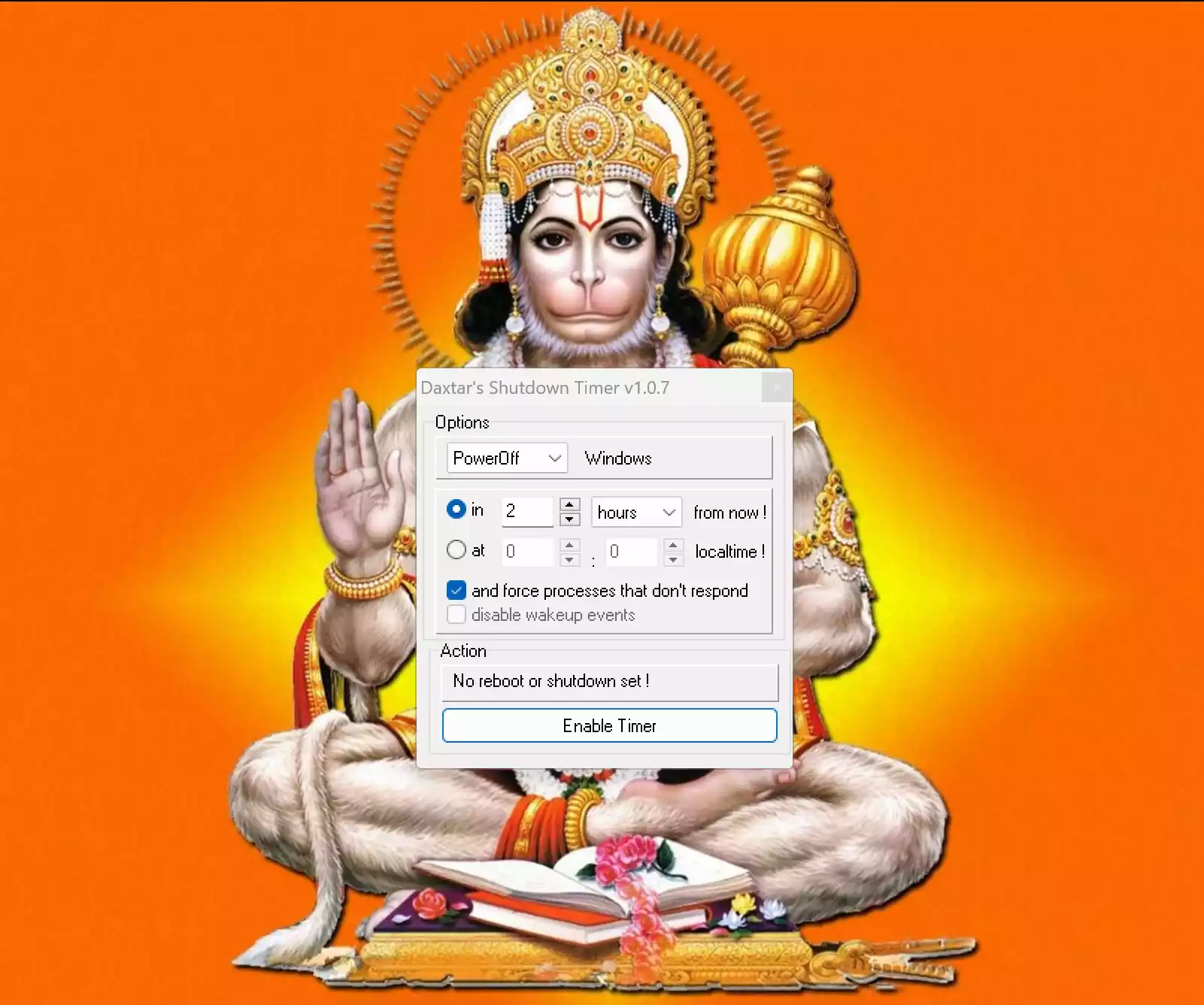
Key Features
- Versatile Timing Options: Schedule your PC to shut down, restart, or hibernate at a specific time. Ideal for users who leave their computers running for tasks like downloads or updates and want to save power afterward.
- User-friendly Interface: The simple and intuitive design ensures users of all skill levels can operate the program without confusion.
- Low System Resource Usage: The tool is light on resources, so it won’t slow down your computer or interfere with other tasks.
- Multiple Scheduling Methods: Besides setting exact times, you can also create countdown timers. This is great for managing screen time, reminding yourself to take breaks, or limiting how long kids use the computer.
Key Benefits
- Save Energy: Prevent your PC from running unnecessarily, helping you reduce electricity costs and supporting energy conservation efforts.
- Extend Your PC’s Lifespan: Regular shutdowns and restarts can reduce long-term wear on hardware, leading to better performance over time.
- Automatic System Management: After scheduled updates or antivirus scans, Daxtar’s Shutdown Timer can automatically shut down the system to complete the maintenance cycle smoothly.
User Experience
Users generally find Daxtar’s Shutdown Timer to be dependable and easy to use. Its simplicity is a big plus for those who don’t want to deal with complex settings. While it may not offer advanced features found in more sophisticated tools, it does an excellent job at what it’s designed for—automating basic system shutdown tasks.
Download Daxtar’s Shutdown Timer
You can download Daxtar’s Shutdown Timer from SourceForge.
Conclusion
Daxtar’s Shutdown Timer is a practical utility for anyone looking to automate PC shutdown, restart, or hibernation tasks without extra hassle. Its easy-to-use interface, reliable performance, and energy-saving benefits make it a smart choice for daily use.
If you’re looking for alternatives, consider checking out Shutdown Timer Classic and Wise Auto Shutdown. You can also learn how to schedule a shutdown in Windows 11 without using third-party tools.