

Windows 10 allows opening OXPS and XPS files with the XPS viewer application, and with a small trick, you can convert an OXPS or XPS document to PDF without any third-party tool. Those who prefer to use a third-party tool or want to convert multiple OXPS or XPS documents to PDF at once can download and install the freeware utility Filestar.
PDF (Portable Document Format) is a universal format and can be used on any platform, but OXPS and XPS are not. If you have a file in XPS or OXPS format and don’t have access to Windows 10, you can convert these documents into a PDF using some online tools.
There are so many online applications that claim to convert your XPS/OXPS documents into PDF. Some of them are paid, and some are not even working or are too complicated to use. In this gearupwindows post, we will share some of the online utilities that help you convert XPS or OXPS documents to PDF format.
Convert XPS or OXPS File to PDF
The following are the best, and the free online application lets you convert the XPS or OXPS documents into a PDF file:-
- XPS to PDF
- Group Docs
- Any Conv
- Unite PDF
XPS to PDF
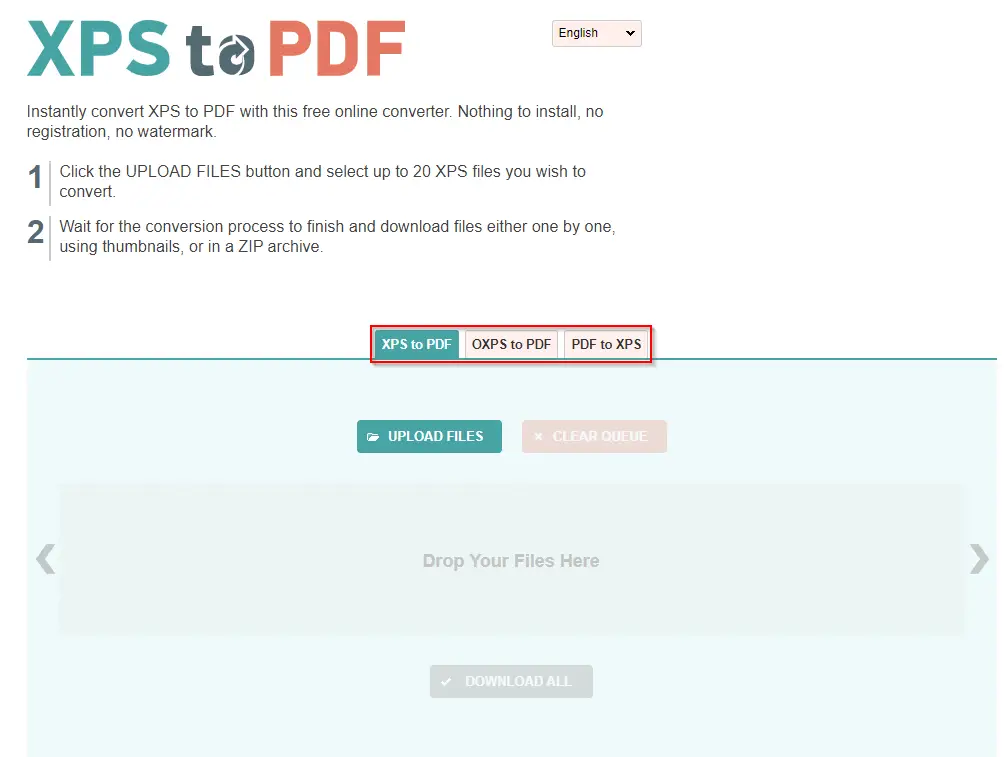
XPS to PDF is a free XPS to PDF online converter that lets you download your converted files instantly. You don’t have to download and install anything, and no registration is required. It is a straightforward application to convert your documents into a PDF file without any watermark.
The interface is quite simple and minimal. Select XPS to PDF, OXPS to PDF, or PDF to XPS as per your need, and start converting your file from there. It allows you to upload or drag files over this converter. You can drag up to 20 files at once to convert them into a PDF. Once the file is converted to your desired format, you can download either one by one or at once by downloading the zip archive file.
To use this application, visit their website, select the correct option, and click on the UPLOAD FILES button. Upload an OXPS file to automatically convert it into a PDF file. After that, you have to download it on your PC for further use.
Group Docs
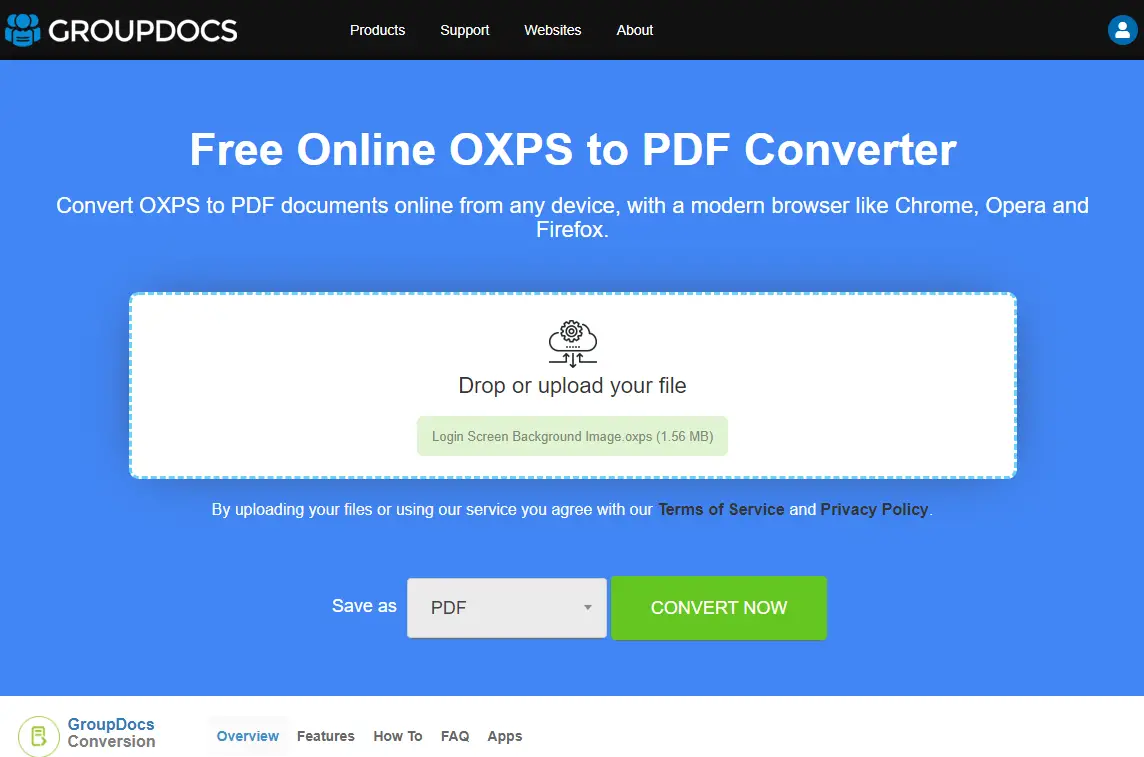
It is another straightforward and powerful online converter tool that lets you convert OXPS to PDF. It is easy to use and comes with minimal options that make your task easy. Drag your OXPS document to the application upload interface and download it quickly as a PDF file.
This free online application is compatible with all modern browsers, including Chrome, Firefox, Edge, and Opera. You can access it from Windows, macOS, Linux, and even from Android and iOS.
You can access this application from here.
Any Conv
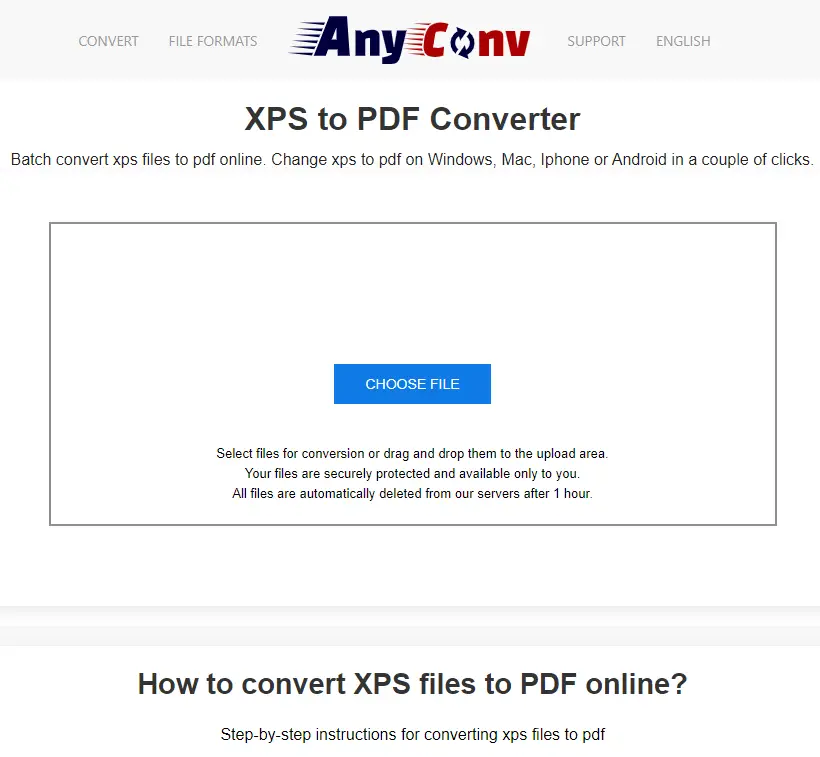
On this free online OXPS to PDF converter tool, there is only one button available: “CHOOSE FILE.” You can upload the file by clicking on this “CHOOSE FILE” button, or drop a file from your PC to upload into it. Once you upload the file, select the desired output (PDF) and click on the “CONVERT” button. Once it is converted into a PDF file, download it to your PC.
For your information, it does not support more than a 50MB file size to upload. In other words, you can convert OXPS to PDF using this tool for up to 50MB files.
Visit this link to convert OXPS/XPS documents into a PDF.
Unite PDF
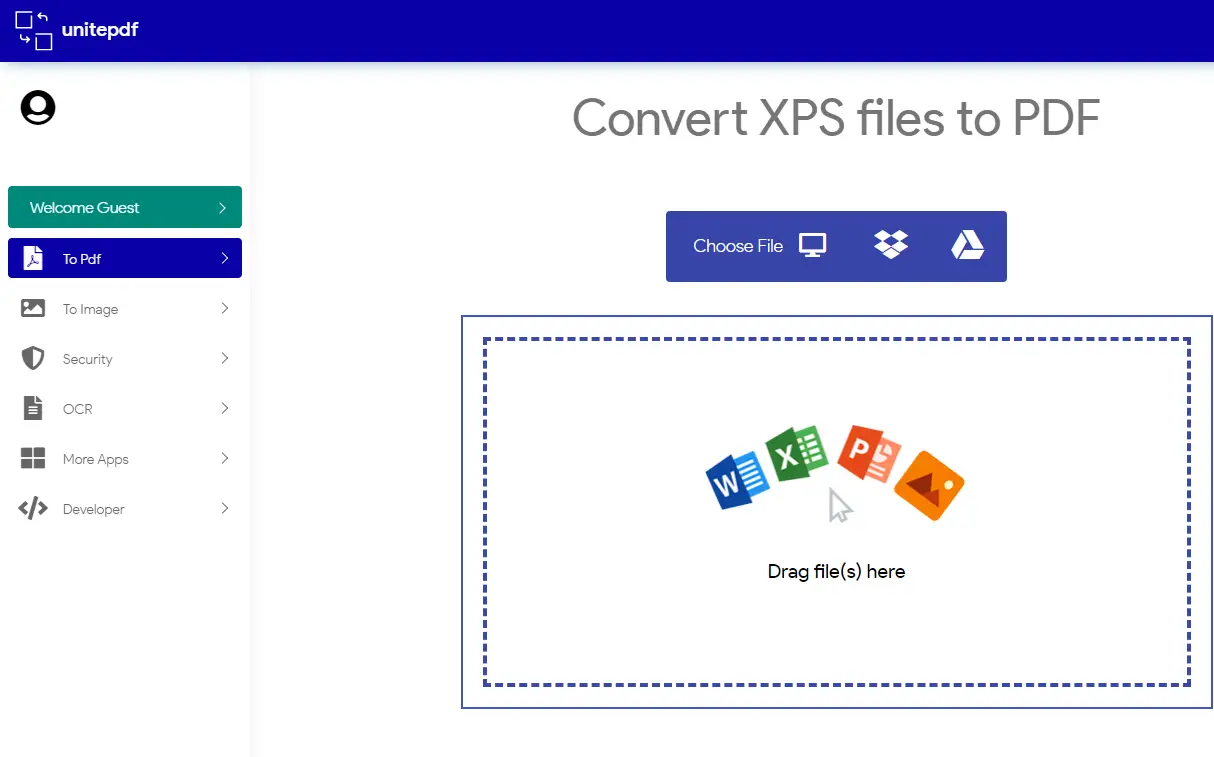
It is the last free and useful online tool to convert OXPS files into a PDF. It allows only 20MB files at once to convert. This freeware tool can download files from Dropbox and Google Drive; that means if you have stored OXPS files online, you can directly select them using Unit PDF and convert them.
You can even upload a file from your PC by clicking on the Computer icon or by dragging and dropping your files into the upload area. Once you have uploaded and converted your document online, you can download the output file by clicking on the “Download File” button.
You can convert your OXPS files into PDF by navigating to this link.