

In the early days, I filled every notebook I owned with handwritten stories, journal entries, and even the smallest details of daily life. Those pages meant everything to me. But over time, I transitioned from pen and paper to typing on a computer, using tools like Microsoft Word to sharpen my writing. Today, I prefer typing on my laptop or PC—it’s faster, more efficient, and easier to organize. With the digital shift, typing speed has become essential for productivity. Thankfully, there are plenty of free typing software and online lessons that can help you improve your typing skills on Windows 11, 10, 8, and 7.
In this gearupwindows guide, we’ll explore the best free typing tutors for Windows, including both offline and online options.
Free Typing Tutor for Windows 11/10 PC
Pro Typing Tutor (Offline)

Pro Typing Tutor (Offline) is a free, portable typing trainer that runs entirely offline from a single HTML file on Windows and macOS. It launches instantly—no install or sign-up—and balances beginner-friendly guided lessons with practical timed tests (1/3/5/10 minutes). You also get a virtual keyboard with next-key hints, a focus-boosting no-backspace “Discipline” mode, dark/light themes, and local progress save/export. Simple, lightweight, and privacy-respecting, it’s perfect for classrooms, shared PCs, and USB-drive practice on the go.
TutorType
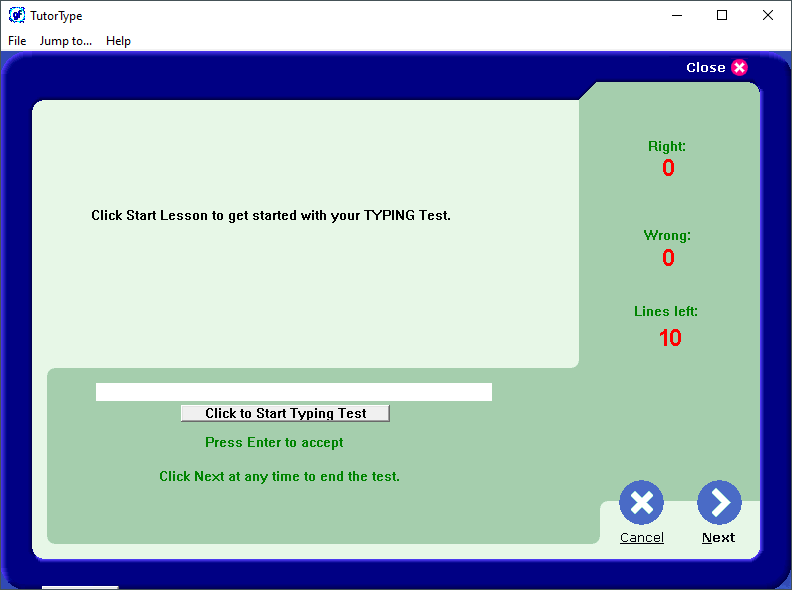
TutorType is a user‑friendly and free typing application with a simple interface that enhances the learning experience. This lightweight software (just 2 MB) helps you practice typing without looking at the keyboard, improving your proficiency. You can add custom words to its dictionary, take various typing tests, and use the ProTrainer to identify misspellings. It’s ideal for beginners still developing their typing skills.
You can download TutorType from here.
Klavaro Touch Typing Tutor

Klavaro Touch Typing Tutor is a lightweight, language‑independent tool that supports multiple keyboard layouts, including QWERTY, Dvorak, AZERTY, and more. As a free and open‑source solution, it works offline and adapts to your personal typing progress.
Download Klavaro Touch Typing Tutor here.
Typing.io
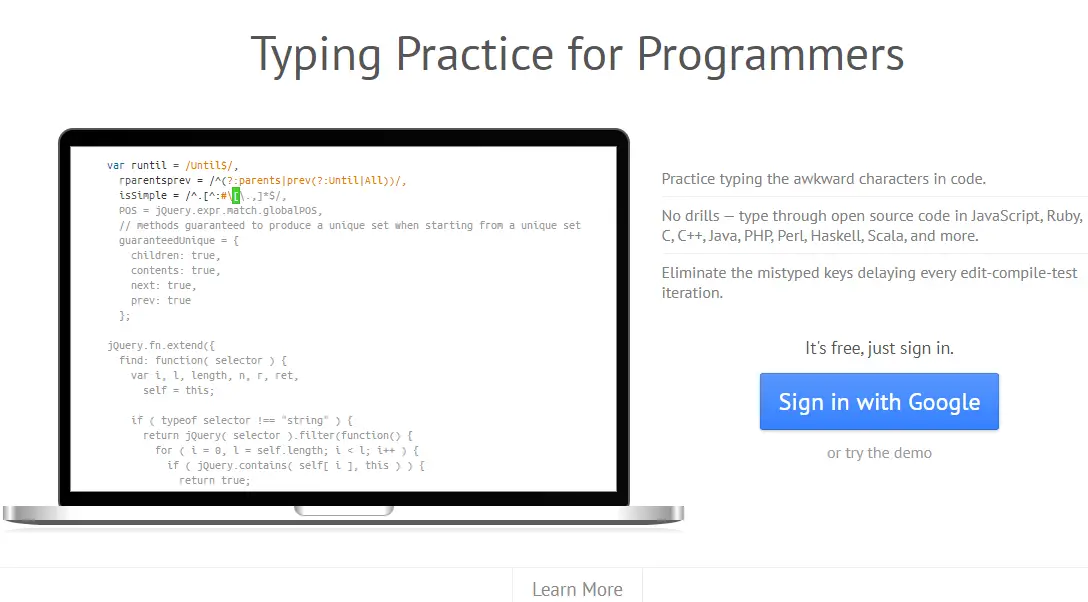
typing.io is an online typing tutor created for programmers. It requires a Google account and helps you master typing of coding characters and syntax. Lessons use open‑source code, and you get feedback on speed and accuracy tied to real‑world coding patterns.
Typing Bolt
Typing Bolt is an AI‑backed online tutor that adapts to your typing habits. It analyzes your skills to tailor lessons and sets difficulty automatically. A dark mode option is available, and you get visual performance graphs to track your progress.
Access Typing Bolt from the homepage.
Typing Fingers LT
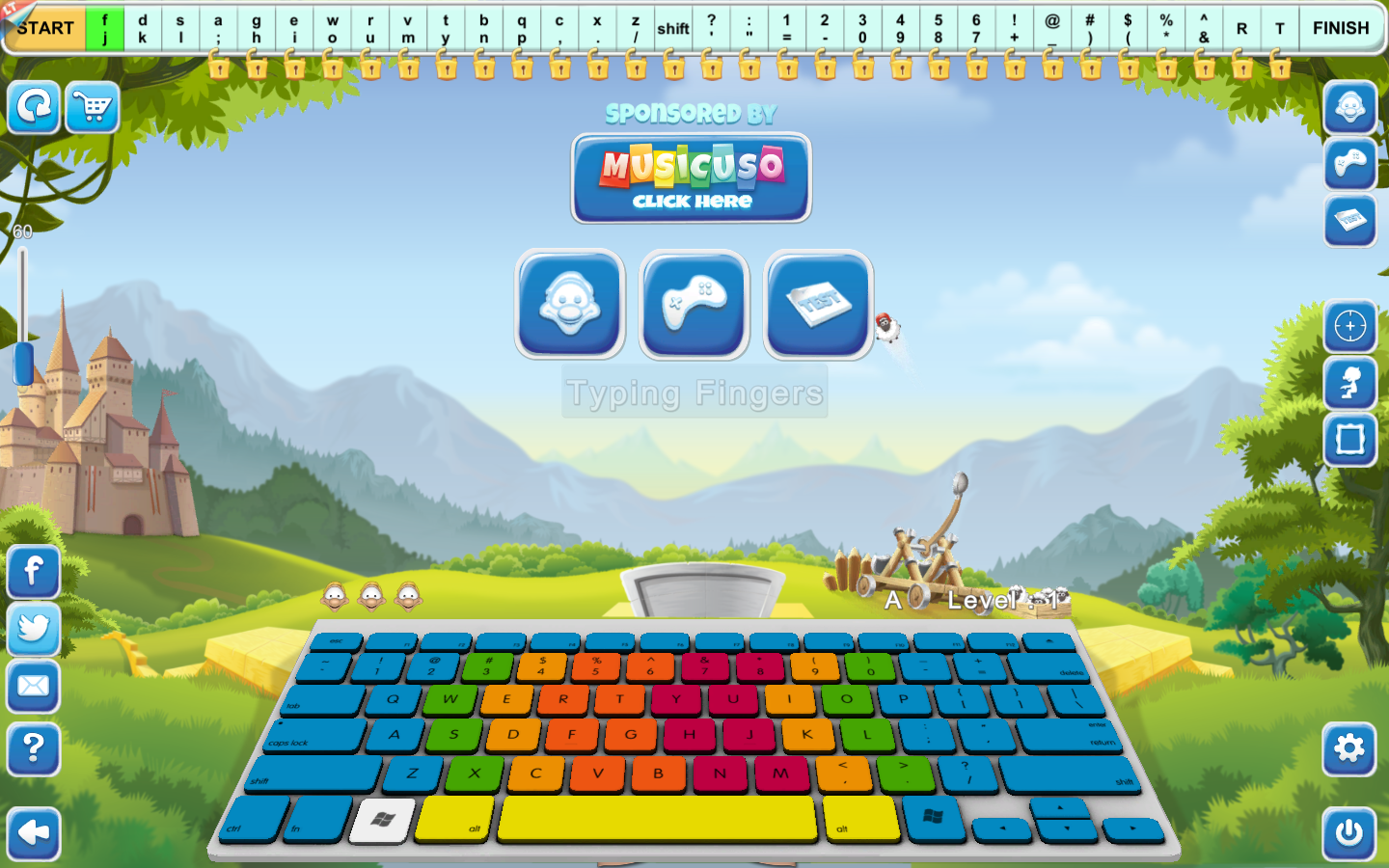
Typing Fingers LT is a free typing app from the Microsoft Store focusing on touch typing. It features interactive mini‑games suited for touchscreen devices, helping build speed and accuracy without looking at the keyboard.
Download Typing Fingers LT from this link.
Rapid Typing Tutor
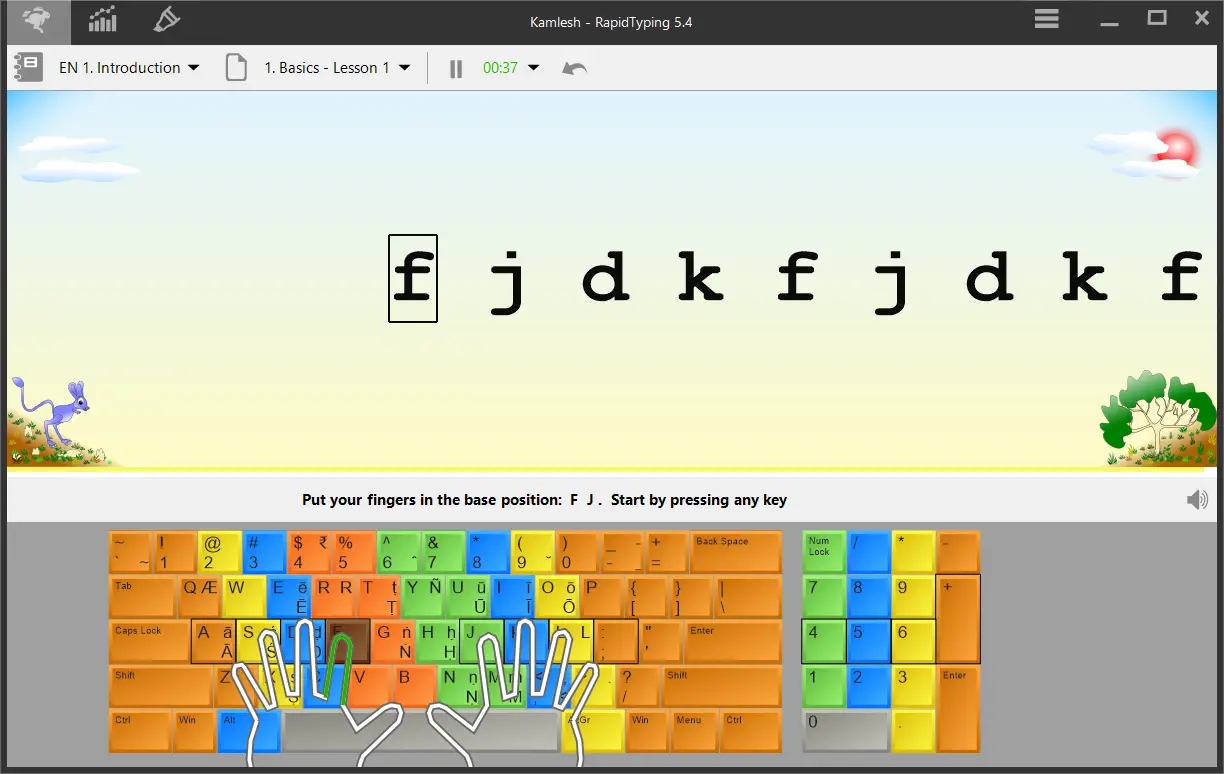
Rapid Typing Tutor combines simplicity and power. It improves your speed and accuracy with multilingual simulated keyboards. A portable version is available, and it supports 32‑ and 64‑bit Windows. Beginners will especially benefit from its gradual lesson structure.
Download Rapid Typing Tutor from its official website.
Typing.com
typing.com is a web‑based typing academy with structured lessons and professional guidance. After creating an account, you can access 1‑, 3‑, or 5‑minute typing tests to build speed and accuracy efficiently.
Typing Club
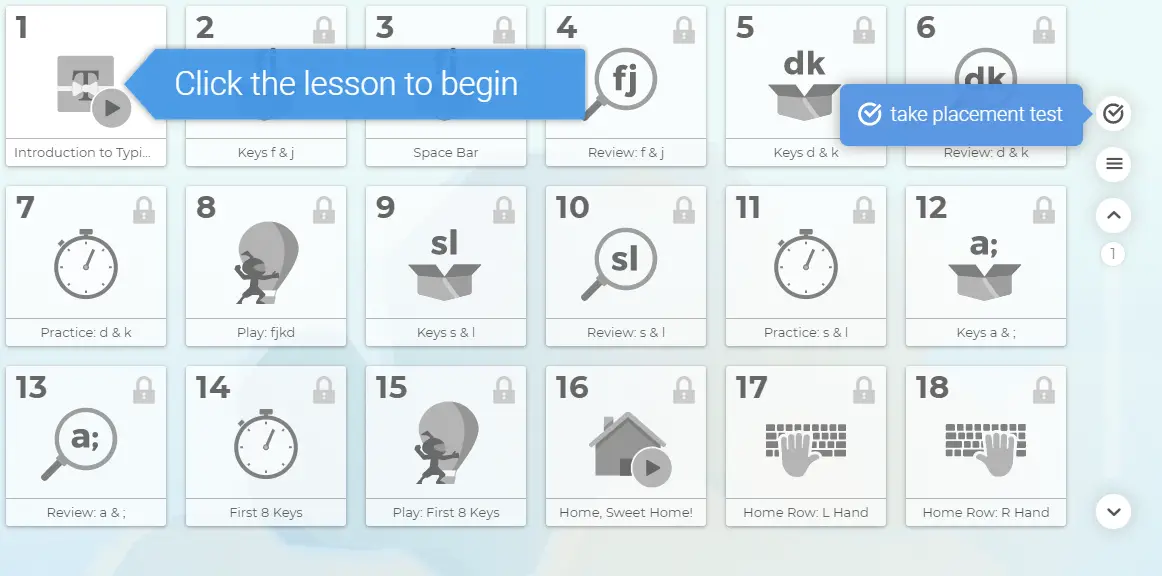
Typing Club delivers free typing lessons for users and schools. With an intuitive interface, daily exercises, and star‑based rewards, it keeps you motivated and progressing step by step.
Explore Typing Club at its homepage.
RapidTyping Tutor

RapidTyping Tutor blends engaging touch‑typing lessons with clear progress tracking. It supports multiple keyboard layouts and offers both desktop and portable versions. The tool is completely free for Windows users, making it practical for long‑term offline use.
Download RapidTyping Tutor here.
Tipp 10
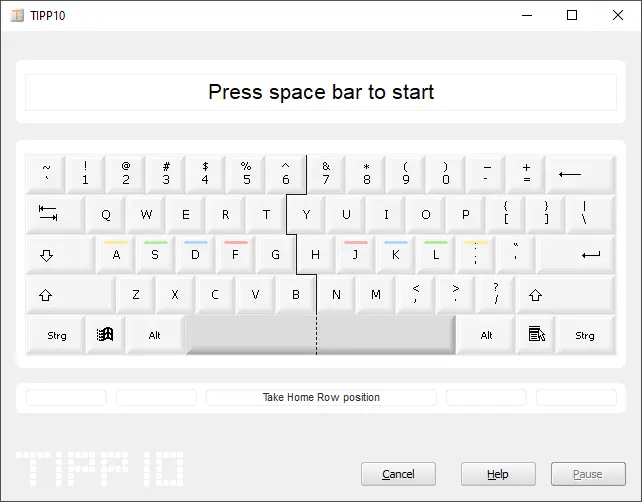
Tipp 10 is a free touch‑typing tool available online and offline. It features 20 structured lessons, progress tracking, and support for multiple Windows versions. It was also recognized by Germany’s Stiftung Warentest.
Download Tipp 10 from here.
KeyBlaze
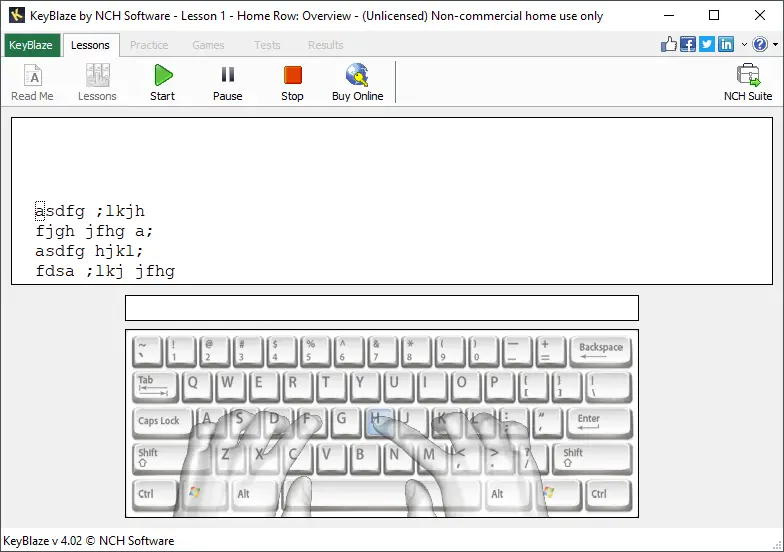
KeyBlaze is a beginner‑friendly typing tutor covering home row, punctuation, numbers, and more. It offers lessons in prose, poetry, and advanced typing tests to monitor improvement.
Download KeyBlaze from here.
TypeRacer
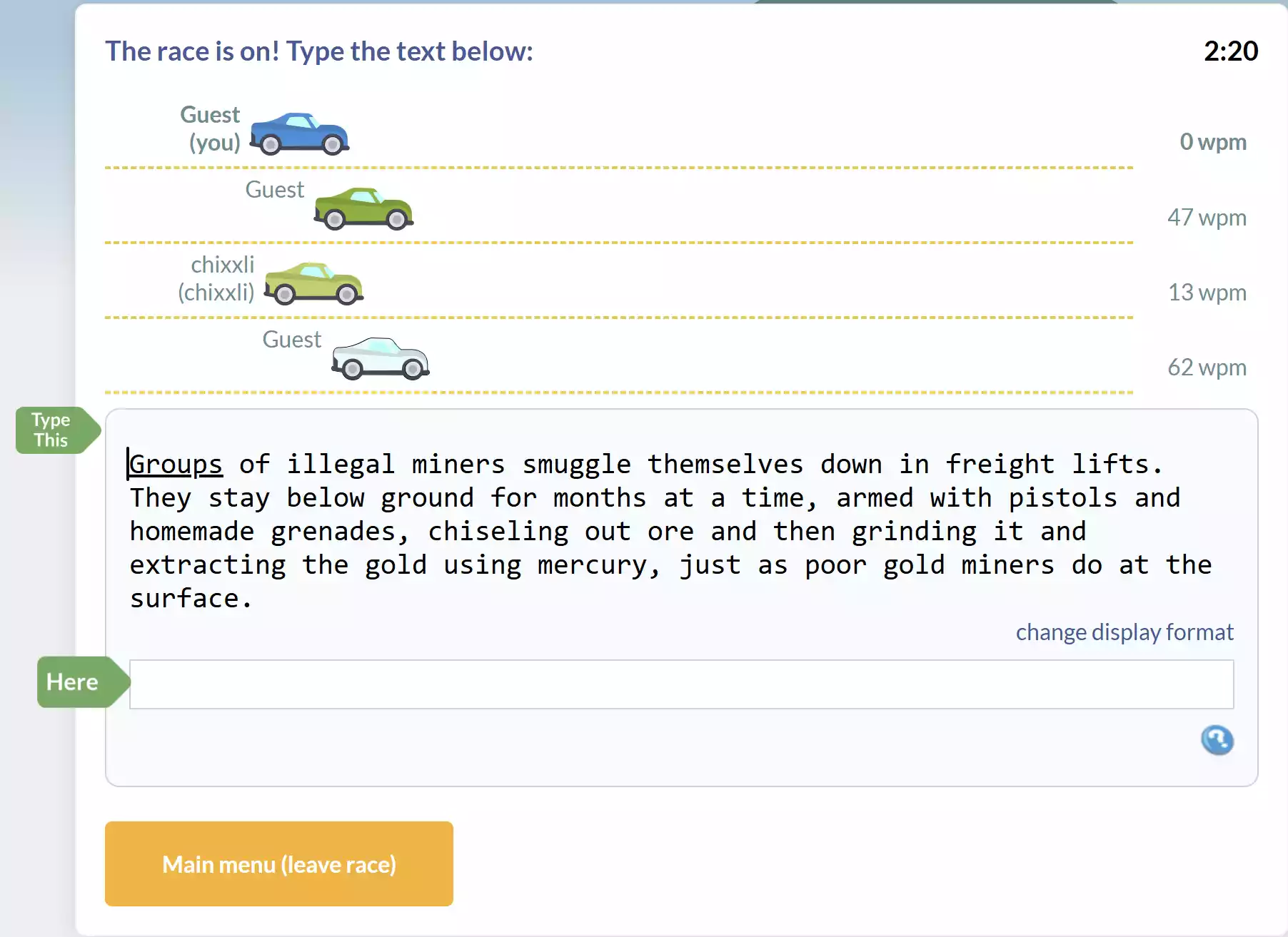
TypeRacer offers a fun, competitive typing experience entirely online. It simulates real-time typing races against other users, helping improve speed and accuracy in a dynamic environment. As a browser-based game, it’s ideal for casual learners and those seeking a more engaging practice session.
Tux Typing
Tux Typing is an open‑source typing tutor designed especially for children. With interactive games—like catching falling letters or defending a city from falling comets—it makes learning to type entertaining while reinforcing key skills effectively. Also, it’s fully free under the GNU licence.
Download Tux Typing here.
Conclusion
Handwritten notebooks hold special memories, but in today’s digital world, typing speed is vital for productivity. Luckily, Windows 11, 10, 8, and 7 users have access to excellent free typing tools—both offline and online. The options listed here cater to diverse learning styles and goals. Choose the one that fits you best, and start improving your typing speed and accuracy today.