

Have you ever encountered the need to burn an ISO image to a CD, DVD, or USB drive? Whether you’re a seasoned computer user or a beginner, the process can sometimes be daunting. Fear not! Passcape ISO Burner is here to rescue you from the complexities of ISO burning.
In this article, we’ll introduce you to this user-friendly and efficient tool, showing you how it can make ISO burning a breeze.
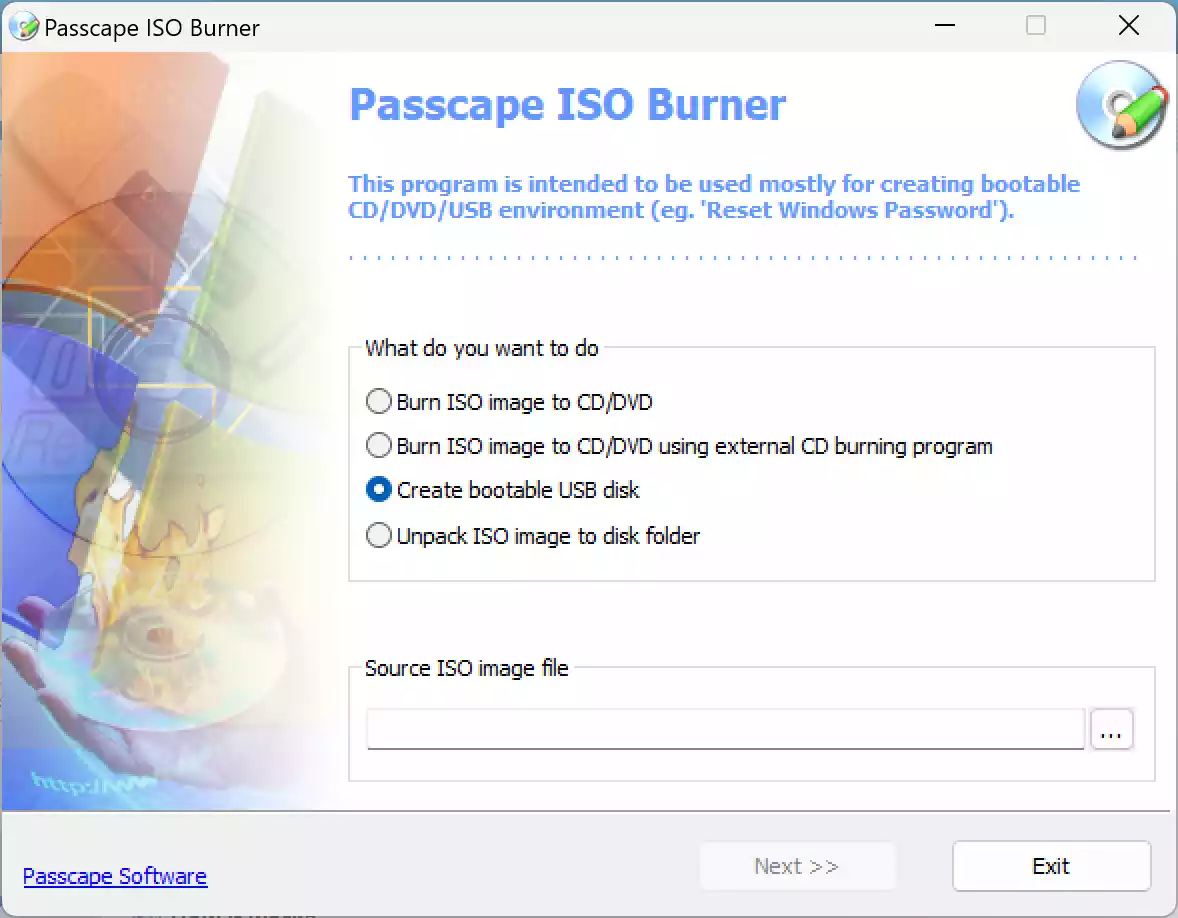
What is Passcape ISO Burner?
Passcape ISO Burner is a reliable and versatile tool that makes creating bootable media and burning ISO images straightforward and accessible for all users. With support for multiple disc formats and a clean interface, it handles everything from system installations to recovery tool deployment with ease. Whether you’re working with CDs, DVDs, or USB drives, Passcape ISO Burner ensures a smooth, error-free burning process tailored to your needs.
Key Features
- User-Friendly Interface: Clean and intuitive design for easy navigation and quick operation.
- Broad ISO Format Support: Supports ISO, BIN, CUE, NRG, IMG, and more.
- Bootable Media Creation: Easily create bootable USBs, CDs, or DVDs for OS installations and recovery.
- Post-Burn Verification: Confirms data accuracy after burning to ensure reliable performance.
- Customizable Burn Speed: Choose from multiple burning speeds for faster or more precise results.
- Supports CDs, DVDs, and USBs: Compatible with various media types for flexible burning options.
How to Burn an ISO?
Using Passcape ISO Burner is a breeze. Follow these simple steps to burn an ISO image:-
Step 1. Install and launch Passcape ISO Burner on your computer.
Step 2. Insert a blank CD, or DVD, or connect a USB drive.
Step 3. Select the ISO file you want to burn.
Step 4. Choose the target burning device (CD, DVD, or USB).
Step 5. Optionally, verify the burned data for reliability.
Step 6. Click “Burn” and let Passcape ISO Burner handle the rest.
Download Passcape ISO Burner
You can download Passcape ISO Burner from its official website.
Conclusion
Passcape ISO Burner is undoubtedly a user-friendly and efficient tool for burning ISO image files to CDs, DVDs, and USB drives. Its intuitive interface, wide range of ISO format support, and additional features like bootable disc creation and adjustable burning speed make it an ideal choice for both novice and experienced users. So, the next time you need to burn an ISO, trust Passcape ISO Burner to get the job done with ease and reliability. Download it now and experience seamless ISO burning like never before!