

MP4 is a popular video file format used for streaming video content on the internet. With the rise of video-sharing platforms like YouTube and Vimeo, MP4 has become the de facto standard for online video. However, not all media players can handle MP4 files, and finding the right player can be a challenge.
In this gearupwindows article, we will take a look at the best free MP4 player apps for Windows 11/10.
Best Free MP4 Player Apps
VLC Media Player

VLC Media Player is a widely used media player for a good reason. Being a free and open-source media player, it supports almost all video file formats, including MP4. Along with its user-friendly interface, it comes with advanced features such as playback speed control, video effects, and an audio equalizer. VLC Media Player is a versatile choice for anyone seeking a reliable and free MP4 player, as it is available for Windows, macOS, and Linux.
GOM Player

GOM Player is a well-known media player that supports playing MP4 files on Windows 11/10. With its user-friendly interface and compatibility with a vast range of video and audio formats, including MP4, GOM Player is a popular choice. It provides a plethora of features like playback speed control, screen capture, and video effects. Moreover, it supports multiple subtitle formats, making it an ideal option for users who need subtitles while playing MP4 files.
KMPlayer
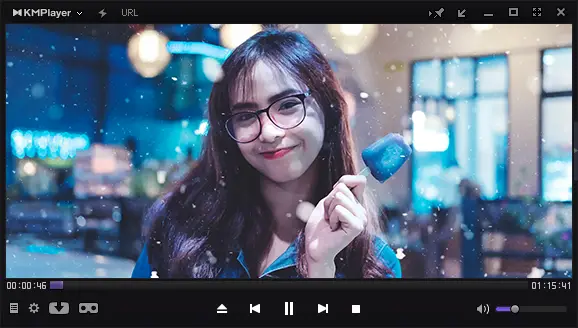
KMPlayer is a free media player available for Windows 11/10, capable of playing MP4 files with ease. Its user-friendly interface supports various video and audio formats, including MP4. Moreover, KMPlayer offers support for various subtitle formats like SRT, ASS, and SSA, and features playback speed control, screen capture, and video effects to enhance your viewing experience.
PotPlayer
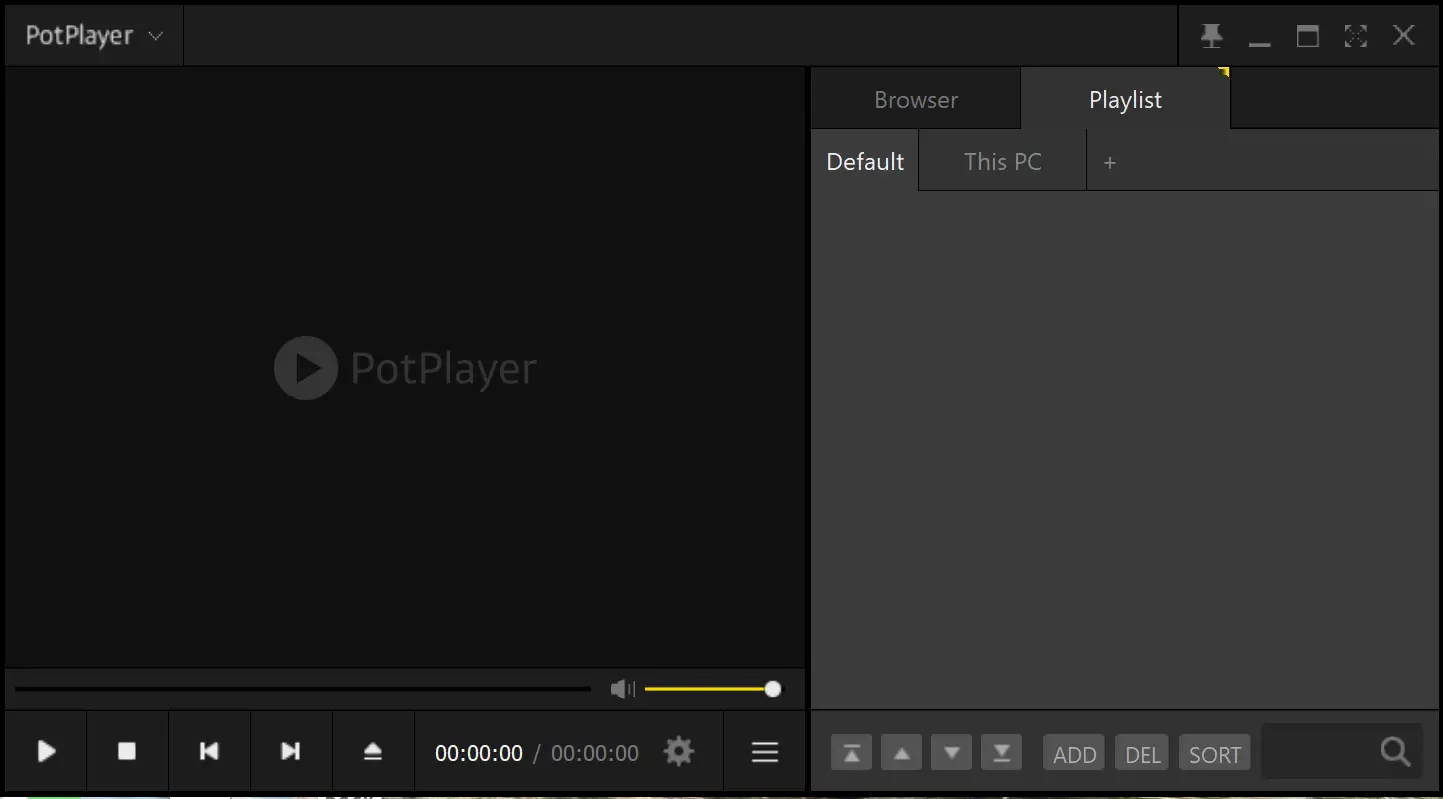
PotPlayer, developed by Daum Communications, is a lightweight media player that can easily play MP4 files on Windows 11/10. It offers a user-friendly interface and supports a wide range of video and audio formats, including MP4. With advanced features like playback speed control, screen capture, and video effects, PotPlayer offers a comprehensive media playback experience. Additionally, it supports various subtitle formats, including SRT, ASS, and SSA, making it a versatile choice for users who need to view subtitles with their MP4 files.
SMPlayer
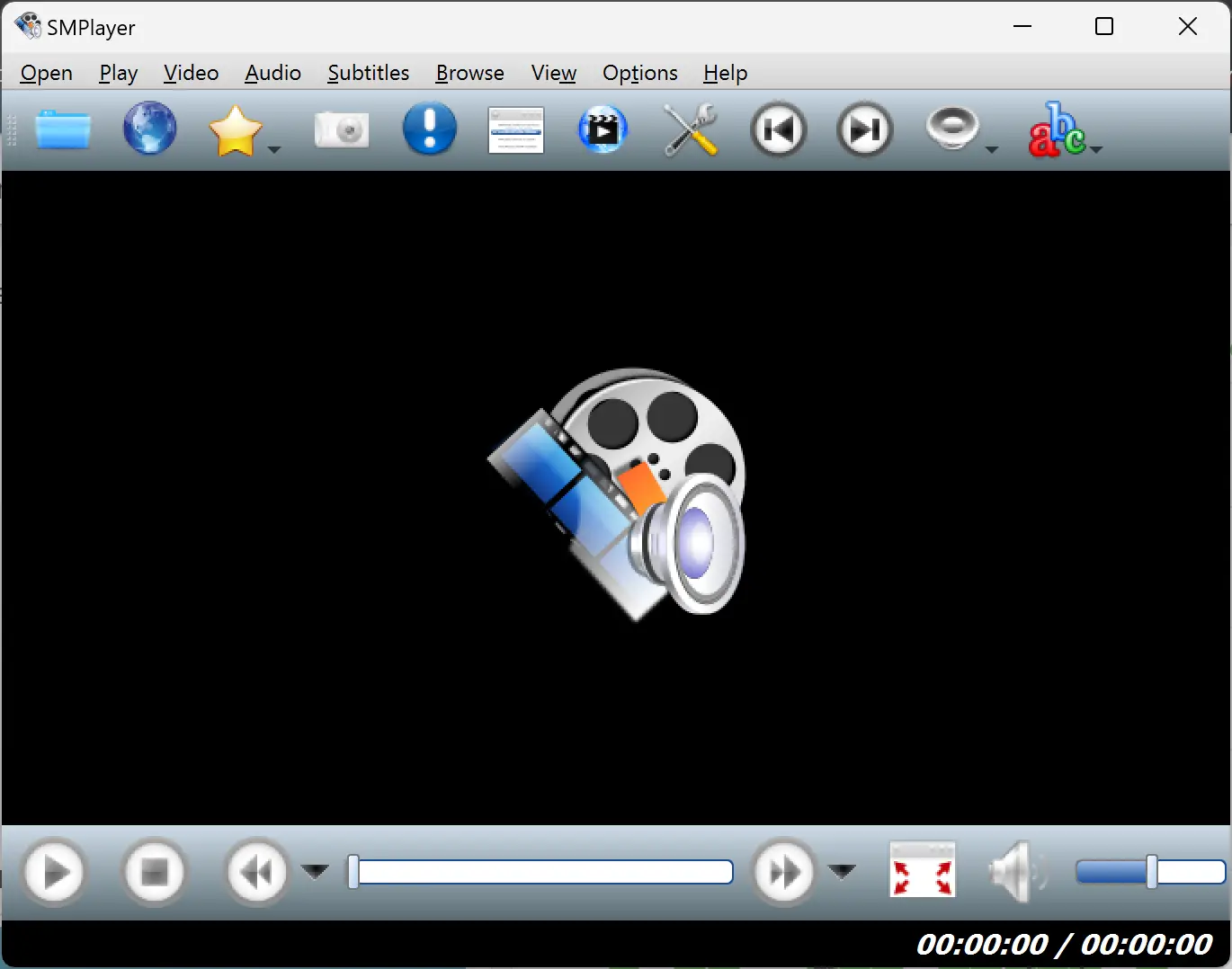
SMPlayer is a versatile and free media player that can effortlessly play MP4 files on Windows 11/10. This open-source software is based on the reliable MPlayer engine and provides a range of features, including support for multiple audio and subtitle tracks, customizable playback speed, and a built-in equalizer. SMPlayer also stands out for its unique “Remember playback position” feature, which automatically resumes playback from the exact point where you left off watching a video, making it a user-friendly and practical choice for MP4 playback.
Conclusion
There are various free MP4 player apps available for Windows 11/10 that make playing MP4 files a breeze. VLC Media Player, GOM Player, KMPlayer, PotPlayer, and SMPlayer are among the top options available. These players are free to download and use, and they support a wide range of video and audio formats, including MP4. With features like subtitle support, playback speed control, screen capture, and video effects, you can enhance your viewing experience. Choose the player that suits your needs and start playing MP4 files on Windows 11/10 today.