

Cut, copy, and paste are the common functions we use daily on Windows PCs. To move a file from one place to another or from one medium to another, we generally drag and drop the file with the mouse. One can also use the keyboard shortcuts Ctrl+X to cut, Ctrl+C to copy, and Ctrl+V keyboard shortcuts to paste the file/folder. While copying large files/folders is time-consuming, you can use a third-party tool to speed up the task.
A few freeware tools are available on the internet that enhance copying speed. Here is the list of fast copier programs:-
- TeraCopy
- Fast File Copy
- Ultracopier
- ExtremeCopy
- CopyHandler
- NiceCopier
Free File Copier Software
TeraCopy
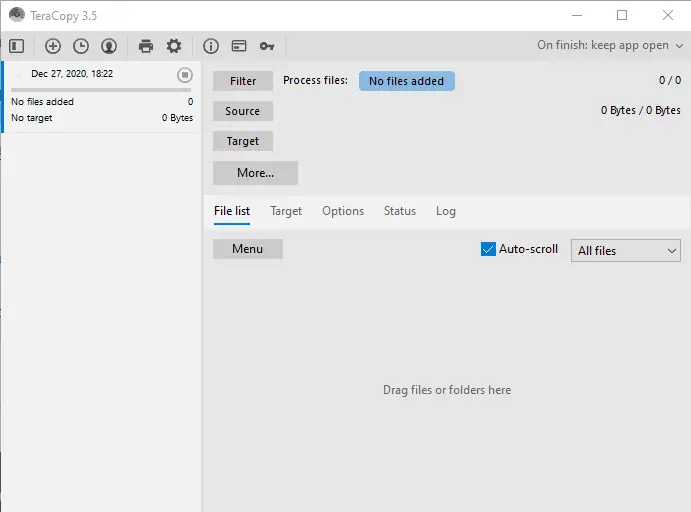 TeraCopy is a feature-rich program designed specially designed to copy and move files at the maximum possible speed. The beauty of the program is that it skips bad files during the copying process and then displays them at the end of the transfer so that you can see which ones need attention. During the transfer of the files, it is also possible to pause the task.
This tool automatically checks the copied files for errors by calculating their CRC checksum values. You can also enable Tera Copy in the right-click context menu and set it as the default copy handler. It is a useful program for those who regularly transfer large files to perform a specific task.
TeraCopy is compatible with all Windows operating systems, including Windows XP/Vista/7/8/10/11 (32-bit and 64-bit).
Fast File Copy
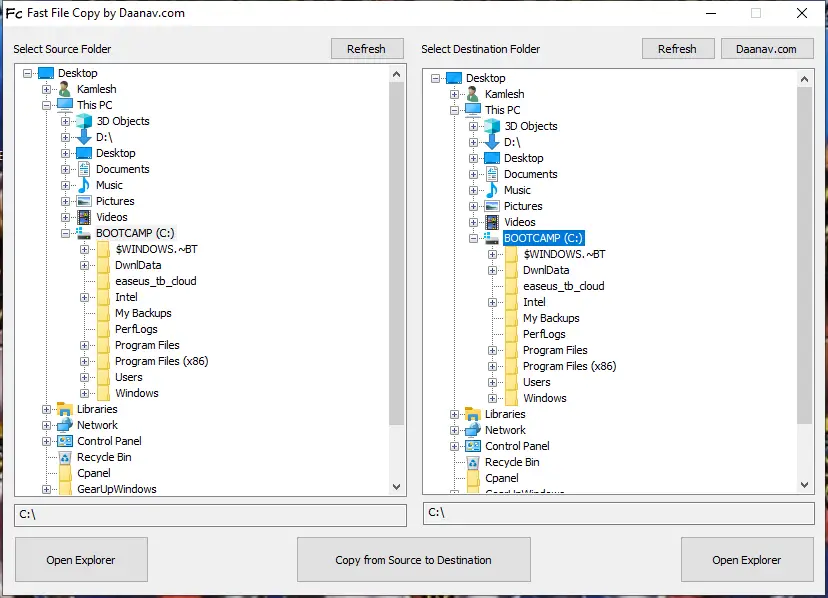
As the name suggests, Fast File Copy is a freeware tool built for copying files/folders on Windows 7/8/10/11 PCs. Similar to TeraCopy, it saves a lot of time and effort in copying files. It comes with a user-friendly interface.
Another feature of this software is that even if you are a beginner, you need not worry about using it because the application’s interface is very simple. The user interface is so simple that you don’t require any additional help to operate it.
This freeware tool is compatible with Windows Vista/7/8/10/11.
Ultracopier
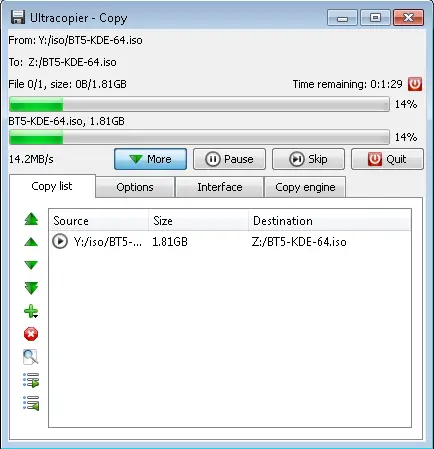 Ultracopier is another pretty software to copy files faster. Once this freeware is installed on your machine, it sits on the system tray for easy access.
ExtremeCopy
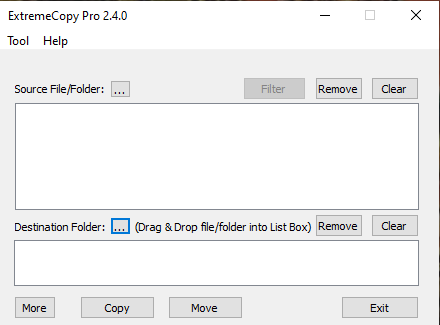 ExtremeCopy is a free program built for Windows users. The free version offers the option to pause, skip, and verify the copying process. If you want to replace the built-in Windows copy process, you may use it as an alternative.
CopyHandler
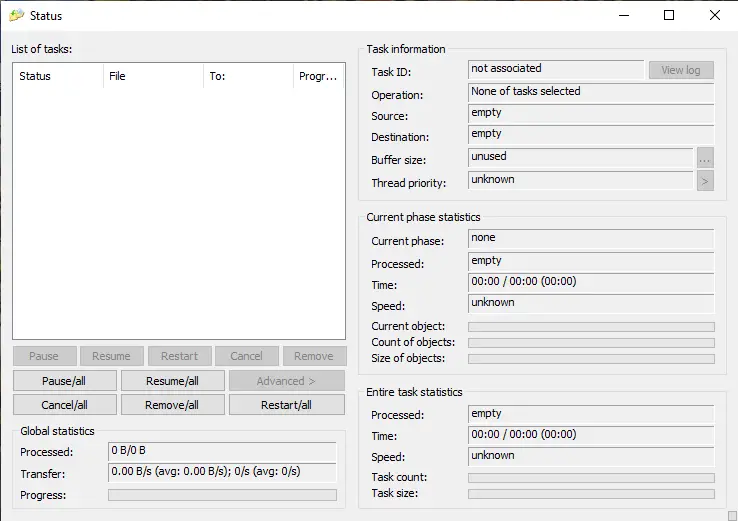 CopyHandler is another freeware tool to speed up the copying process on Windows PCs. It has cancel, resume, and pause functions.
NiceCopier
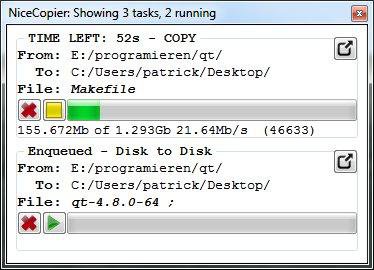 NiceCopier is a freeware app that calculates the best channel for file copying in your Windows system. It allows you to pause and resume the transfer process.
Conclusion
File transfer is one of the most repetitive yet essential tasks on Windows PCs. While the built-in copy function works well for small files, it often slows down significantly with large data volumes. Freeware tools like TeraCopy, FastCopy, Ultracopier, ExtremeCopy, CopyHandler, and NiceCopier can drastically improve your transfer speed and reliability. Each offers pause/resume control, error handling, and performance optimization that make copying or moving files smoother and faster. Whether you handle gigabytes of media files or frequent backups, these file copier tools are worth adding to your Windows toolkit.
The 5 best file copier tools for me :
TeraCopy – TeraCopy is a popular file copying software that offers fast and efficient file copying with features such as pause and resume, error recovery, and file verification.
GS RichCopy 360 – GS RichCopy 360 is a file copying software that offers fast and efficient file copying with features such as multi-threaded copying, real-time file syncing, and the ability to copy files over a network. It also offers advanced file filtering and scheduling options.
FastCopy – FastCopy is a lightweight file copying software that is known for its fast copying speed. It offers features such as customizable buffer size, file verification, and copying of locked files.
Robocopy – Robocopy is a command-line file copying tool that is included with Windows. It offers features such as multi-threaded copying, file syncing, and the ability to resume copying after an interruption.
Ultracopier – Ultracopier is a cross-platform file copying software that offers fast and reliable file copying with features such as pause and resume, error recovery, and file verification.