

The screensaver is a computer program that fills your display screen with patterns, photos, or a video when your computer is idle for a specific time. It is an old technology, but still valid. It can make your computer screen colorful when kept inactive and protect your privacy by hiding your desktop screen when you are away. You can also password-protect your screensaver so that no unauthorized user can access your PC in your absence.
Windows allows you to set different images and patterns as a screensaver by default. But what if you want to keep a clock as your screensaver? In this gearupwindows article, we will share some of the best free clock screensavers for your Windows 11/10 PC. By default, screensavers are turned off on Windows PCs, so you need to enable screensavers on your Windows 11 system before proceeding with the free clock screensavers.
Free Clock Screen Savers for Windows 11 and 10
When you are away from your computer and want to display a clock on your screen, you need to download one of these free clock screensavers:
- Fliqlo
- Digital Clock-7
- Free Clock
- Full screen clock
- Pong Clok
- Happy Clock
- Station Clock‑7
Fliqlo
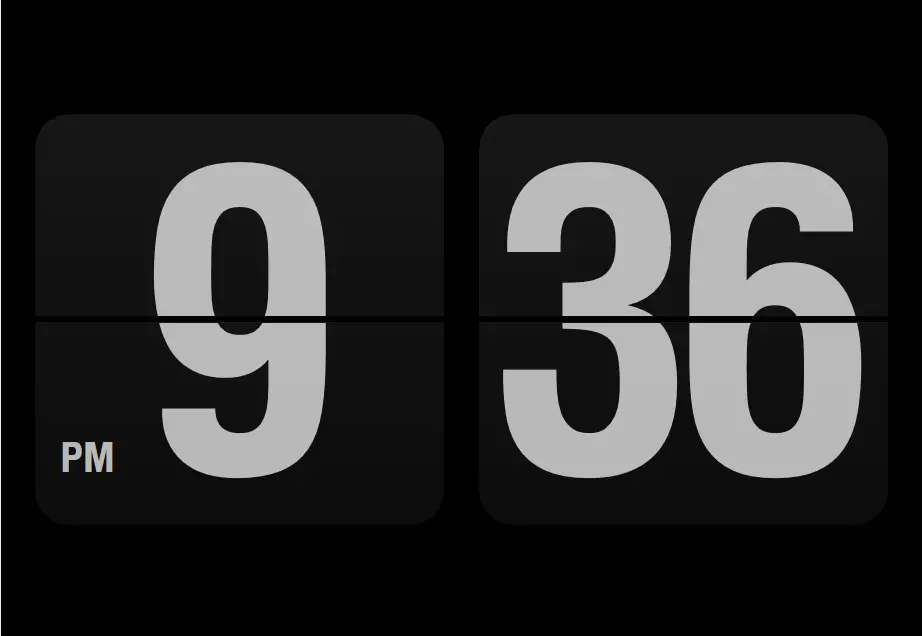
Fliqlo is an elegant and straightforward program that turns your desktop screen into a flip clock. It allows you to switch between a 12-hour and 24-hour clock format while maintaining accurate time. It features a minimalist black-and-white design, which may appeal to users who prefer simplicity.
To make Fliqlo your default screensaver, download it to your PC, extract the contents, and open the extracted folder. Right-click on the Fliqlo.scr file and select the Install option.
Once installed and activated, a classic black-and-white flip clock will appear on your screen when your computer remains idle for the configured time.
Although the program downloads in under a minute, it comes bundled with additional software like the Opera web browser, Facebook app, and Web Companion from Lavasoft. Be sure to skip these during installation.
Digital Clock-7
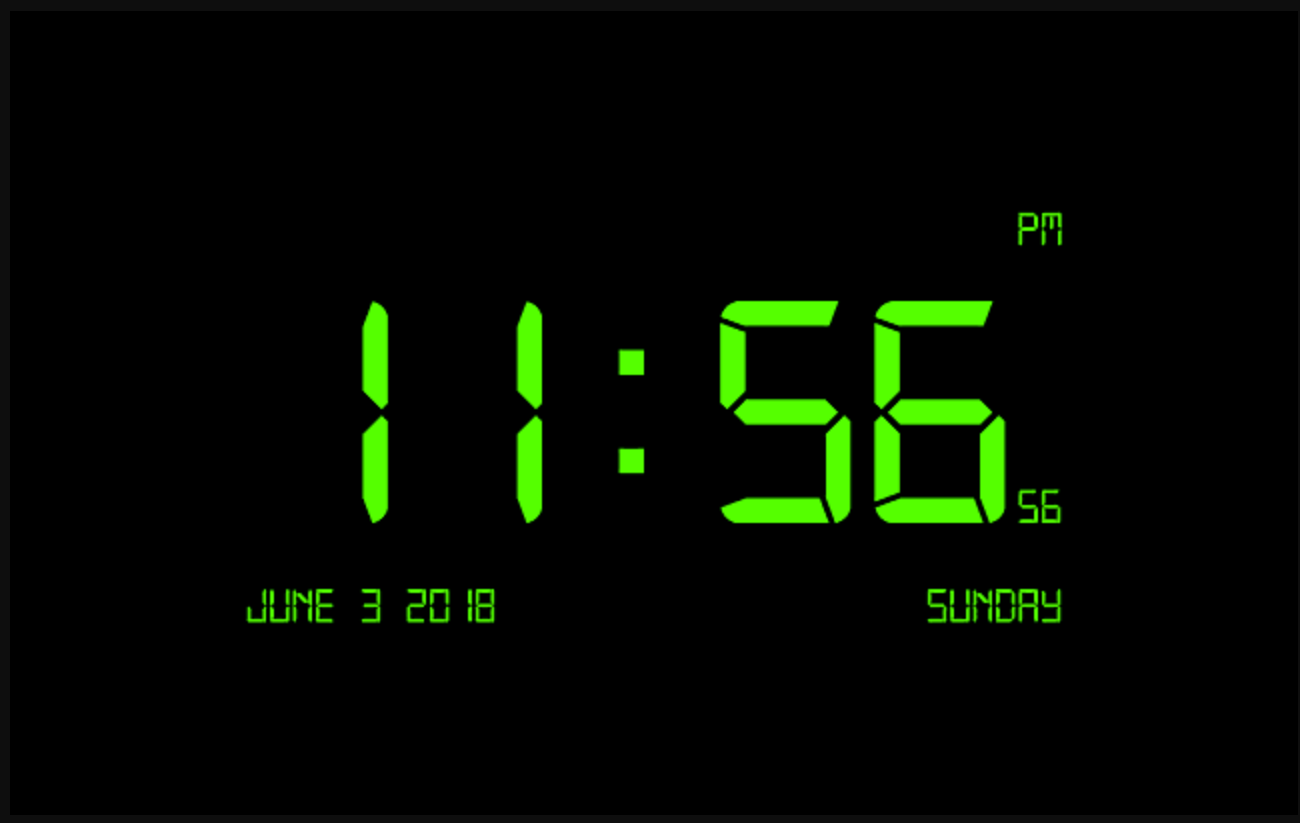
Digital Clock-7 is another simple and free clock screensaver for Windows 11 and 10. It displays the time in vibrant neon colors and includes the Date, Year, and Day along with the clock (with seconds). This utility is clean and does not attempt to install any additional software.
To use it, download and install the program. When the Screensaver Settings window appears, select Digital Clock-7 from the dropdown menu.
Free Clock
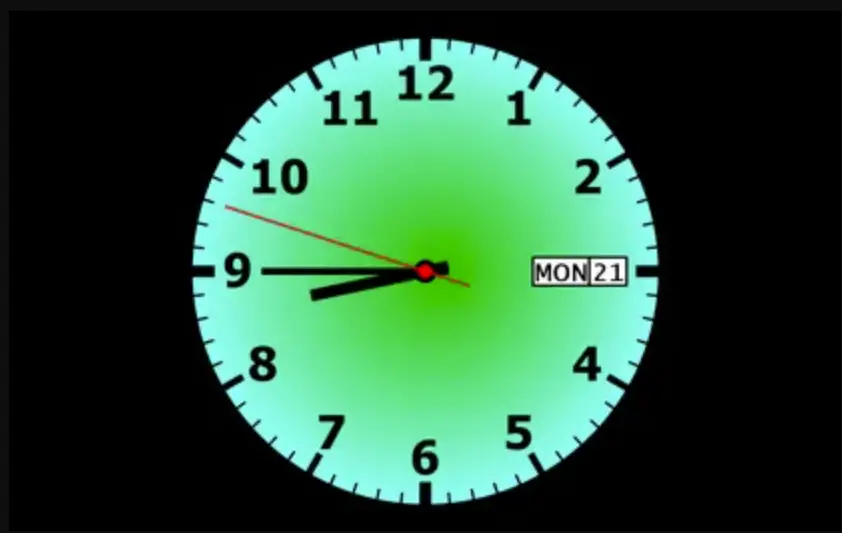
Free Clock displays a beautiful analog clock on your Windows screen. It includes the date and day, along with moving hour, minute, and second hands. This program is ad-free and easy to install.
Simply download and install it on your PC. Once done, set it as your screensaver from the Screensaver Settings window.
Download Free Clock
You can download the Free Clock screensaver here.
Full screen clock
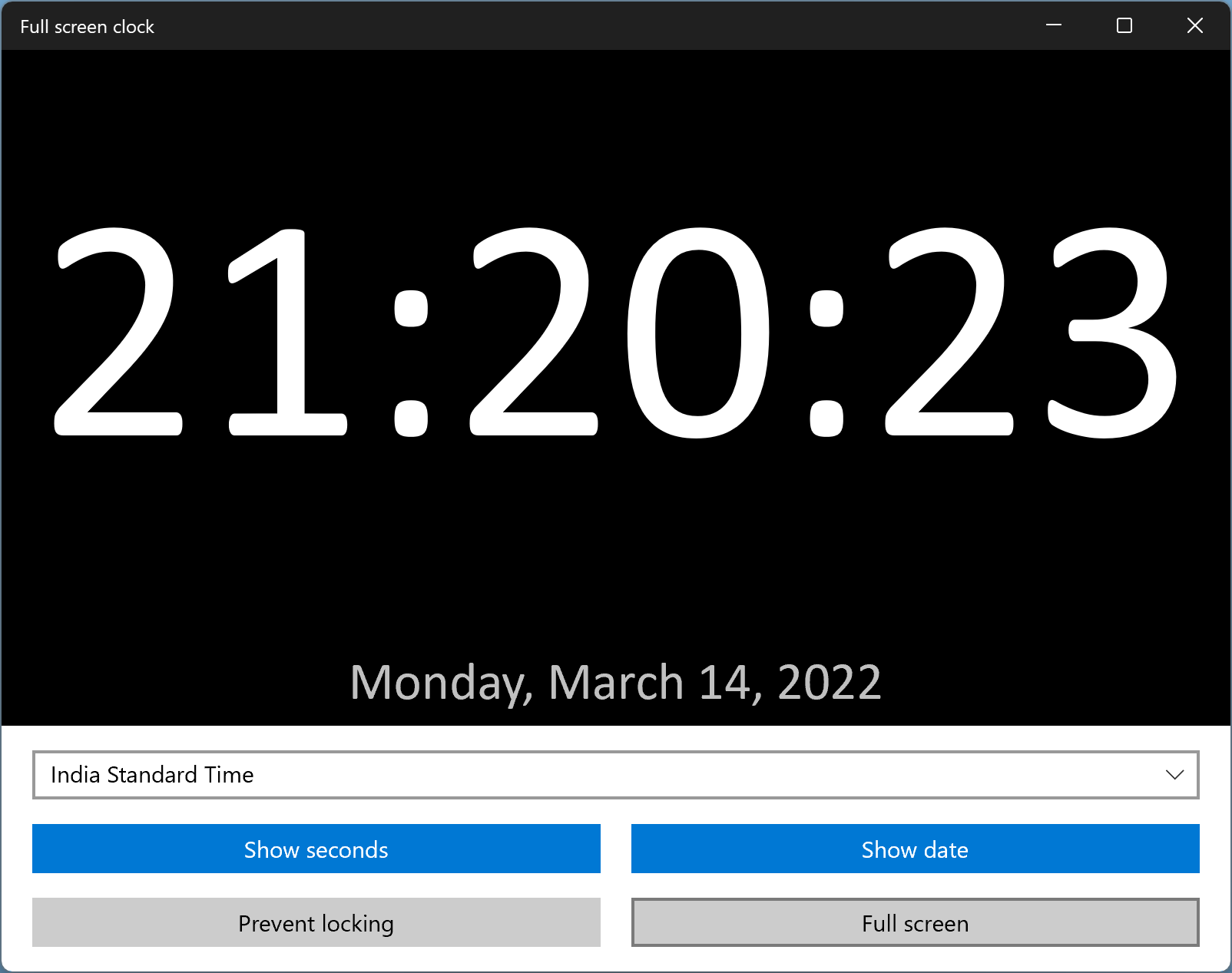
Full screen clock is not technically a screensaver, but it covers your entire screen with a digital clock when launched. Once installed, you can choose a time zone different from your PC’s time zone. You also have the option to show or hide seconds and dates.
To activate it, click the Full screen button. If you don’t want your computer to lock, use the Prevent locking button.
Download Full screen clock
You can download and install Full screen clock from the Microsoft Store.
PongClok
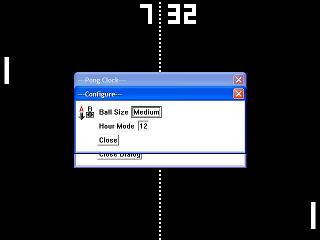
PongClock is a unique and retro-style screensaver that plays a Pong game in the background while displaying a digital clock at the top of the screen. To use it, download the zip file, extract its contents, and run the PongClock.scr file to set it as your screensaver.
Download PongClok
You can download PongClok from here.
Happy Clock Screensaver
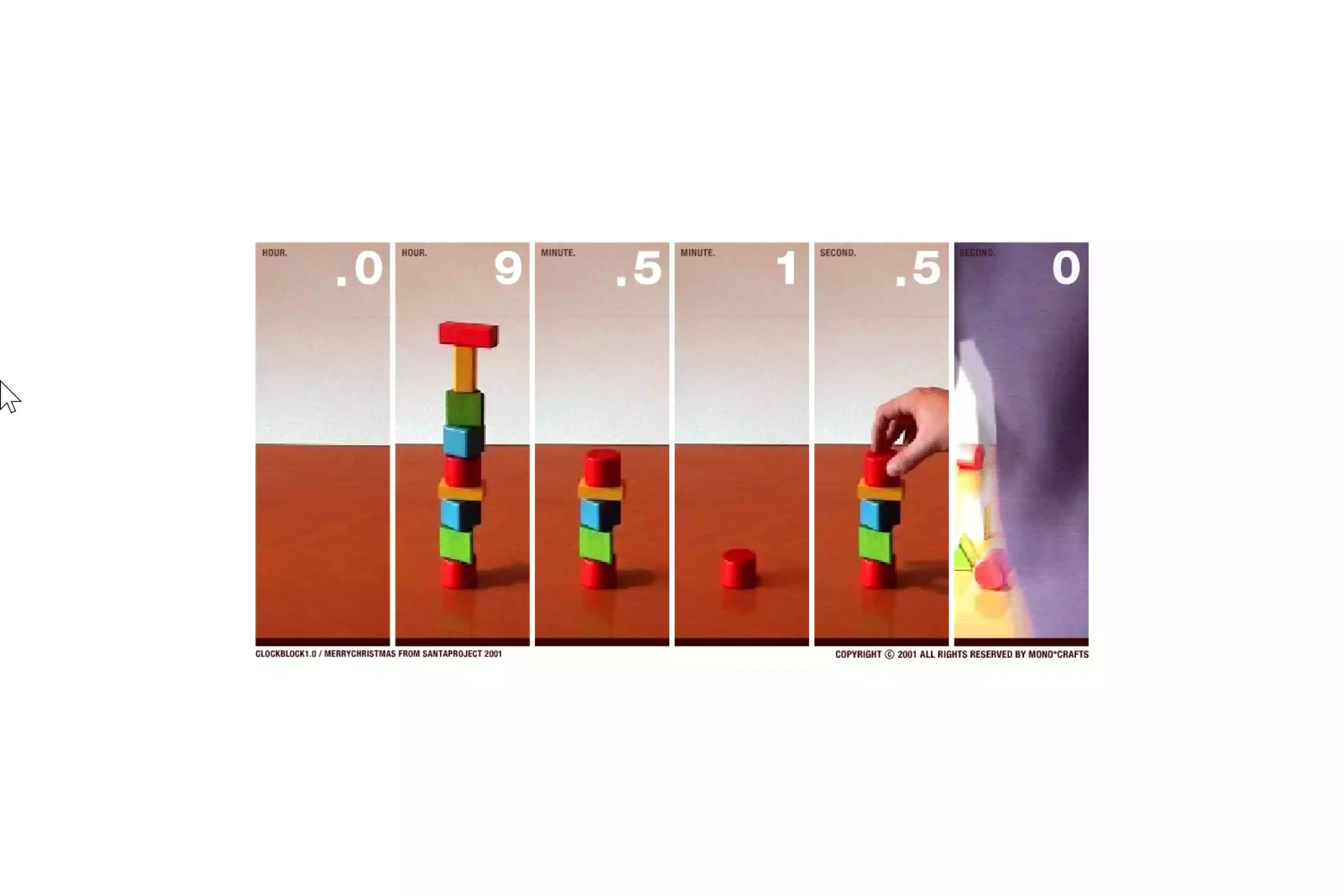
Happy Clock Screensaver presents a cheerful analog clock with animated hands and colorful ticking effects. Easy on system resources and free to use.
Download Happy Clock
You can download Happy Clock here.
Station Clock‑7 Screensaver
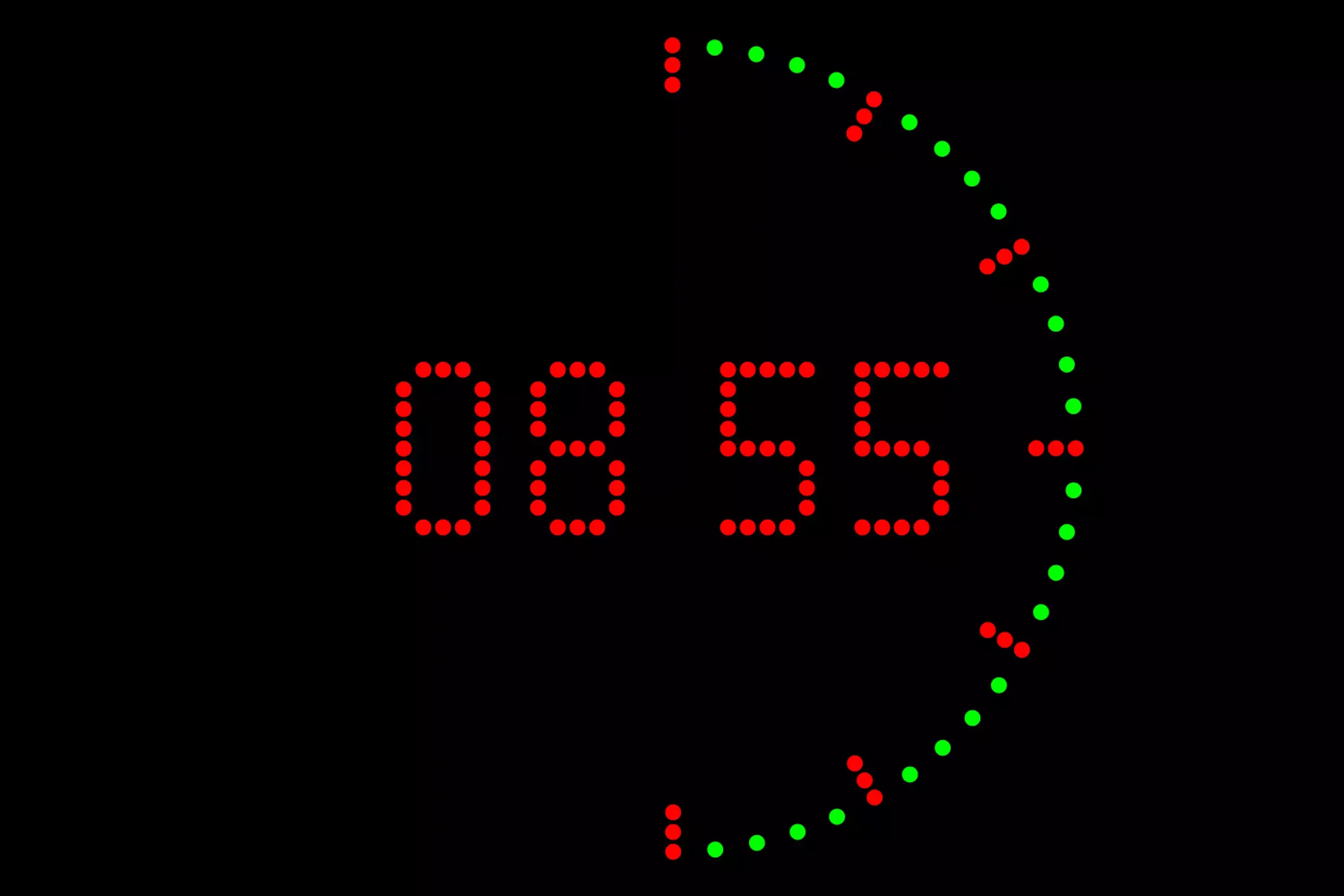
Station Clock‑7 Screensaver emulates the classic train station digital clock style with optional animated seconds, customizable colors, and AM/PM display. Lightweight and ad-free.
Download Station Clock‑7 Screensaver
You can download Station Clock‑7 screensaver here.
Here are more screensavers for Windows 11 and 10 that you might want to explore.
Conclusion
To sum up, screensavers might be an old technology, but they remain relevant and useful. They not only beautify your idle screen but also help maintain your privacy by hiding your desktop when you step away. If you’d like to display a clock on your screen during inactivity, try one of the free clock screensavers mentioned above. Options like Fliqlo, Digital Clock-7, Free Clock, Full screen clock, Pong Clock, Happy Clock, and Station Clock‑7 offer various styles and features. Download your preferred choice and enhance your screen with both charm and functionality.
Thank you for this. Fliqlo was really good. But have you tried Flip Clocker? This one: https://flipclocker.com/
Ain’t this one is too good?