

If you are looking for a way to protect your Windows 11/10 PC from malicious attacks, you might want to consider installing a firewall software. A firewall is a program that monitors and controls the incoming and outgoing network traffic on your computer. It can block unauthorized access, prevent malware infections, and alert you to suspicious activities.
There are many firewall software programs available in the market, but not all of them are free or reliable. Some may have hidden costs, annoying ads, or limited features. To help you choose the best free firewall software for your Windows 11/10 PC, we have compiled a list of 8 options that you can try. These are:-
Comodo Firewall
Comodo Firewall is one of the most popular and trusted free firewall software for Windows. It offers a high level of security and protection against various types of attacks, such as port scans, DDoS, spoofing, and more. It also has a sandbox feature that allows you to run unknown or suspicious programs in an isolated environment without affecting your system. Comodo Firewall also has a game mode that optimizes your performance and prevents interruptions while gaming.
Pros:
- Easy to use and configure.
- Provides advanced security features.
- Supports sandboxing and game mode.
- Compatible with Windows 11/10.
Cons:
- May cause some compatibility issues with other programs.
- May display ads and pop-ups.
TinyWall
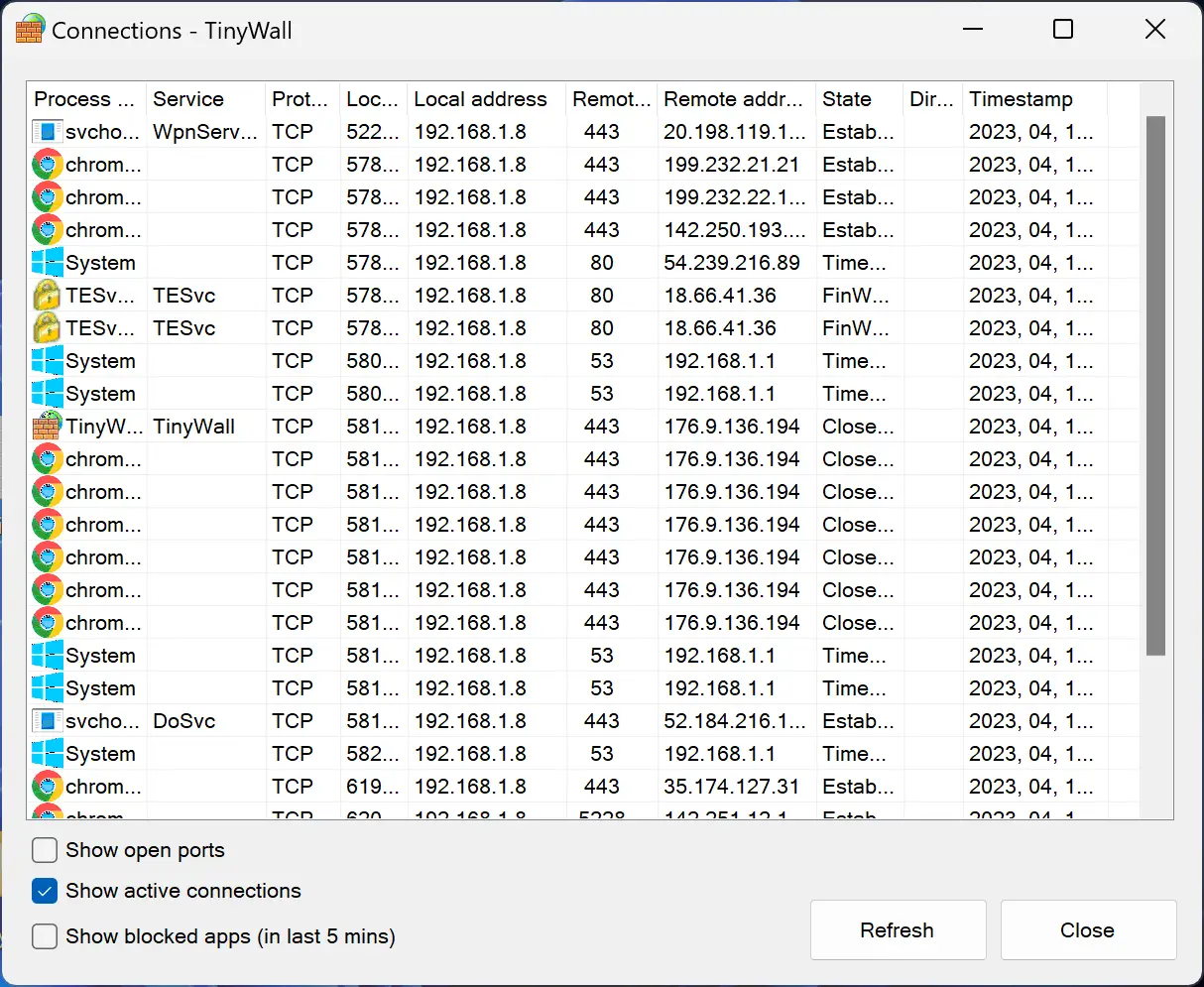
TinyWall is a lightweight and minimalist free firewall software for Windows. It does not have a user interface or a system tray icon. Instead, it integrates with the Windows Defender Firewall and enhances its functionality. TinyWall allows you to whitelist or block applications from accessing the internet using hotkeys or right-click menus. It also has a stealth mode that makes your PC invisible to network scanners. TinyWall does not interfere with your network performance or consume many system resources.
Pros:
- Simple and unobtrusive.
- Does not require user input or configuration.
- Supports whitelisting and stealth mode.
- Does not affect network speed or system performance.
Cons:
- Lacks advanced features and customization options.
- It may not be suitable for novice users.
GlassWire
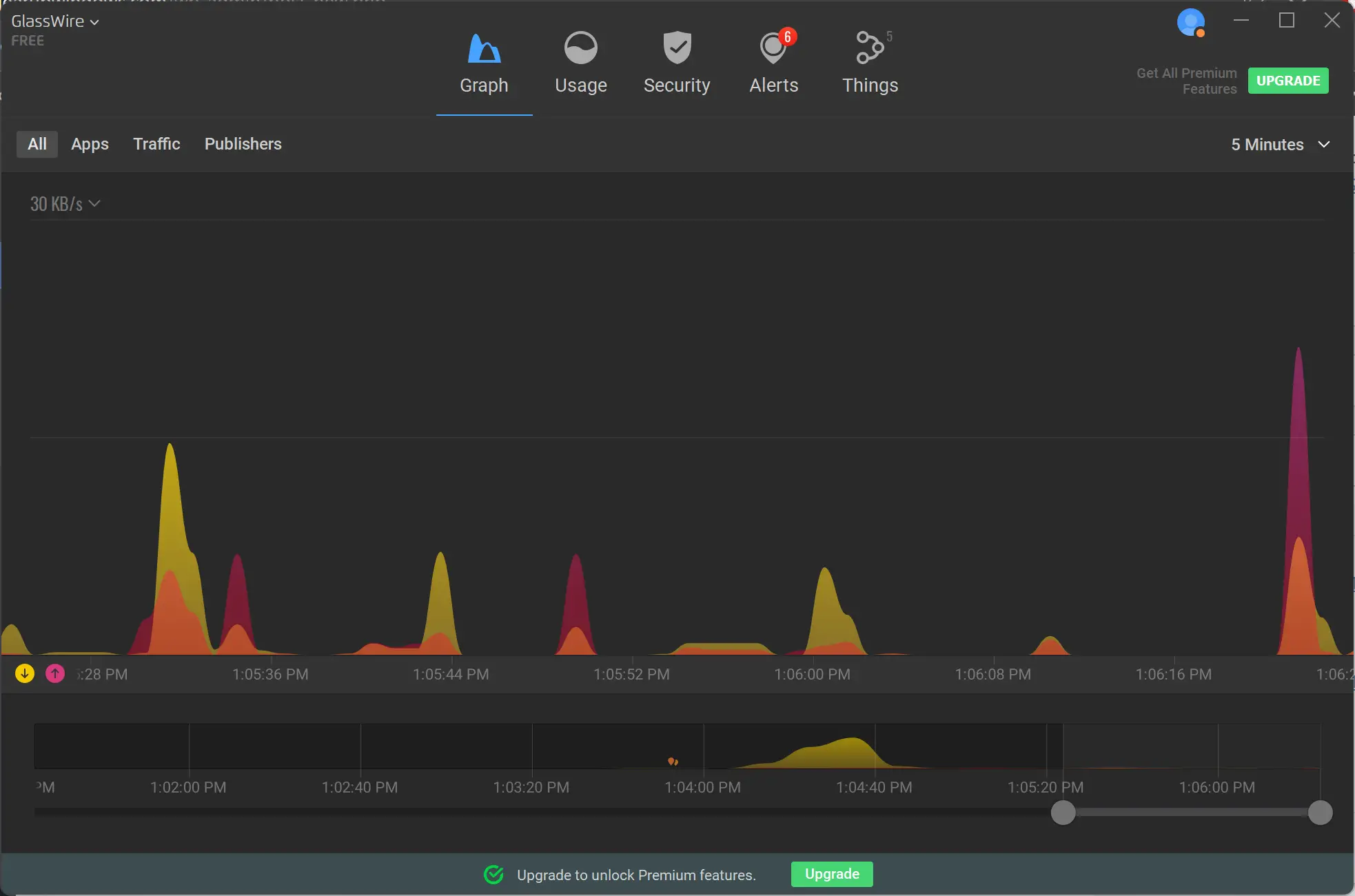
GlassWire is a free firewall software for Windows that also doubles as a network monitor. It displays a graphical representation of your network activity and alerts you to any unusual or suspicious events. You can easily see which applications are using your bandwidth, how much data they are consuming, and where they are connecting to. You can also block or allow any application from accessing the internet with a single click. GlassWire also has a firewall history feature that lets you review past network activity and detect any changes.
Pros:
- Visually appealing and user-friendly.
- Provides detailed network information and alerts.
- Supports blocking and allowing applications.
- Keeps track of firewall history.
Cons:
- May use more system resources than other firewalls.
- The free version has limited features compared to the paid version.
ZoneAlarm Free Firewall
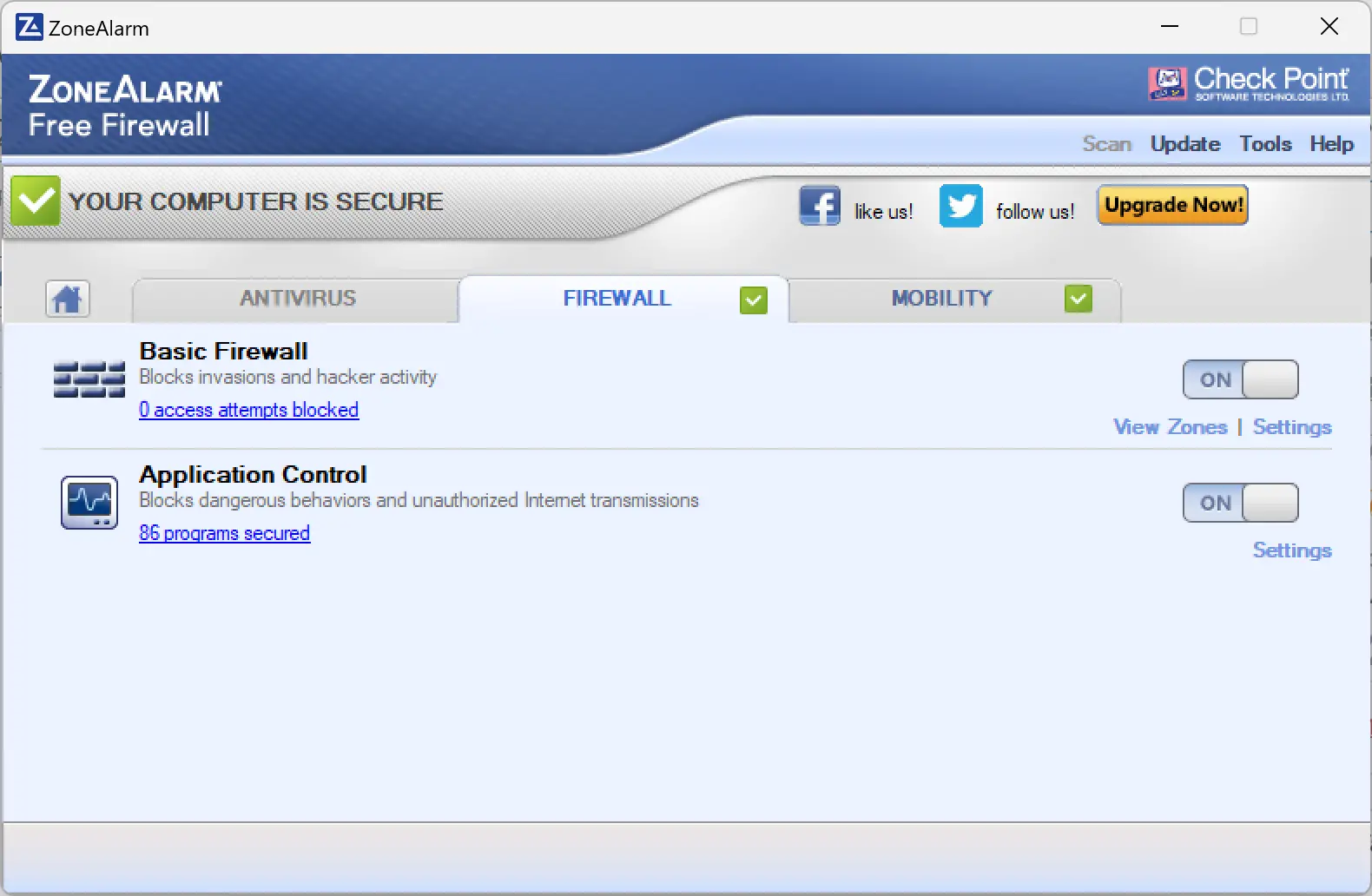
ZoneAlarm Free Firewall is another well-known and reliable free firewall software for Windows. It provides two-way firewall protection that blocks both inbound and outbound threats. It also has an anti-phishing feature that protects you from malicious websites and emails. ZoneAlarm Free Firewall also has an identity protection feature that encrypts your personal data and prevents identity theft. ZoneAlarm Free Firewall also has a do-not-track feature that prevents online trackers from collecting your browsing data.
Pros:
- Offers two-way firewall protection.
- Supports anti-phishing and identity protection.
- Prevents online tracking.
- Compatible with Windows 11/10.
Cons:
- It may slow down your system or internet speed.
- May conflict with other security software.
PeerBlock
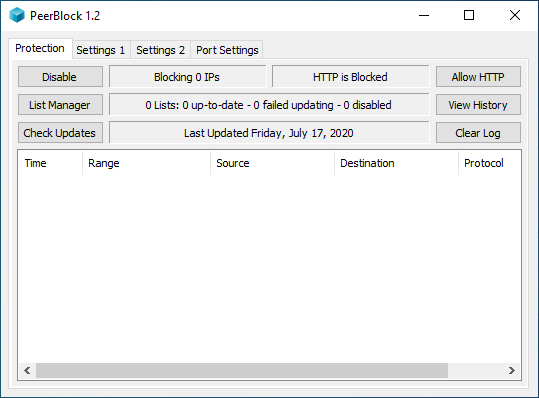
PeerBlock is a free firewall software for Windows that blocks unwanted connections from certain IP addresses or ranges. It allows you to create custom lists of IP addresses that you want to block or allow, such as spyware, adware, government agencies, hackers, etc. PeerBlock also updates these lists automatically from various sources on the internet. PeerBlock is especially useful for torrent users who want to avoid being tracked or monitored by copyright holders or law enforcement.
Pros:
- Blocks unwanted connections from specific IP addresses.
- Allows you to create custom lists of IP addresses.
- Updates lists automatically from online sources.
- Useful for torrent users.
Cons:
- May block legitimate connections or websites.
- It may not be effective against advanced threats.
A1RunGuard
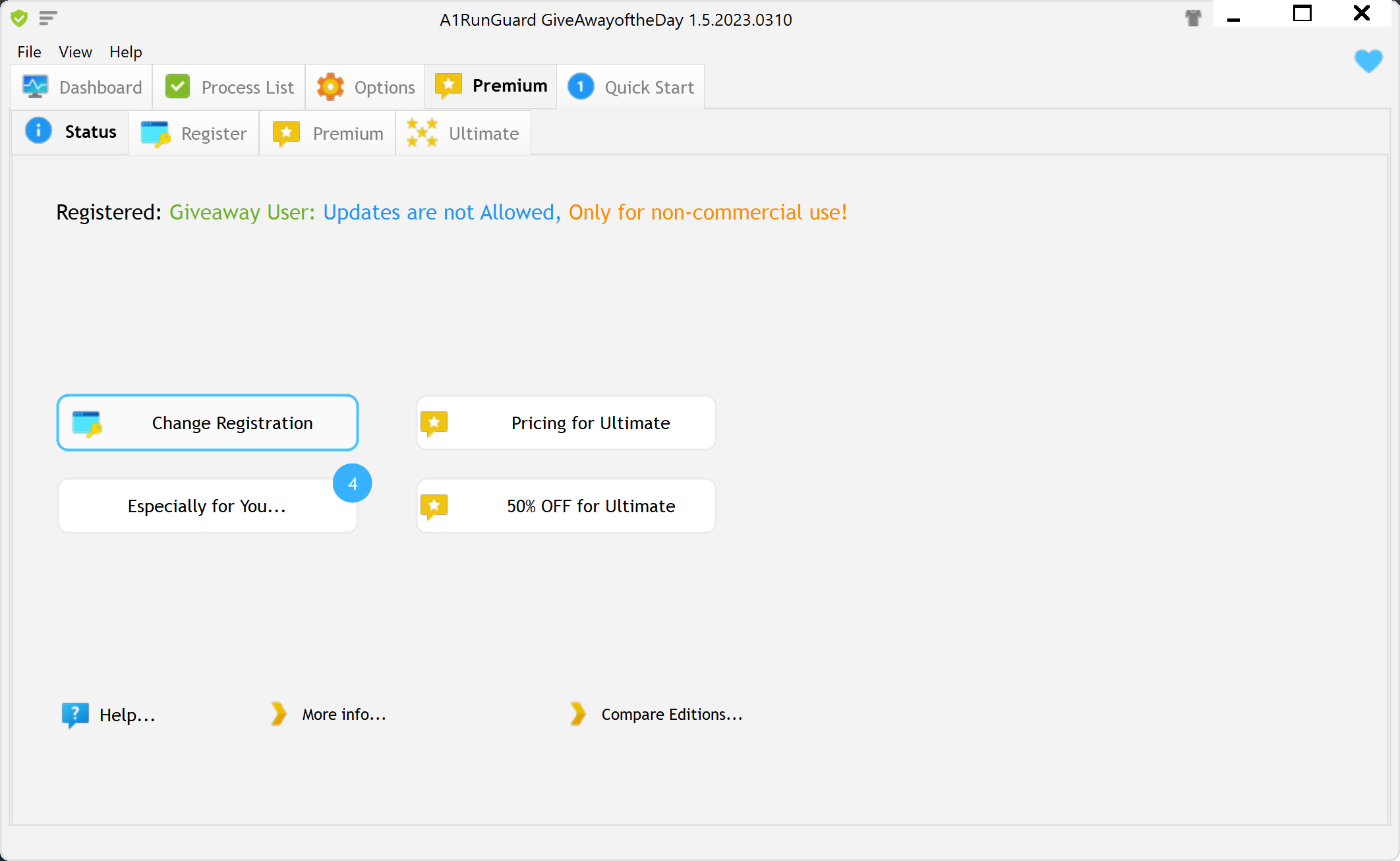
A1RunGuard is a software that helps you monitor and optimize your running performance. It tracks your speed, distance, calories burned, heart rate, and other metrics. It also provides you with personalized feedback and coaching tips based on your goals and progress.
Pros:
- It is easy to use and compatible with most smartphones and smartwatches.
- It has a user-friendly interface and a variety of features to suit different needs and preferences.
- It helps you improve your running efficiency and prevent injuries by analyzing your running form and posture.
- It motivates you to stay on track and challenge yourself by setting goals and rewards.
Cons:
- It requires a stable internet connection and a GPS signal to function properly.
- It may drain your battery faster than usual due to the constant data transmission and processing.
- It may not be accurate or reliable in some situations, such as bad weather, crowded areas, or uneven terrain.
- It may not suit everyone’s style or taste, as some people may prefer a more minimalist or customizable app.
Windows Defender Firewall
Windows Defender Firewall is a built-in security feature that protects your computer from unauthorized network access. It can block or allow incoming and outgoing traffic based on rules that you set. Here are some pros and cons of using Windows Defender Firewall:
Pros:
- It is free and easy to use. You don’t need to install any additional software or pay for a subscription.
- It is integrated with Windows Security Center, which monitors your system’s health and alerts you to any issues.
- It supports both inbound and outbound filtering, which gives you more control over your network activity.
- It works well with other Windows features, such as Windows Update, Windows Defender Antivirus, and Windows Hello.
Cons:
- It may not be enough to protect you from advanced threats, such as ransomware, phishing, or zero-day attacks. You may need a third-party firewall or antivirus software for extra protection.
- It may not be compatible with some applications or devices that require specific network settings. You may need to manually configure the firewall rules or disable them temporarily to allow them to work.
- It may not be suitable for complex network environments, such as businesses or organizations that have multiple devices and users. You may need a more robust firewall solution that can manage and monitor your network centrally.
Portmaster
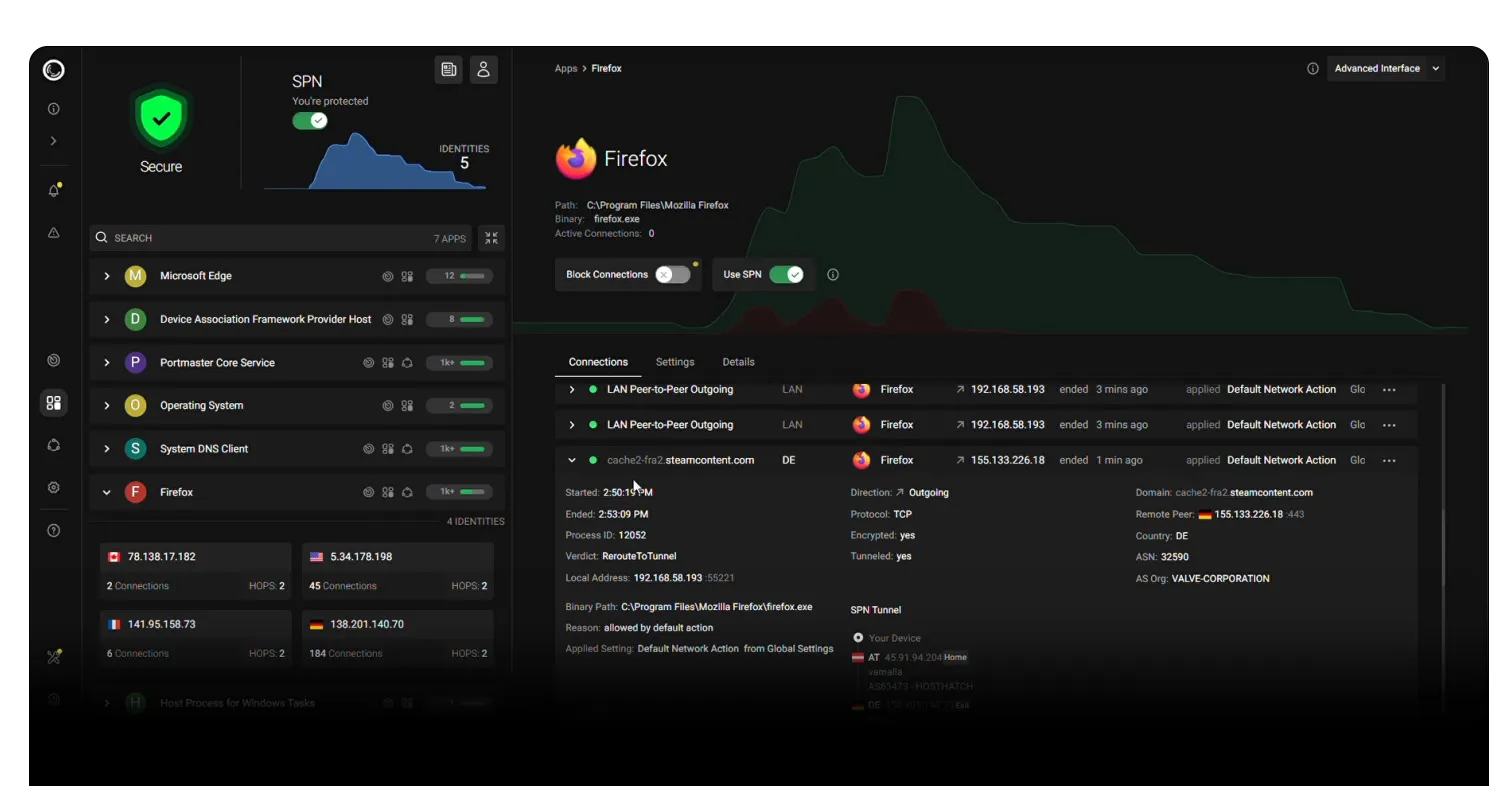
Portmaster is another powerful application firewall that offers a range of features to enhance privacy and provide control over network activity. With Portmaster, users can monitor all network connections, block trackers and malware automatically, and secure DNS requests for a seamless browsing experience. One of the notable advantages of Portmaster is its user-friendly interface, making it accessible to both tech-savvy individuals and those with limited technical expertise. Additionally, the ability to create custom rules and settings allows users to tailor the firewall to their specific needs. However, it’s worth noting that as of now, Portmaster is primarily available for desktop operating systems, and mobile support may be limited. Nevertheless, for those seeking to regain control over their online privacy, Portmaster is a reliable and feature-rich option to consider.
Pros:
- Portmaster empowers users to regain control over their online privacy by monitoring network activity, blocking trackers and malware, and securing DNS requests.
- With its intuitive interface, Portmaster makes it easy for both tech-savvy individuals and less experienced users to manage and configure their firewall settings.
- Users can create their own rules and settings, allowing them to fine-tune the firewall’s behavior to meet their specific privacy needs.
- Portmaster automatically blocks trackers and malware, providing an added layer of security without requiring manual intervention.
- The firewall seamlessly integrates with default or configured DNS-over-TLS (DoT) or DNS-over-HTTPS (DoH) resolvers, ensuring secure and private DNS queries.
Cons:
- Currently, Portmaster is primarily available for desktop operating systems, which may limit its use for mobile device users.
- While the basic features are user-friendly, configuring advanced settings or creating complex rules may require some technical expertise.
- Depending on the system and configuration, running a firewall like Portmaster may introduce a slight performance overhead due to the interception and analysis of network packets.
Frequently Asked Questions
Do I still need a firewall if I use Windows Defender?
Yes. Windows Defender Firewall provides solid baseline protection, but a dedicated third-party firewall can add clearer app controls, outbound blocking, and extra privacy features. Running one good firewall alongside Windows 11/10 security is recommended.
What’s the difference between a firewall and an antivirus?
A firewall controls network traffic (inbound and outbound) and blocks unauthorized connections. An antivirus detects and removes malicious files. Using both together gives layered protection.
What does “two-way” filtering mean?
Two-way filtering means the firewall monitors and can block both inbound (internet → your PC) and outbound (your PC → internet) connections. Outbound control helps stop apps from “phoning home” or leaking data.
Will a firewall slow down my PC or internet?
Modern free firewalls are lightweight. Tools like TinyWall and Windows Defender Firewall have minimal impact, while feature-rich options (e.g., GlassWire) may use a bit more RAM/CPU due to monitoring and graphs.
Can I run two firewalls at the same time?
Do not run two third-party firewalls simultaneously—they can conflict and reduce security. Use only one third-party firewall, and keep the built-in Windows Defender Firewall enabled unless your chosen tool manages it for you.
Are free firewalls safe to use?
Reputable free options like Comodo Firewall, TinyWall, GlassWire (Free), ZoneAlarm Free, and Portmaster are generally safe. Always download from official sites and decline bundled offers during setup.
How do I allow or block an app in Windows Defender Firewall?
Open Windows Security → Firewall & network protection → Allow an app through firewall, then add or remove the app and choose Private/Public networks. Third-party firewalls provide similar “allow/block” prompts per app.
What is “sandboxing” and why does it matter?
Sandboxing runs unknown programs in an isolated space so they can’t harm your system. Firewalls like Comodo include this to safely test suspicious apps before granting full access.
What is “stealth mode” or “Block All”?
Stealth mode hides your PC from network scans by dropping unsolicited packets. A global Block All switch cuts all traffic temporarily—useful on public Wi-Fi or during suspected attacks.
Does a firewall protect me on public Wi-Fi?
Yes, a firewall helps block unsolicited inbound connections on untrusted networks. Combine it with a VPN, keep file sharing off, and use HTTPS for stronger protection.
Can a firewall stop ransomware?
A firewall can block command-and-control traffic and suspicious outbound connections, reducing spread. It’s not a replacement for antivirus, anti-ransomware features, secure backups, and cautious browsing.
What is application whitelisting?
Application whitelisting allows only approved programs to access the network (or even to run). Minimalist tools like TinyWall use whitelisting to keep noise low and control tight.
Is PeerBlock the same as a firewall?
PeerBlock is primarily an IP/host blocker that uses maintainable lists; it’s not a full two-way firewall. It can complement a firewall, but shouldn’t replace one.
Is A1RunGuard a firewall?
A1RunGuard behaves more like a process firewall (anti-executable)—it controls which programs are allowed to run. It’s useful for blocking unwanted executables, but it does not inspect or filter network packets like a traditional network firewall.
How do I test if my firewall is working?
Ensure unsolicited inbound requests are blocked (your device shouldn’t respond to random probes), verify apps prompt for permission on first use, and review the firewall’s logs/history to see allowed/blocked events.
Which free firewall should beginners start with?
For simplicity, stick with Windows Defender Firewall or add TinyWall for quiet whitelisting. If you want visibility, GlassWire (Free) offers clear network graphs and alerts. Power users may prefer Comodo or Portmaster for deeper control.
Will a firewall break Windows Update or the Microsoft Store?
It shouldn’t, but strict outbound rules can block services. If updates fail, temporarily relax rules or explicitly allow Microsoft services/domains. Avoid blanket “Block All” while updating.
Conclusion
In conclusion, if you are looking to protect your Windows 11/10 PC from malicious attacks and maintain control over your network activity, installing a firewall software is highly recommended. There are several free options available, each with its own set of advantages and disadvantages.
Comodo Firewall offers advanced security features, sandboxing, and game mode, making it a popular choice for Windows users. TinyWall integrates with Windows Defender Firewall and provides simplicity and low resource consumption. GlassWire combines firewall functionality with network monitoring, offering visual insights and detailed alerts. ZoneAlarm Free Firewall provides two-way protection, anti-phishing, and identity protection features. PeerBlock is suitable for users who want to block specific IP addresses and avoid tracking in torrent environments. A1RunGuard is a specialized software for monitoring and optimizing running performance.
Lastly, Portmaster is a user-friendly firewall software that excels in enhancing privacy, with features such as network monitoring, automatic blocking of trackers and malware, and secure DNS requests. However, it has limited mobile support and may require some technical expertise for advanced configuration.
Consider your specific needs and technical proficiency when choosing a firewall software for your Windows PC. Remember that firewall software plays a crucial role in securing your system and protecting your privacy, so it’s important to select one that meets your requirements effectively.