

Keeping your Windows 11 or Windows 10 PC running smoothly requires regular maintenance, cleaning, and optimization. Fortunately, there are numerous reliable and free tools available to help you manage tasks such as junk file cleanup, registry repairs, privacy protection, and system optimization. In this guide, we’ll cover the best free utilities already tested and featured on gearupwindows, so you can confidently optimize and maintain your computer with ease.
All-in-One PC Optimization Suites
Wise Care 365 Free
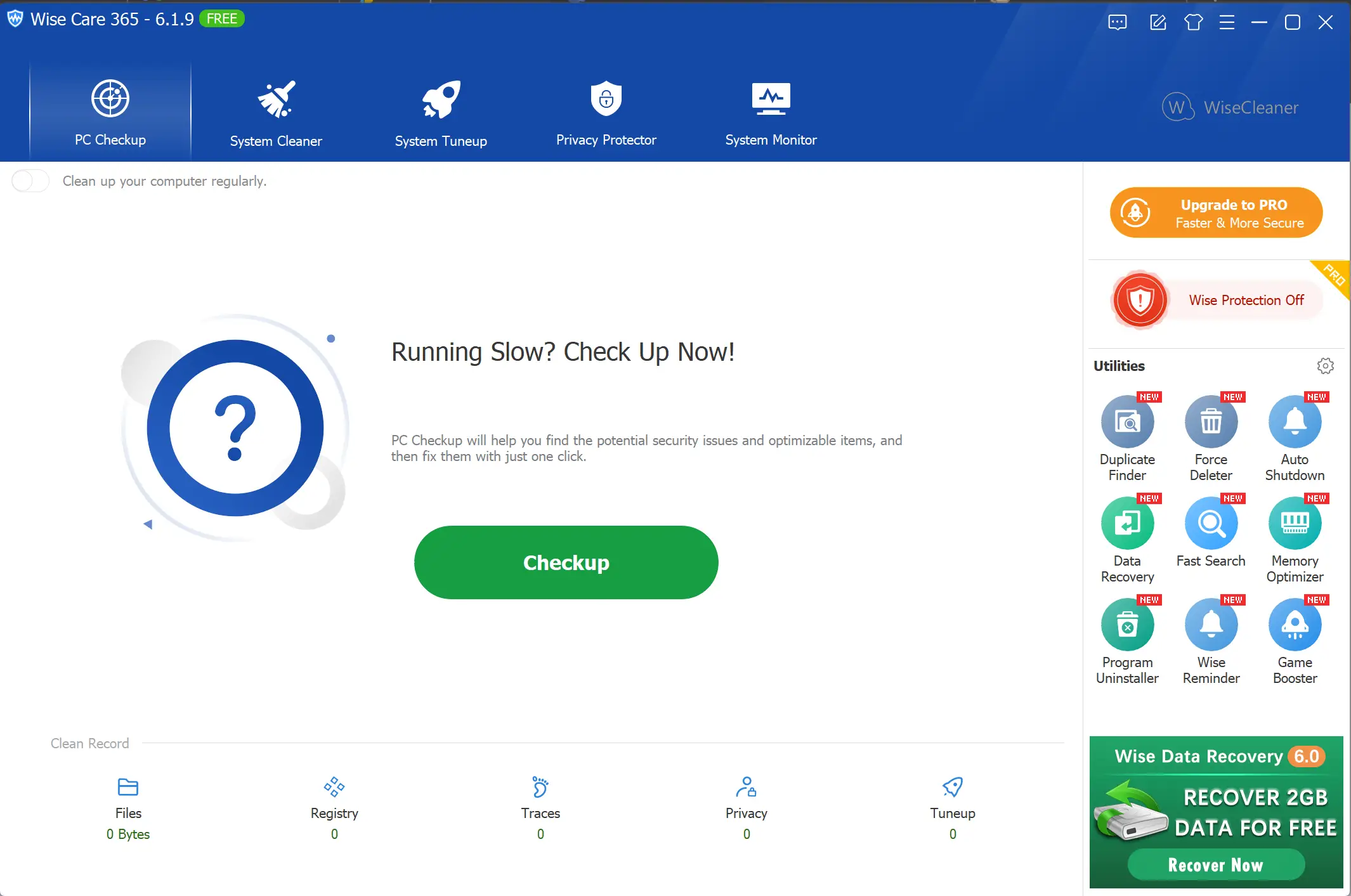
Wise Care 365 Free is a popular all-in-one PC cleaning and optimization utility designed for Windows users. It provides a fast and easy way to clean up junk files, fix registry issues, and enhance your system’s overall performance with just a few clicks.
Once installed, the program offers a clean and beginner-friendly interface that categorizes tools into different sections like PC Checkup, System Cleaner, System Tuneup, Privacy Protector, and System Monitor. For users who want a quick boost, the PC Checkup feature scans the entire system and suggests necessary fixes in a single click.
Wise Care 365 also includes a real-time system monitoring feature that alerts you when applications attempt to change system settings. The software’s optimization module can disable unnecessary startup programs and services, which significantly reduces boot time and enhances responsiveness.
Another benefit of using Wise Care 365 Free is the built-in Privacy Eraser, which helps remove browsing history, saved passwords, and other privacy traces from popular browsers. Additionally, the Registry Cleaner module detects and resolves broken or invalid registry entries without compromising system stability.
For those looking for a well-rounded and efficient PC maintenance tool, Wise Care 365 Free is a dependable choice already featured on gearupwindows.com. It’s lightweight, fast, and provides everything you need to keep your computer clean and running smoothly.
Glary Utilities Free
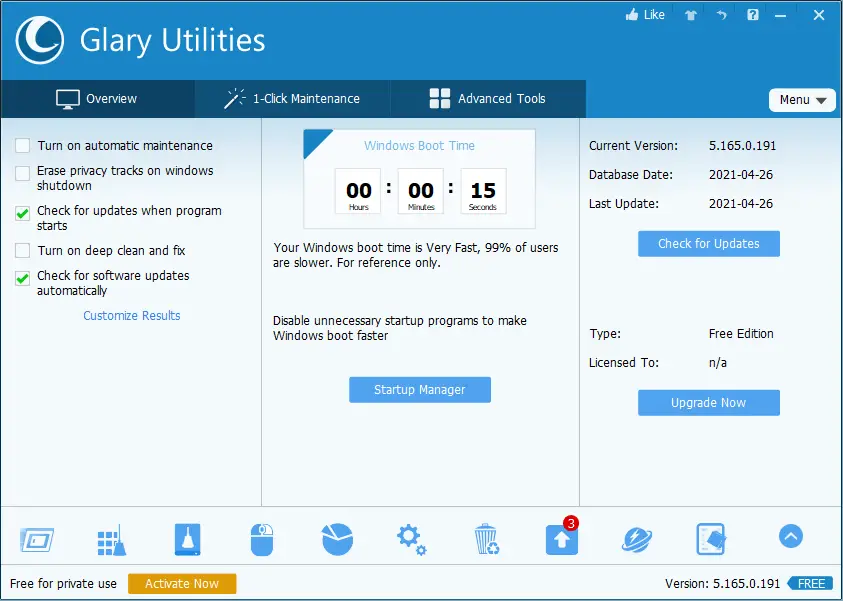
Glary Utilities Free is a powerful and versatile utility suite designed to clean, repair, and optimize your Windows PC. With over 20 integrated tools, this software offers one-click maintenance that quickly analyzes and fixes common system issues without requiring any technical knowledge.
The user-friendly dashboard groups its functions under clear categories such as Clean & Repair, Optimize & Improve, Privacy & Security, Files & Folders, and System Tools. The 1-Click Maintenance feature is perfect for beginners—it automatically scans your system for issues like temporary files, registry errors, startup bottlenecks, and privacy concerns, then resolves them instantly.
Glary Utilities also includes modules to manage startup items, uninstall programs, remove duplicate files, defragment the registry, and even recover deleted files. Its Disk Cleaner and Registry Cleaner help free up valuable space and improve overall system responsiveness.
One of the standout features is its Tracks Eraser, which helps protect your privacy by clearing browsing history and other traces from your PC. Additionally, the Startup Manager allows you to disable unnecessary applications from launching at boot, reducing startup time significantly.
Already featured on gearupwindows, Glary Utilities Free is a reliable choice for users who want complete system maintenance in a simple and free package.
IObit Advanced SystemCare Free
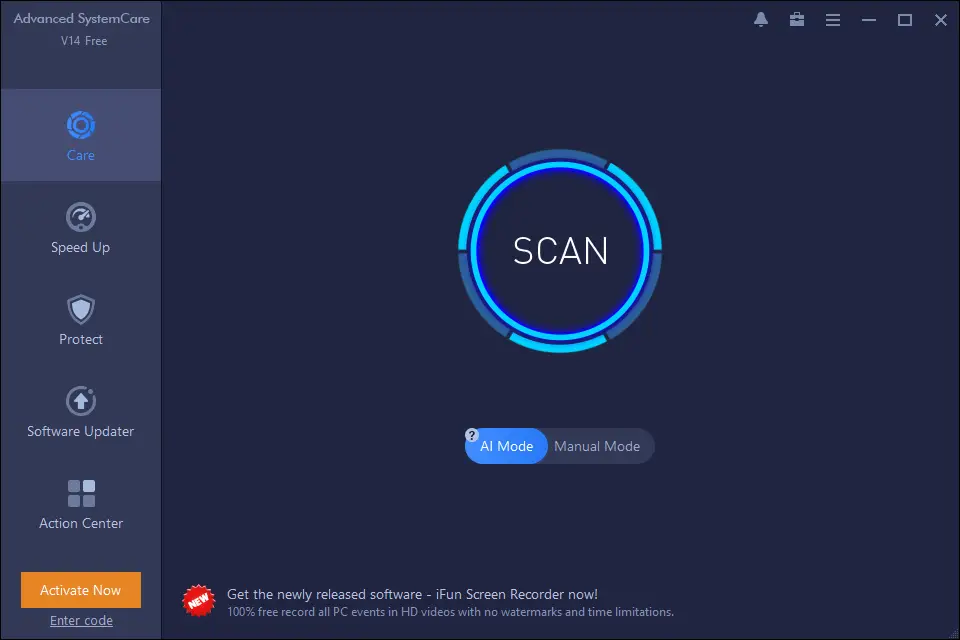
IObit Advanced SystemCare Free is a comprehensive system optimization tool designed to clean, speed up, and secure Windows 11 and 10 PCs. It offers a one-click approach to remove junk files, fix registry errors, manage startup items, and enhance overall system performance.
The user-friendly interface is divided into sections like Clean & Optimize, Speed Up, Protect, and Software Updater, making it easy for beginners to navigate. Its powerful scanning engine quickly detects system issues and provides actionable suggestions to fix them.
One of its standout features is the AI Mode, which intelligently analyzes your PC’s needs and applies the best optimization strategy based on your usage. It also offers a manual mode for users who want more control over what gets optimized.
Besides performance improvement, Advanced SystemCare Free also enhances your online experience by clearing privacy traces and boosting internet speed. The built-in Startup Optimizer helps reduce boot time by disabling unnecessary startup programs.
If you’re looking for an all-in-one PC maintenance solution that does more than just cleaning, this tool is worth trying.
Registry and Junk Cleaners
BleachBit
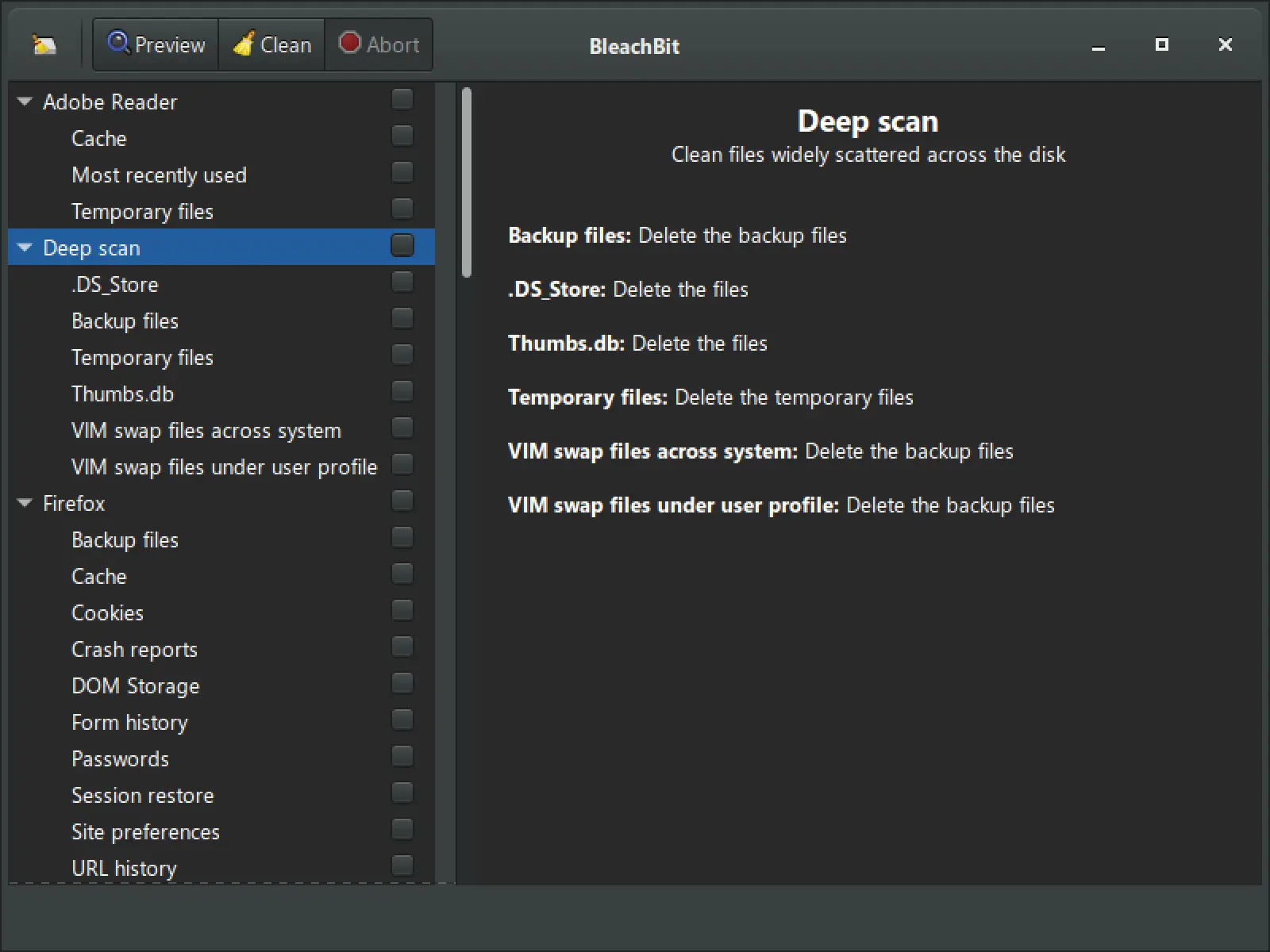
BleachBit is a lightweight, open-source cleaning tool that helps you free up disk space and maintain privacy on your Windows 11 and 10 PCs. Unlike many other tools that come with bundled extras or complex interfaces, BleachBit keeps things simple and efficient.
With support for dozens of applications, including popular browsers, system components, and office tools, BleachBit can clean cache, cookies, temporary files, logs, and other digital clutter. It even includes advanced features like secure file deletion and shredding free disk space to prevent file recovery.
This tool is ideal for users who want complete control over what gets deleted. It shows detailed descriptions of each cleaning option, making it safer and more transparent for beginners and advanced users alike.
Another key highlight is that BleachBit does not run in the background or slow down your system. You open it only when needed, making it a no-nonsense utility for occasional deep cleans.
While it excels at junk file cleanup and privacy protection, BleachBit does not include a registry cleaner—keeping things simple and focused.
Internet Speed Optimizers
Ashampoo Internet Accelerator
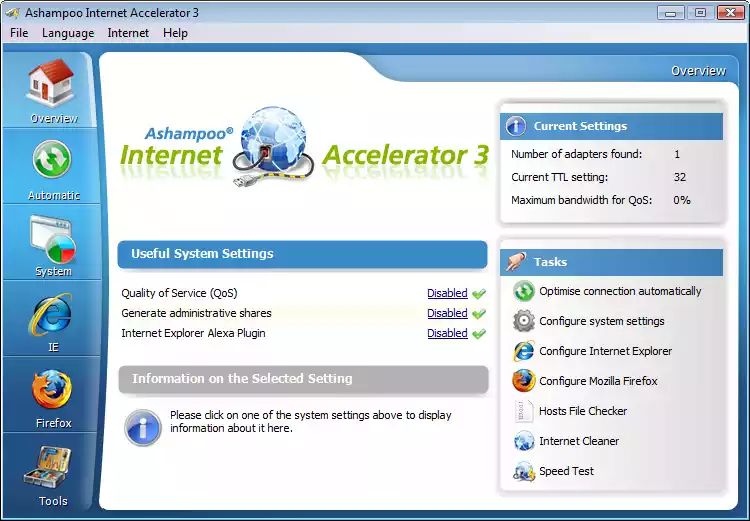
In today’s connected world, internet speed plays a crucial role in overall PC performance. Ashampoo Internet Accelerator is a free tool designed to optimize your internet settings in just a few clicks. It’s especially useful for users who aren’t tech-savvy but still want faster and more stable connections on Windows 11 or 10.
Instead of manually tweaking registry entries or system settings, this utility analyzes your connection and applies recommended changes automatically. Whether you’re using a LAN, Wi-Fi, or DSL connection, Ashampoo Internet Accelerator can fine-tune it to reduce latency and improve speed.
The software also includes a built-in Internet Cleaner that removes browsing traces, temporary files, and cookies — improving privacy alongside performance. You can use both manual and automatic modes depending on how much control you want.
If you’re struggling with sluggish downloads or web pages that take forever to load, this tool can make a noticeable difference without needing any technical knowledge.
Startup and App Managers
Wintoys
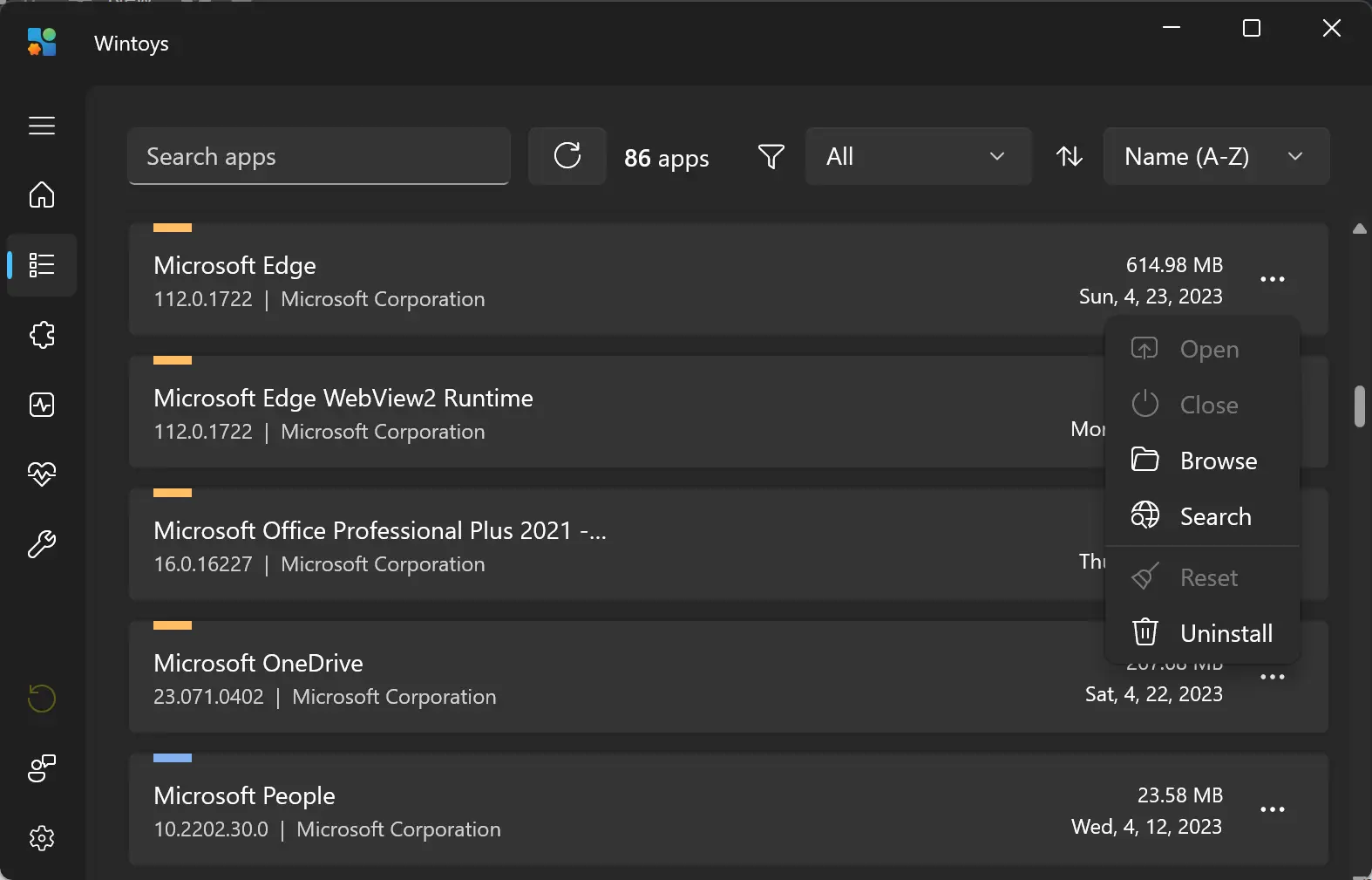
Wintoys is a modern, open-source optimization tool built specifically for Windows 11 and 10. It combines a beautiful user interface with powerful system utilities that help you clean, optimize, and maintain your PC effortlessly.
What makes Wintoys stand out is its user-friendly design and seamless integration with Windows 11’s look and feel. The app offers multiple features, including app uninstallation, startup management, service tweaking, and system health monitoring—all in one place.
One of the most appreciated tools in Wintoys is the “Debloat” feature, which allows users to safely remove pre-installed apps and services that slow down the system. It also helps tweak performance settings and manage Windows updates more effectively.
Wintoys is perfect for users who want a lightweight yet effective utility to speed up their system without dealing with complicated settings or bloated software.
Security & Privacy Tools
Avira Free Security
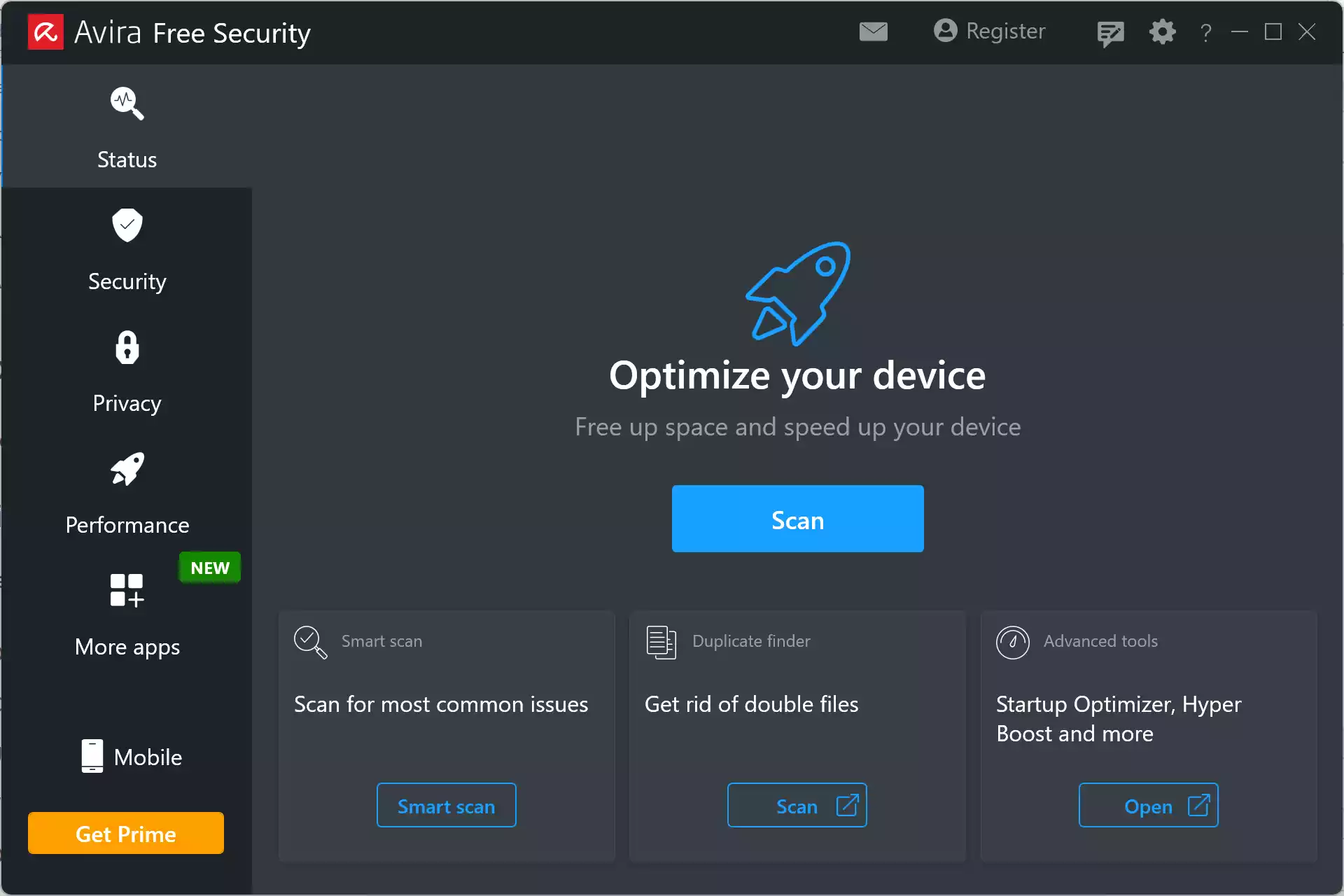
Avira Free Security is a comprehensive all-in-one suite designed to protect, clean, and optimize Windows 11 and 10 PCs. More than just an antivirus, it includes a powerful range of performance and privacy tools that help keep your system running at its best.
This free suite includes virus and malware protection, a built-in VPN (with limited data), system optimizer, startup manager, junk file cleaner, and privacy settings checker. Avira’s lightweight design ensures that it doesn’t slow down your computer, making it ideal for everyday users.
The System Speedup tools included with Avira help improve boot time, remove unnecessary files, and reduce background processes. It even offers a one-click optimizer that scans for issues and applies fixes automatically, saving users time and effort.
With its beginner-friendly interface and smart automation, Avira Free Security is a solid choice for users looking for a balance between protection and performance without paying a cent.
Drive & System Optimizers
O&O ShutUp10++
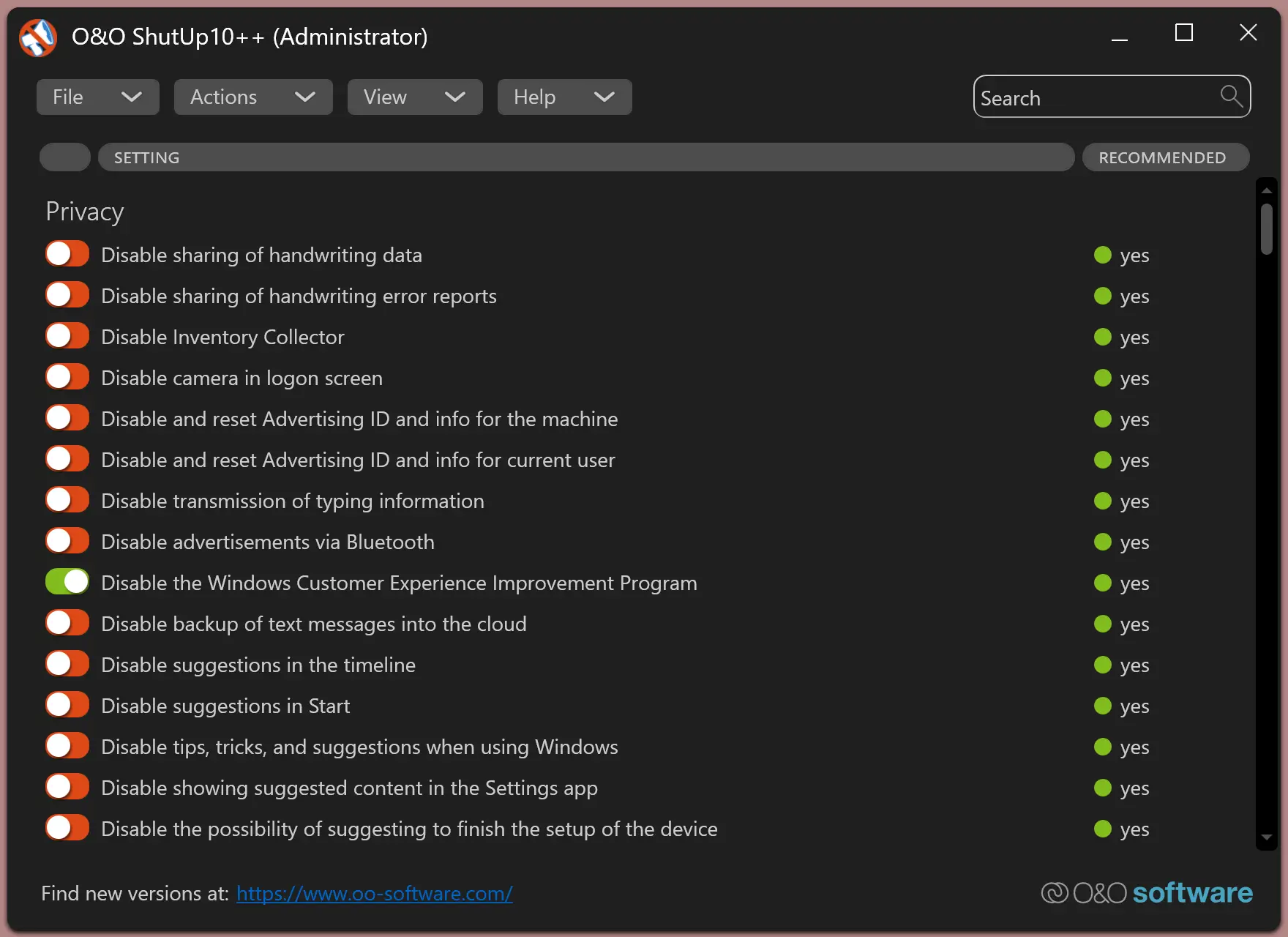
O&O ShutUp10++ is a privacy-focused tool for Windows 11 and 10 users who want to take full control of their operating system’s data sharing and telemetry features. This free utility disables unwanted background services, tracking, app access permissions, and other built-in Microsoft settings that may compromise user privacy.
Unlike traditional system optimizers, O&O ShutUp10++ focuses solely on privacy and security. The software provides categorized recommendations with clear explanations, so even beginners can safely make changes. You can disable location tracking, camera and microphone access, advertising ID, telemetry, and more — all with just a few clicks.
The software does not require installation, and users can create restore points before applying any settings. This ensures peace of mind and easy recovery if needed. It’s a powerful choice for users who prioritize privacy and want to stop Windows from sending data to Microsoft servers unnecessarily.
Microsoft PC Manager
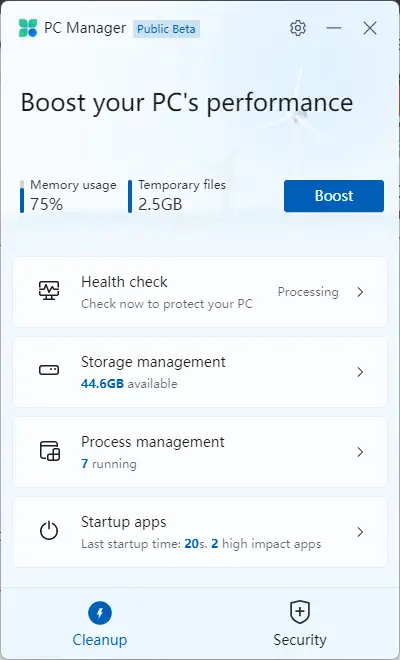
Microsoft PC Manager is an official tool from Microsoft designed to help users optimize, clean, and secure their Windows 11 and 10 computers. This lightweight utility combines essential maintenance features into one simple dashboard, making it perfect for beginners who want a hassle-free way to boost their PC’s performance.
With Microsoft PC Manager, users can easily clean temporary files, manage startup programs, monitor system health, and free up memory with just one click. The built-in Health Check scans for unnecessary files and high-impact startup apps, allowing you to disable them and improve boot time.
In addition to performance optimization, the tool also integrates with Windows Defender to scan for threats, check for updates, and ensure your system is protected. It’s especially useful for those who want a reliable, no-frills optimization tool without third-party extras.
Frequently Asked Questions
Can I use more than one optimization tool?
Yes, you can combine tools that serve different purposes, such as using a junk file cleaner alongside a privacy-focused utility. Just make sure they don’t conflict or duplicate features unnecessarily.
Is it safe to clean the Windows registry?
Most modern registry cleaners are safe, but you should always review suggested changes and back up your system before making any edits. Tools like Wise Care 365 and Glary Utilities handle this cautiously.
Conclusion
With so many free optimization tools available, there’s no excuse for letting your Windows PC run slowly or be cluttered. Whether you need a full maintenance suite, a privacy enhancer, or a tool to manage startup apps, the software featured above has you covered. Choose the ones that best match your needs and enjoy a faster, cleaner, and more secure computing experience. If you want a balance of cleanup, optimization, and speed boosting in one package, Auslogics BoostSpeed remains one of the most comprehensive free options available.