

AxCrypt Free is a popular open-source file encryption software that enables you to protect confidential files on your Windows computer securely. Designed for simplicity and security, it helps you lock personal data, financial records, business documents, and any sensitive file with strong AES-128 encryption. Whether you’re a home user or a small business, AxCrypt Free makes file encryption effortless without requiring any technical expertise.
What is AxCrypt Free?
AxCrypt Free is part of the AxCrypt 2.1 open-source suite licensed under the GNU General Public License (GPL) v3. It’s completely free for Windows users and comes with all the basic features required to encrypt, decrypt, and manage confidential files. The free edition supports AES-128 encryption, which is considered highly secure for everyday use.
Unlike traditional archiving or password-protecting methods, AxCrypt integrates directly into the Windows Explorer right-click menu, making it easy to encrypt or decrypt files with a single click. This straightforward integration is perfect for beginners who want to keep their data private without going through complicated settings.
If you’re looking for similar security tools to combine with AxCrypt for better data privacy, check out our detailed guide on Best Free Encryption Tools for Windows 11 and 10, where we have listed the most reliable options available today.
How Does AxCrypt Work?
Once installed, AxCrypt automatically integrates into your File Explorer. Right-click on any file and choose the “AxCrypt” option to encrypt it using your chosen password. The file extension changes to “.axx,” indicating that it’s encrypted and unreadable to anyone without your password.
When you or another AxCrypt user opens the encrypted file, AxCrypt decrypts it on the fly after verifying your credentials. This makes the process seamless, allowing you to view or modify files securely and re-encrypt them when done.
It’s a lightweight utility that runs quietly in the background without affecting system speed. If you’re worried about high CPU load, you can also use Process Lasso Free to control AxCrypt’s background performance efficiently.
AxCrypt Viewer for macOS and Mobile
AxCrypt also offers a free Viewer Plan for macOS, iOS, and Android users. This plan allows you to view and decrypt encrypted files and access your password manager securely. However, note that editing or re-encrypting files is reserved for premium users. The viewer is ideal for people who receive encrypted files and only need read-only access on non-Windows devices.
This cross-platform accessibility makes AxCrypt especially convenient for professionals who share encrypted files with clients or colleagues on different operating systems.
Key Features of AxCrypt Free
- Open-source under GPL v3 – Transparent, community-verified encryption software.
- AES-128 encryption – Strong enough for protecting personal and business data.
- Windows Explorer integration – Encrypt or decrypt directly from the right-click menu.
- Cloud integration – Works seamlessly with Google Drive, Dropbox, and OneDrive.
- Cross-platform compatibility – Free viewer for macOS, iOS, and Android.
- Password manager view mode – Securely view stored passwords (no editing in Free).
How to Use AxCrypt Free on Windows
Here’s a quick overview of how to use AxCrypt Free:
Step 1. Download and install the open-source version of AxCrypt from the official site.
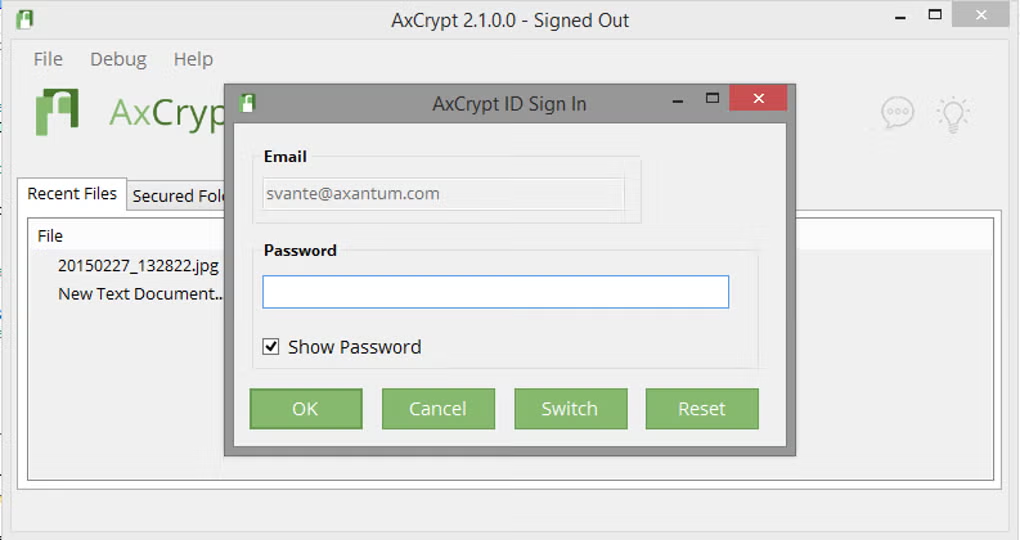
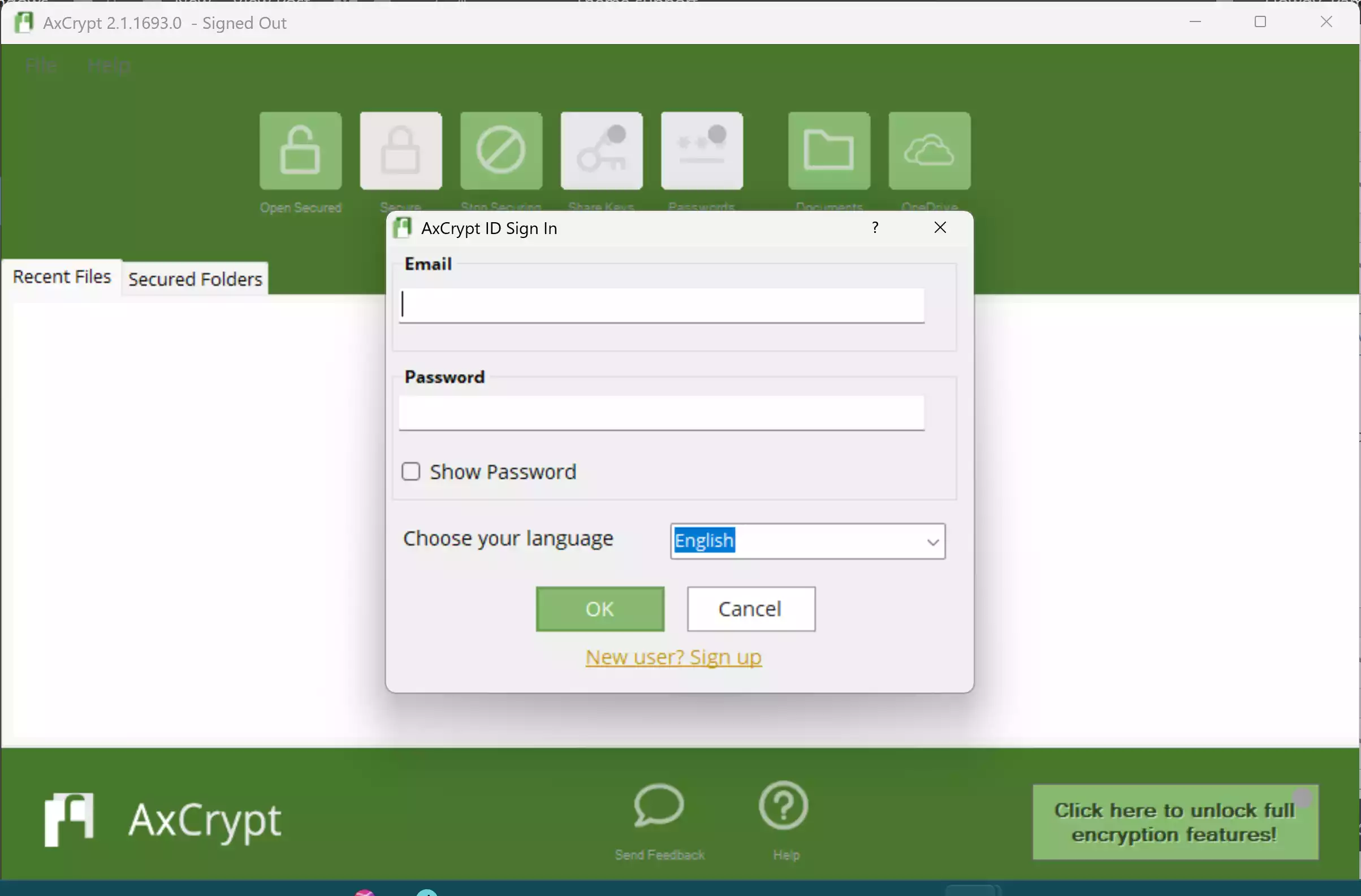
Step 2. Launch AxCrypt and sign up for encryption.
Step 3. Right-click any file or folder you want to encrypt and select “AxCrypt → Encrypt.”
Step 4. Your file will now be locked with AES-128 encryption. The original file becomes unreadable without the password.
Step 5. To decrypt, simply double-click the encrypted file and enter your password.
If you want to protect files stored on external media, learn how to password-protect USB thumb drives for extra portability and data security.
AxCrypt Free vs AxCrypt Premium
It’s important to understand that the current AxCrypt installer automatically starts with a 30-day Premium trial. After the trial ends, the app turns into a limited free version that can only decrypt existing files, not encrypt new ones. To continue encrypting files without restrictions, you must install the AxCrypt 2.1 GPL open-source version, which is the true “AxCrypt Free.”
The Premium version adds AES-256 encryption, secure file shredding, password manager editing, key sharing, and offline file encryption. However, for most personal or small office needs, the 2.1 open-source version remains completely sufficient and truly free.
For additional protection, you can also try Easy File Locker or My Lockbox, both of which work offline and add folder-level security.
Why Choose AxCrypt Free?
- Beginner-friendly design: Encrypt and decrypt files in seconds using simple right-click options.
- Open-source transparency: The 2.1 GPL edition is community-audited and privacy-respecting.
- Offline and cloud support: Works without a cloud account, but integrates with major storage services.
- Lightweight performance: Runs smoothly without draining CPU or memory.
- Cross-device access: View your encrypted data on mobile using AxCrypt Viewer.
If you’re exploring open-source or privacy-friendly encryption, check our guide on free encryption tools for Windows, including VeraCrypt and DiskCryptor.
Security and Privacy
AxCrypt uses a proven AES-128 encryption algorithm to protect your files from unauthorized access. Your password never leaves your device, and the encryption process happens locally. Even if someone steals your cloud backups, your encrypted files remain unreadable.
For additional protection, you can combine AxCrypt with folder-hiding utilities like Lock a Folder to add another privacy layer to sensitive directories.
System Requirements
- Operating System: Windows 7, 8, 10, or 11 (32/64-bit)
Pros
- Free and open-source (AxCrypt 2.1 GPL)
- Fast AES-128 encryption for local files
- Integrates directly into File Explorer
- Mobile viewer for decryption on-the-go
- Supports both offline and cloud workflows
Considerations
- The newer AxCrypt app (2.1+) disables encryption after the trial period.
- Only the AxCrypt 2.1 GPL version supports ongoing free encryption.
- Premium features like AES-256 and secure file deletion require a paid license.
FAQs
Q1. Why can’t I encrypt files after the AxCrypt trial ends?
After 30 days, the app downgrades to a limited free version that only decrypts. To continue encrypting files, install the open-source AxCrypt 2.1 GPL edition.
Q2. Does AxCrypt Free support AES-256?
No, the free edition uses AES-128 encryption. AES-256 is available only in AxCrypt Premium.
Q3. Is AxCrypt 2.1 still safe to use?
Yes, it remains stable and fully functional on Windows 11. Being open-source under GPL v3, it’s safe and trusted for personal use.
Q4. Can AxCrypt encrypt cloud-synced folders?
Yes. You can encrypt files stored in OneDrive, Dropbox, or Google Drive; they’ll remain unreadable without your password.
Q5. What are some good alternatives?
You can try Easy File Locker or My Lockbox for more advanced choices.
Download AxCrypt Free
Although the AxCrypt website still references version 2.1 as open-source under GPL v3, the publicly distributed Windows installer (including version 2.1.1693.0) launches a 30-day Premium trial and disables encryption afterward. The genuine GPL-licensed code exists only as source on AxCrypt’s GitHub, not as a ready-to-use build.
Conclusion
AxCrypt Free remains one of the most respected open-source encryption tools for Windows. While the newer versions limit encryption after the trial, the original AxCrypt 2.1 GPL edition continues to offer full AES-128 file encryption at no cost. It’s simple, effective, and trustworthy for protecting private or professional documents.
For users who value privacy, transparency, and offline control, AxCrypt Free (GPL) stands out as a dependable choice. And if you ever need additional power features like AES-256 or file shredding, upgrading to Premium or exploring tools like VeraCrypt can extend your data security even further.
Start protecting your files today with AxCrypt Free and experience the balance of simplicity and serious encryption strength.