

Ashampoo Burning Studio is a popular and trusted CD/DVD burning tool that has been around for years. Developed by Ashampoo, a company known for its high-quality software, this tool offers a simple and powerful way to manage your disc-burning tasks. It’s one of their most widely used programs and is suitable for both beginners and advanced users.
What is Ashampoo Burning Studio Free?
Ashampoo Burning Studio FREE provides a fast and easy solution for burning all types of discs. It includes features such as burning and backing up data, ripping music discs, creating audio CDs, and burning videos (like MP4) and photos to CD, DVD, or Blu-ray discs. Thanks to its clean and intuitive interface, even first-time users can produce great results quickly.
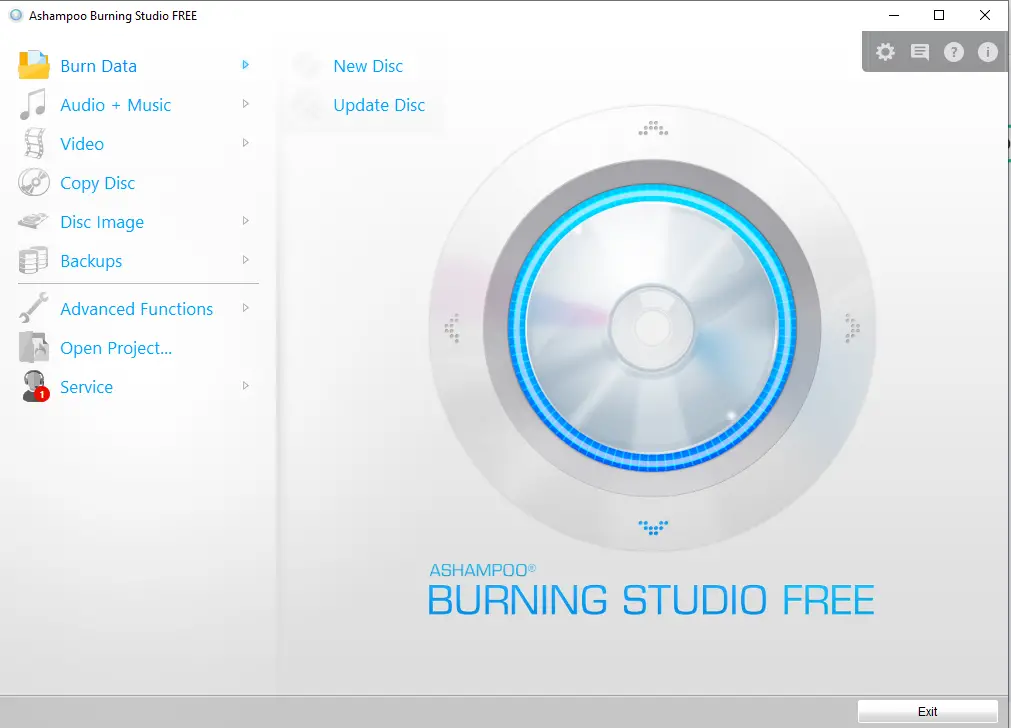
To unlock the full features of Ashampoo Burning Studio, you need to activate the software via email. Once activated, all functions become available.
After launching the software, the main menu appears on the left-hand side of the interface. From there, you can:
- Create or update CDs/DVDs using multisession mode
- Create Audio CDs
- Create MP3 or WMA discs
- Rip audio CDs
- Copy music files to a disc
Video Disc Features
The Video menu allows you to:
- Create a Video DVD from a folder
- Burn Video CDs (VCD)
- Create Super Video CDs (SVCD)
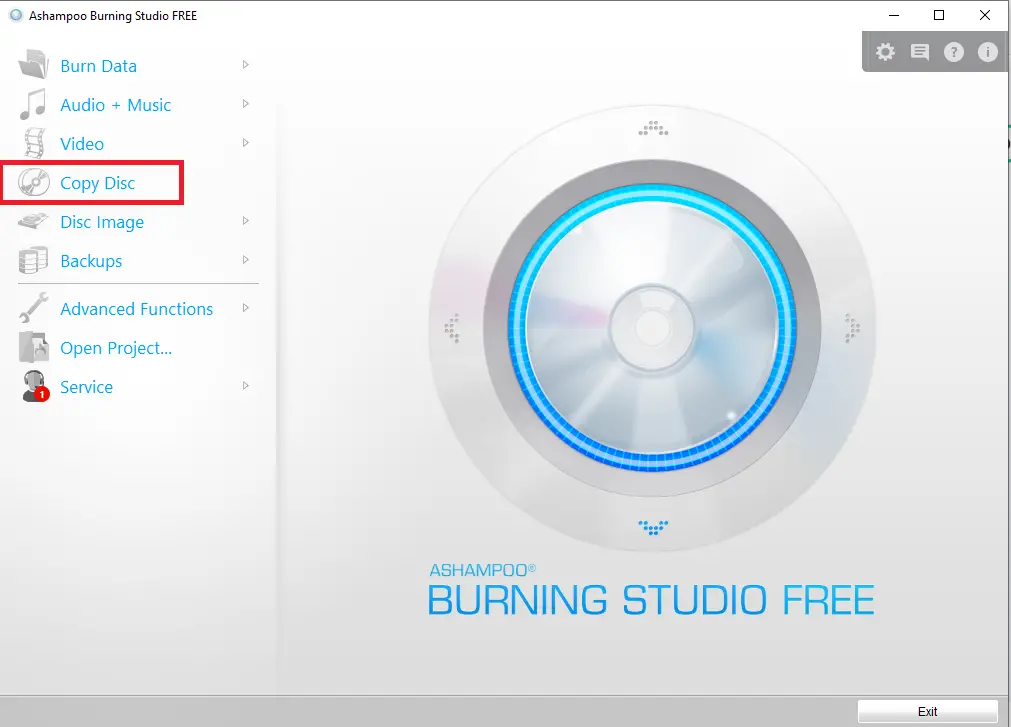
You can also use the Copy Disc feature to duplicate any CD or DVD, regardless of the type.
ISO Creation and Burning
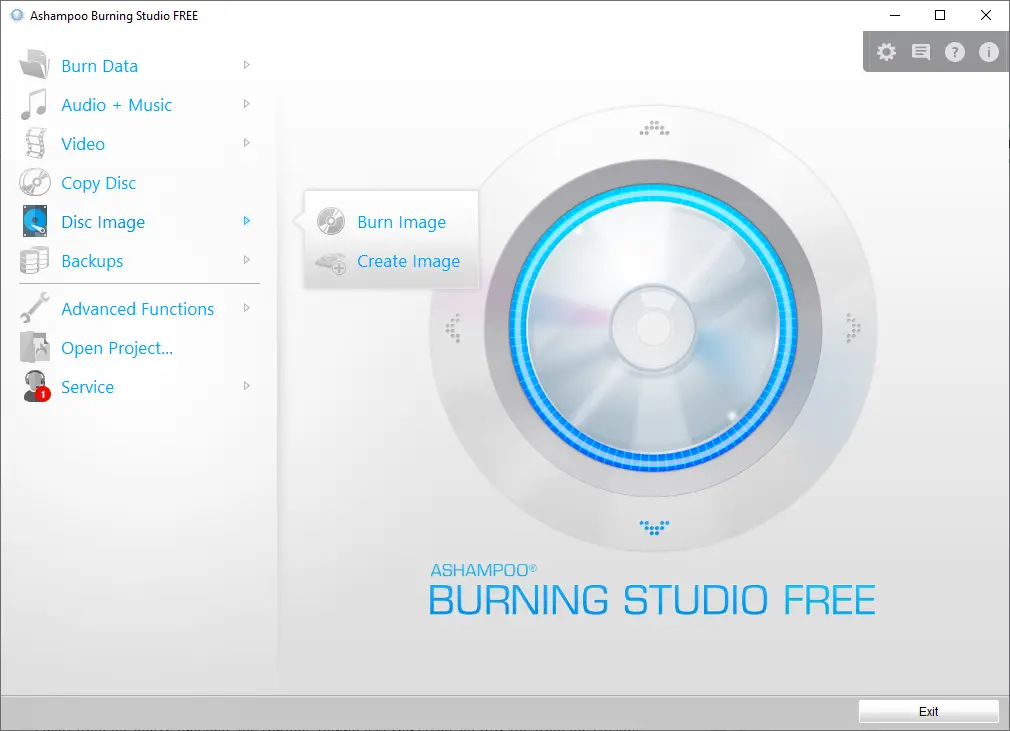
Another useful feature is the ability to create ISO files from existing CDs, DVDs, or folders. These ISO files can be burned to discs or mounted on a virtual CD/DVD drive.
Other Features
Ashampoo Burning Studio FREE also allows you to:
- Erase rewritable CDs/DVDs
- Create data, audio, and video discs
- Burn ISO files and create them from folders or discs
The built-in backup functionality lets you store data on discs or external drives. You can use the compression feature to reduce file sizes and even password-protect your backups for extra security. If the data is too large for a single disc, the disc spanning tool will automatically split it across multiple discs.
One of the standout features of this software is the ability to burn HD and Full HD movies (720p and 1080p) from a prepared folder. The easy-to-use interface makes it ideal for users who want reliable performance without a steep learning curve.
Similar Freeware Tools You May Like
- CDBurnerXP – A lightweight burning tool for CDs, DVDs, and Blu-rays with ISO support.
- BurnAware Free – A complete solution for burning and copying discs easily.
- DeepBurner – A powerful burning software with advanced features for professionals.
- ImgBurn – Popular freeware for creating, burning, and managing ISO images.
Download Ashampoo Burning Studio Free
The free version of Ashampoo Burning Studio is compatible with Windows 11/10/8/7 and can be downloaded from its official website.
Conclusion
Ashampoo Burning Studio FREE is a complete CD/DVD burning solution made for Windows users. With support for burning, ripping, copying, creating ISO files, and backing up data, it covers all the essentials. Its intuitive design, support for HD video burning, and strong backup tools make it a reliable choice for all your disc-related needs. Whether you’re a beginner or experienced user, this software makes burning tasks quick and stress-free.