

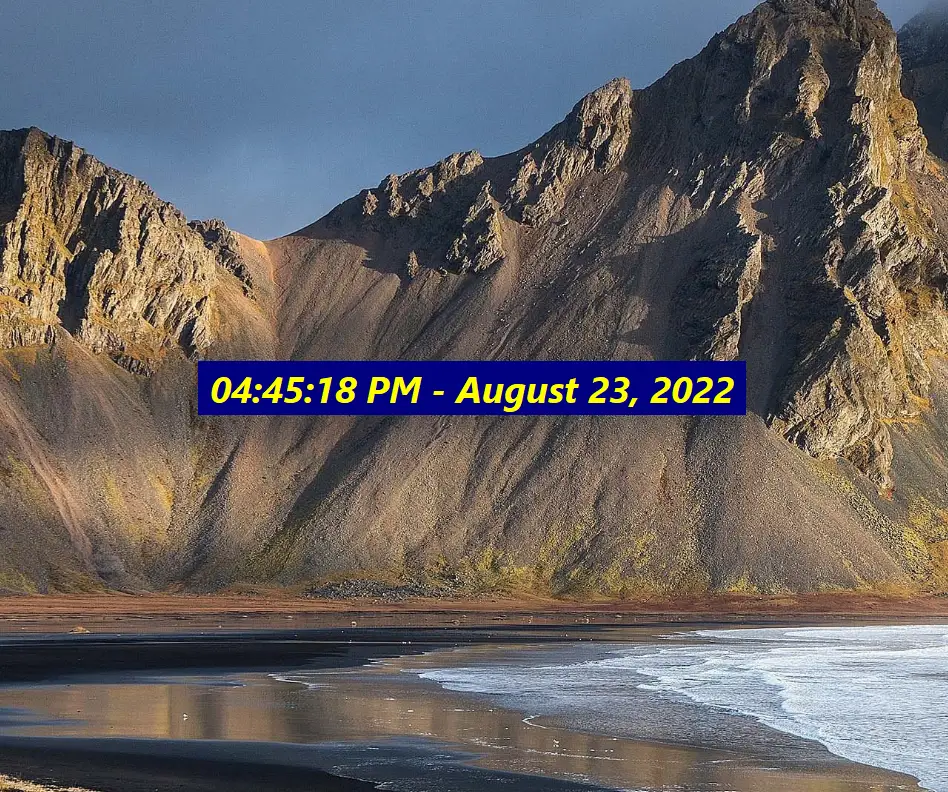
DS Clock is a highly customizable digital clock for Windows operating systems. This clock is designed to display the time and date on your desktop. DS Clock provides a simple and convenient way to keep track of the current date and time, and it is available as a free download for Windows 11/10/8/7.
What is DS Clock?
DS Clock has a user-friendly interface that allows you to customize the clock according to your preferences. You can change the font size, font color, background color, and transparency. You can also customize the clock format to show the date and time in a variety of ways. DS Clock also provides a feature to synchronize the clock with atomic time servers on the internet, ensuring the accuracy of the displayed time.
DS Clock comes with a number of features that are useful for both personal and professional use. For example, it allows you to set multiple alarms and reminders. You can set an alarm for a specific time of day and choose a sound to play when the alarm goes off. DS Clock also lets you create recurring alarms, such as reminders for weekly meetings or appointments.
Another useful feature of DS Clock is the ability to display multiple time zones. If you frequently communicate with people in different time zones, you can easily add additional clocks to your desktop. DS Clock allows you to display up to ten different time zones at once. You can customize each clock’s location, format, and font color.
DS Clock is also highly customizable in terms of its appearance. You can choose from a number of different clock skins or create your own skin using the built-in skin editor. The skin editor is a powerful tool that allows you to create a unique clock skin by adding images, text, and other graphical elements.
In addition to its many features and customization options, DS Clock is also very easy to use. The clock can be resized and moved around your desktop by simply dragging and dropping it. You can also access the clock’s settings by right-clicking on the clock and selecting “Properties.” This allows you to quickly make changes to the clock’s appearance or functionality.
DS Clock is available as a free download from the Duality Software website. It is a lightweight application that does not take up a lot of system resources. DS Clock is compatible with all versions of Windows, including Windows 11/10/8/7.
Download DS Clock
You can download this Clock from its official website.
FAQs about DS Clock
Is DS Clock compatible with Windows 11 and 10?
Yes — DS Clock works on Windows 11, Windows 10, and even older versions like 8.1 and 7. If you’re looking for other desktop clock options, you may also check Digital Clock 4.
Can I set alarms and reminders in DS Clock?
Yes. DS Clock lets you create multiple alarms and reminders with custom sounds. For another clock tool with strong alarm features, see ClocX.
Does DS Clock support multiple time zones?
Yes — DS Clock can display up to ten different time zones simultaneously. If you want lightweight portability with multi-instance clocks, try DesktopClock.
Can I customize the appearance of DS Clock?
Absolutely. You can change fonts, colors, backgrounds, and even create your own skins. If you prefer clock gadgets with many pre-designed themes, consider 8GadgetPack.
Is DS Clock safe and lightweight?
Yes — DS Clock is free, lightweight, and does not consume heavy system resources. For another simple freeware option, check Clock!.
Where can I download DS Clock safely?
You can download DS Clock from its official website. For more Windows desktop clock tools, explore our roundup of the best free clock widgets.
Conclusion
In conclusion, DS Clock is a highly customizable digital clock for Windows that provides a number of useful features for personal and professional use. Its user-friendly interface, customizable appearance, and multiple time zone displays make it a valuable tool for anyone who needs to keep track of the time and date. DS Clock is easy to use and is available as a free download, making it an excellent choice for anyone looking for a reliable and customizable digital clock for their desktop.