

If you’re looking for a free alternative to expensive CD and DVD burning software, FinalBurner might just be the perfect solution for you. This powerful and easy-to-use software lets you create data, audio, and video disks that can be burned onto any type of media, including CD R/RW, DVD+R/RW, DVD-R/RW, DVD DL, HD-DVD, and Blu-Ray. It’s a great companion to tools like ImgBurn if you frequently work with disc images or need advanced burning options.
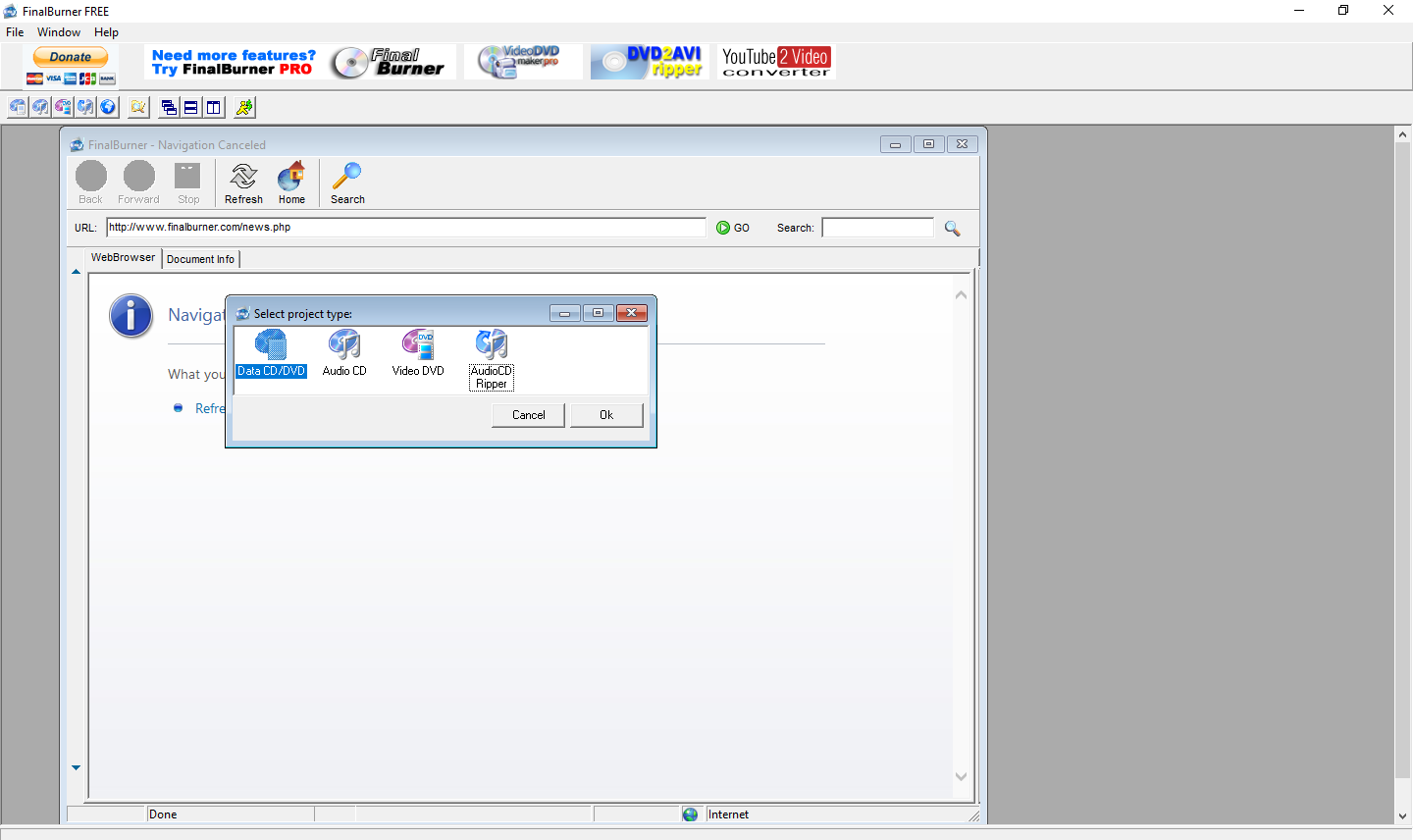
Why FinalBurner?
One of the best things about FinalBurner is how easy it is to use. You don’t need to be a computer expert to get started with this software. Simply select a few main settings and start burning your disks. FinalBurner’s artificial intelligence will find the perfect recording balance, ensuring that your disks are burned correctly and with the highest possible quality. If you’re looking for another easy-to-use alternative, you may also check out BurnAware Free, which is similarly designed for simplicity and reliability.
FinalBurner also comes with a range of features that make it stand out from other CD and DVD burning software on the market. For example, you can create an autorun menu designer for your disks, allowing you to create a professional-looking menu that will launch automatically when the disk is inserted into a computer. This is perfect for businesses or individuals who want to distribute software, music, or other content on disks. If autorun menu functionality interests you, check out DeepBurner, another freeware with powerful menu creation options.
Audio and Video Disk Support
In addition to creating data disks, FinalBurner also allows you to create audio and video disks. You can import a wide range of audio and video formats, including WAV, MP3, OGG, MID, WMA, AAC, MP4, M4A, XM, MOD, S3M, IT, MTM, MO3, AVI, DIVX, XVID, MP4, MPG, WMV, ASF, MOV, FLV, and more. You can even capture video from webcams, TV tuners, DV cameras, and other sources. If you’re primarily focused on burning audio or video content, you may also consider CDBurnerXP, a free and highly rated tool for audio and Blu-ray disc burning.
Additional Features
FinalBurner also includes an audio CD ripper, which lets you rip tracks from your audio CDs and save them to your computer in a variety of formats, including MP3, WAV, OGG, and WMA. The software’s clean interface and minimal setup requirements make it ideal for beginners as well as advanced users who want a reliable disc-burning utility without the unnecessary extras.
Free and Safe to Use
One of the best things about FinalBurner is that it’s 100% freeware. You don’t need to worry about adware or spyware sneaking onto your computer when you download this software. It’s a great choice for anyone who needs a powerful and reliable CD and DVD burning solution without having to spend a lot of money.
Download FinalBurner
If you need, you can download the application from here.
FAQs
Q1. Is FinalBurner compatible with Windows 11?
Yes, FinalBurner works perfectly on Windows 11, Windows 10, and earlier versions of Windows.
Q2. Does FinalBurner support Blu-ray discs?
Absolutely! FinalBurner supports Blu-Ray, HD-DVD, and other modern optical disc formats.
Q3. Can I use FinalBurner for creating bootable disks?
While FinalBurner excels in multimedia and data burning, for bootable ISO creation you might consider dedicated tools like Folder to ISO Converter.
Q4. Is FinalBurner completely free?
Yes, FinalBurner is 100% freeware with no hidden charges or bundled software.
Conclusion
Overall, FinalBurner is an excellent CD and DVD burning software that offers a range of features that make it stand out from other free software on the market. Whether you need to create data, audio, or video disks, FinalBurner is a great choice for Windows 11/10 users who want a reliable, user-friendly, and cost-effective solution. Download it today and start creating your own high-quality disks. You may also explore InfraRecorder as another trusted open-source option for disc burning enthusiasts.