

What are RAR and ZIP files? If you’re new to Windows PCs, let me clarify that RAR and ZIP are two popular formats for compressing files. You may receive a file in .zip or .rar format via email from a friend or coworker, or download it from the internet. At first glance, you might wonder if it’s a virus. A file with a .zip or .rar extension is not a virus by itself; however, a virus can be hidden inside such files. So, be cautious when unpacking ZIP or RAR files received from unknown sources.
People use archiver tools to compress documents, videos, and other files to reduce their size, making them easier to upload or share. Some also compress files for long-term storage, as packed files take up less space on a hard disk drive (HDD) when saved in .zip or .rar format.
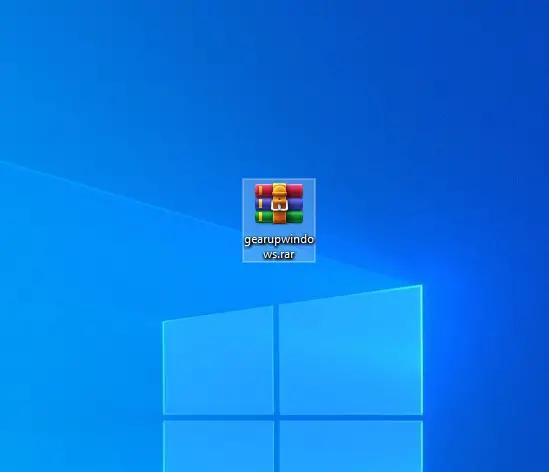
How to open RAR and ZIP files on Windows 10?
There is a plethora of freeware software available over the internet to open RAR and ZIP files, but we prefer to use the WinRAR tool. Actually, WinRAR is a paid application, but by closing the pop-up box, you can continue using it for free.
To extract the contents from a RAR or ZIP file, right-click on the file and select the option “Extract to….” WinRAR will create a new folder with the same file name, and all the contents will be extracted to that folder.
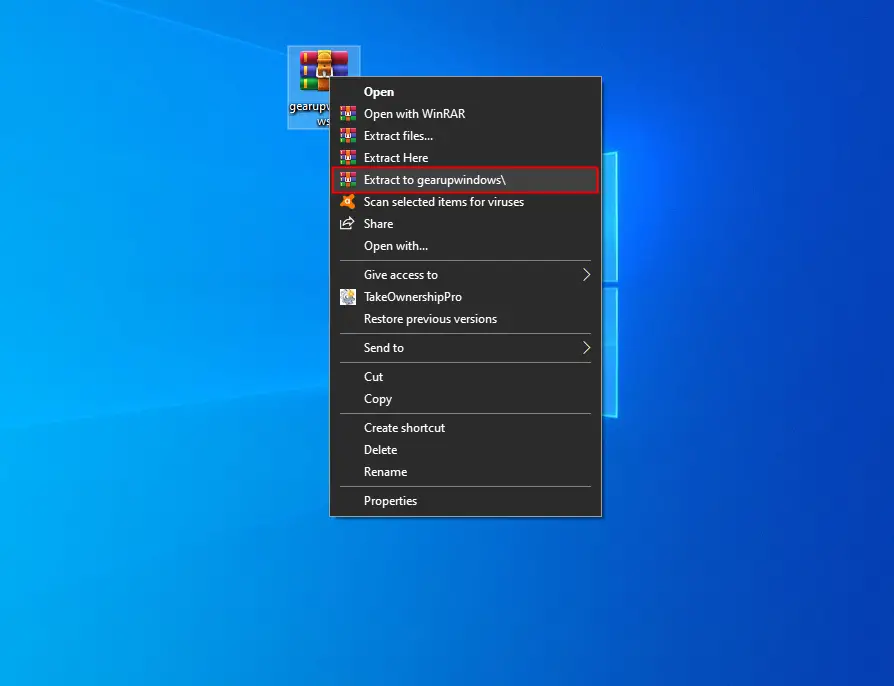
For instance, my archive file is gearupwindows.rar; when I perform the above steps, it will create a folder with the name gearupwindows, and all contents of the archive file will be extracted there. Using this trick, WinRAR will not show any pop-up to purchase this software.
The other method to extract content from the archive file is to double-click on it to open it. A dialog box will open to purchase WinRAR.
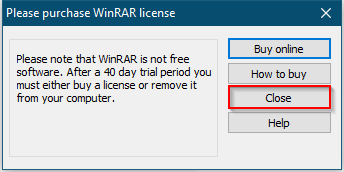
Click the Close button.
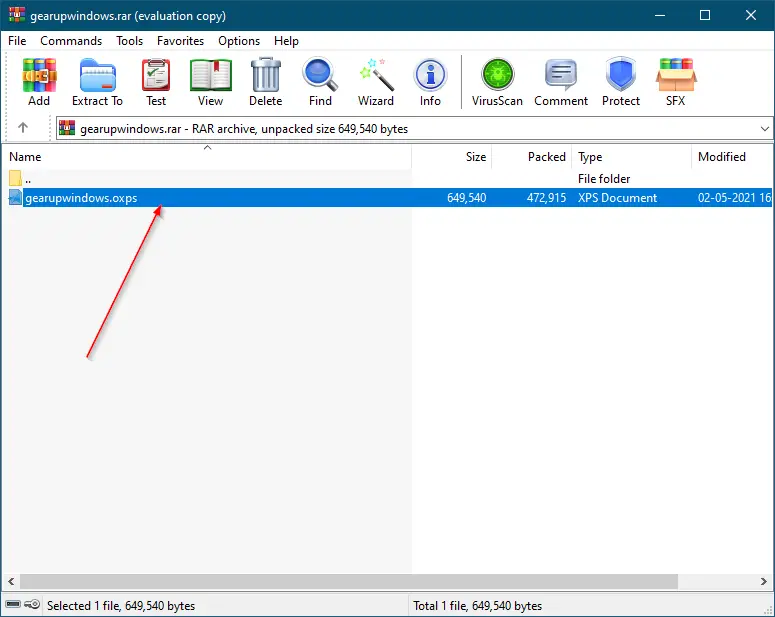
Click on the content to select it. Press and hold the left mouse button and drag them to free space on the Desktop or a folder. The content of the archive is copied to your desired location.
WinRAR utility is the most popular achiever, and you can download it from its official website.
Conclusion
In conclusion, RAR and ZIP are two popular file formats used to compress files for various purposes, such as reducing file size, quick upload, and long-term storage. Although these file formats are safe, one must exercise caution while unpacking a file received from an unknown source. Windows 10 users can extract the contents of these file formats using various freeware software, but WinRAR is the most popular and recommended tool. While WinRAR is a paid application, users can continue to use it for free by closing the pop-up box. By following the simple steps mentioned in this article, users can easily extract the contents of a RAR or ZIP file using WinRAR.