

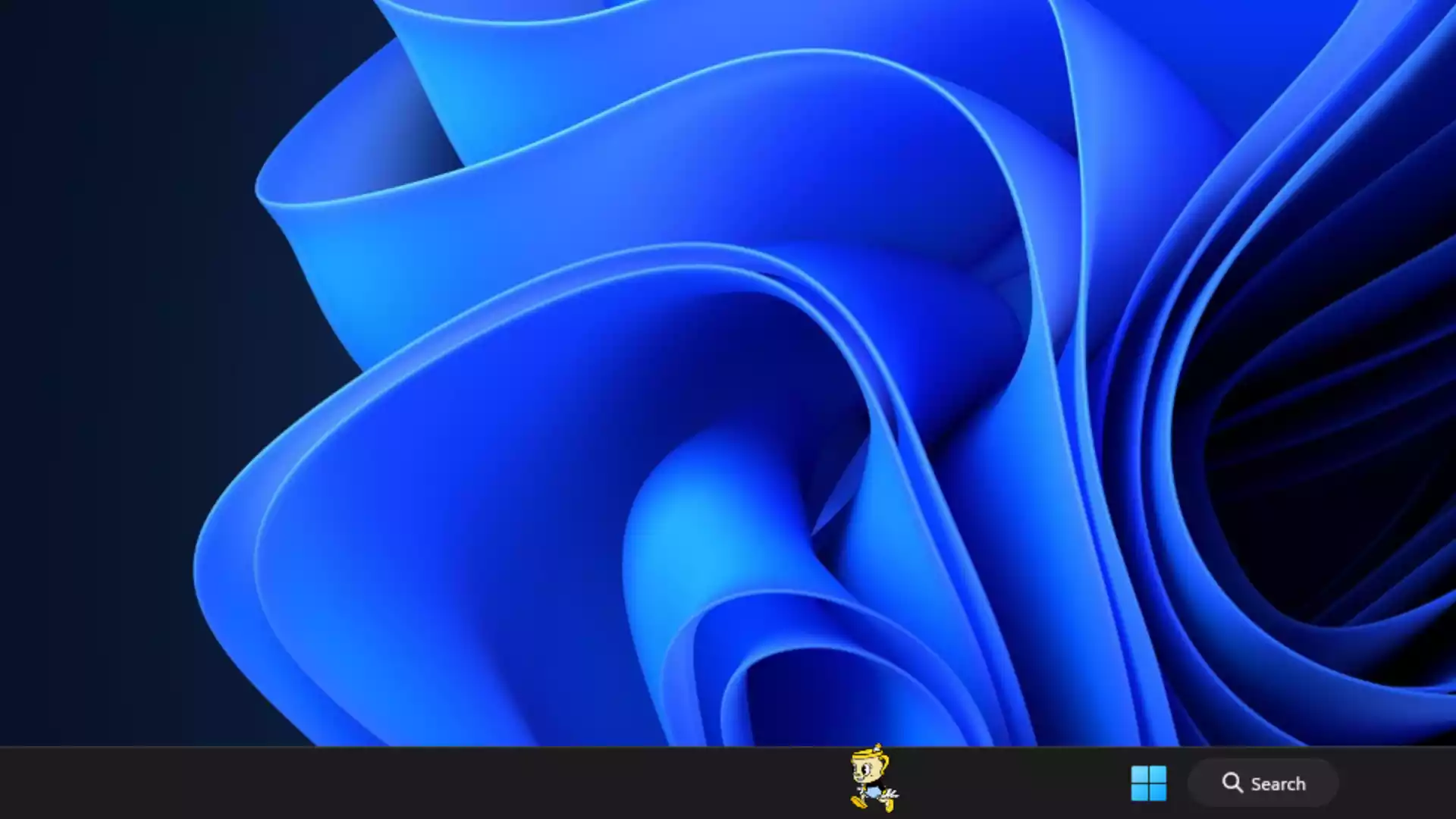
Are you searching for a fun and unique way to customize your Windows desktop? Taskbar Buddy is a free application that lets you place animated GIF pets directly on your taskbar. These pets can walk, stay still, or move according to your settings, adding a lively touch to your workspace.
Supported Operating Systems
Taskbar Buddy officially supports:
- Windows 10 (64‑bit)
- Windows 11
It may work on older versions like Windows 8 or 7, but compatibility is not guaranteed and can vary depending on the system setup.
Main Features of Taskbar Buddy
Here are the features that make Taskbar Buddy stand out from other taskbar customization tools:
- Animated GIF pets – Turn any GIF into a moving pet on your taskbar.
- Multiple pets support – Add several pets at once, each with different sizes and movements.
- Movement control – Choose walking, jumping, or stationary mode for each pet.
- Auto‑hide when full‑screen – Pets can hide automatically during gaming or video playback.
- Lightweight – Uses minimal CPU and memory, even with multiple pets running.
- Runs quietly in the background – Works without slowing down your system. Installation is required (not a portable version).
- Custom folders – Organize your pets for quick selection and easy switching.
- Visible on lock screen – Pets continue to move even when your PC is locked.
How to Use Taskbar Buddy?
Using Taskbar Buddy is very simple. Follow these steps to get started:
Step 1. Download the latest version of Taskbar Buddy from its official page and install it.
Step 2. Open the program. By default, one pet will start moving on your taskbar. To change your pet, click the Taskbar Buddy icon in the system tray and choose any pet to apply it immediately.
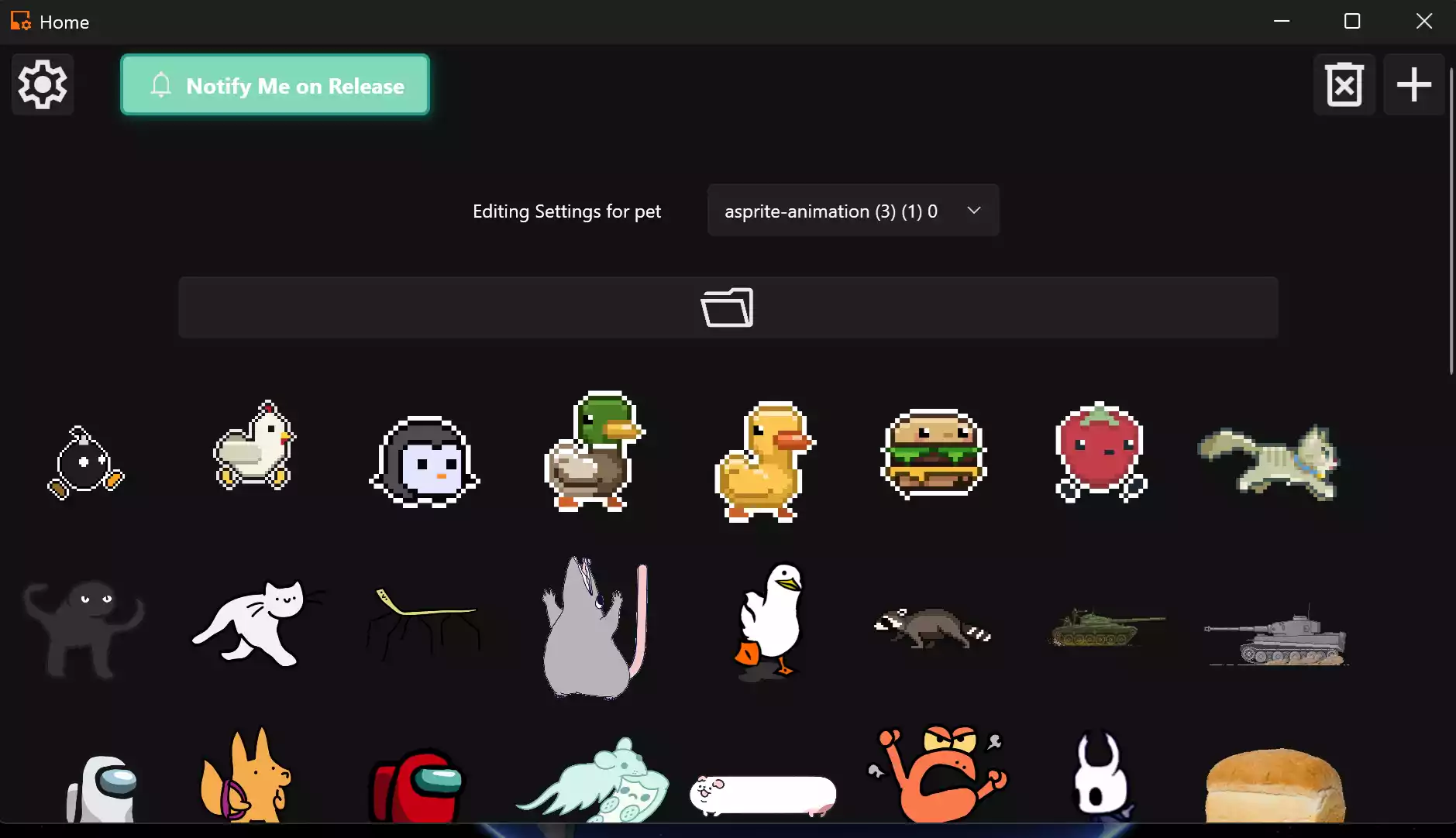
Step 3. To add your own pet, click the + icon on the top right corner and select a GIF from your computer.
Step 4. Use the settings gear icon to adjust size, speed, and movement style for each pet.
Step 5. Enable the option to hide pets when full‑screen apps are running.
Step 6. Add multiple pets if you want a group of characters walking across your taskbar.
The best part of this software is that even when your PC is locked, your pets continue moving on the lock screen. Isn’t that cool? Share your thoughts in the comments below.
Why Choose Taskbar Buddy?
Unlike tools that only change the appearance of your taskbar, such as RoundedTB, Taskbar Buddy adds live animated elements that make your PC fun and interactive. It provides a refreshing touch without requiring complex setup or heavy resources.
Performance Impact
Taskbar Buddy is lightweight and does not interfere with system performance. Even with multiple pets, it consumes very little CPU and memory. It works seamlessly alongside other utilities like TranslucentTB and Explorer Patcher.
Tips for the Best Experience
- Use smaller GIFs to avoid cluttering your taskbar.
- Group pets into folders for faster selection.
- Combine Taskbar Buddy with transparency and rounded corner tools for a stylish look.
- Turn on auto‑hide mode during gaming sessions to prevent distraction.
Who Should Try Taskbar Buddy?
If you love desktop personalization, Taskbar Buddy is perfect for you. It’s enjoyable for kids, fun for streamers, and a creative choice for anyone who wants a unique desktop environment.
Related Taskbar Tools
Here are other free tools you can combine with Taskbar Buddy to enhance your taskbar customization:
CenterTaskbar – Center align icons in Windows 10.
DockFolders – Add quick‑access folders to your taskbar.
Final Thoughts
Taskbar Buddy is a creative and lightweight tool that adds life to your Windows desktop. Its ability to use any GIF as a pet gives you endless ways to personalize your PC. Combine it with other customization apps from GearUpWindows to create a fun and unique workspace.