

Are you tired of using the default media player on your Windows 11/10 computer? Fortunately, there are several free media player software options available that offer advanced features and customization options to enhance your media playback experience.
In this gearupwindows guide, we’ll show you the top 10 best free media player software for Windows 11/10. From lightweight and minimalistic players to feature-rich and customizable ones, we’ve got you covered. So, let’s dive in and find the perfect media player for your needs!
Top 10 Best Free Media Player Software for Windows 11/10
VLC Media Player

VLC Media Player is one of the most popular free and open-source media players available for Windows 11/10. It supports a wide range of media formats and includes powerful features, making it a favorite for many users.
One of its main strengths is the ability to play almost any media format, including MPEG, AVI, MP4, WMV, and more. It also offers hardware acceleration to improve performance on supported devices.
VLC allows customization of playback settings, subtitle integration, and playlist creation. It also supports network streaming and even 360-degree video playback, adding more flexibility to your viewing experience.
Overall, VLC Media Player is a powerful and reliable option. Its wide format support, advanced features, and ease of use make it a top choice for Windows 11/10 users.
A reliable, all-in-one player that supports nearly every media format without needing extra codecs.
MPV Player

MPV Player is a free and open-source media player for Windows 11/10 that delivers a minimalistic yet highly customizable playback experience. It is known for fast performance, low system resource usage, and broad format support.
One of its best features is hardware acceleration, which enhances playback on supported hardware. MPV also allows users to apply video filters, configure keyboard shortcuts, and write custom scripts for deeper control.
It supports subtitles, playlist creation, and network streaming. With its flexible settings and user-defined profiles, MPV stands out as a lightweight and personalized solution for media playback.
Overall, MPV Player is ideal for users who prefer a clean interface with powerful configuration options. Its streamlined design and performance make it a favorite among advanced Windows 11/10 users.
Perfect for advanced users who want a minimal interface with powerful customization and scripting options.
5KPlayer
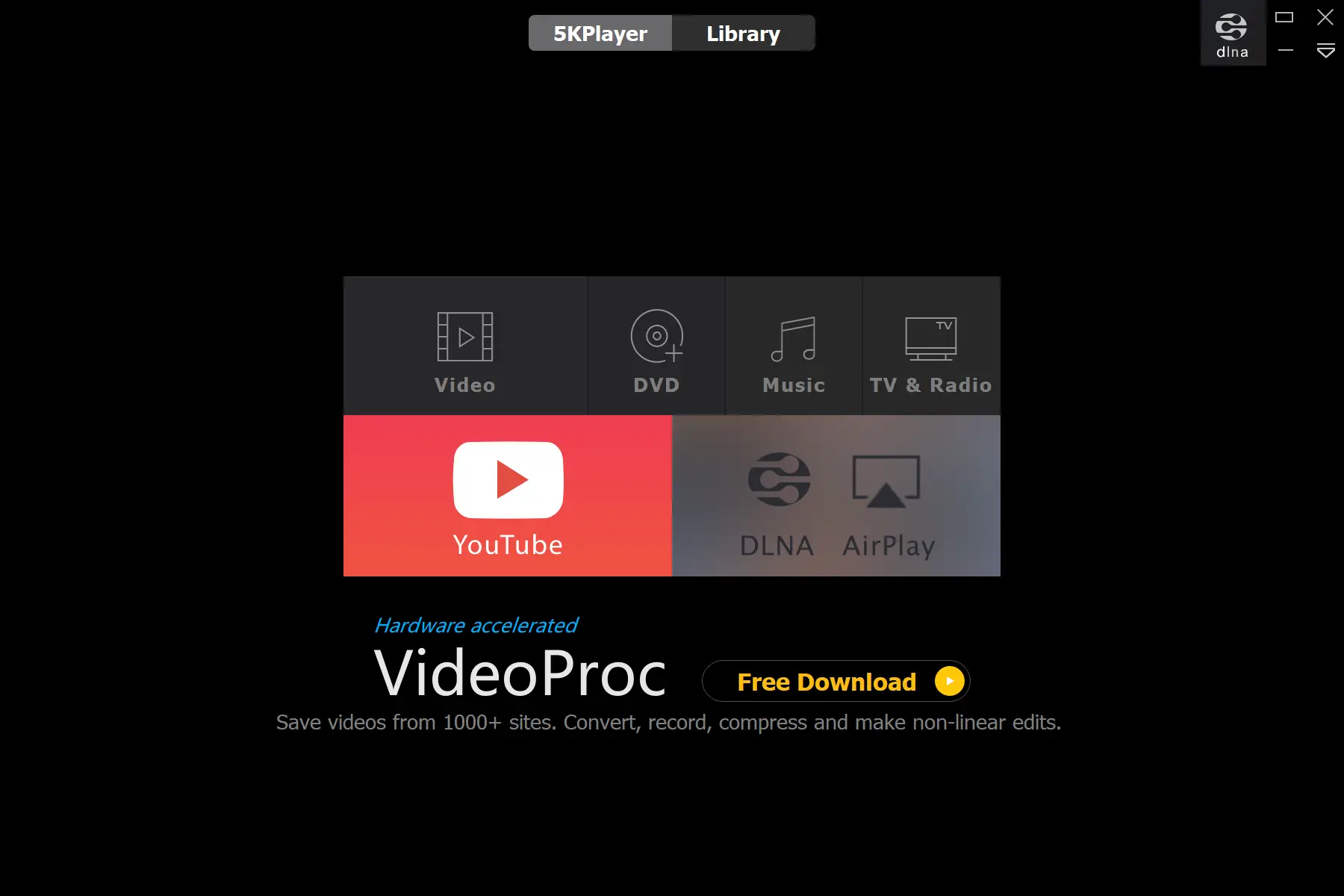
5KPlayer is a free, feature-packed media player for Windows 11/10. It excels in high-resolution playback, supporting formats up to 4K, 5K, and even 8K.
Besides video, it handles various audio formats like FLAC and AAC with ease. You can also fine-tune video and audio settings, add subtitles, and manage playback preferences.
5KPlayer stands out with its ability to download videos from platforms like YouTube and Vimeo. It also supports media streaming from other devices on the same network, making it a great fit for home entertainment setups.
Overall, 5KPlayer is a reliable and versatile choice for Windows 11/10 users. Its support for high-definition content and network features makes it ideal for those seeking an advanced media experience.
Great for high-resolution playback and downloading online videos with built-in streaming support.
RealPlayer
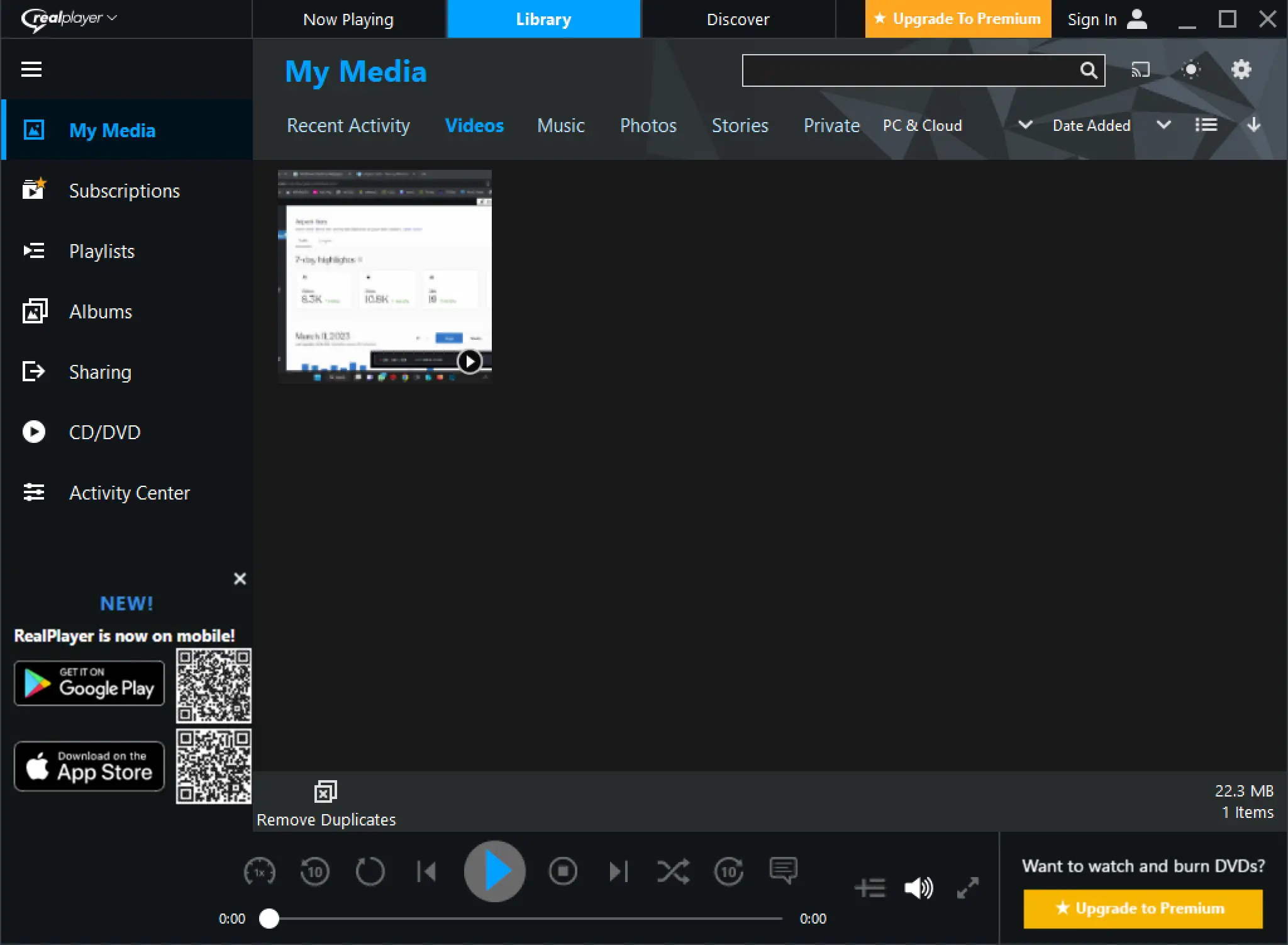
RealPlayer is a free media player for Windows 11/10 that supports a wide range of formats, including MP3, MP4, and AVI. It’s designed for users who want more than just basic playback features.
One of its key highlights is the ability to download videos from sites like YouTube and Vimeo. RealPlayer also includes a video converter and lets you burn videos to DVD, adding to its versatility.
It supports playlist creation, network streaming, and subtitle integration. Users can fine-tune playback settings and personalize the player interface to suit their needs.
Overall, RealPlayer is a powerful and flexible media player for Windows 11/10. Its downloading, converting, and DVD burning features make it an excellent choice for users who want an all-in-one solution.
Ideal for users who need downloading, converting, and DVD burning features in one tool.
DivX Player

DivX Player is a well-known media player for Windows 11/10 that specializes in high-quality playback. It supports popular formats like MKV and AVI, along with several advanced features.
DivX Player lets you adjust video settings, apply video filters, and create custom playlists. It supports subtitles and offers a smooth playback experience even with large HD files.
The player also allows network streaming and provides access to online video channels from within the app. You can personalize the experience by tweaking various playback options and visual settings.
In summary, DivX Player is a powerful and flexible media player for Windows 11/10. With advanced playback controls and streaming support, it is a great choice for users who value quality and control.
Best for smooth playback of HD videos with strong format support and network streaming features.
SMPlayer
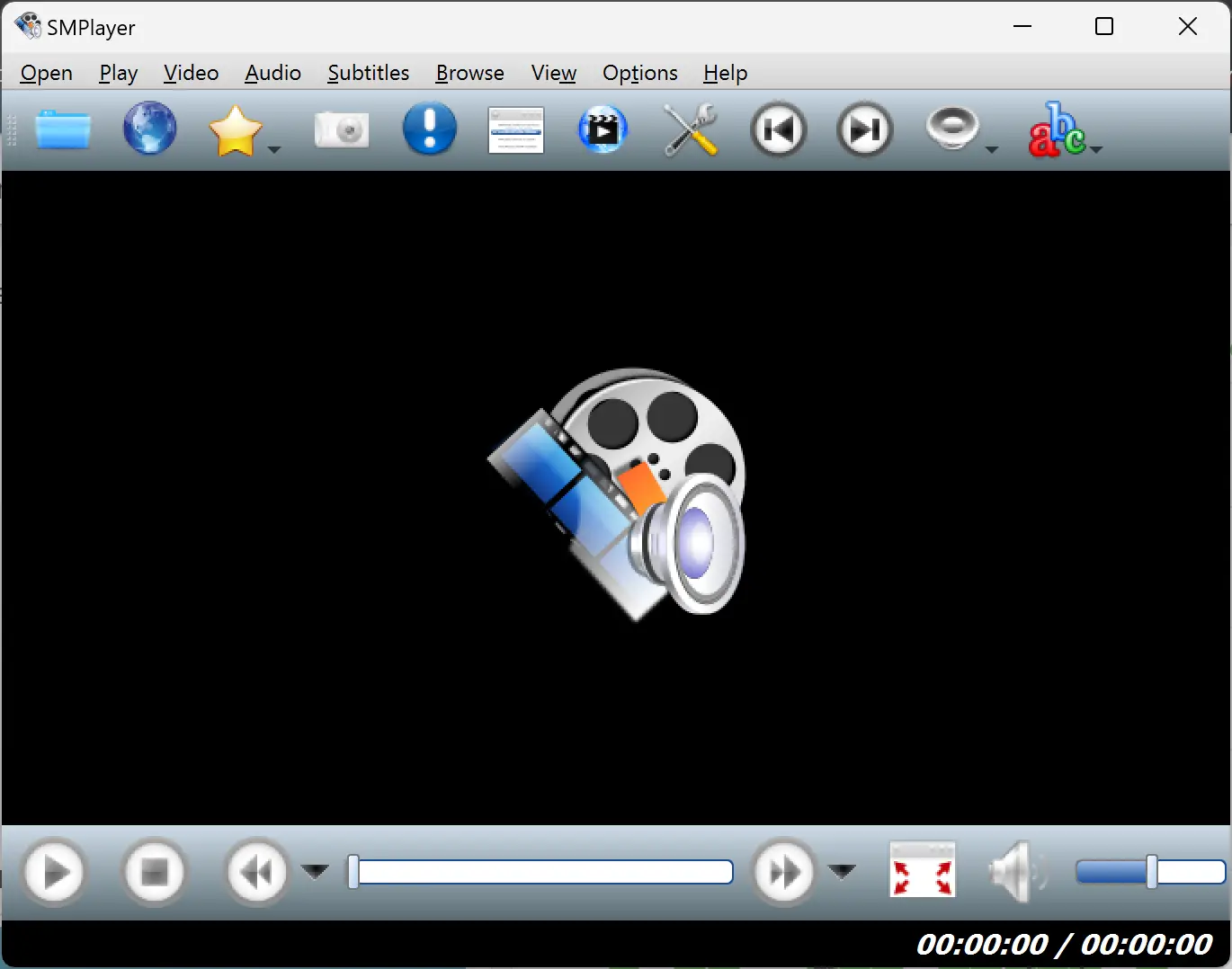
SMPlayer is a free and open-source media player for Windows 11/10 with a simple interface and strong format support. It plays popular audio and video formats, including MP3, MP4, and AVI.
Its standout features include video filters, subtitle support, and playlist management. You can fine-tune video settings and even create your own custom playlists.
SMPlayer also allows users to stream videos online and supports network playback. It provides extensive customization options, letting users personalize their playback experience easily.
Overall, SMPlayer is a reliable media player for Windows 11/10. Its blend of simplicity and powerful features makes it a great choice for users who want flexibility without complexity.
Combines simplicity with advanced features like filters, subtitles, and online video playback.
SPlayer
SPlayer is a free and lightweight media player for Windows 11/10. It is known for smooth playback, a minimal design, and support for all major media formats like MP3, MP4, and AVI.
SPlayer features a clean user interface that makes navigation effortless. It includes subtitle support and offers playback enhancements such as video filters and brightness/contrast adjustments.
Notable features include the ability to take screenshots during playback and bookmark favorite scenes. Users can also personalize playback preferences and apply subtitle settings easily.
Overall, SPlayer is a lightweight yet capable media player for Windows 11/10. Its fast performance and user-focused design make it ideal for those seeking an efficient and easy-to-use solution.
A fast, lightweight option that focuses on smooth performance and essential playback features.
PotPlayer
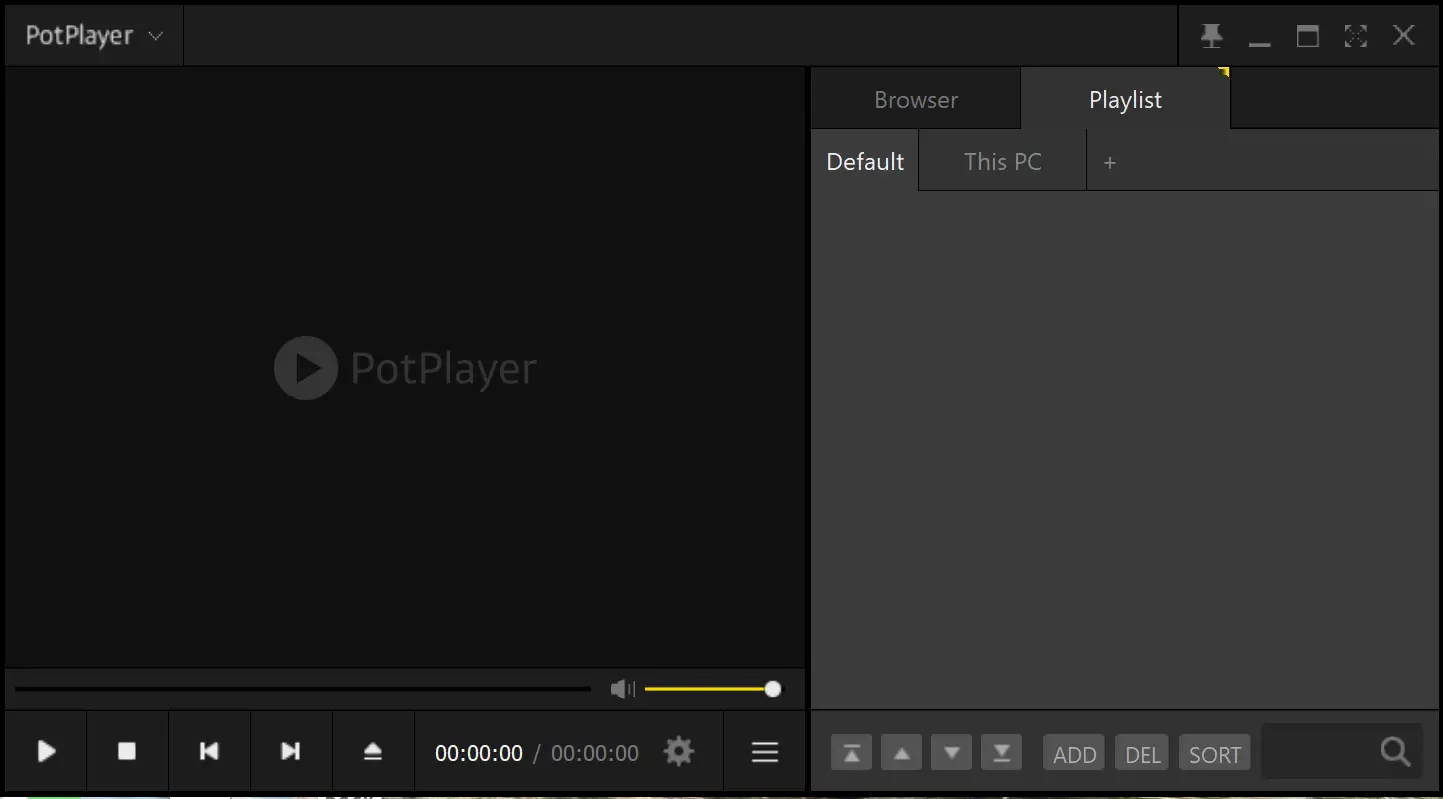
PotPlayer is a free, advanced media player for Windows 11/10. It supports a wide range of formats like MP3, MP4, and AVI, and is known for its high-quality video playback and performance.
PotPlayer offers powerful features like video filters, subtitle support, and custom playlist creation. You can also tweak playback settings for a more tailored experience.
Some of its standout tools include the ability to take screenshots, record video, and play 360-degree and 3D videos. Users also get deep customization options to control how content is displayed and played.
Overall, PotPlayer is a feature-rich and reliable choice for Windows 11/10 users. Its advanced tools and support for immersive playback formats make it a favorite among media enthusiasts.
Loaded with advanced tools, it’s perfect for users who want full control over video playback.
GOM Player

GOM Player is a free and user-friendly media player for Windows 11/10. It supports a variety of formats, including MP3, MP4, and AVI, and provides smooth playback for all types of content.
One of its major strengths is support for 360-degree and 3D videos, offering an immersive viewing experience. It also features subtitle support, video filters, and intuitive playback controls.
GOM Player lets you take screenshots, record video during playback, and customize playback preferences easily. Its clean interface makes it accessible even for novice users.
Overall, GOM Player is a versatile and feature-rich option for Windows 11/10 users. Its support for immersive video formats and advanced features makes it ideal for anyone seeking an easy-to-use yet powerful media player.
Offers immersive viewing with 360° and 3D support in a clean, beginner-friendly interface.
KMPlayer
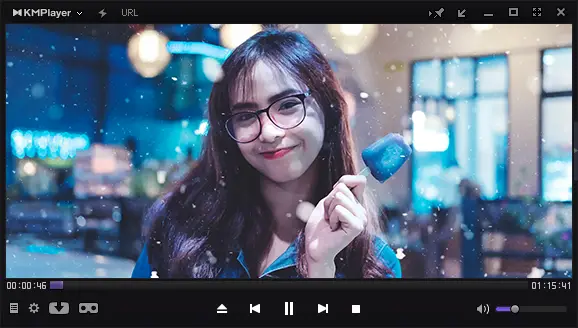
KMPlayer is a free and powerful media player for Windows 11/10 that supports a wide variety of formats, including MP3, MP4, and AVI. It is well-known for smooth playback and high-resolution video support.
KMPlayer supports 3D, 4K, and other high-quality formats, delivering an immersive experience. It also includes subtitle support, video filters, and customizable playback settings.
Users can take screenshots, record video during playback, and adjust various preferences. KMPlayer also lets you personalize your experience through advanced settings and flexible controls.
Overall, KMPlayer is a reliable and feature-rich choice for Windows 11/10 users. Its ability to handle high-definition and 3D content makes it ideal for those who enjoy top-tier video quality.
Excels at playing 4K and 3D videos with deep customization for an immersive media experience.
Conclusion
In conclusion, there are many excellent free media player software options available for Windows 11/10. Each player on this list offers unique features, from advanced playback controls and format support to high-quality video and customization tools.
Whether you want a lightweight and user-friendly media player or one that supports 4K, 3D, or network streaming, there is a perfect match for your needs. These top 10 media players deliver a smooth and enjoyable experience for all types of content.