

In today’s digital age, PDF files have become an essential part of our daily workflow. However, there are times when we need to convert multiple PDF documents into editable Word files for easier editing and collaboration. Fortunately, there are several free batch PDF to Word converter software options available for Windows 11/10 that can streamline this process.
In this gearupwindows article, we will explore the top three converter tools that will save you time and effort while ensuring accurate and efficient PDF to Word conversions.
Batch PDF to Word Converter Tools for Windows 11/10
GUW PDF to Word (DOCX) Converter — Browser-Based (Single File)
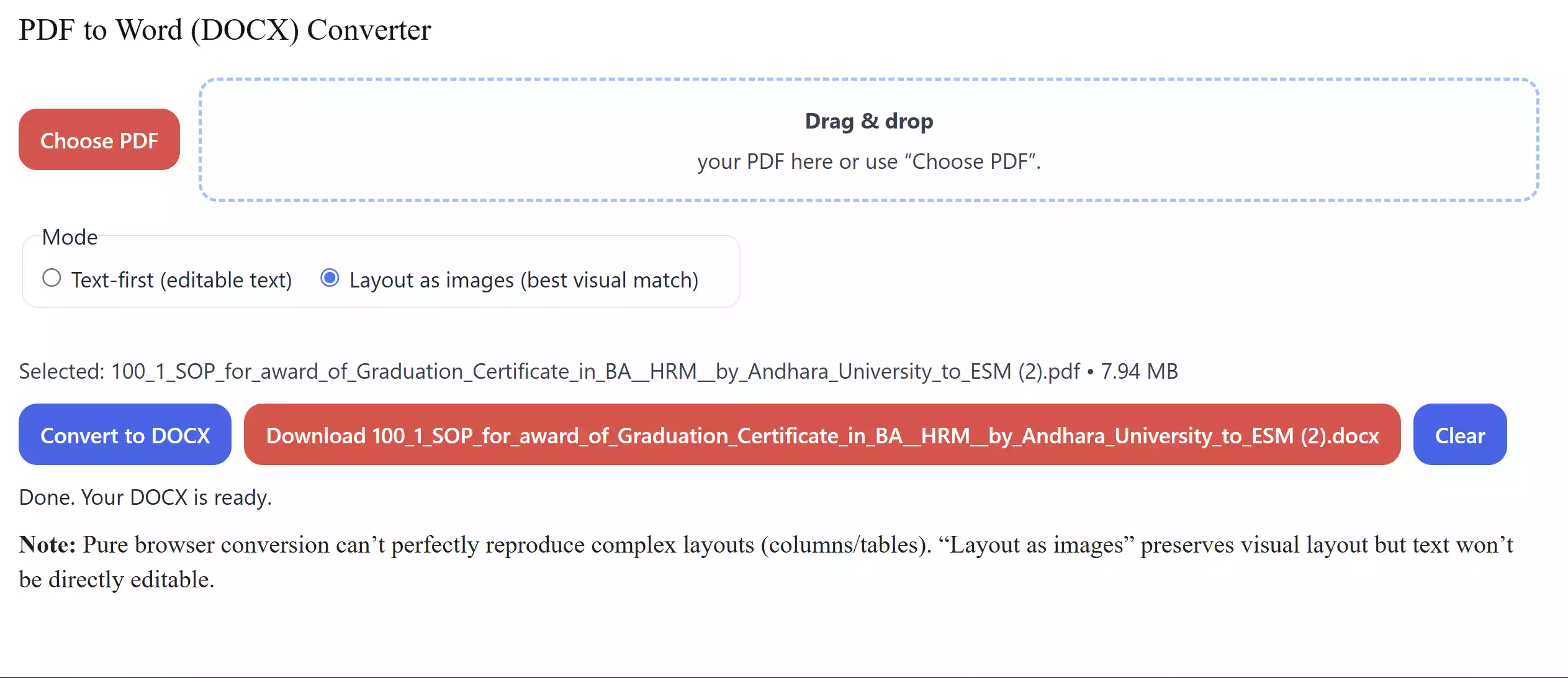
For quick one-off conversions, our converter turns a PDF into an editable DOCX directly in your browser. Processing is local-only for privacy, and you can choose Text-first for easier editing or Layout as images for the closest visual match to the original.
Open it here: GUW PDF to Word (DOCX) Converter
Icecream PDF Converter – Convert PDF to Word and Vice Versa
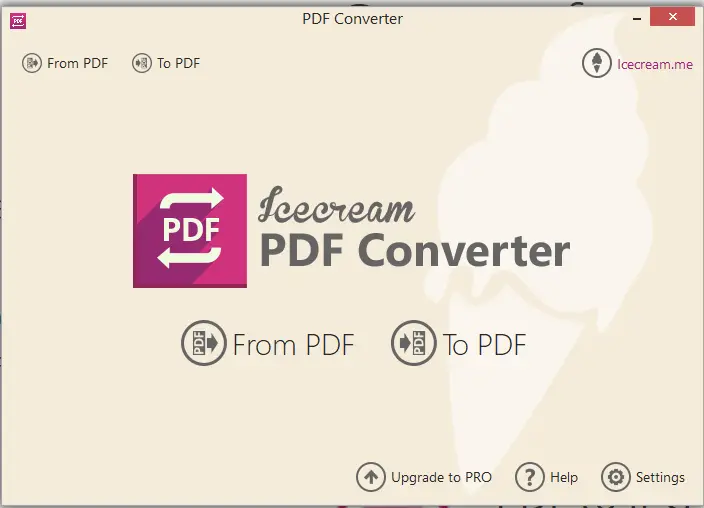
Icecream PDF Converter offers a versatile solution for PDF-to-Word and Word-to-PDF conversions. Although limited to the first 5 pages of a PDF file in its free version, it’s a user-friendly tool to work with. Simply choose the conversion mode, add your PDF files, and click Convert. You can download Icecream PDF Converter from the official website.
AVS Document Converter – Effortlessly Convert PDF to Word
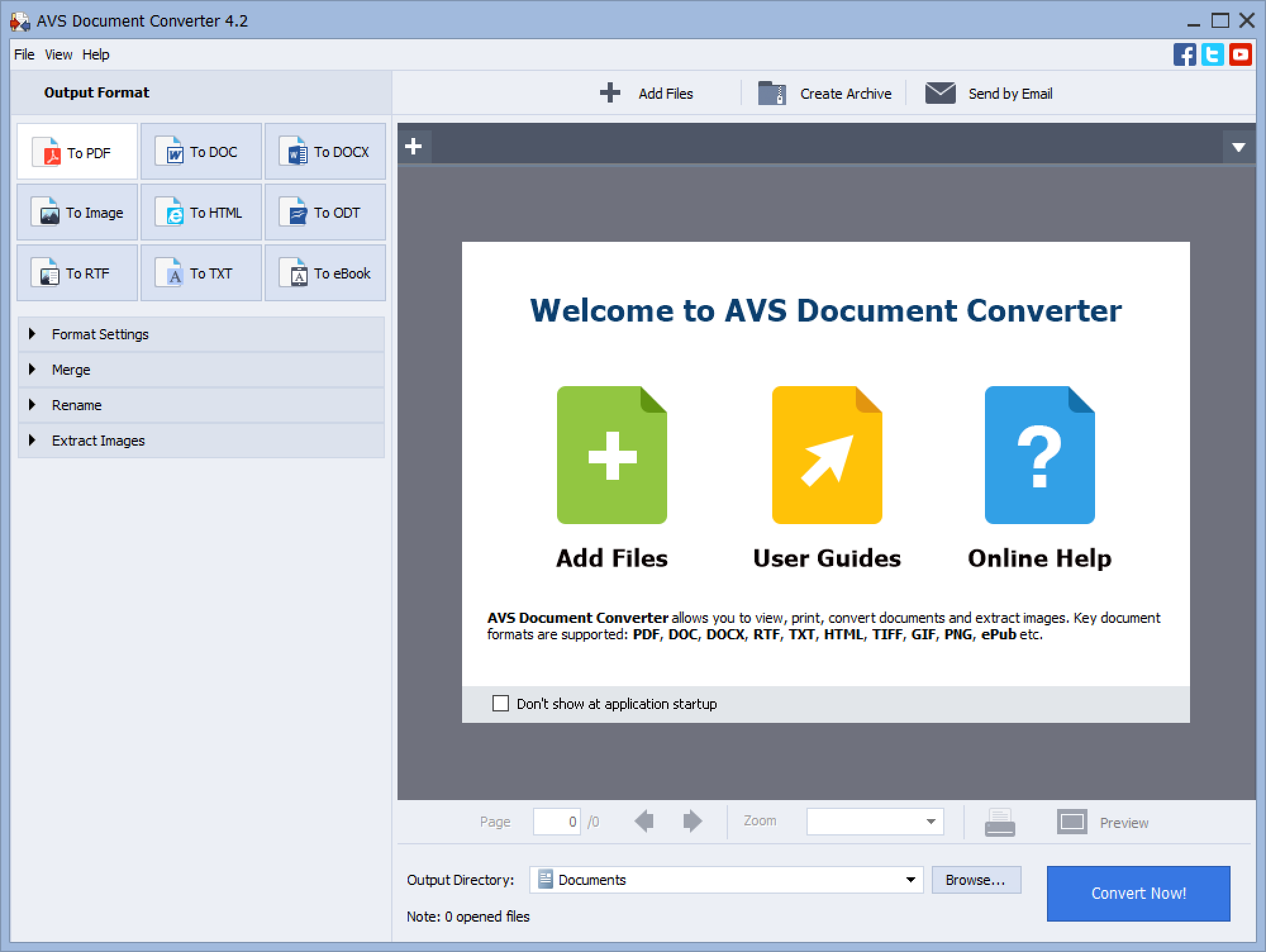
AVS Document Converter is a comprehensive software that allows you to convert various document formats, including batch PDF to Word conversion. Select the desired output format, add your PDF files, and click Convert Now. The converted Word documents will be saved to your specified output directory. Discover AVS Document Converter for seamless PDF to Word conversion.
Ezovo Free Convert PDF to Word Converter
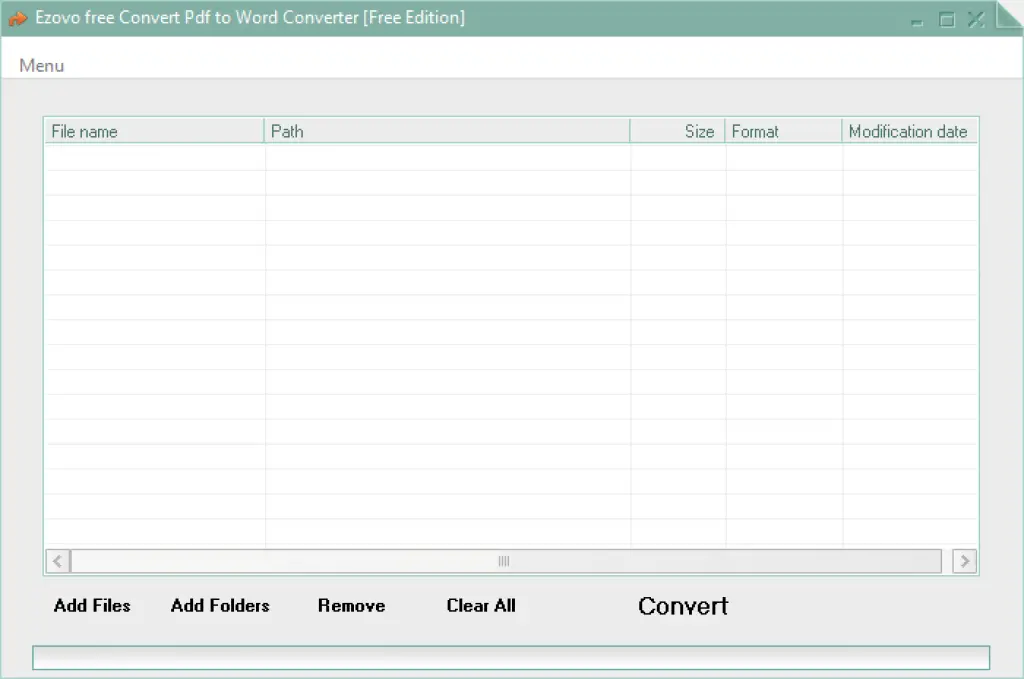
Convert PDF to Word effortlessly with Ezovo’s simple and intuitive batch converter. Add multiple PDF files or entire folders for quick conversion. Exclude specific files if needed. Close any ads to initiate the conversion process. Once completed, the converted files will be automatically opened for you.
Choose the PDF to Word converter that suits your needs, and enjoy the convenience of converting your PDF files to editable Word documents effortlessly. You can download Ezovo Free Convert PDF to Word Converter here.
Conclusion
In conclusion, when it comes to converting multiple PDF files to Word documents, there are reliable and user-friendly options available for Windows 11/10. Icecream PDF Converter offers a versatile solution with its PDF to Word and Word to PDF conversion capabilities. AVS Document Converter provides a comprehensive tool for converting various document formats, including batch PDF to Word conversions. Ezovo Free Convert PDF to Word Converter offers a simple and intuitive interface for seamless conversion. Choose the converter that meets your requirements and experience the convenience of effortlessly converting PDF files to editable Word documents. Streamline your workflow and enhance collaboration with these batch PDF to Word converter tools.