

Defragmentation software is a crucial tool that helps to improve the performance of hard drives and solid-state drives (SSDs). It works by rearranging fragmented files, which can speed up read and write times and overall system performance.
In this gearupwindows article, we will show you the top 9 best free defragmentation software for Windows 11/10.
Top Free Defragmentation Software for Windows 11/10
Defraggler
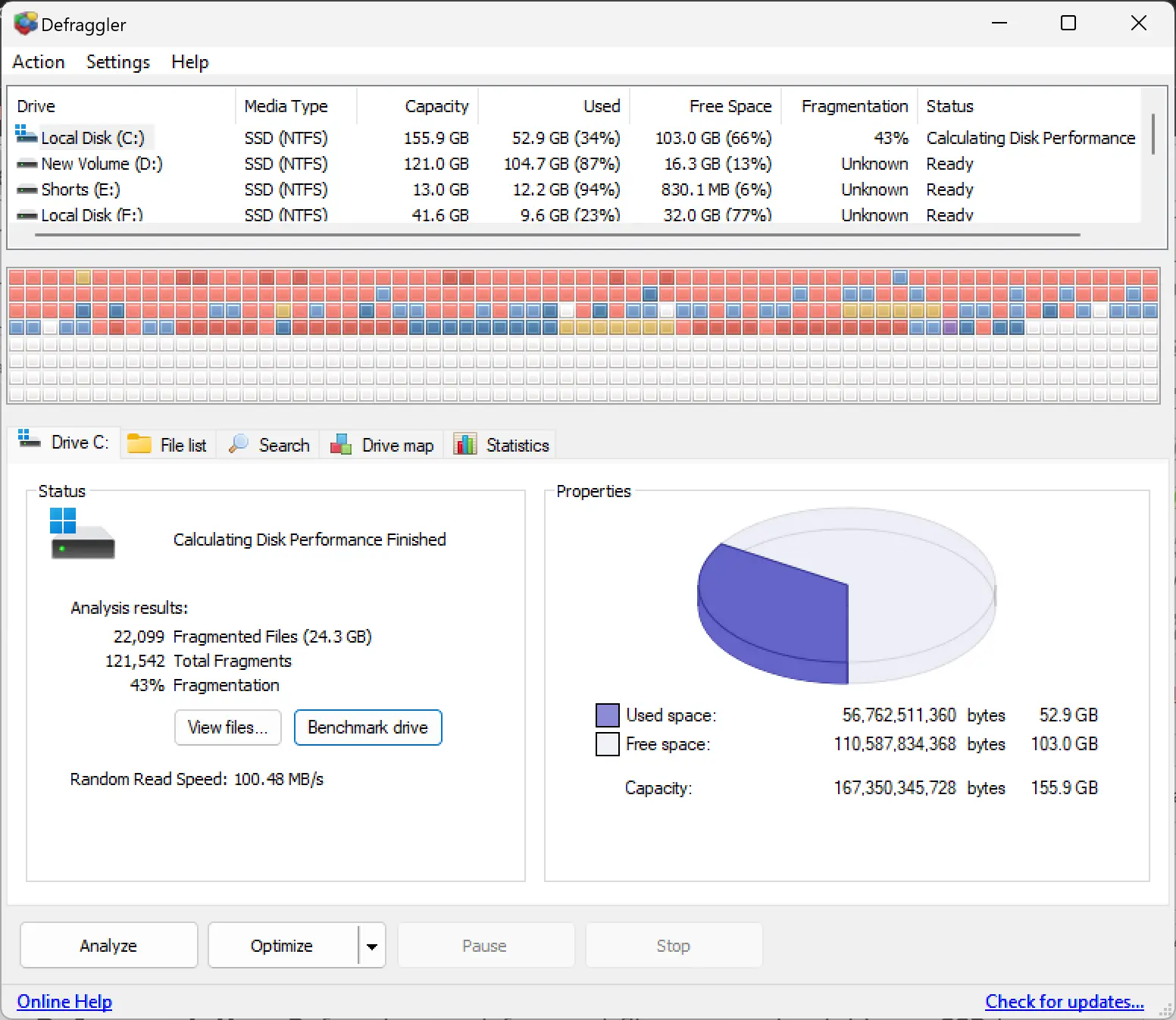
Defraggler is a popular free defragmentation tool developed by Piriform, the same company that created CCleaner. It is a reliable and effective tool for optimizing the performance of hard drives and SSDs. Defraggler offers a range of features that make it an effective tool for optimizing hard drives and SSDs, including defragmentation, quick defrag, boot-time defrag, drive health, and SSD optimization.
Auslogics Disk Defrag
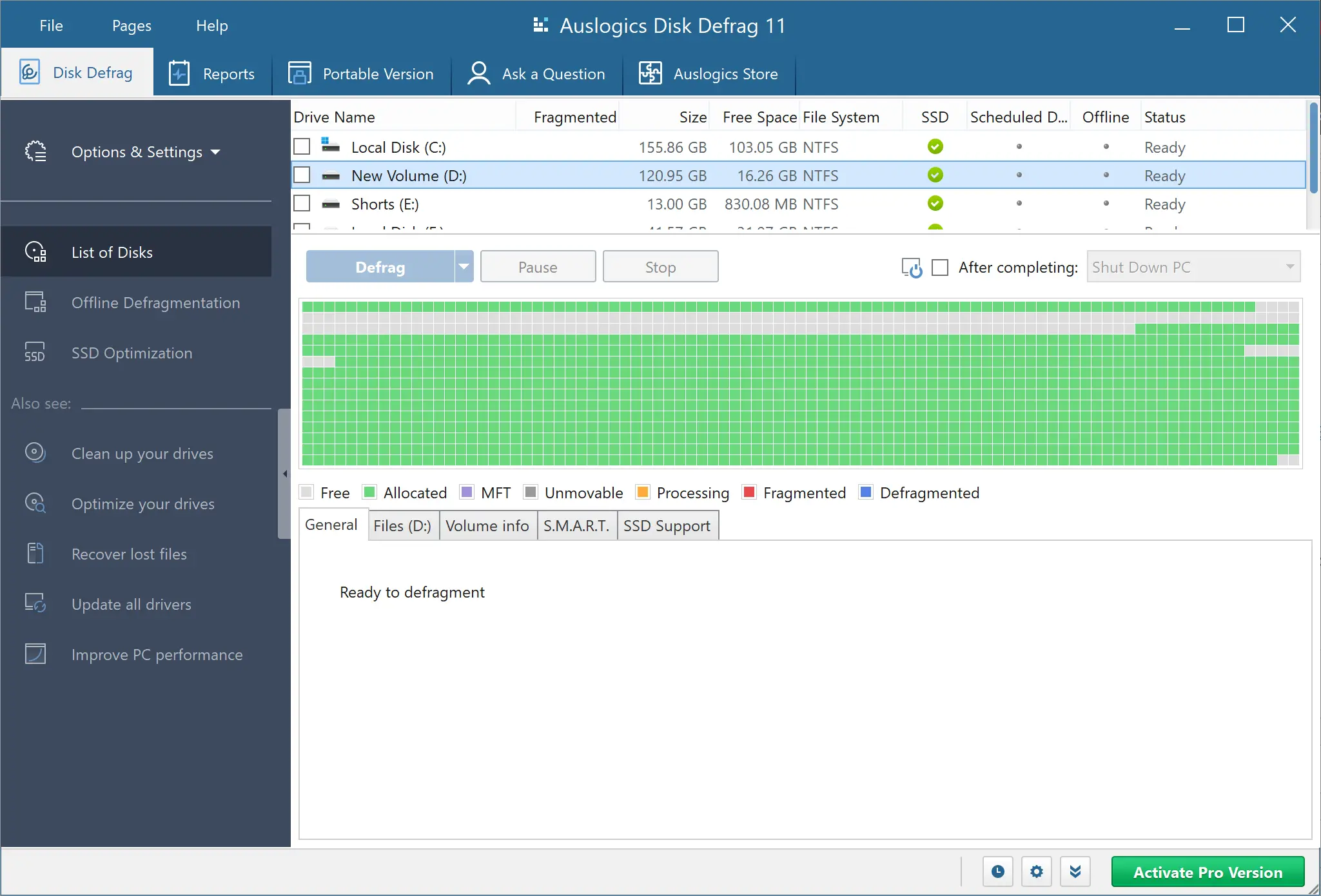
Auslogics Disk Defrag is another popular free defragmentation tool that offers fast and efficient defragmentation of hard drives and SSDs. It can optimize the placement of files on the disk and consolidate free space, which can improve overall system performance. Auslogics Disk Defrag also has a scheduler that can automate defragmentation tasks.
Smart Defrag
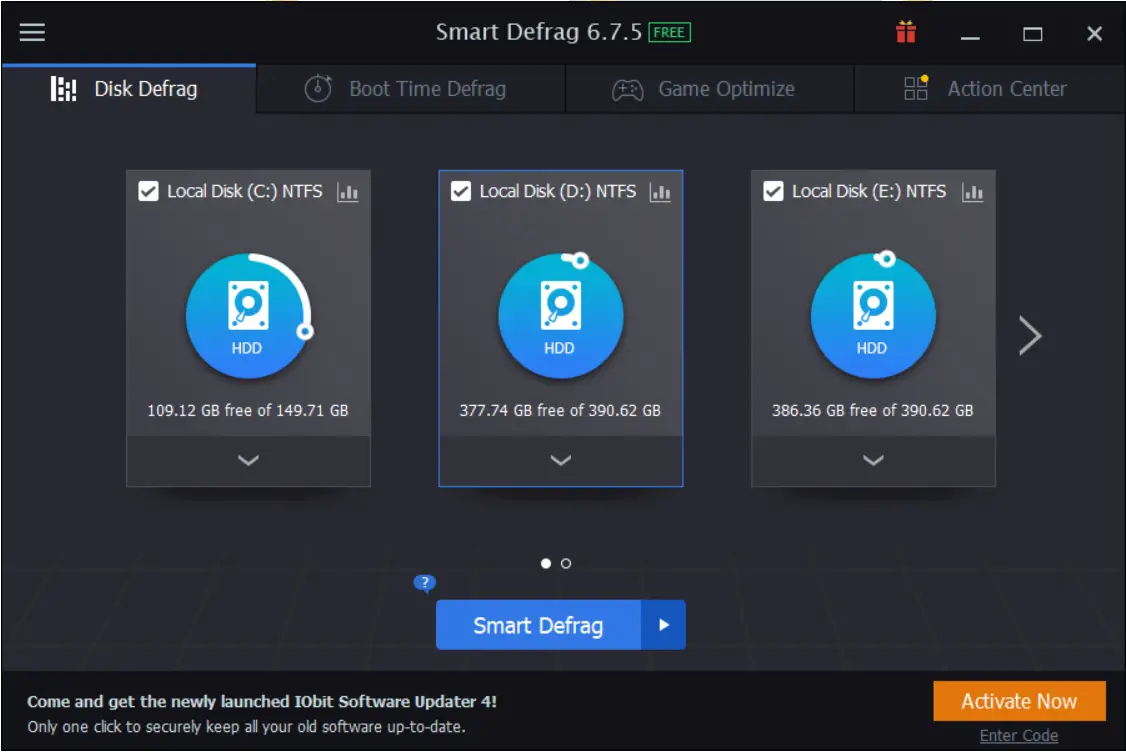
Smart Defrag is a popular free defragmentation tool developed by IObit. It uses a unique algorithm that can optimize the placement of files on the disk and consolidate free space to improve overall system performance. Smart Defrag also has a scheduler that can automate defragmentation tasks.
UltraDefrag
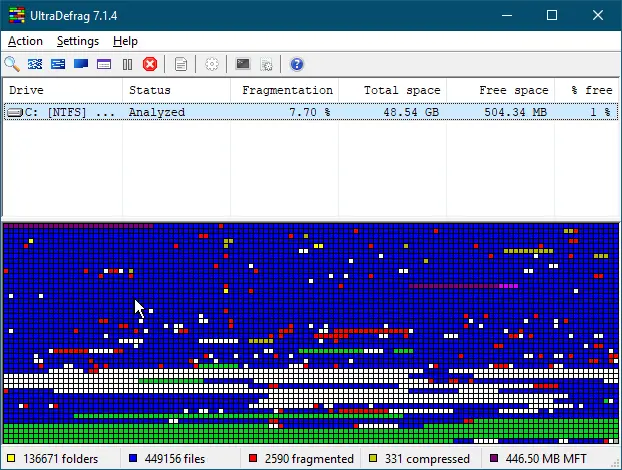
UltraDefrag is a free and open-source defragmentation tool that offers fast and efficient defragmentation of hard drives and SSDs. It can also optimize the placement of system files to improve boot times and overall system performance. UltraDefrag offers a range of advanced features, including a command-line interface, a portable version, and the ability to defragment specific files or folders.
Wise Disk Cleaner
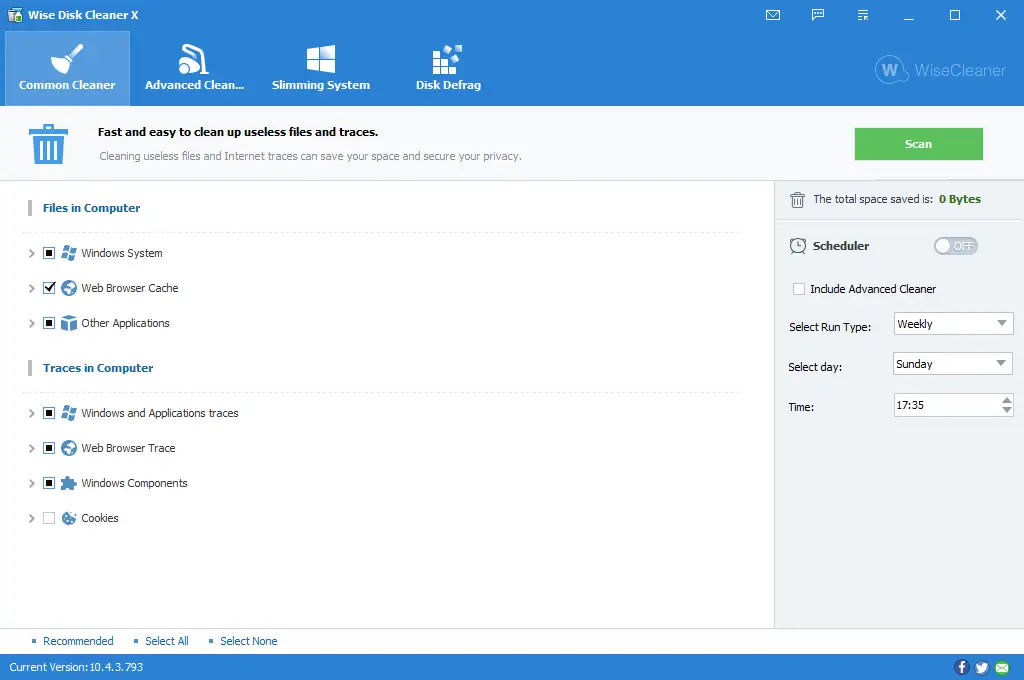
Wise Disk Cleaner is a popular free tool for optimizing Windows operating systems. While it is primarily known for its disk cleaning capabilities, it also offers a basic defragmentation feature. The defragmentation feature in Wise Disk Cleaner works by analyzing the file fragmentation on the hard drive and then rearranging the fragmented files to optimize performance. However, it’s important to note that the defragmentation feature in Wise Disk Cleaner is not as advanced as some of the other dedicated defragmentation tools available. If you’re looking for a comprehensive defragmentation tool, it’s recommended to use a dedicated tool such as UltraDefrag or Auslogics Disk Defrag.
Puran Defrag
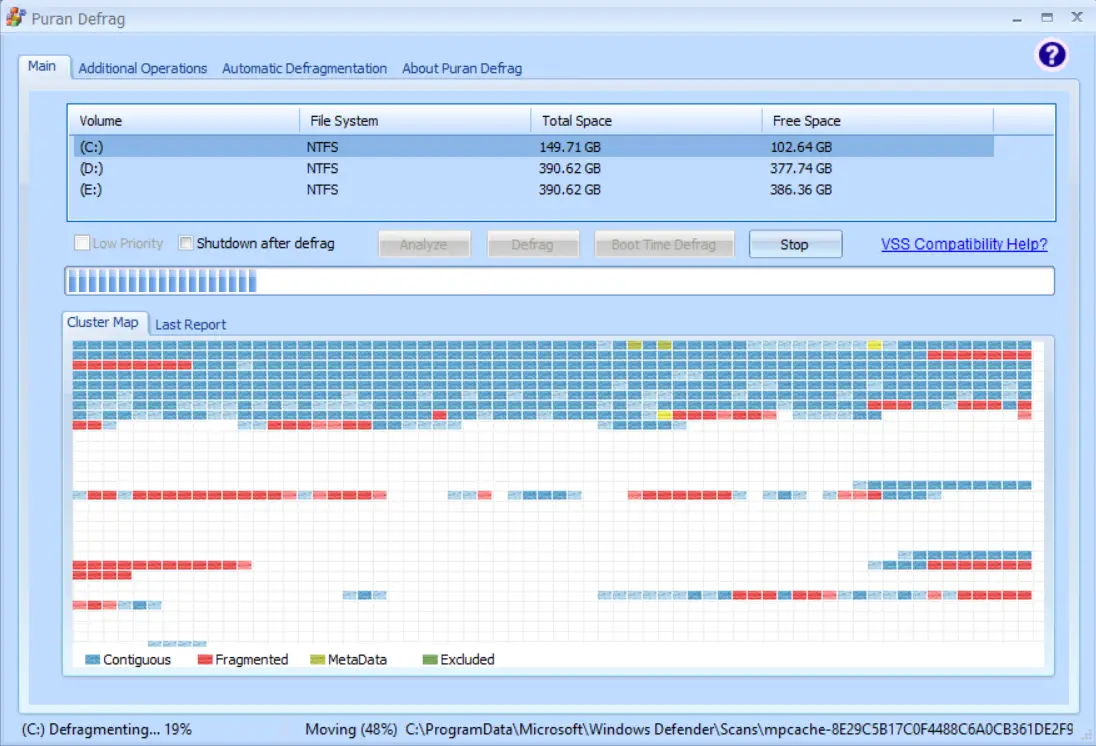
Puran Defrag is a free and powerful disk defragmentation tool designed for Windows operating systems. It offers a range of advanced features that allow users to customize the defragmentation process according to their specific needs. The tool is capable of defragmenting hard drives, solid-state drives (SSDs), and USB drives. Puran Defrag offers multiple defragmentation methods, including optimizing files, optimizing folders, and consolidating free space. The tool can also perform boot-time defragmentation, which means that it can defragment system files that cannot be defragmented during normal operation. Puran Defrag also offers a scheduler feature that allows users to automate the defragmentation process. Overall, Puran Defrag is a comprehensive tool that can help optimize the performance of your hard drive or SSD.
IObit Smart Defrag
IObit Smart Defrag is a powerful and user-friendly defragmentation tool designed to optimize hard drives and enhance PC performance. It offers multiple defrag modes, including Fast Defrag, Deep Optimize, and even supports boot-time defragmentation for locked system files.
This tool is perfect for gamers and power users who want faster load times and smoother system performance. It can automatically defrag your disk on a schedule or in the background without interrupting your work.
DiskTuna
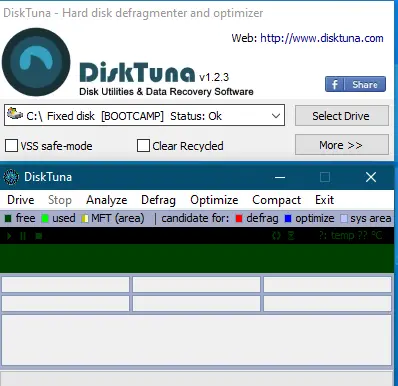
DiskTuna is a lightweight and effective disk defragmentation and optimization utility. It is designed for users who want a simple, no-frills tool that gets the job done efficiently. DiskTuna works best for mechanical drives (HDDs) and provides both manual and automatic defragmentation modes.
It features a compact interface, quick analysis, and intelligent optimization techniques that help improve system responsiveness without hogging system resources.
WinContig
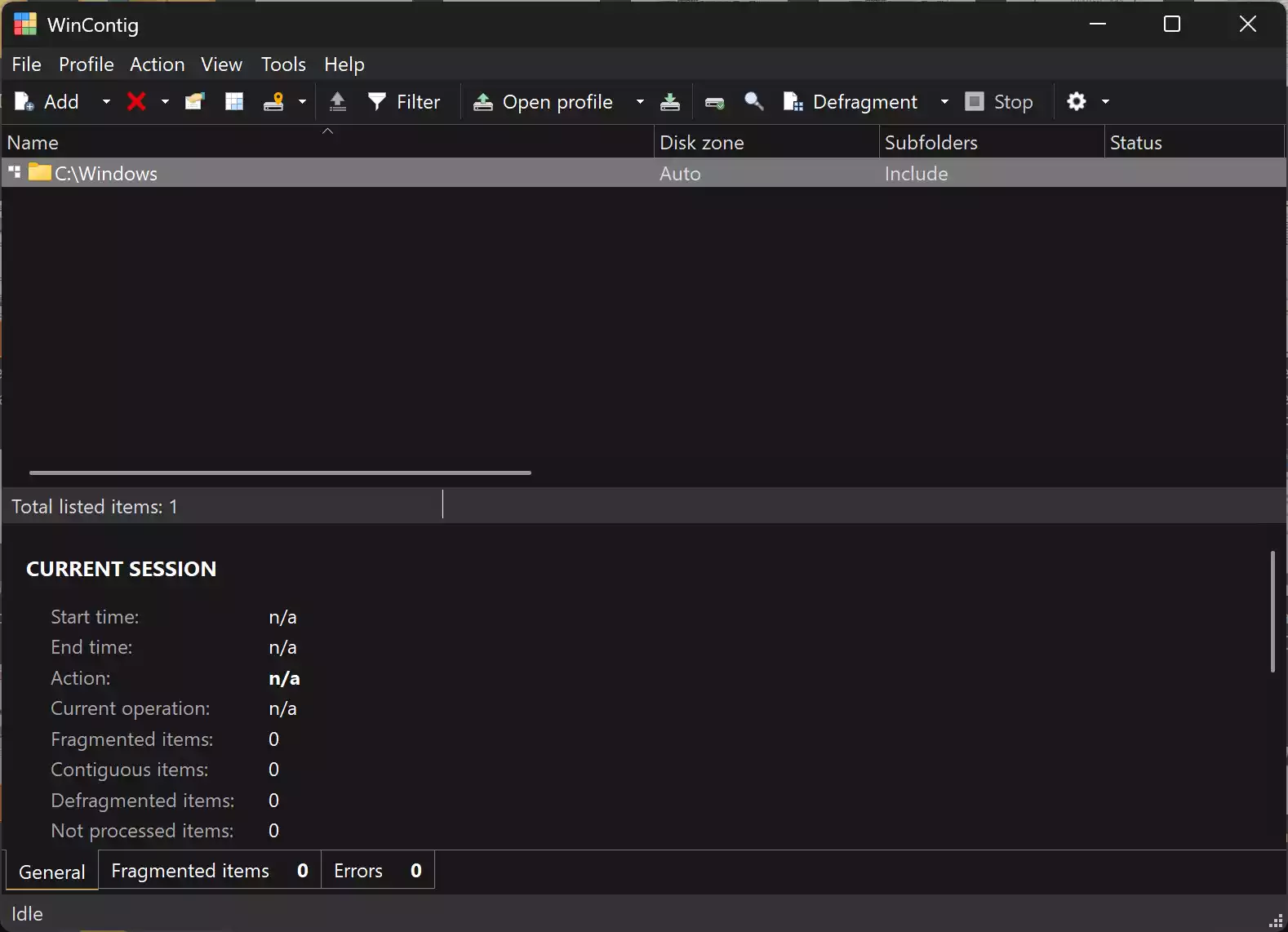
WinContig is a free and portable defragmentation utility designed for users who prefer flexibility and precision. Unlike most defrag tools, it doesn’t require you to scan or optimize the entire drive. Instead, you can select specific files or folders for defragmentation, which saves time and system resources.
What makes WinContig stand out is its ability to run without installation. This feature makes it ideal for portable USB toolkits or systems with limited software privileges. It also supports command-line operations and can be easily integrated into batch scripts for advanced use.
In the settings, you can optionally enable Contiguous Allocation to optimize file placement for faster access. Additionally, WinContig creates customizable defragmentation profiles for recurring tasks, giving you more control over the optimization process.
Overall, if you’re looking for a lightweight, no-install defrag solution with targeted optimization features, WinContig is an excellent choice.
Conclusion
In conclusion, defragmentation software is a crucial tool for optimizing the performance of hard drives and SSDs. There are several free defragmentation tools available for Windows 11/10 that offer a range of advanced features to improve overall system performance. Defraggler, Auslogics Disk Defrag, MyDefrag, Smart Defrag, UltraDefrag, IObit Smart Defrag, DiskTuna, and WinContig are the top 9 best free defragmentation software for Windows 11/10. Choose the one that suits your needs and optimize your hard drive or SSD to improve overall system performance.