

File compression and extraction have become essential parts of our digital routines. Whether it’s reducing the size of large files to save storage or making it easier to share them via email, cloud services, or messaging apps, we often rely on zip and unzip tools to get the job done. These tools help manage file sizes more effectively and keep related files bundled together.
Although Windows 11 and 10 come with built-in zip and unzip functionality, these native features are quite basic and may not be enough for more advanced or specific needs. That’s where third-party tools come in. They offer better performance, wider format support, and more powerful features for handling compressed files.
In this gearupwindows article, we’ll take a look at the top 9 free zip and unzip tools for Windows 11 and 10 that can make file compression and extraction simple, fast, and efficient.
Best Free Zip and Unzip Tools for Windows
7-Zip

7-Zip is one of the most widely used open-source zip and unzip tools for Windows 11 and 10. Known for its reliability and lightweight design, it supports a broad range of archive formats such as 7z, ZIP, GZIP, TAR, and more. One of its standout features is the high compression ratio, which helps reduce file sizes significantly, making it ideal for saving storage space or transferring large files.
In addition to its powerful compression capabilities, 7-Zip also offers AES-256 encryption, providing a secure way to protect your archived files. Its simple interface and seamless integration with the Windows context menu make it easy to use, even for beginners.
PeaZip
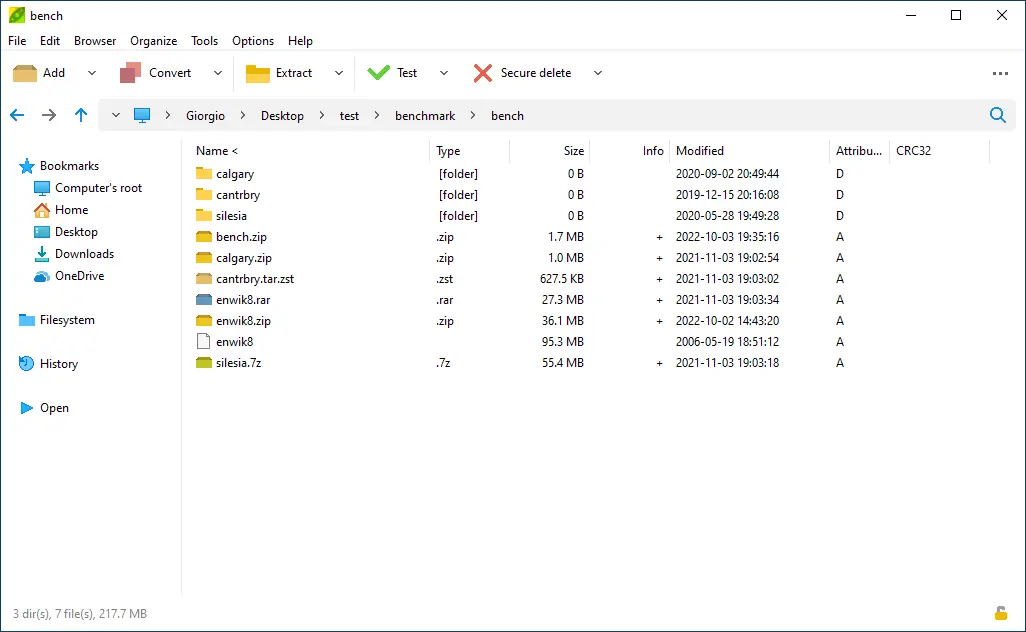
PeaZip is another excellent free and open-source file archiver designed for Windows users. It supports a wide variety of file formats, making it a versatile choice for both compression and extraction tasks. With its clean and user-friendly interface, PeaZip makes managing archives simple and accessible for all skill levels.
Beyond basic compression, PeaZip includes useful features such as strong encryption and decryption options to protect sensitive files. It also offers a built-in password manager, allowing you to securely store and manage archive passwords in one place.
Zipware
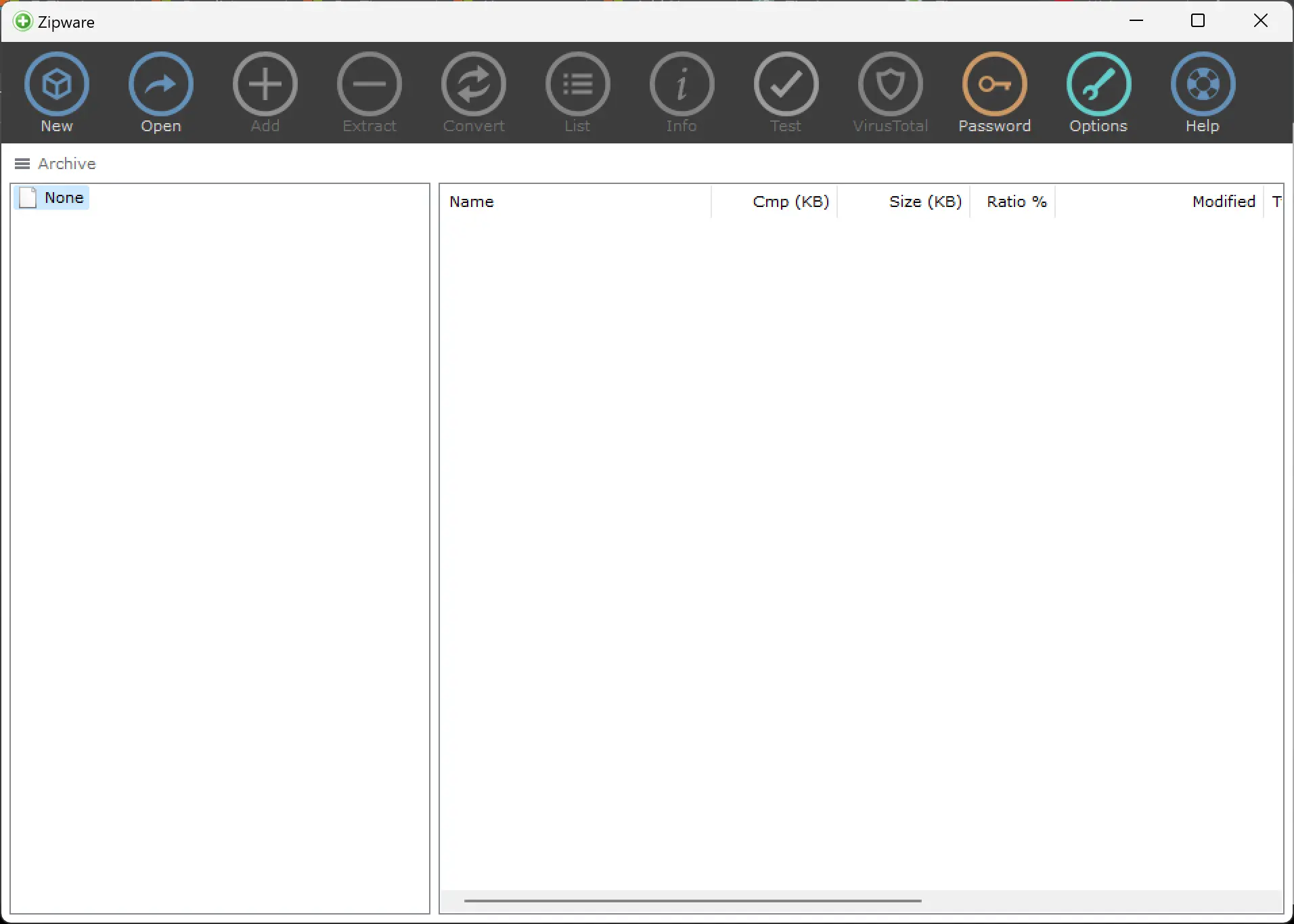
Zipware is a free and user-friendly file archiver designed to handle a wide range of file formats with ease. Its intuitive drag-and-drop interface simplifies the process of compressing and extracting files, making it ideal for both beginners and experienced users.
In addition to standard archiving features, Zipware supports strong encryption for securing your archives. It also includes a built-in virus scanner, which adds an extra layer of protection by automatically checking compressed files for potential threats before extraction.
Bandizip
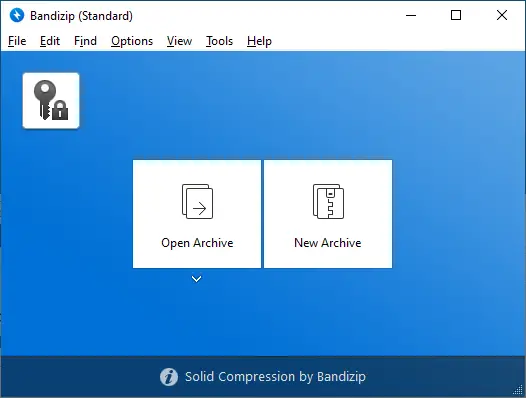
Bandizip is a fast and lightweight file archiver that supports numerous formats, including ZIP, 7Z, RAR, and more. Its sleek and user-friendly interface ensures a smooth experience when compressing or extracting files, even for those new to archiving tools.
In addition to basic archiving, Bandizip offers strong encryption and decryption features to protect your files. It also supports Unicode file names, which is especially useful for users who handle files in multiple languages, ensuring proper display and compatibility across systems.
Ashampoo Zip Free
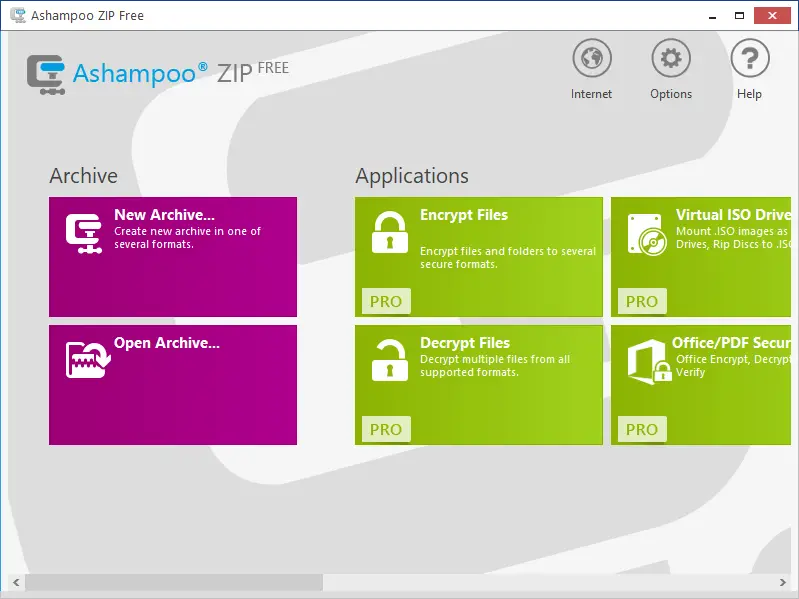
Ashampoo Zip Free is a user-friendly and reliable file archiver that supports various popular formats, making it a versatile choice for everyday file compression and extraction needs. Its drag-and-drop interface simplifies the entire process, allowing you to archive or unzip files quickly with minimal effort.
Despite being free, Ashampoo Zip Free delivers solid performance and an intuitive layout that caters to both beginners and advanced users looking for a hassle-free archiving solution.
IZArc
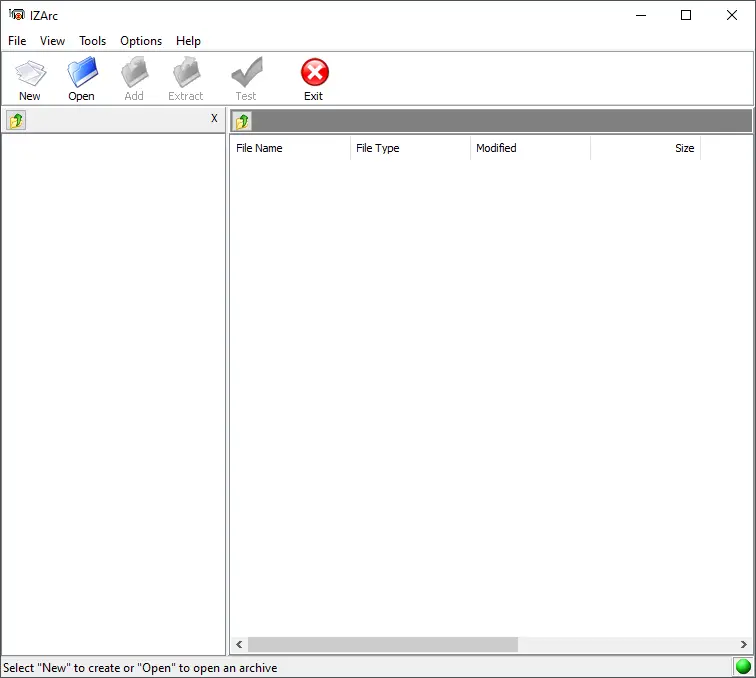
IZArc is a free and feature-rich file archiving tool that supports both zip and unzip operations with ease. It allows you to create and extract a wide range of archive formats, including ZIP, RAR, 7-ZIP, and many others, making it a flexible choice for handling compressed files.
Thanks to its intuitive and user-friendly interface, IZArc simplifies file management tasks for all types of users. Whether you’re compressing large folders or extracting multi-part archives, this tool offers a smooth and hassle-free experience.
Hamster Zip Archiver
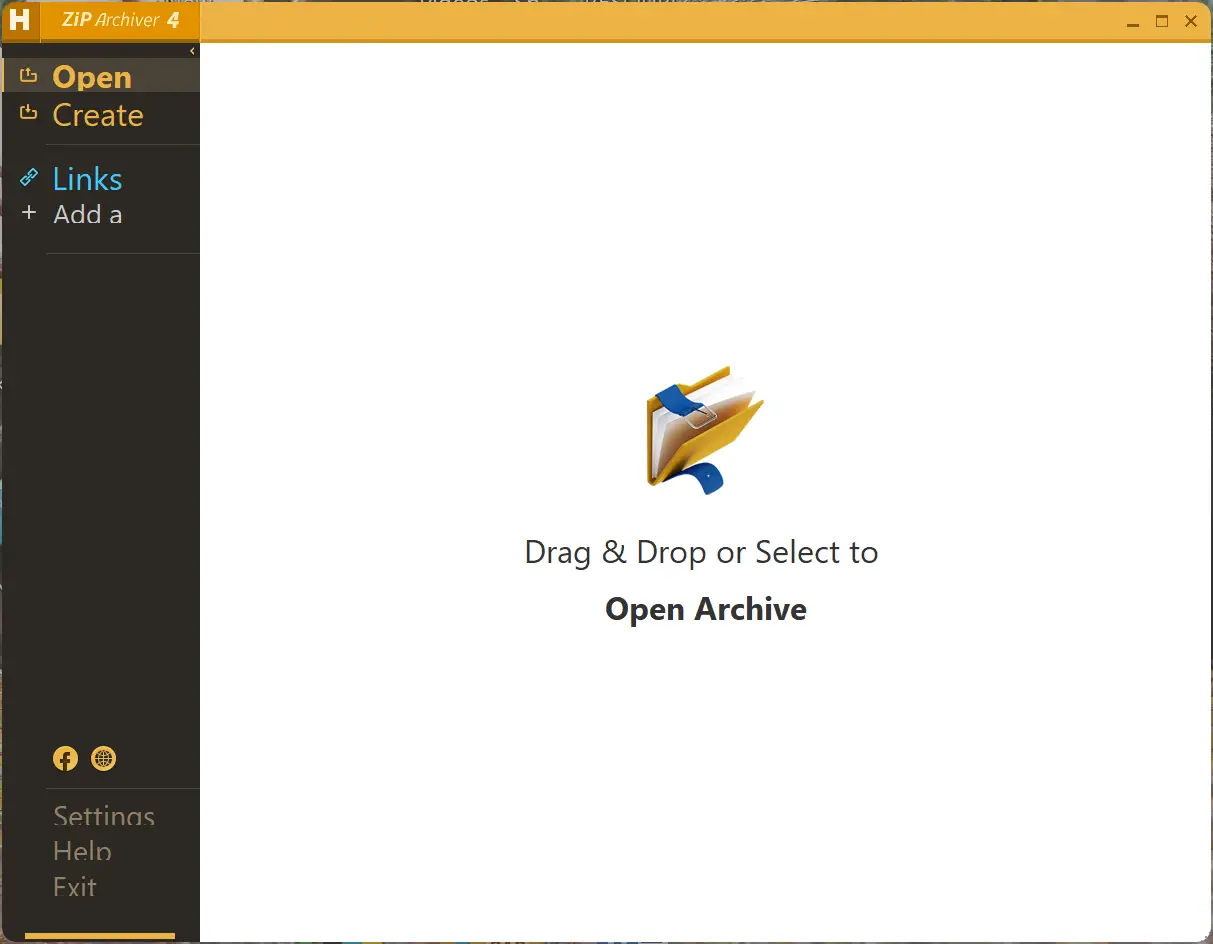
Hamster Zip Archiver is a free and easy-to-use file compression tool that supports a variety of popular formats, including ZIP, RAR, and 7-ZIP. Its clean drag-and-drop interface allows users to quickly create or extract archives without any complications.
One of its standout features is batch compression and extraction, which is especially helpful for managing multiple files at once. Whether you’re archiving several folders or unpacking numerous files, Hamster Zip Archiver handles the job efficiently. With its focus on simplicity and performance, it’s a solid choice for users looking for a reliable archiving solution.
ZipGenius
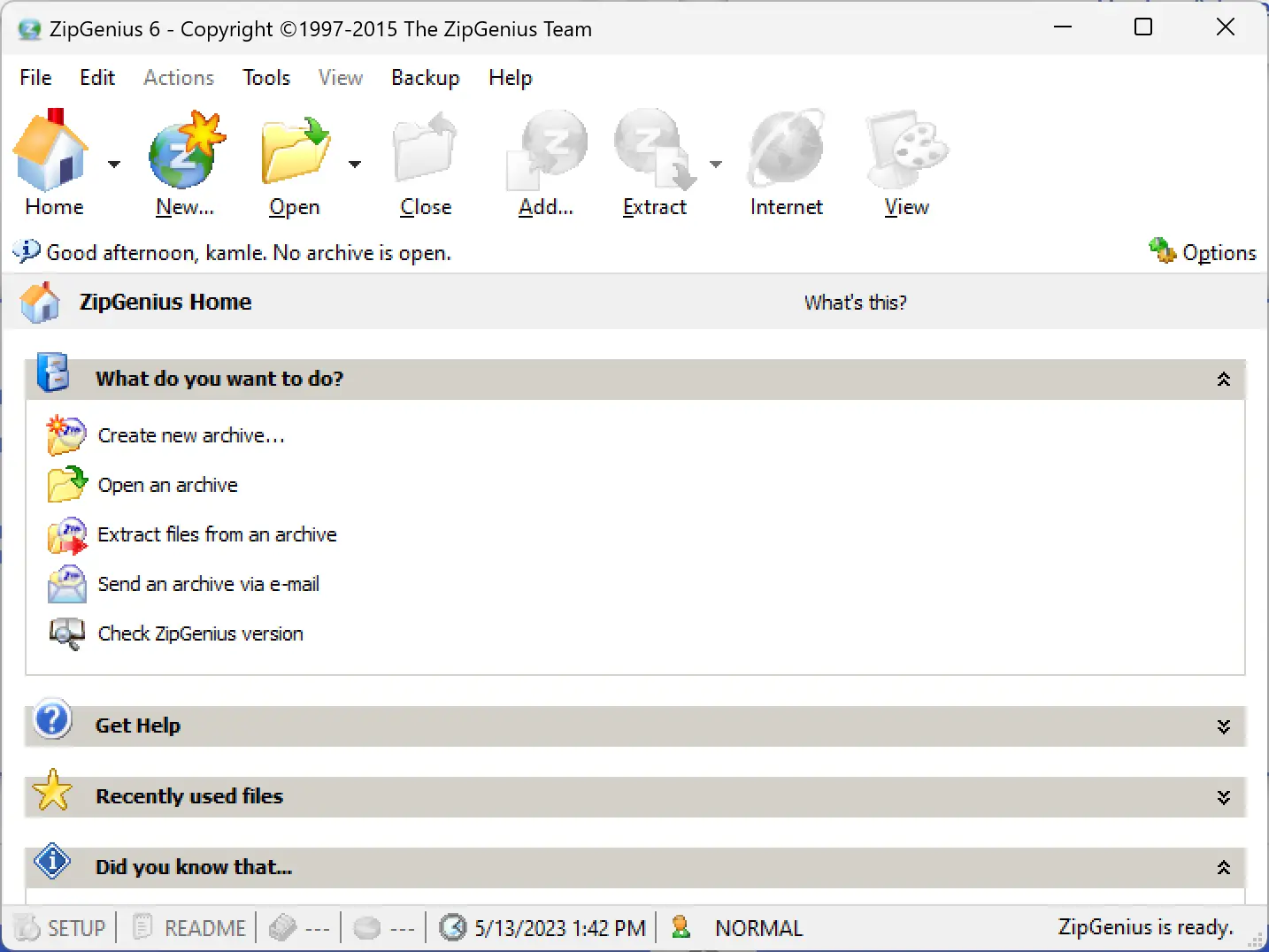
ZipGenius is a free and feature-packed file archiving tool that supports a wide range of formats, including ZIP, RAR, and 7-ZIP. Designed with user convenience in mind, it offers a simple interface along with helpful features like drag-and-drop support, batch processing, and strong encryption for securing archives.
What sets ZipGenius apart is its seamless integration with Windows Explorer. This allows users to create or extract archives directly from the right-click menu in the file manager, streamlining the entire process. With its blend of versatility and ease of use, ZipGenius is an excellent option for both casual and advanced users.
ALZip
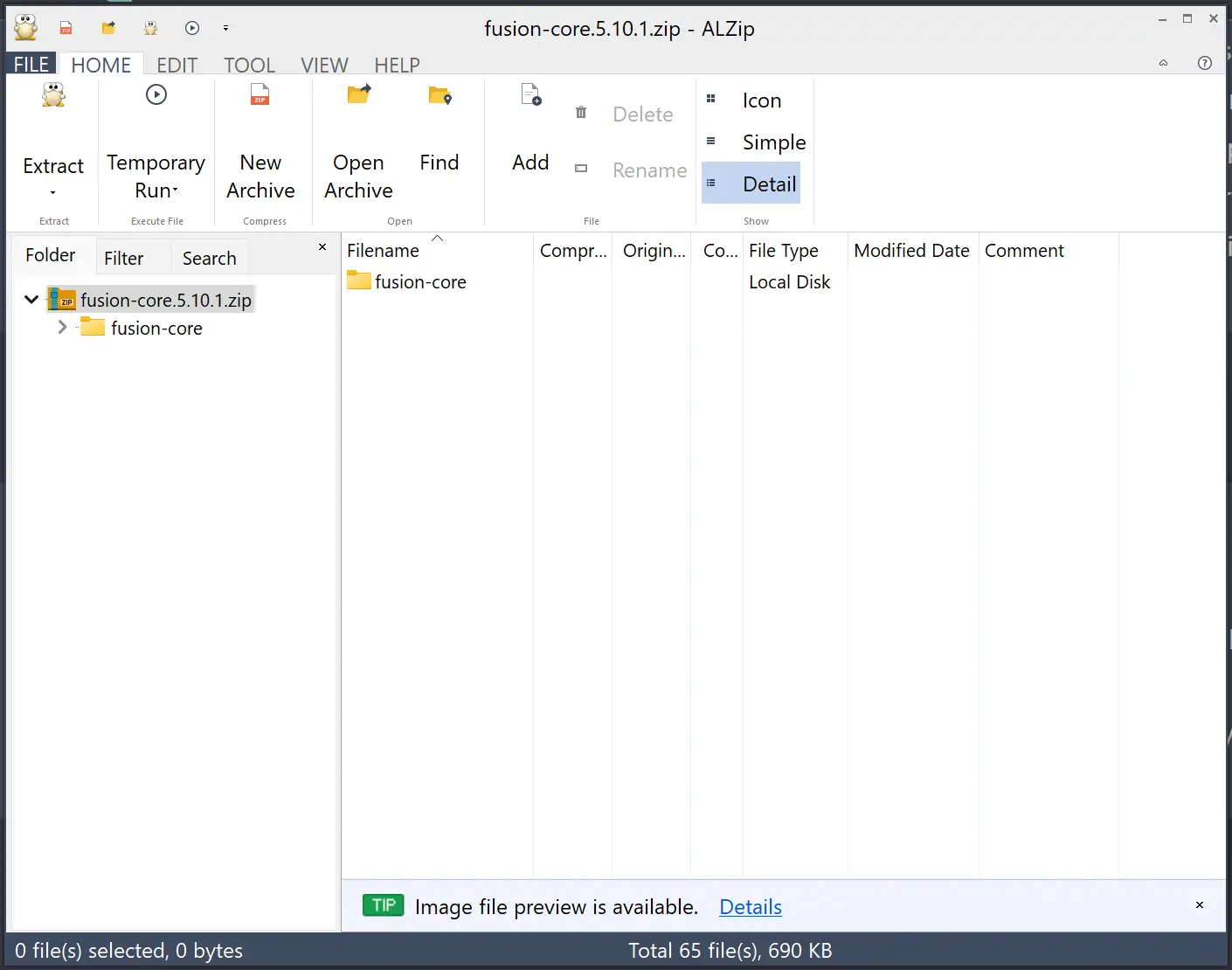 ALZip is more than just a basic compression tool—it’s a full-featured archiving utility designed to make file management easier and more efficient. It supports a wide variety of formats, including popular ones like ZIP and RAR, ensuring compatibility with almost any archive type you may encounter.
What makes ALZip stand out are its advanced features. It offers file encryption to keep your data secure, the ability to split large archives into smaller parts, and support for creating self-extracting archives that can run without needing additional software. Despite its powerful capabilities, ALZip maintains a user-friendly interface, making it suitable for both beginners and experienced users. Whether you’re organizing files, backing up data, or transferring large folders, ALZip delivers the tools you need to work quickly and securely.
GUW Free Archiver (Online Tool)
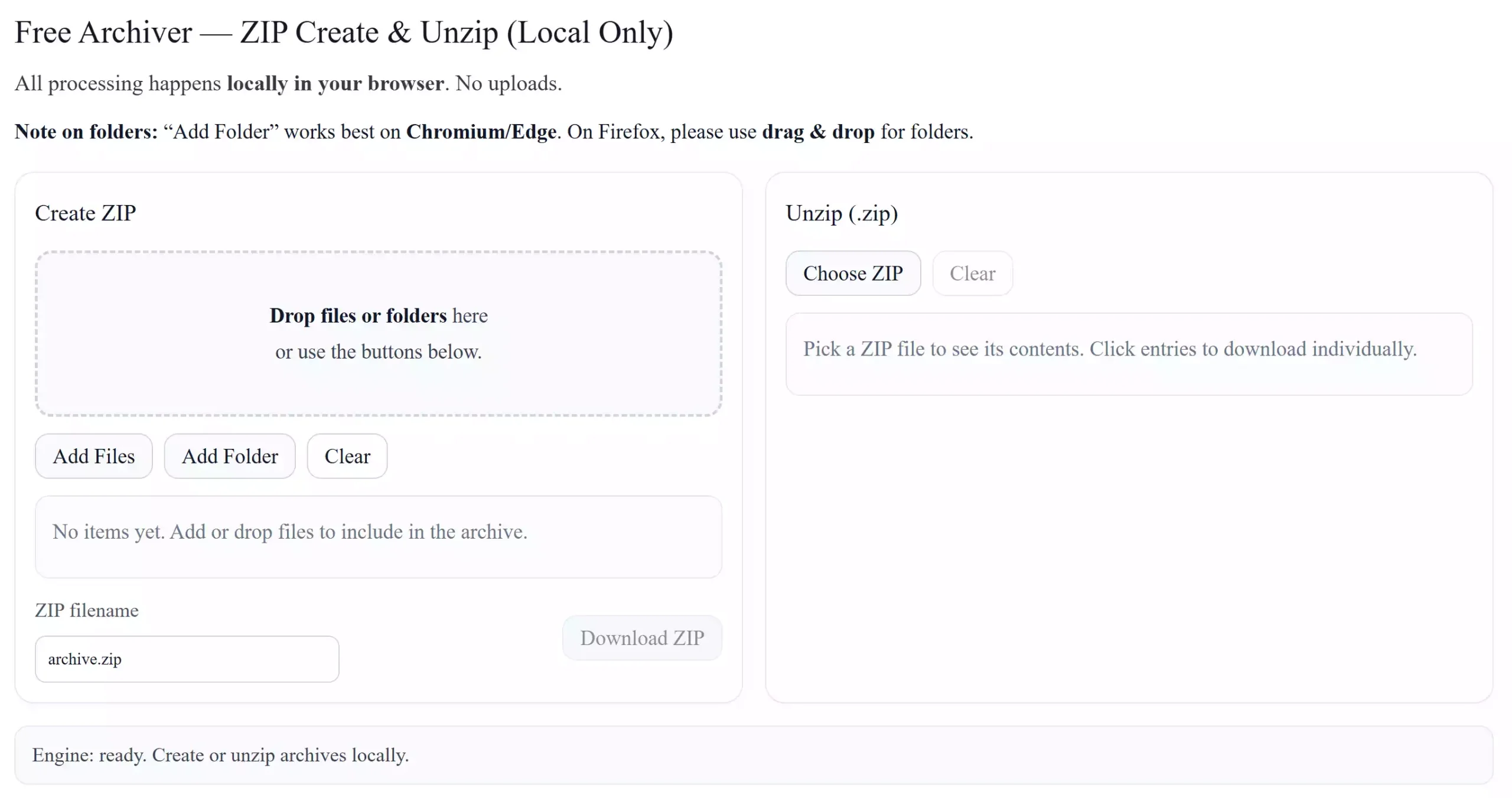
GUW Free Archiver is different from the traditional software listed above because it works entirely in your web browser. You don’t need to download or install anything — simply open the page, and you can instantly create or extract ZIP files. Since the tool runs locally in the browser, your files are never uploaded to any server, keeping your data private and secure.
This online archiver is perfect for quick tasks when you’re on a shared computer or don’t want to install extra apps. If you’d like to explore other ways to handle archives, you can also try our dedicated GUW RAR to ZIP Converter, which makes converting formats just as easy.
Conclusion
In conclusion, having a dependable zip and unzip tool is crucial for efficient file management, especially when dealing with large or numerous files. Although Windows 11 and 10 include basic archive functionality, these built-in features may fall short for users who need more flexibility and advanced options.
This article has explored 9 of the best free zip and unzip tools available for Windows, each offering a unique mix of features—from high compression ratios and encryption to batch processing and format support. Whether you prefer the open-source power of 7-Zip, the simplicity of Hamster Zip Archiver, or the Windows Explorer integration of ZipGenius, there’s a tool here to suit every need. No matter your experience level, these free utilities make file compression and extraction faster, easier, and more secure.