

Although Windows 10 allows users to enable Dark Theme in Windows 10 via the Settings app, it doesn’t change the traditional Notepad app. People who want to use a Notepad app with dark mode or black theme on their Windows 10 PC might be interested in a freeware UWP app, Black Notepad.
Why Black Notepad (I)?
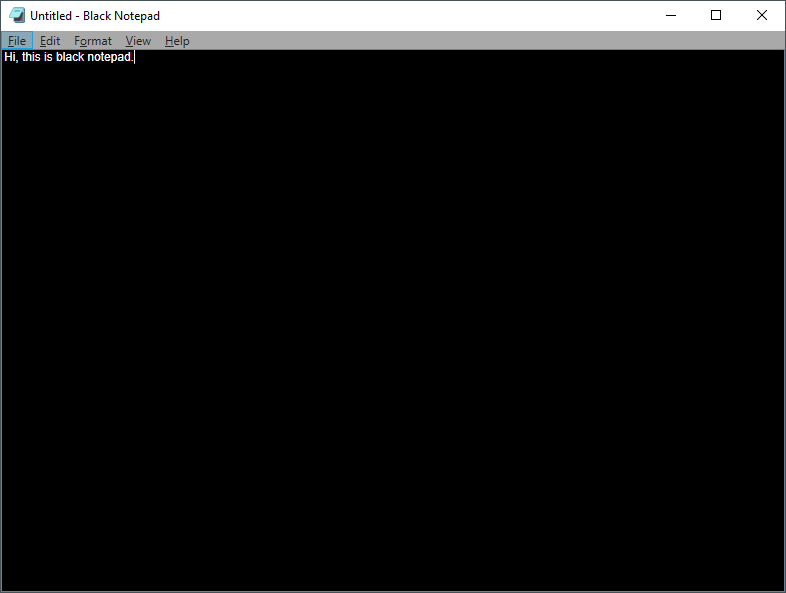
Notepad is an essential utility in Windows that lets you write notes and quickly save data. It is a basic text editor and comes with limited options. However, one essential feature is missing in this tool is Dark Mode. Dark or black mode is quite handy when you want to write many paragraphs in low-light surroundings. In other words, dark mode or a black theme might help you get rid of eye strain. There is no option to change the theme to dark mode in the traditional notepad, and here Black Notepad comes in handy.
Black Notepad is a simple text editor, and almost all features are similar to the default Notepad. It is a free application and is available to download from the Microsoft Store. One should note that installing Black Notepad will not replace the default Notepad app. That means you are going to install any additional applications on your PC. If you want to use Black Notepad only and think that the default Notepad application is useless for you, uninstall it completely from your PC.
If you are new to Windows 10 and don’t know how to download and install the app from the Microsoft Store, refer to our guide on downloading and installing UWP apps.
Why Black NotePad (II)?
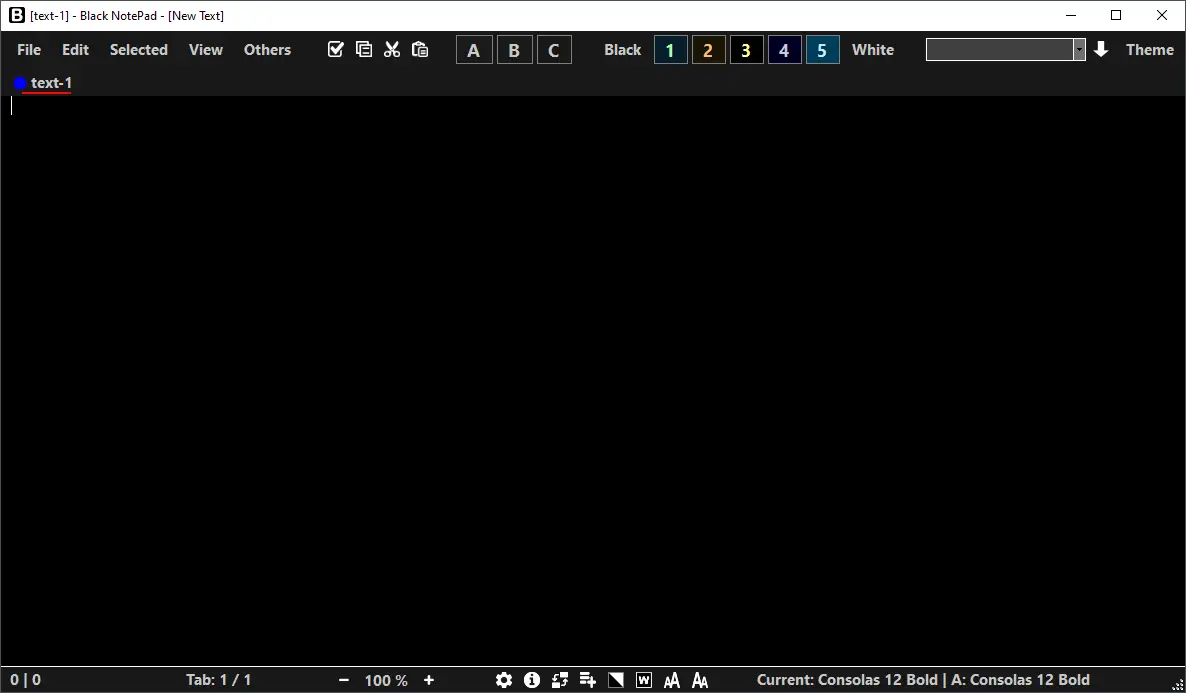
Please don’t be confused with the first Black Notepad application. Fortunately, this is another freeware application with some more features, and the name of the application is Black NotePad.
Black NotePad is a plain text editor program and carries out similar tasks to the default Notepad, but comes with additional functions. An essential function is the option to switch between display modes easily. This application enables you to display and edit multiple text files simultaneously within a window with the help of tabs.
This portable tool keeps track of the last opened and saved files and provides easy access to them. You can also manage favorites. It doesn’t require installation, and it supports Windows 7/8/10/11 operating systems.
Download Black Notepad
You can download Black NotePad from here.
Conclusion
Black Notepad is a great option if you want a lightweight, desktop-based notepad with a dark mode interface for comfortable writing. It’s simple, fast, and easy on the eyes. However, if you prefer not to install software and want something that works directly in your browser, you can try our GUW Notepad. It offers dark mode, automatic saving, and cross-device access, making it a perfect alternative for quick notes anytime, anywhere.
Update: Now, Windows 11 offers a built-in option to enable or turn on dark mode/theme in Notepad.
Not free..