

Nero is a leading disc-burning suite, but it isn’t free. If you want no-cost tools for CD, DVD, or Blu-ray on Windows (XP, Vista, 7, 8/8.1, 10, 11), these free Nero alternatives deliver reliable burning, ISO handling, and more—without the price tag.
Quick Summary: The best free Nero alternatives cover everything from one-click burns to advanced ISO workflows.
- Best for beginners: Ashampoo Burning Studio FREE
- Quick ISO jobs: Infra Recorder, Active@ISO Burner
- All-round suite: BurnAware Free
- Advanced ISO power: ImgBurn, WinISO
- Blu-ray / HD-DVD support: CDBurnerXP, FinalBurner, WinISO
Alternatives to Nero
The following applications are available for free for personal use:
- Ashampoo Burning Studio FREE
- Infra Recorder
- CDBurnerXP
- DeepBurner
- FinalBurner
- ImgBurn
- CDrtfe
- Active@ISO Burner
- BurnAware Free
- WinISO
- Ashampoo Burning Studio 2022
While Nero remains a feature-rich suite, these free tools each have standout strengths. Ashampoo Burning Studio FREE is beginner-friendly with broad audio/video/data tools. Infra Recorder is ideal for quick, simple burns and ISOs. CDBurnerXP adds Blu-ray and HD-DVD plus bootable discs. DeepBurner brings multi-session, overburn, and autorun menus. FinalBurner handles many media formats for audio/video discs. ImgBurn shines with advanced ISO support. CDrtfe is lightweight and open-source. Active@ISO Burner focuses on fast ISO-to-disc with CLI automation. BurnAware Free is a complete toolkit with multisession. WinISO excels at editing/converting ISOs. Ashampoo Burning Studio 2022 brings premium features like BDXL/M-Disc—for free.
Ashampoo Burning Studio FREE
Among the best free alternatives to Nero is Ashampoo Burning Studio FREE. It offers a solid range of features in a user-friendly package.
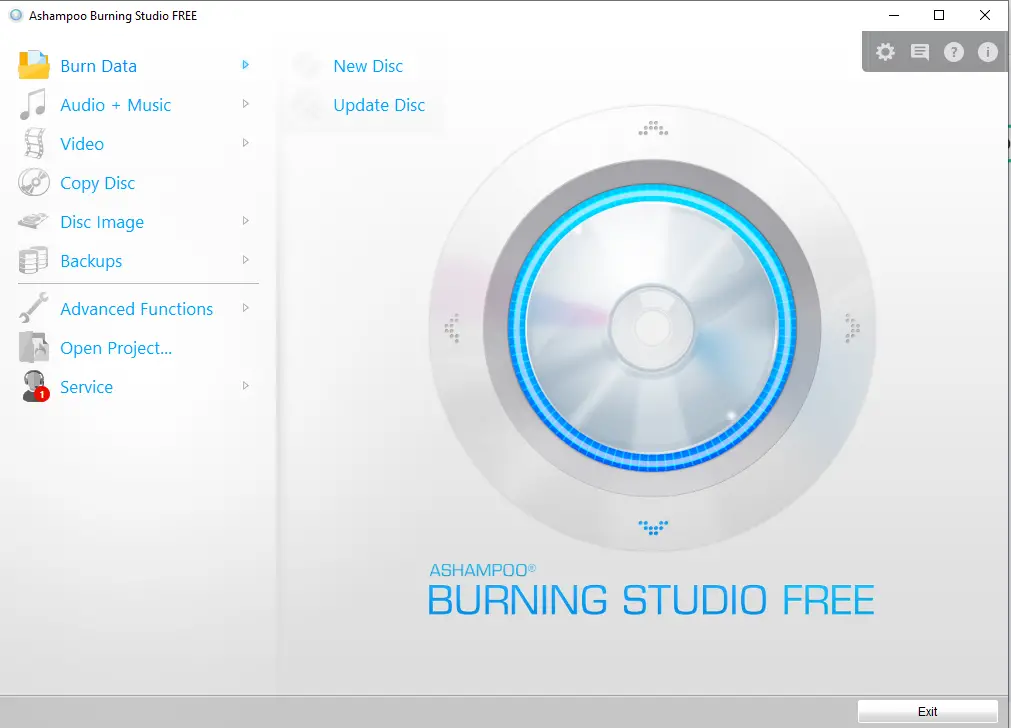
Ashampoo Burning Studio FREE allows you to burn and back up data, create audio discs, rip music CDs, and burn existing videos and photos onto Blu-ray, CD, or DVD. Even beginners can navigate its clean interface, with multisession mode, MP3/WMA discs, audio CD creation, ripping, video DVDs from folders, and Blu-ray burning.
You can download the free full version of Ashampoo Burning Studio from here.
Infra Recorder
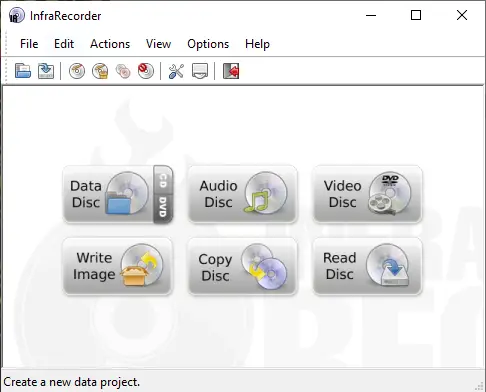
Infra Recorder is a simple, open-source burner for audio CDs, erasing discs, dual-layer DVDs, ISO creation/burning, copying discs, and multi-session projects. The interface exposes common actions like Data Disc, Audio Disc, Video Disc, Write Image, Copy Disc, and Read Disc.
CDBurnerXP
CDBurnerXP goes beyond basic burning with Blu-ray and HD-DVD support.
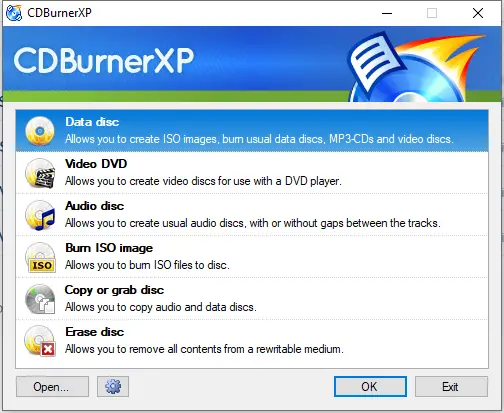
It burns all disc types, creates audio CDs (with or without gaps), generates ISO files, verifies data, and makes bootable discs. It also converts BIN/NRG to ISO. Compatible with Windows 2000 through Windows 10.
DeepBurner
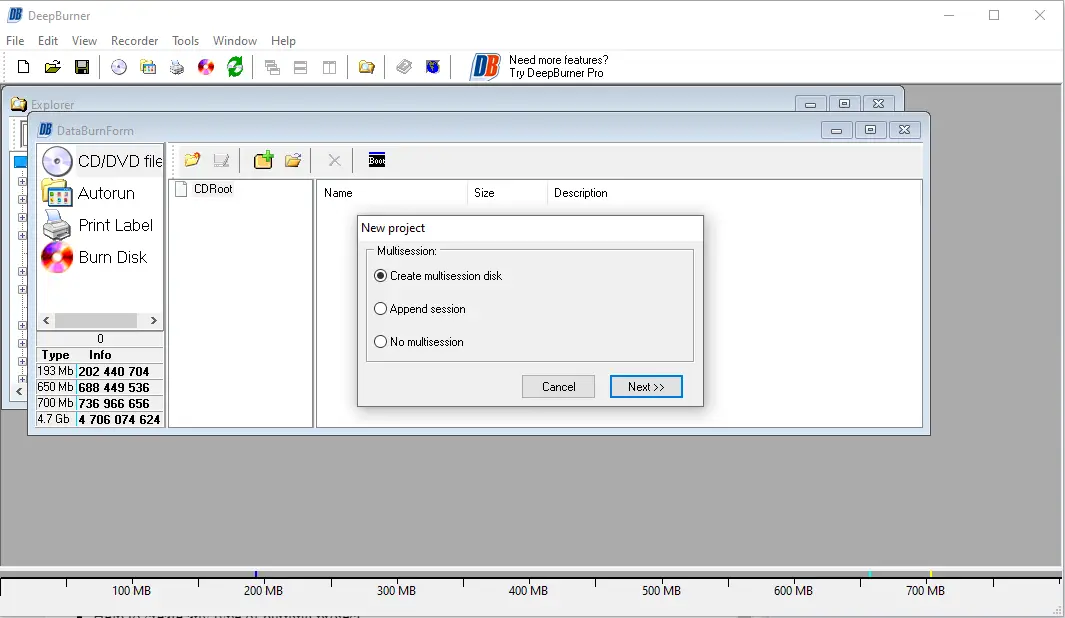
The DeepBurner utility comes in free and paid versions. The free edition covers data CD/DVD burning, audio CDs, ISO building, and supports IDE/EIDE, USB, SCSI, and FireWire drives, overburn, Burn-Proof, DAO/SAO/TAO write modes, bootable discs, multi-session, multiple recorders, custom autorun menus/covers, and a multilingual UI.
FinalBurner
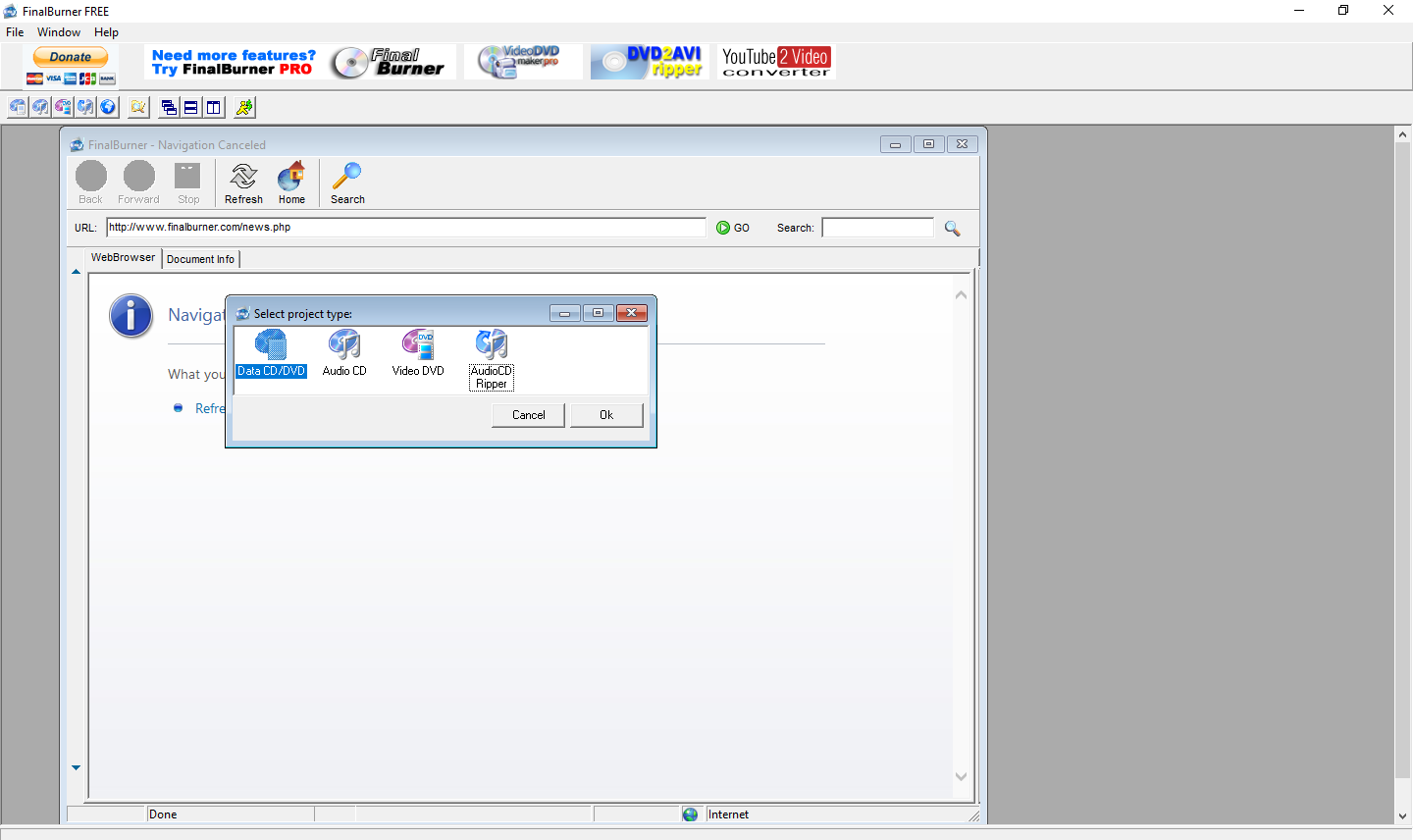
FinalBurner supports data, audio, and video discs, including HD-DVD and Blu-ray. It imports many audio/video formats, includes an AudioCD ripper, and lets you design autorun menus.
ImgBurn
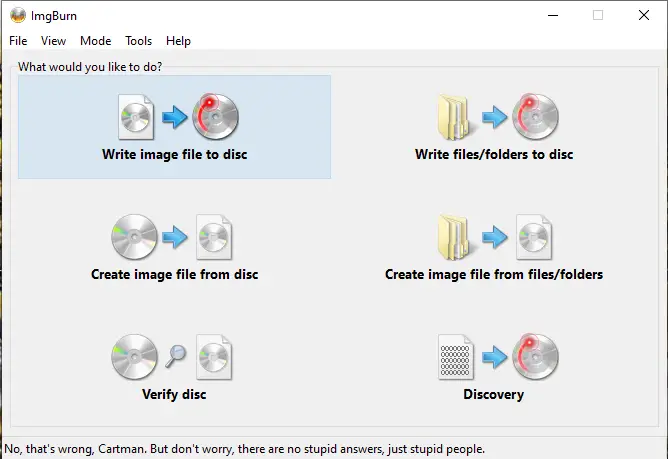
ImgBurn is a robust, free program for image files and discs (CD/DVD/HD-DVD/Blu-ray). It supports BIN, CUE, DI, DVD, GI, IMG, ISO, MDS, NRG, and PDI, handles audio CDs, DVD-Video, HD-DVD video discs, and works well with Unicode filenames.
CDrtfe
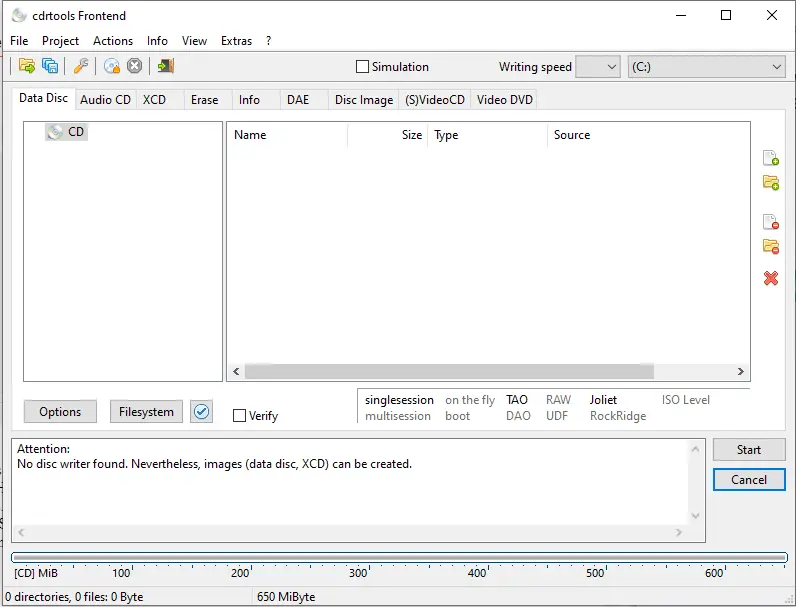
CDrtfe is an open-source burner that supports data discs, audio CDs, XCDs, (S)VCDs, and DVD-Video. It’s lightweight and compatible with Windows 9x up to Windows 11.
Active@ISO Burner
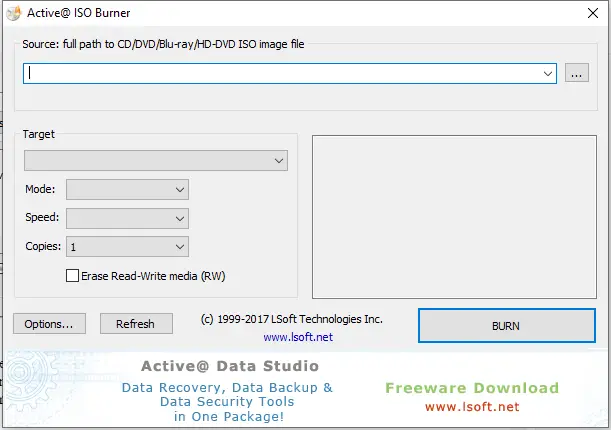
With Active@ISO Burner, you can burn ISO images to CDs, DVDs, Blu-ray discs, and even HD-DVDs. Select the ISO, choose target, speed, and mode, then burn. It also supports command-line parameters for automation.
BurnAware Free
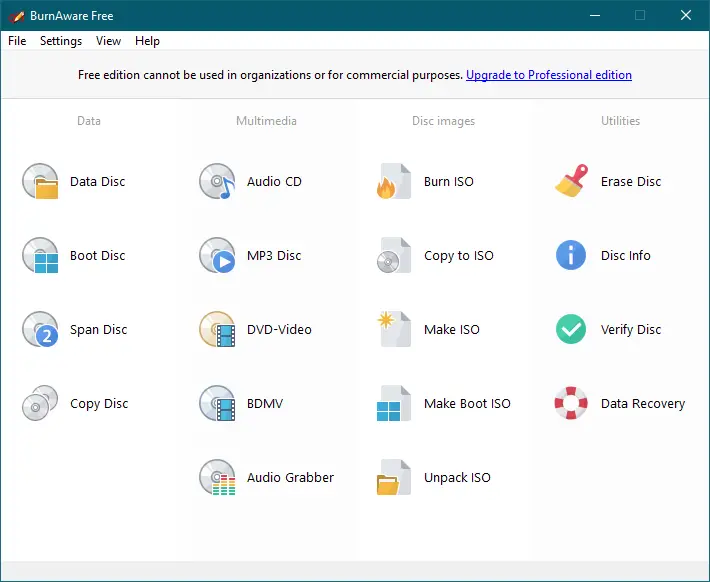
BurnAware Free burns data discs, audio CDs, ISO files, MP3 discs, DVD-Video, and Blu-ray. It supports multisession discs, disc-to-ISO copying, and extracting files from ISOs.
WinISO
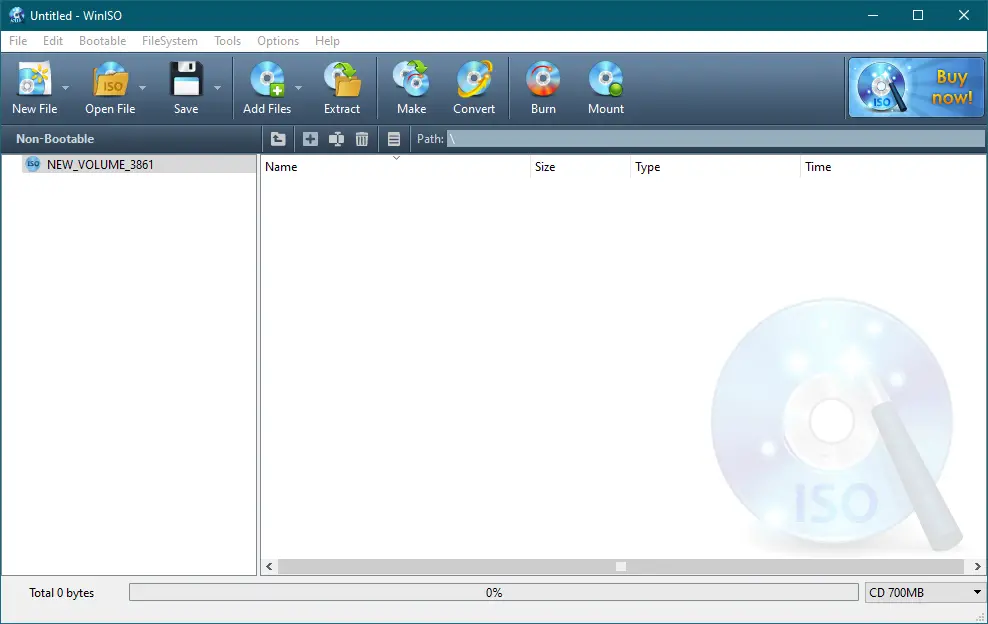
WinISO can open, create, edit, extract, mount, and convert ISO and BIN files. It burns ISO images to CDs, DVDs, and Blu-ray, creates bootable media, and backs up discs as image files.
Key features of WinISO
- ISO Editor — Open and edit ISO files
- ISO Extractor — Extract ISO and disc image files
- ISO Converter — Convert between ISO/BIN and other formats
- ISO Burner — Burn ISO to CD/DVD/Blu-ray
- ISO Mount — Mount ISO images
- Bootable ISO Maker — Create bootable images
- Back up CD/DVD/BD to image files
Download the latest version of WinISO from here.
Ashampoo Burning Studio 2022
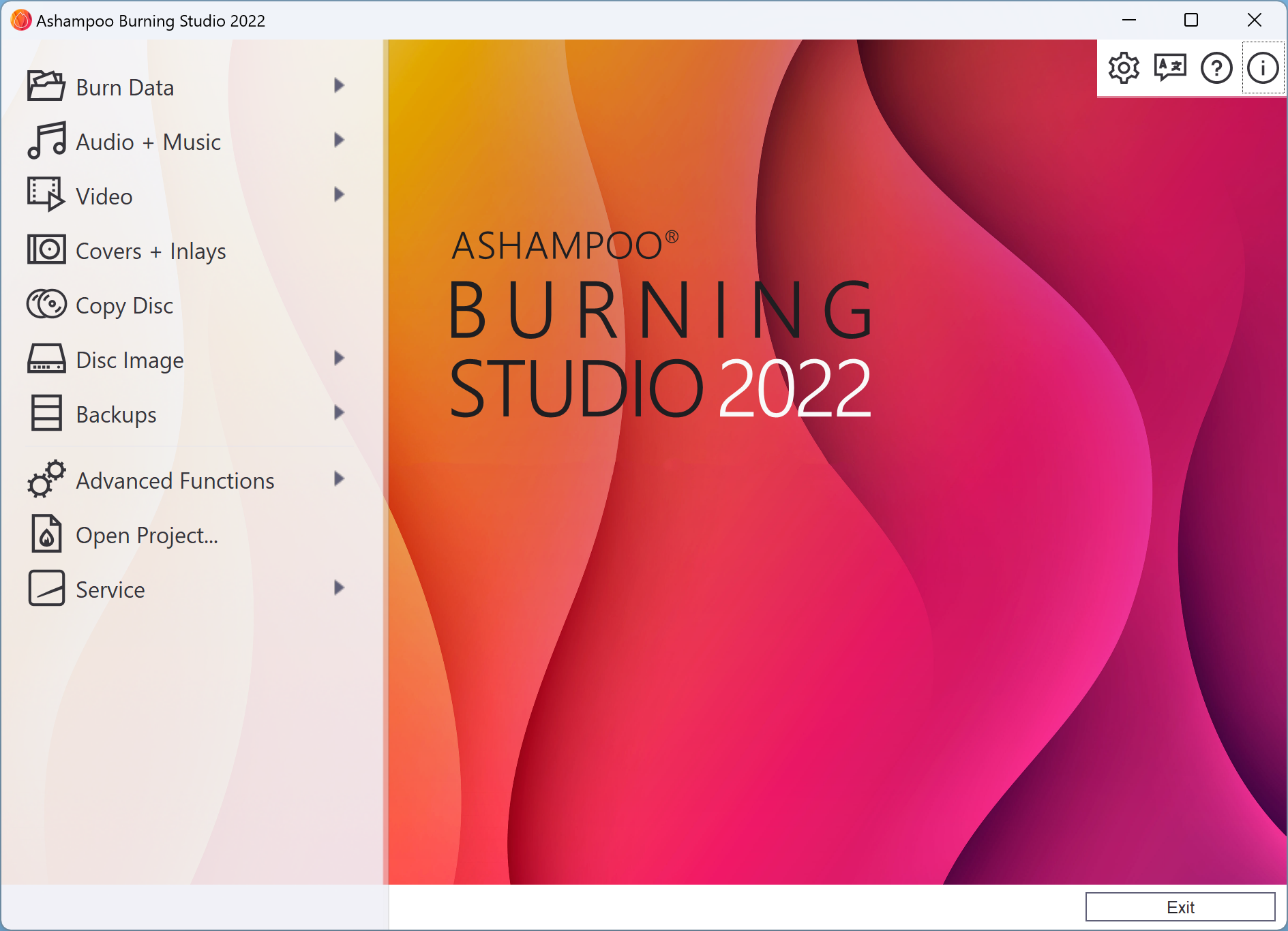
Ashampoo Burning Studio 2022, normally $29.99, is offered free. It burns movies, music, and files to CDs, DVDs, and Blu-ray; creates covers and inlays; extracts music; and backs up data. It supports BDXL, M-Disc, disc spanning, and can auto-generate playlists.
Conclusion
If you’re searching for a capable alternative to Nero without spending money, these free tools cover data backups, music creation, video disc authoring, and ISO workflows. Whether you prefer a minimal interface like Infra Recorder, an all-in-one suite like Ashampoo, or advanced ISO handling with ImgBurn and WinISO, there’s a match here for every need. Try a couple to see which fits your workflow and enjoy reliable disc burning—no license required.
Frequently Asked Questions
Are these Nero alternatives completely free?
Yes. All listed tools have free versions for personal use. Some also offer paid editions with extra features, but the free editions are sufficient for most users.
Can I burn Blu-ray discs with these tools?
Yes. Options like Ashampoo Burning Studio FREE, BurnAware Free, FinalBurner, and WinISO support Blu-ray burning.
Which tool is best for beginners?
Ashampoo Burning Studio FREE is a great starting point thanks to its guided workflows and clean interface.
Do these tools work on Windows 11?
Yes. Most of these programs are compatible with Windows 11, and many still support older versions such as Windows 7 and even XP.
Can I create bootable discs?
Yes. Tools like CDBurnerXP, DeepBurner, WinISO, and BurnAware Free can create bootable discs for OS installs or recovery media.