

Dexclock is a software application that allows users to add a real-time working clock to their desktop backgrounds. This software offers an innovative way to customize the desktop by combining style and functionality in a single application.
In this article, we will take a closer look at the features and benefits of Dexclock, including how to download and use it on Windows computers. If you’re interested in alternatives, check out our list of the best free desktop clock widgets or explore free clock screensavers for Windows.
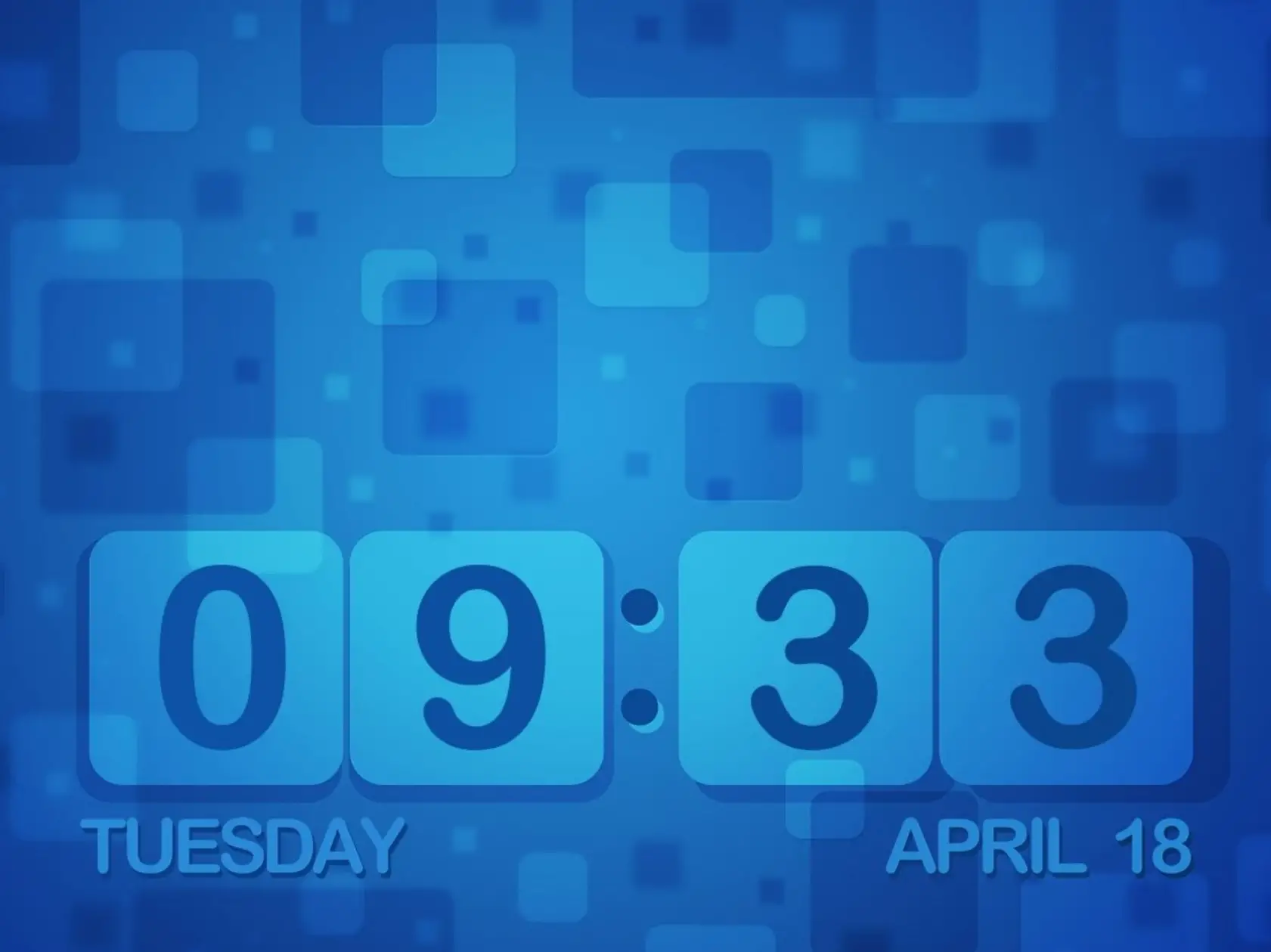
What is Dexclock?
Dexclock is a freeware program that enables users to embed a clock onto their desktop backgrounds. It offers four different clock wallpaper designs to choose from, each with a unique theme. The software also allows customization of the clock’s appearance with different colors, fonts, positions, and formats. For a widget-style option, you may try ClocX or Digital Clock 4.
How to Download and Install Dexclock?
Downloading and installing Dexclock is easy and straightforward. Follow the steps below to get started:
Step 1. Go to the Dexclock website and click the “Download” button.
Step 2. Once the download is complete, open the file to begin the installation process.
Step 3. Select a language on the Installer Language window and click “OK.”
Step 4. Click “Next” on the Dexclock Setup window and then click “I agree” to accept the terms and conditions.
Step 5. Choose a destination folder for Dexclock (if desired) and click “Next” to continue.
Step 6. Click “Install” to begin the process and wait for the software to finish.
Once complete, a desktop shortcut will appear. Double-click it to launch Dexclock and set your wallpaper clock. If you enjoy desktop customization, you may also like X Live Wallpaper or MyLiveWallpapers.
Customizing the Clock Wallpaper
Dexclock provides a range of customization options. Users can pick their preferred clock design and adjust details like color, font, position, and format.
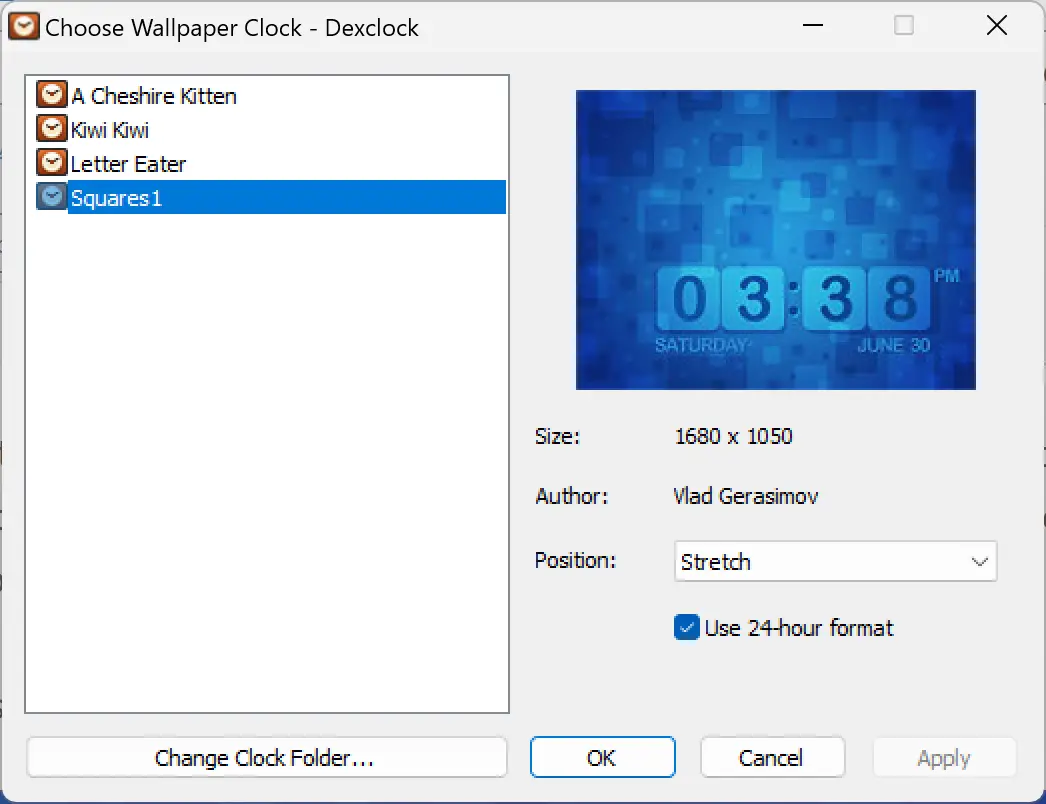
To customize, double-click the Dexclock system tray icon to open the “Choose Wallpaper Clock” window. From here, select one of the four designs and tweak its settings. For more versatile options, see Clock or DesktopClock.
Enabling Automatic Startup
If you want Dexclock to always display on your desktop at startup, enable automatic launch: right-click the system tray icon → Settings → check “Start automatically with Windows.” This ensures your wallpaper clock runs every time you boot.
FAQs about Dexclock
1. Is Dexclock free to use?
Yes, Dexclock is completely free. It’s a lightweight utility that doesn’t require a license or subscription, making it a great option for customizing your desktop clock.
2. Can I use Dexclock on Windows 11?
Dexclock works on both Windows 10 and Windows 11. If you want even more customization features, you can also try BeWidgets, which adds advanced widget support for Windows 11.
3. How many clock wallpapers does Dexclock include?
The program comes with four built-in clock wallpaper designs. Each has a unique theme, and you can further personalize the colors, fonts, and positions.
4. Does Dexclock slow down the computer?
No, Dexclock is lightweight and uses minimal system resources. However, if you want to monitor your PC’s performance while using such tools, Sidebar Diagnostics is a handy option.
5. Can I create my own clock wallpaper?
Dexclock does not support creating custom designs. If you’re looking for broader personalization, check out Desktop Live Wallpaper, which lets you set dynamic and animated wallpapers.
6. How do I remove Dexclock if I no longer need it?
You can uninstall Dexclock like any other Windows program from the Control Panel or Settings. For a more thorough cleanup of apps, Geek Uninstaller is a useful free tool.
Conclusion
Dexclock is an excellent choice for anyone wanting to enhance their desktop with a stylish, real-time clock display. With its customization features and ease of use, it suits both casual and advanced users. You might also explore Fliqlo Flip Clock Screensaver or wallpaper & screensaver clocks for more ways to personalize your PC.