

ISO burners are essential tools for anyone who regularly works with CD, DVD, and Blu-ray discs. An ISO image is essentially a digital clone of a physical disc, containing all its data in a single file. With an ISO burner, you can transfer that image onto a blank disc, making it ideal for creating backups, duplicating discs, or distributing software and media in physical format.
Whether you are archiving old discs, creating bootable media for operating systems, or simply sharing multimedia projects, having a reliable ISO burner can make the process quick and hassle-free. Fortunately, there are several free ISO burners available for Windows 11 and 10 that offer robust features without costing a penny.
In this gearupwindows guide, we will explore some of the best free ISO burners for Windows 11 and 10, highlighting their main features and why you might choose one over another.
Best Free ISO Burners for Windows
Active@ ISO Burner
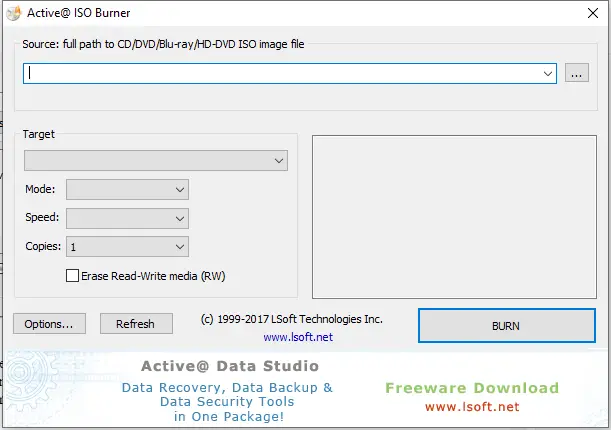
Active@ ISO Burner is a straightforward yet powerful tool that lets you burn ISO images to CD, DVD, and Blu-ray discs. It supports popular formats such as CD-R/RW, DVD±R/RW, DVD DL, and Blu-ray, and even allows burning ISO images directly to USB drives. The interface is clean and beginner-friendly, making it suitable for both new and experienced users. It’s free to use, lightweight, and highly reliable.
FinalBurner
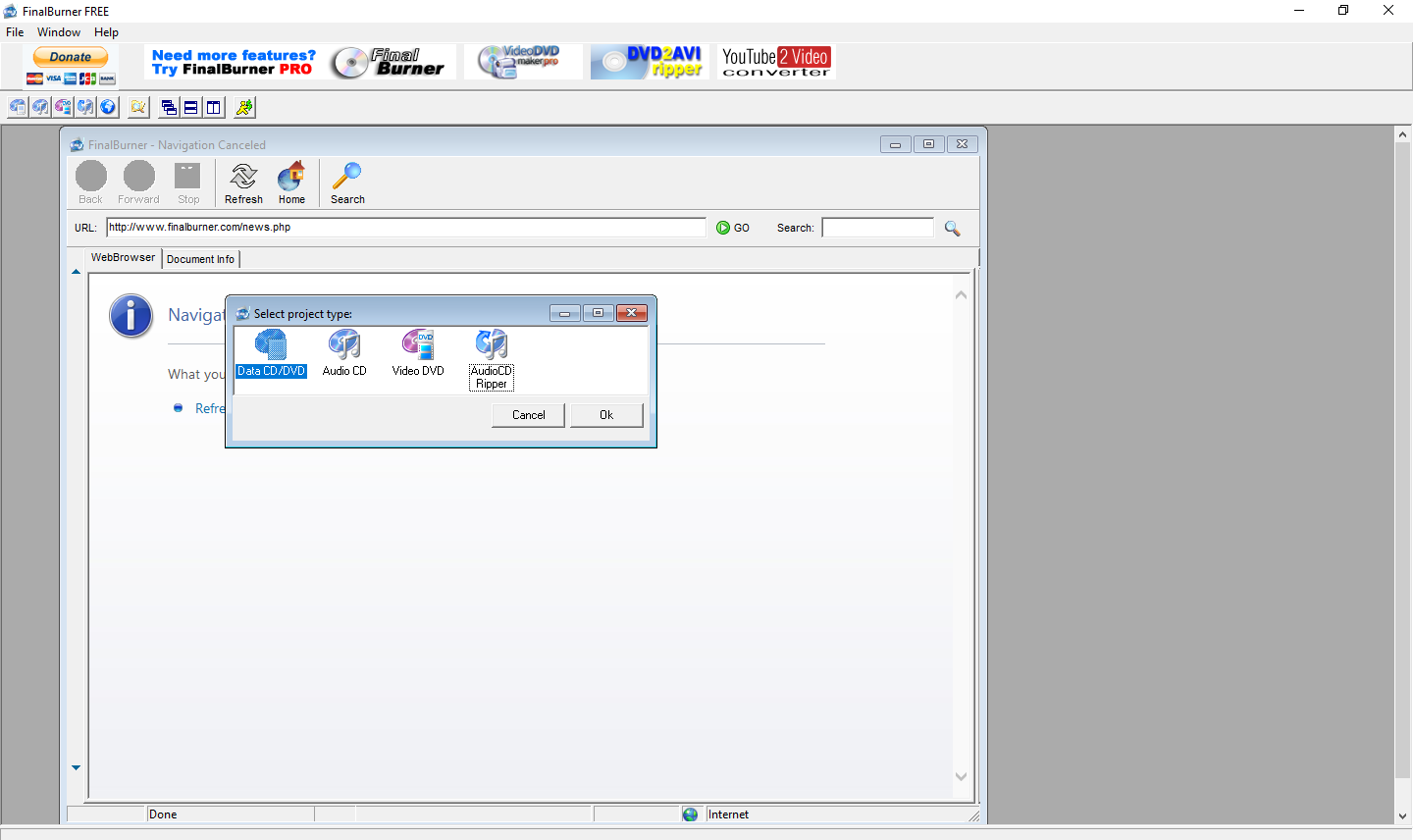
FinalBurner Free supports a wide variety of formats, including CD R/RW, DVD±R/RW, DVD DL, HD-DVD, and Blu-ray. It goes beyond basic ISO burning with features like an autorun menu designer, audio CD ripping, and a multilingual interface. If you’re looking to create multimedia discs with custom menus, this is a solid choice.
ImgBurn
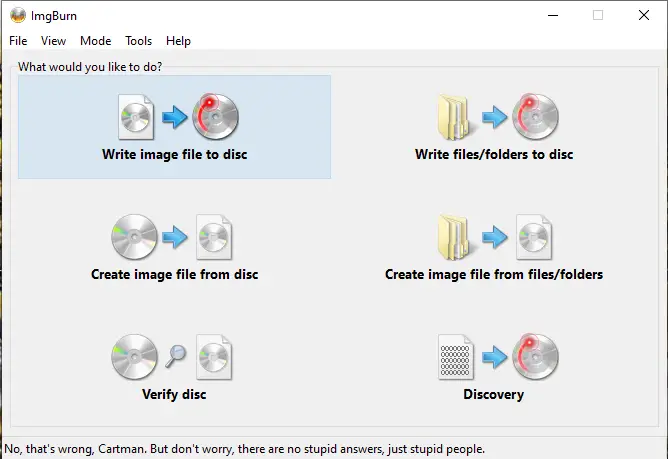
ImgBurn is one of the most well-known free ISO burners. It allows you to create and burn ISO images for CDs, DVDs, and Blu-ray discs. Beyond burning, it can generate ISO files from folders or existing discs, making it a great all-in-one tool for disc management. Its intuitive interface and support for multiple image formats make it popular among advanced users.
CDrtfe
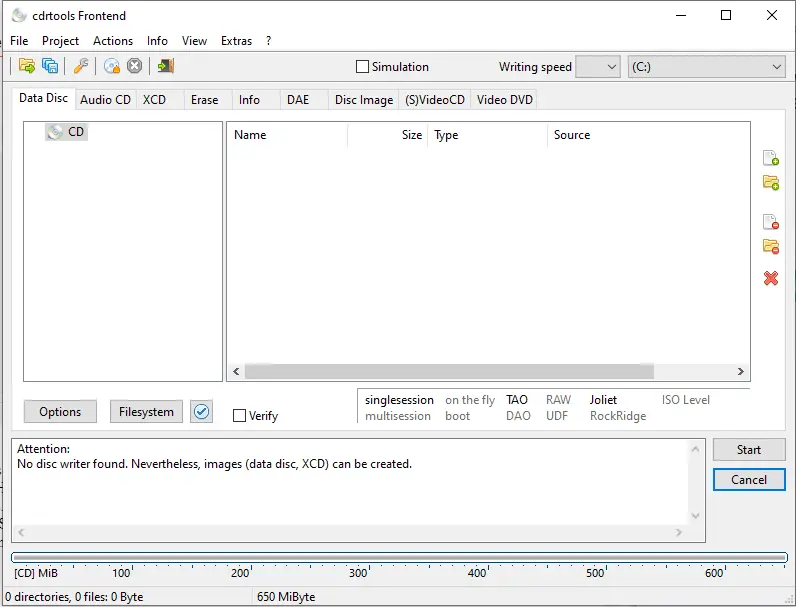
CDrtfe is an open-source burner supporting CD, DVD, and Blu-ray discs. It can create bootable discs, write ISO images, and even handle audio and data discs. With support for a multilingual interface and a range of advanced burning options, CDrtfe is perfect for users who want a free, community-driven alternative.
IsoCreator
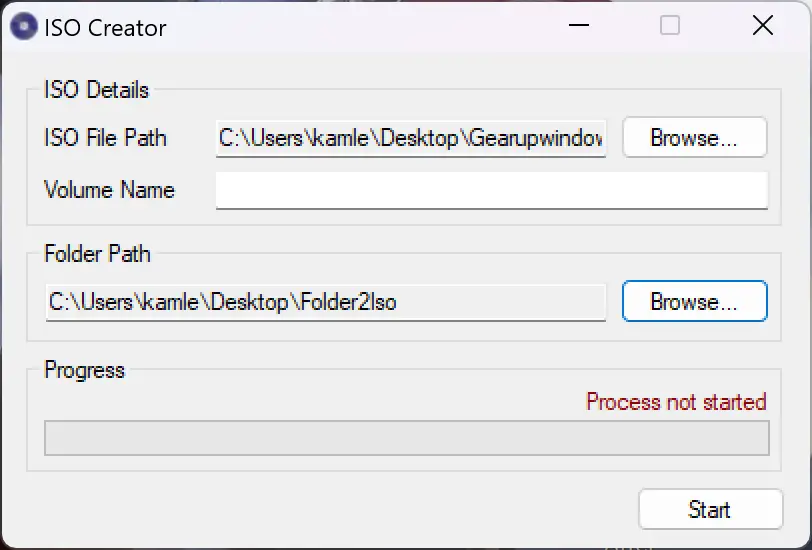
IsoCreator is lightweight and perfect for those who just need a simple tool to create or burn ISO images without extra features. It supports CD and DVD burning, runs smoothly on Windows 11 and 10, and offers a clean interface that beginners can easily navigate.
All Free ISO Burner
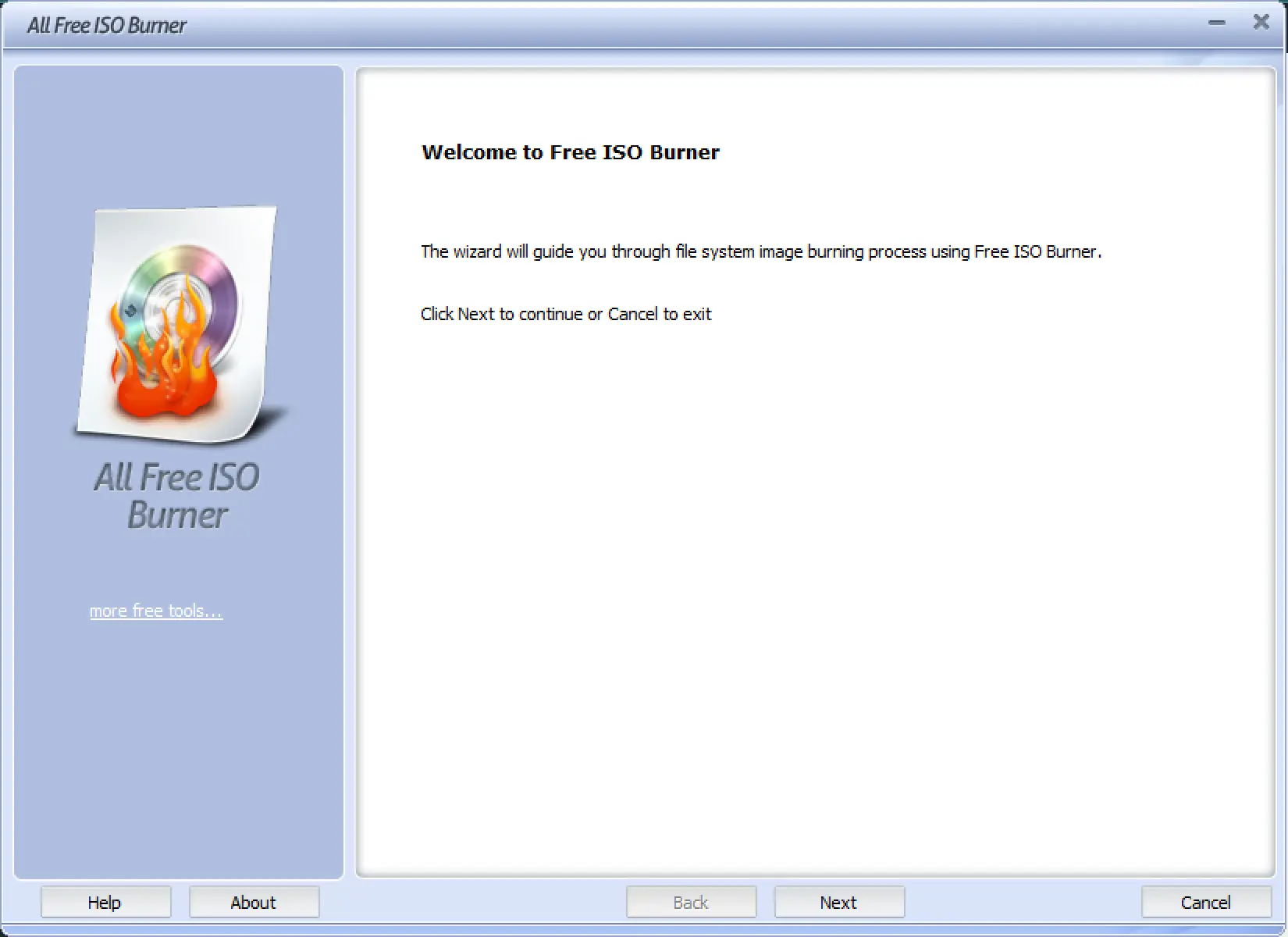
All Free ISO Burner is a user-friendly program that supports CD-R/RW, DVD±R/RW, DVD DL, and more. It includes extra features like burning simulation for error checking, disc verification, and creating bootable media. If you want a basic yet dependable tool with a few advanced options, this is a great pick.
Free ISO Burner
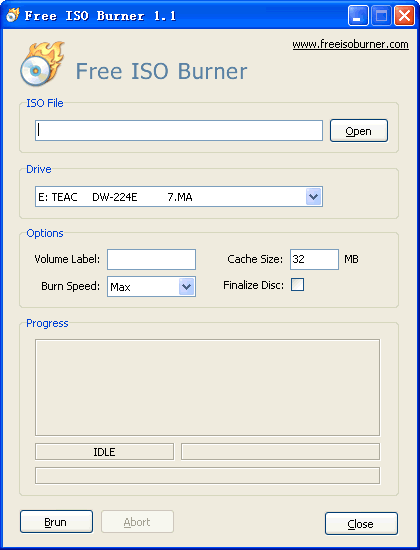
Free ISO Burner offers a no-frills approach to burning ISO files. It supports a wide range of disc formats and includes options for data verification, adjustable burn speeds, and bootable disc creation. Its simplicity makes it a good choice for users who just need quick, straightforward ISO burning.
CDBurnerXP
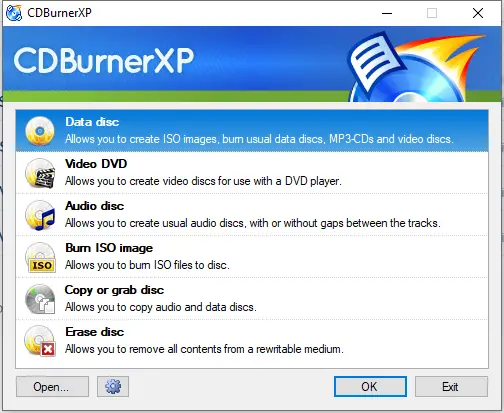
CDBurnerXP is a versatile tool that can burn ISO images and create data, audio, and video discs. It supports multiple formats, offers multilingual support, and provides advanced features like bootable disc creation. Despite its name, it works perfectly on Windows 10 and 11.
Passcape ISO Burner
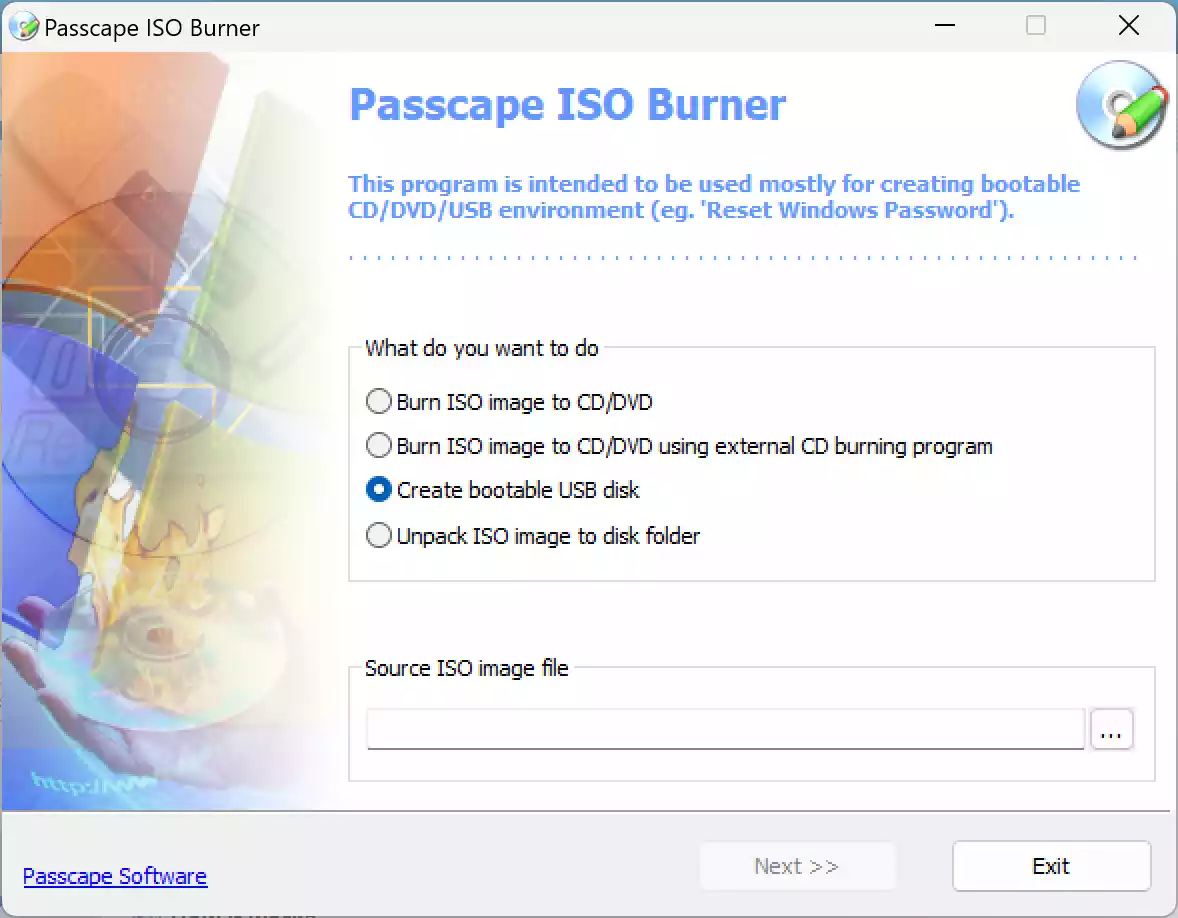
Passcape ISO Burner is a powerful yet simple tool designed for creating bootable discs, burning ISO images to USB, and verifying data integrity. Its intuitive interface makes it suitable for beginners, while its reliability and feature set also appeal to advanced users.
Conclusion
Free ISO burners have come a long way, offering features that rival many paid solutions. Whether you choose Active@ ISO Burner for its simplicity, ImgBurn for its advanced capabilities, or Passcape ISO Burner for its versatility, you can find a reliable option without spending anything. These tools can handle everything from quick burns to creating complex, bootable media, ensuring your disc-burning needs are fully met.
Choose the one that matches your requirements, and you’ll be able to burn ISO images easily, whether for data backup, software installation, or media sharing.
Frequently Asked Questions About ISO Burners
What is an ISO burner?
An ISO burner is software that allows you to write an ISO image file to physical media—like a CD, DVD, or Blu-ray. It transfers an exact digital replica of the original disc onto new media, making it ideal for backups, installations, or media sharing.
Can ISO burners create bootable discs?
Yes—many tools such as ImgBurn, Passcape ISO Burner, and CDrtfe support creating bootable discs. These are especially useful for tasks like installing operating systems from a disc. You can learn more about using bootable ISO tools on Gear Up Windows.
Are free ISO burners safe to use?
Absolutely—when downloaded from reputable sources. Always use the official website or trusted platforms to avoid bundled software or malware.
Do ISO burners work with USB drives?
Some tools—like Active@ ISO Burner and Passcape ISO Burner—offer the ability to burn ISO images directly to USB drives. But if you’re focused on USB media, you might also check out guides like our article on making bootable USB drives using ISO images.
Can I burn other image formats besides ISO?
Yes—many burners support formats such as BIN, NRG, or IMG. For example, in our article comparing free CD/DVD burner alternatives (like FinalBurner, ImgBurn, CDBurnerXP), you’ll see support for multiple formats and additional tools. Explore it here.
Do I need special hardware to burn Blu-ray discs?
Yes—a standard CD/DVD drive won’t suffice. You’ll need a Blu-ray writer to burn Blu-ray discs, as even the most robust software can’t substitute for the necessary hardware.
Which free ISO burner is easiest for beginners?
Free ISO Burner and IsoCreator are great for newcomers—they offer straightforward interfaces without overwhelming options. If you’re starting out, they’re excellent first picks.
How can I manage ISO files beyond burning?
If you’re looking to create, extract, or convert ISO files (not just burn), check out our guide on ISO Toolkit for a powerful, free ISO management solution.