

We all love customizing and tweaking Windows operating systems. We don’t leave any opportunity to customize our Windows 10 if we get any good freeware. A few options are available to customize the Windows 10 operating system, e.g., configuring the Lock screen of Windows 10 to display a slideshow, changing the desktop background, and setting up a slideshow, showing/hiding/resizing Desktop Icons, etc.
Above all, customization is possible in Windows 10 OS without any third-party tool.
We have also reviewed some freeware tools like Windows Logon Screen Changer and Rainbow Folders to customize the Windows appearance.
Those who used to download free tools to customize Windows will love Winaero Tweaker. Winaero Tweaker is an all-in-one tool to customize and tweak the Windows operating system. There are a bunch of options available to customize your Windows 10.
Winaero Tweaker is not just for Windows 10; you can use the same tool to tweak Windows 7 and even Windows 8.
Winaero Tweaker
In this post, we will walk through some of the important options available under Winaero Tweaker.-
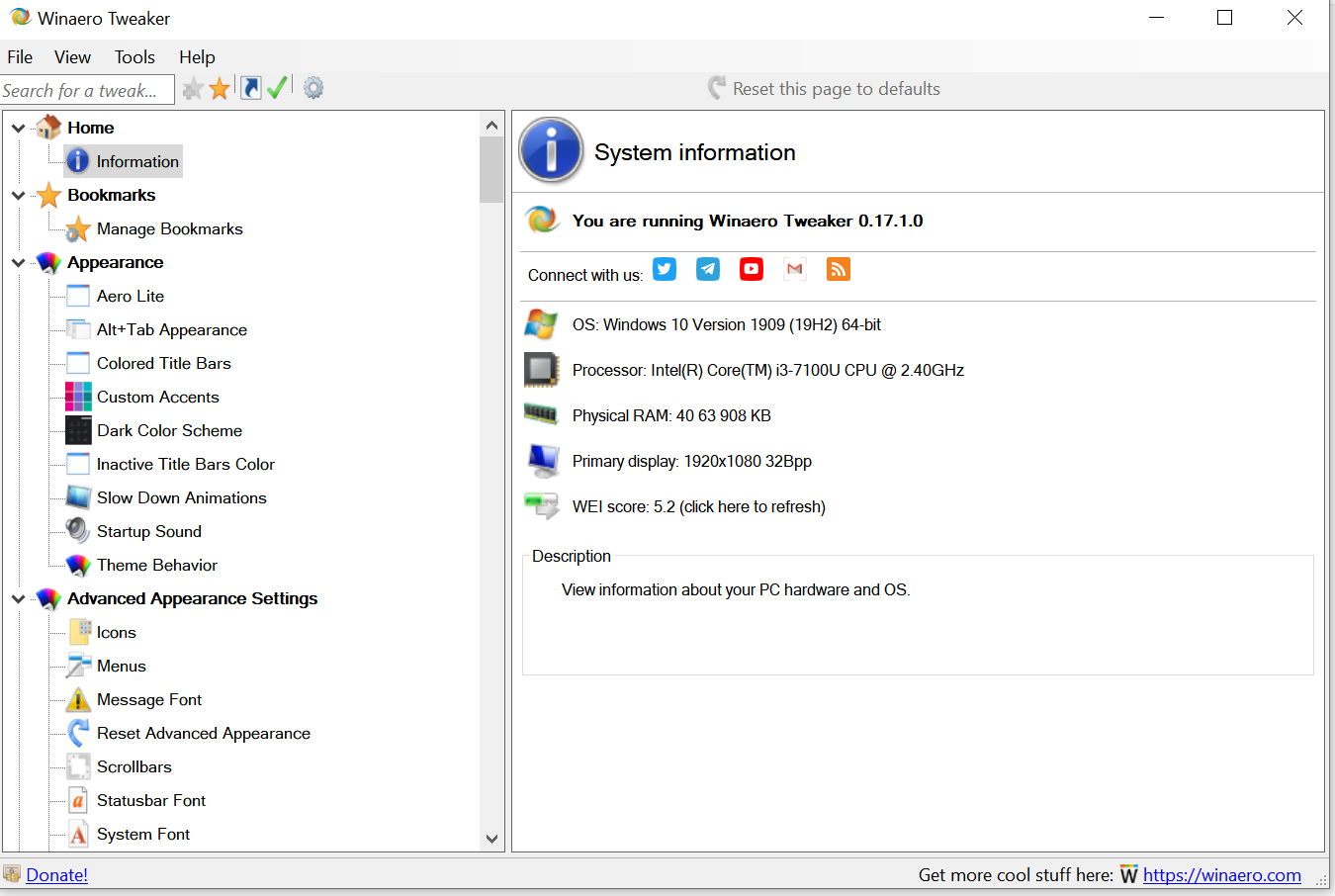
System Information – Navigate to Home > Information from the left side menu to get the hardware and OS information. You can get the details about the Operating system version, processor details, RAM, display, and WEI score from this option.
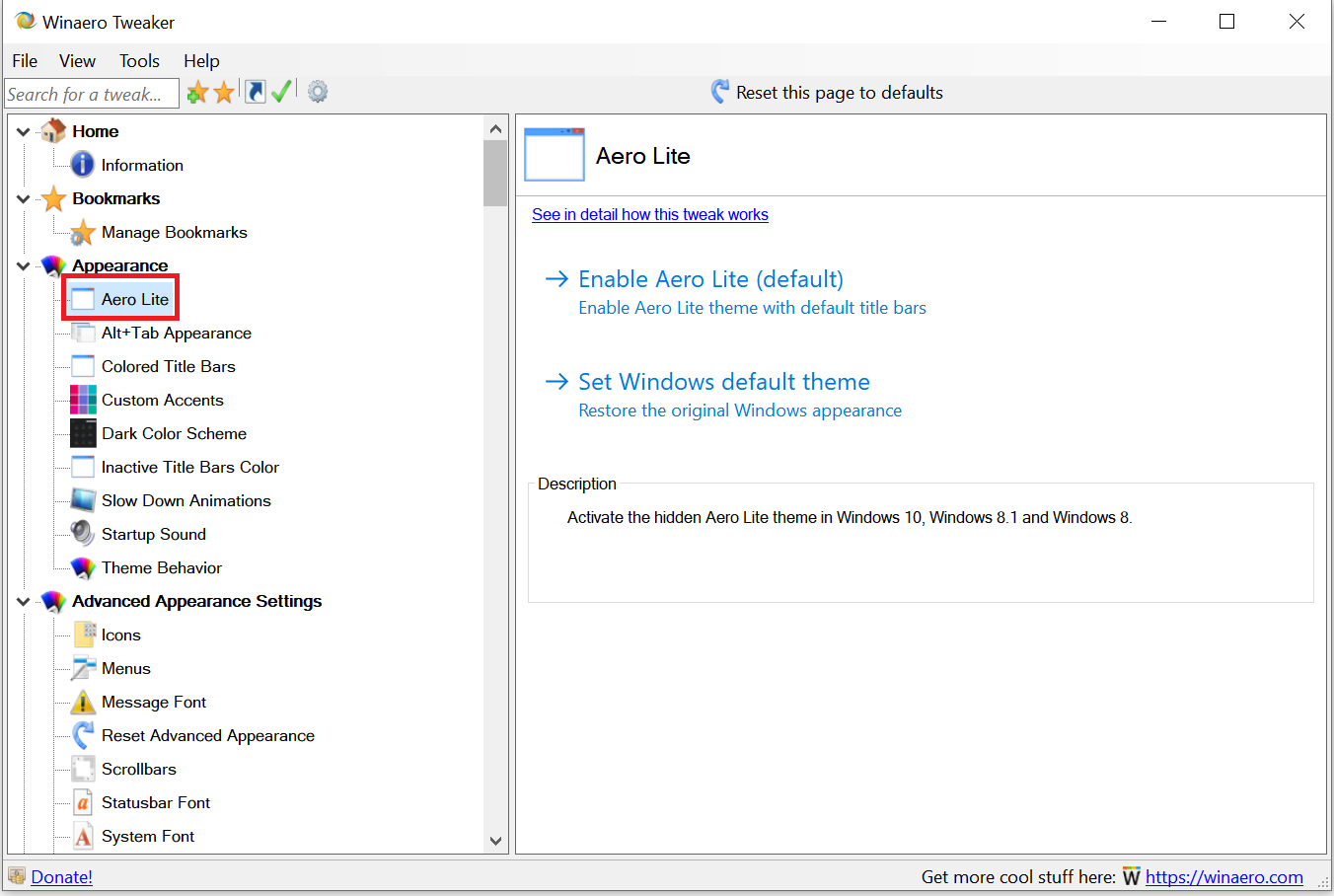
Aero Lite – Under the Appearance menu, you can find Aero Lite settings. Under Aero Lite, there are two options available through which you can enable the Aero Lite theme or switch to the Windows default theme.
Once you activate the Aero Lite theme, it will change the Windows taskbar’s appearance and the Start menu. After applying the Aero Lite theme, the taskbar will become opaque, window frames will get borders, and the entire appearance of the OS will be similar to what you get with the Aero Lite theme on Windows 8.
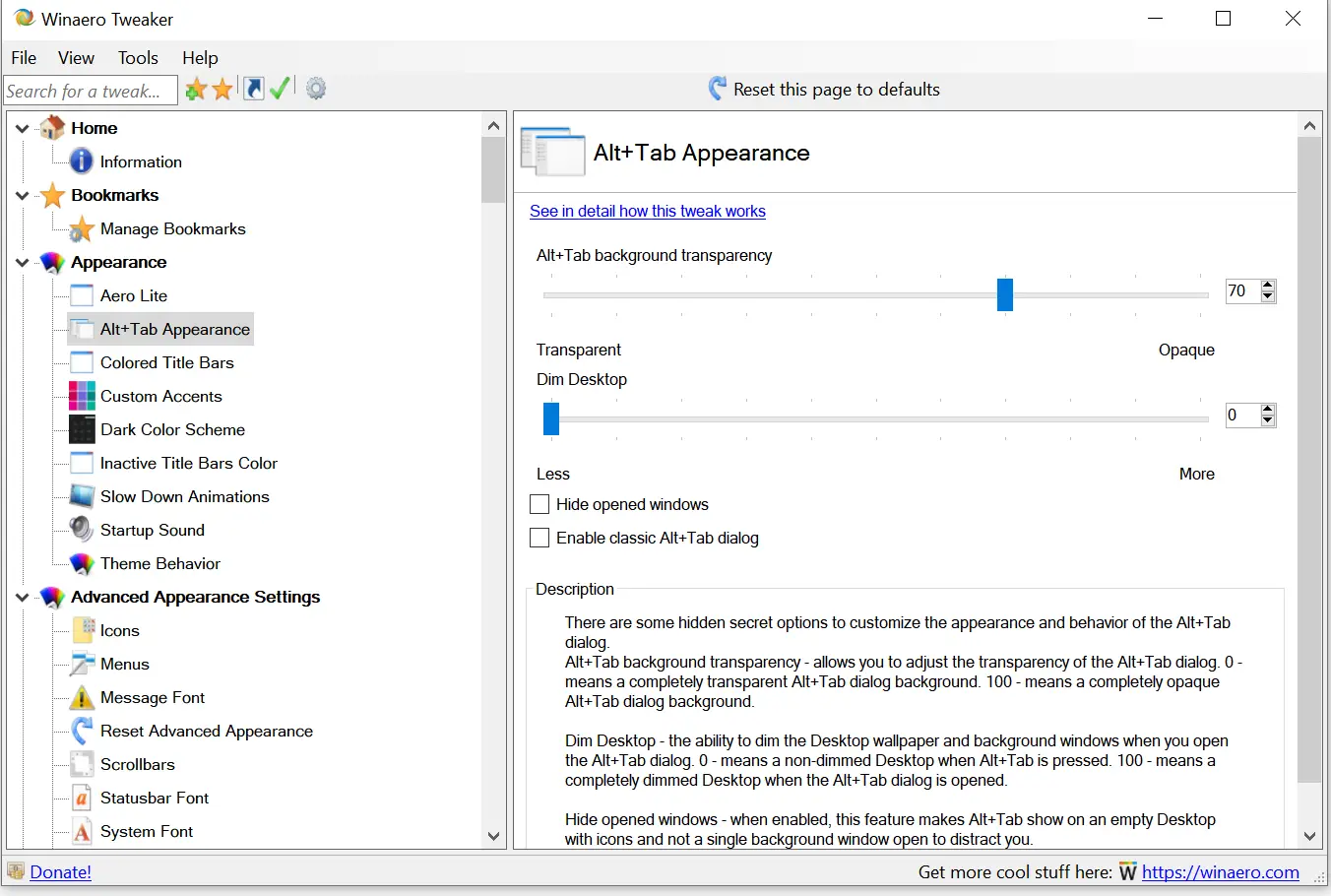
 Alt+Tab Appearance – Alt+Tab keys are used to switch between opened windows. Through the Alt+Tab Appearance option, you can set the transparency level of its background, and you can even dim the wallpaper.
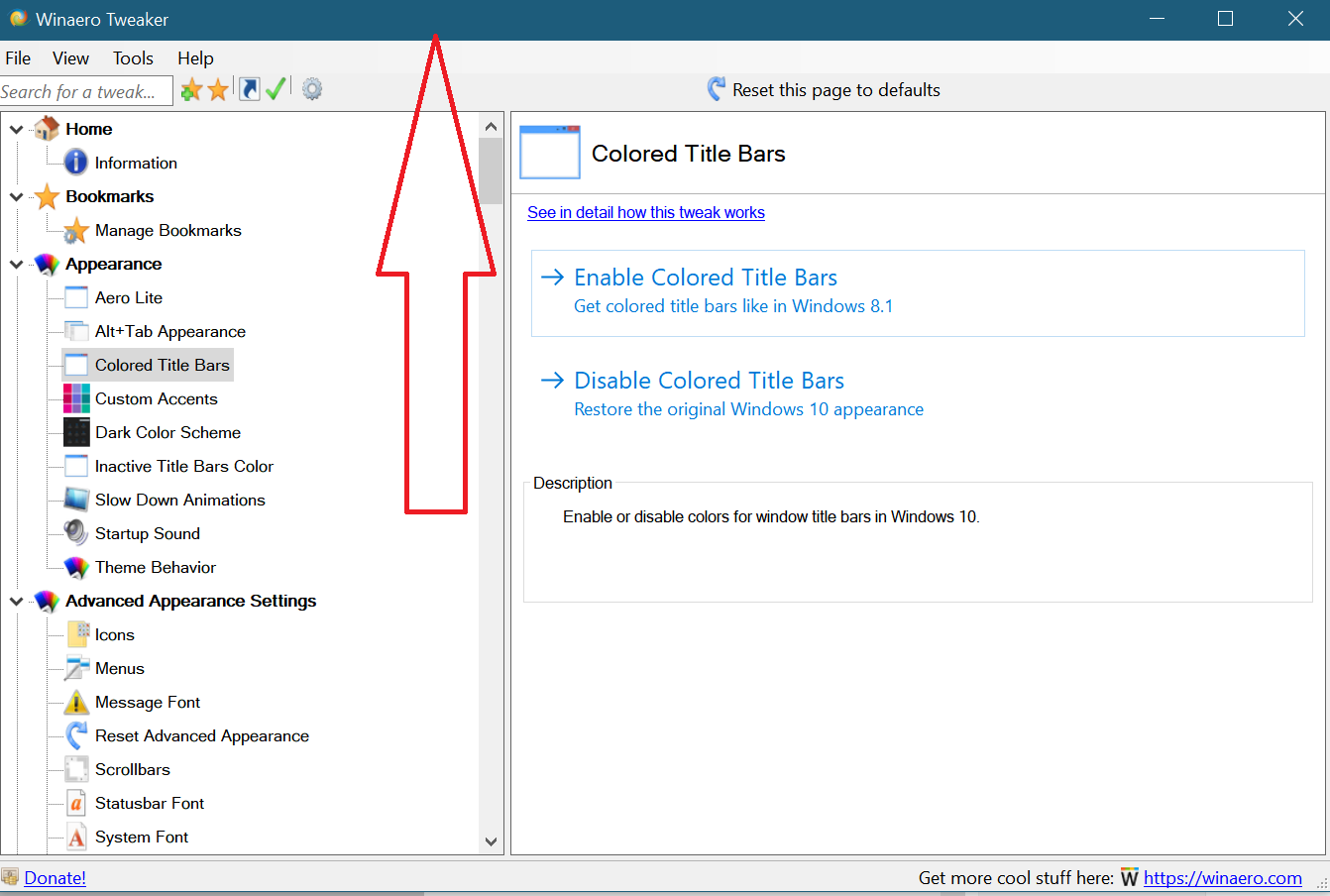
 Colored Title Bars – Microsoft has blocked colored title bars for all opened windows since Windows 10 build 10056. If you want to restore colored title bars in Windows 10, you can do it with Winaero Tweaker.
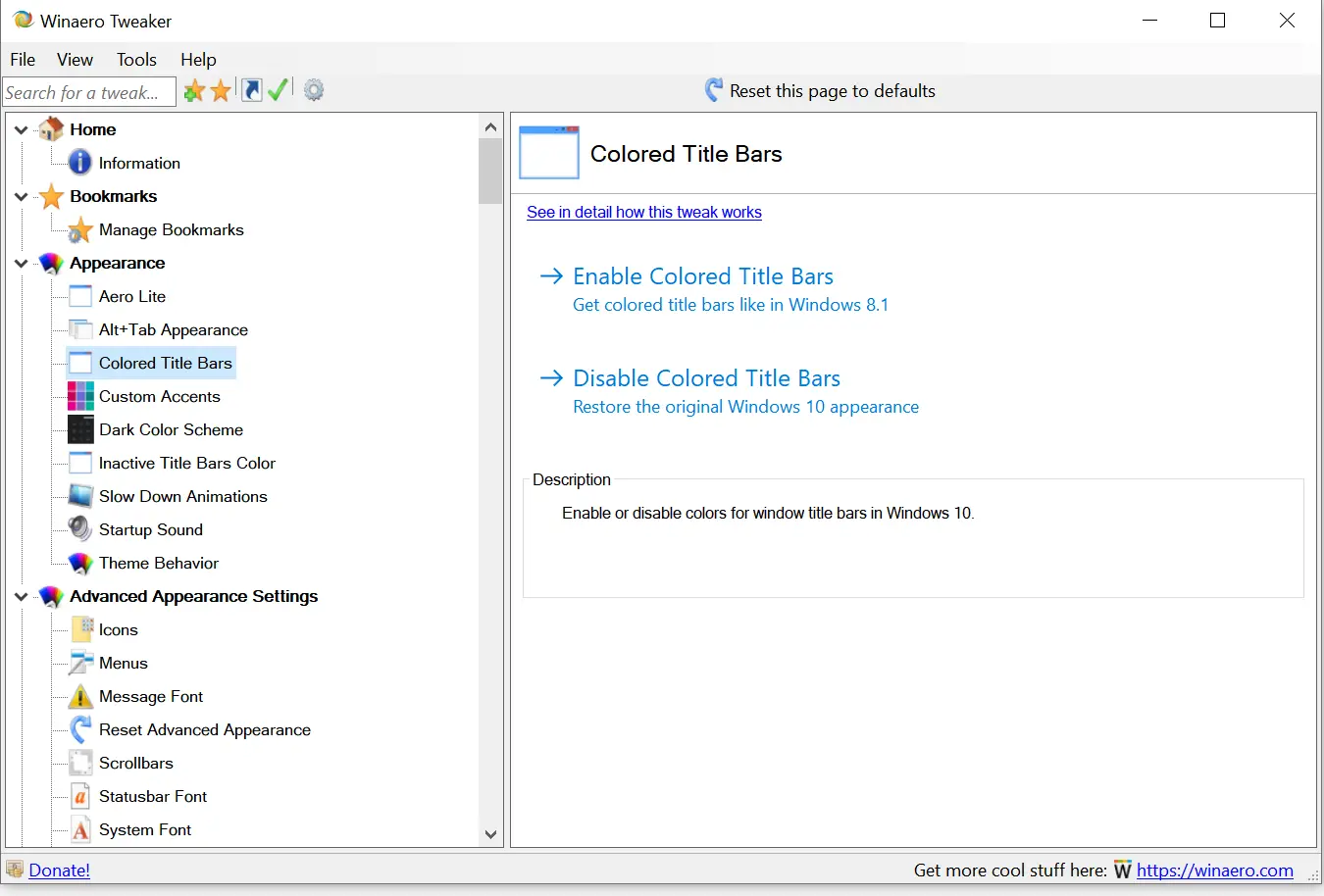 You can see the changes after enabling colored title bars.
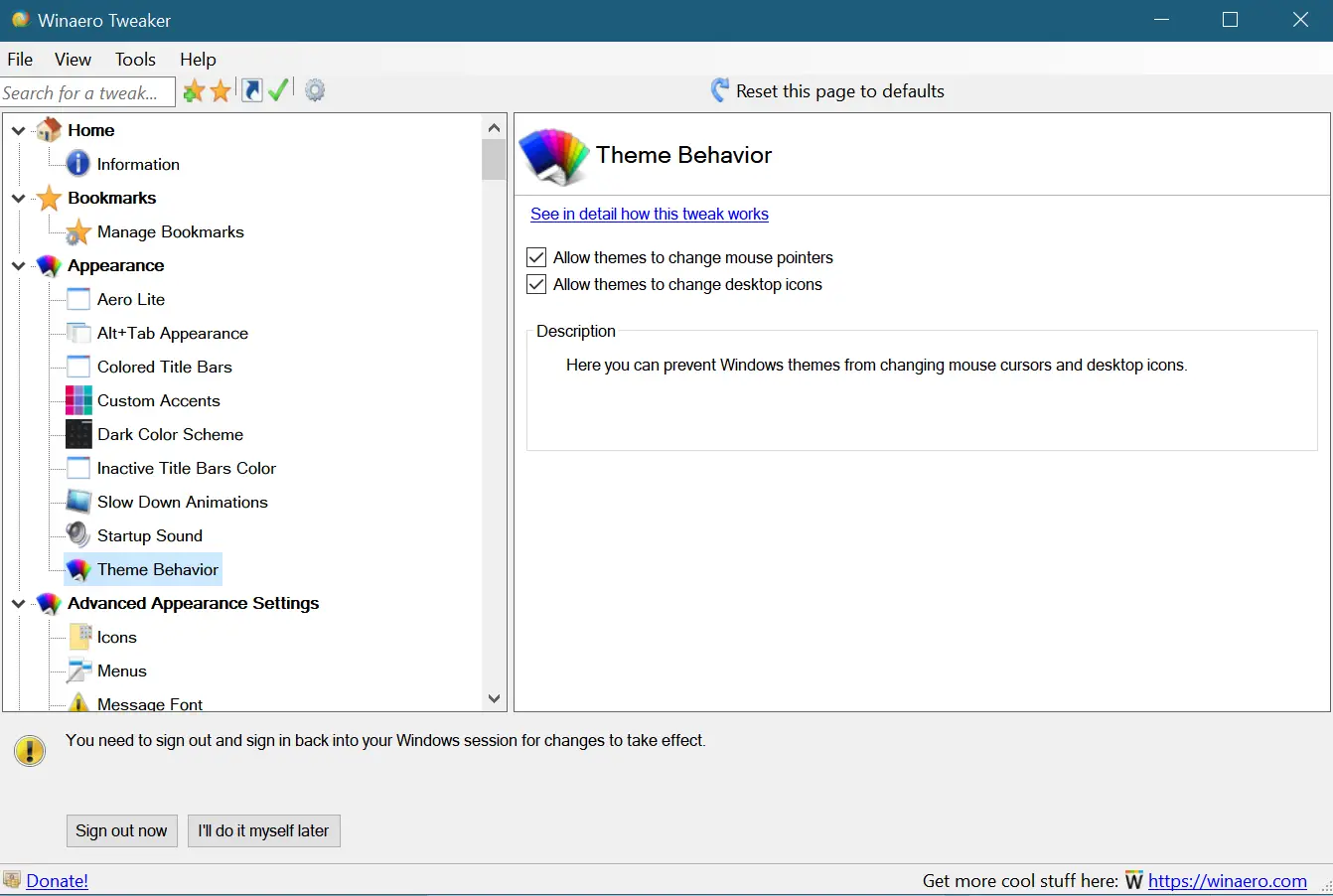
 Theme Behavior – When you change the Windows 10 theme, it automatically adjusts mouse pointers and desktop icons. If you want to prohibit changing mouse pointers and desktop icons, you can uncheck these options from here.
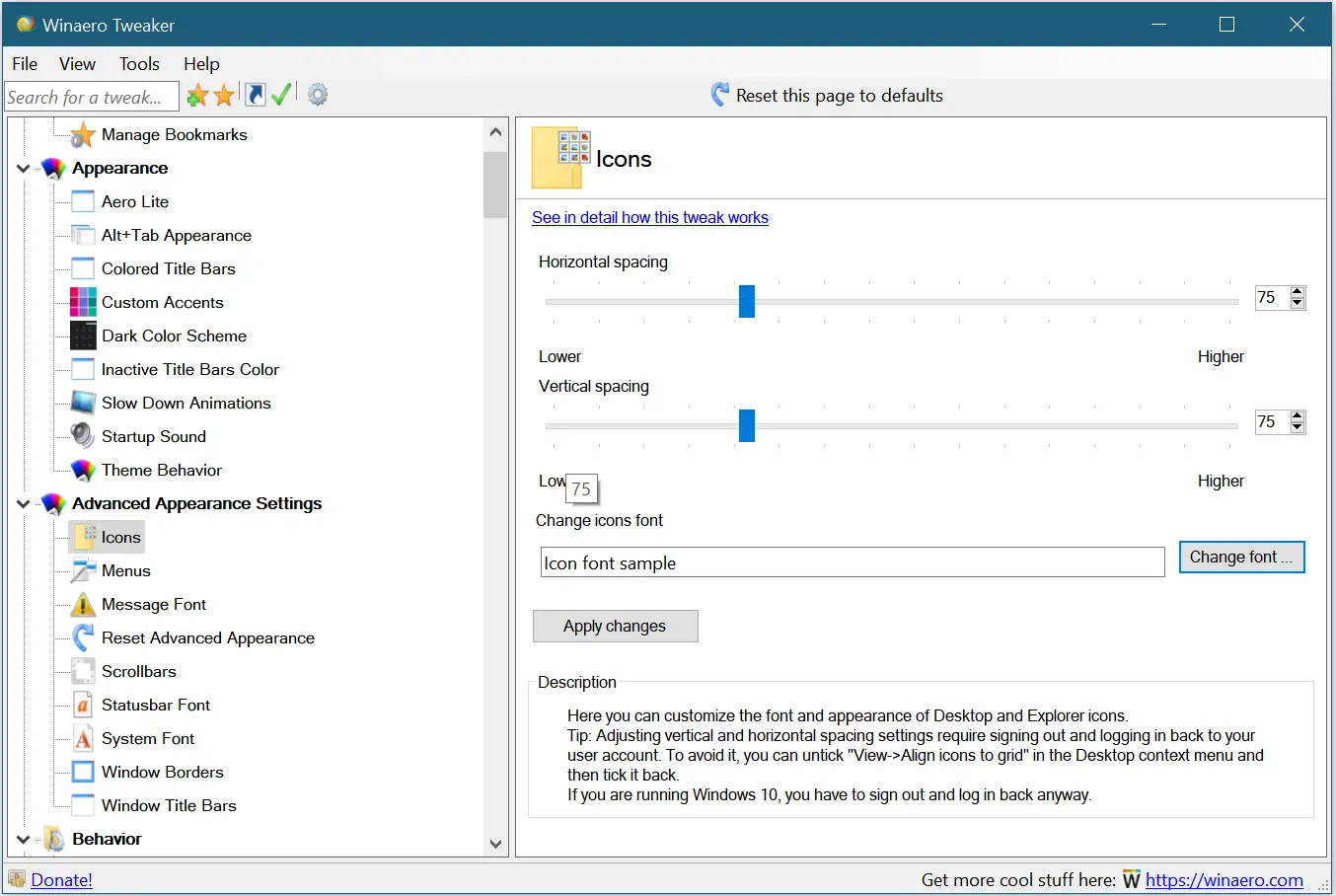
 Icons – The Winaero Tweaker app allows us to change the default font of icons and horizontal and vertical spacing.
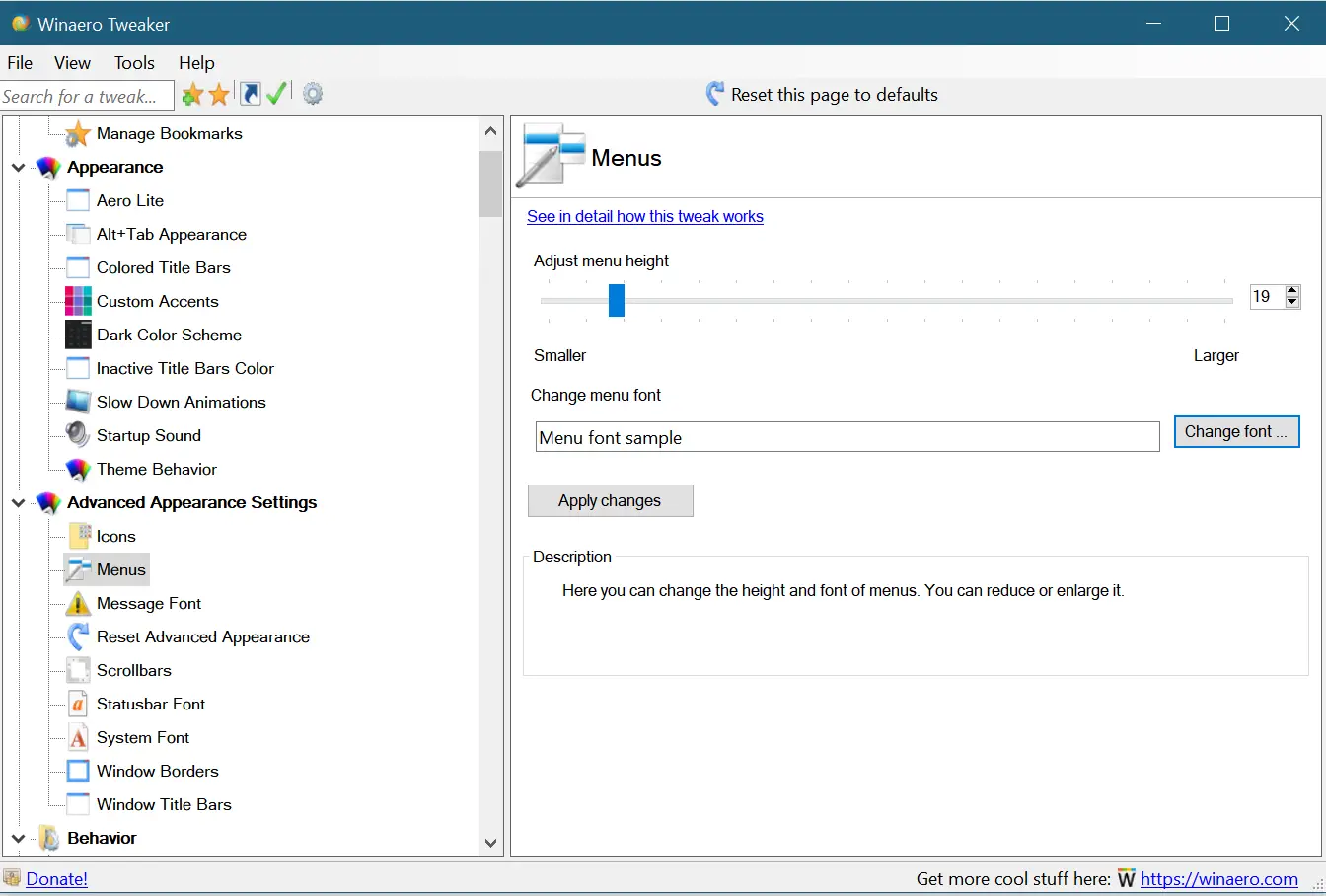
 Menus – It allows us to adjust the height of Windows menus and the font change.
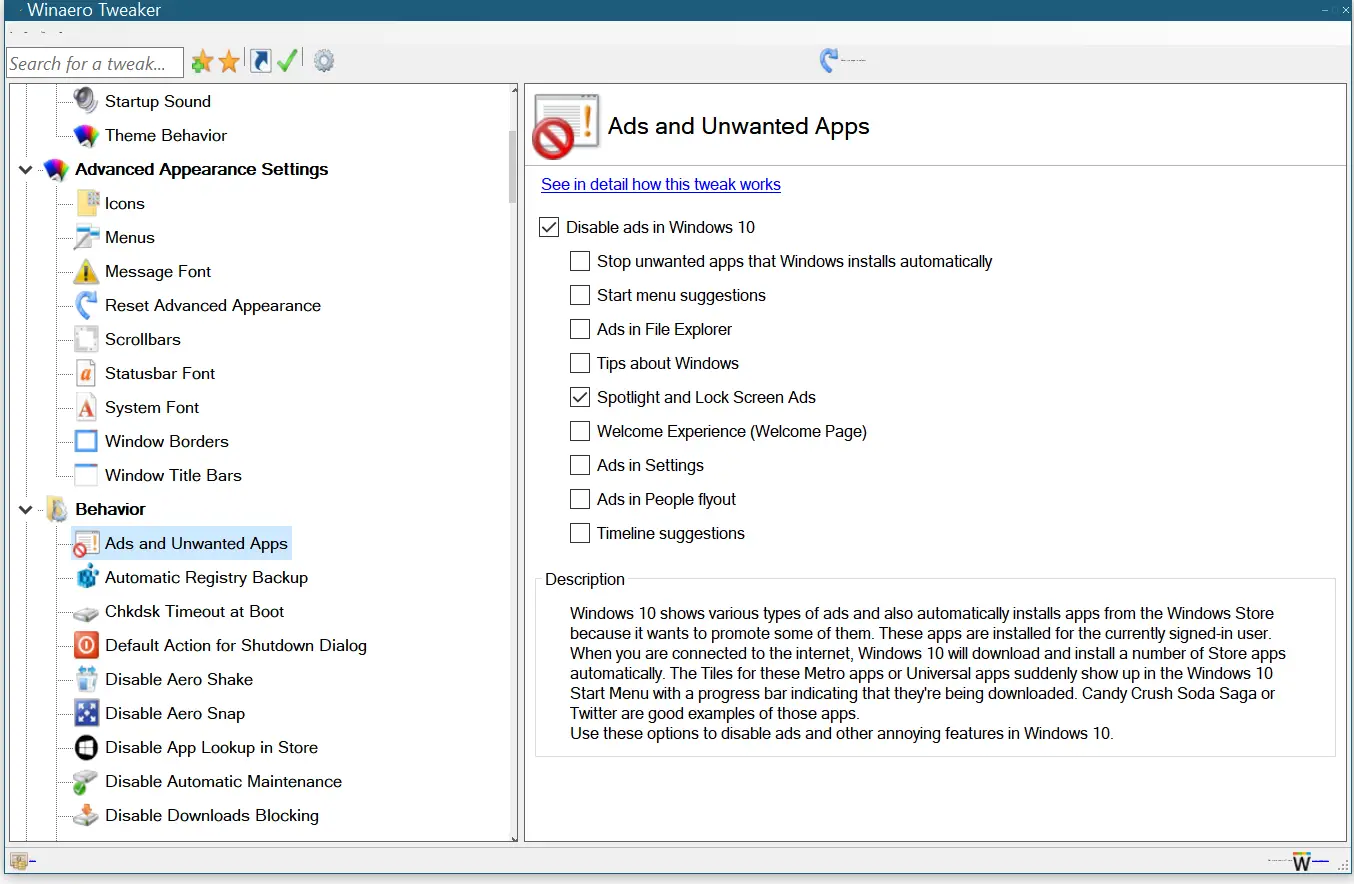
 Ads and Unwanted Apps – Windows 10 shows various types of ads, and sometimes it automatically installs apps from the Windows Store. You can use this option to disable ads and other annoying features in Windows 10.
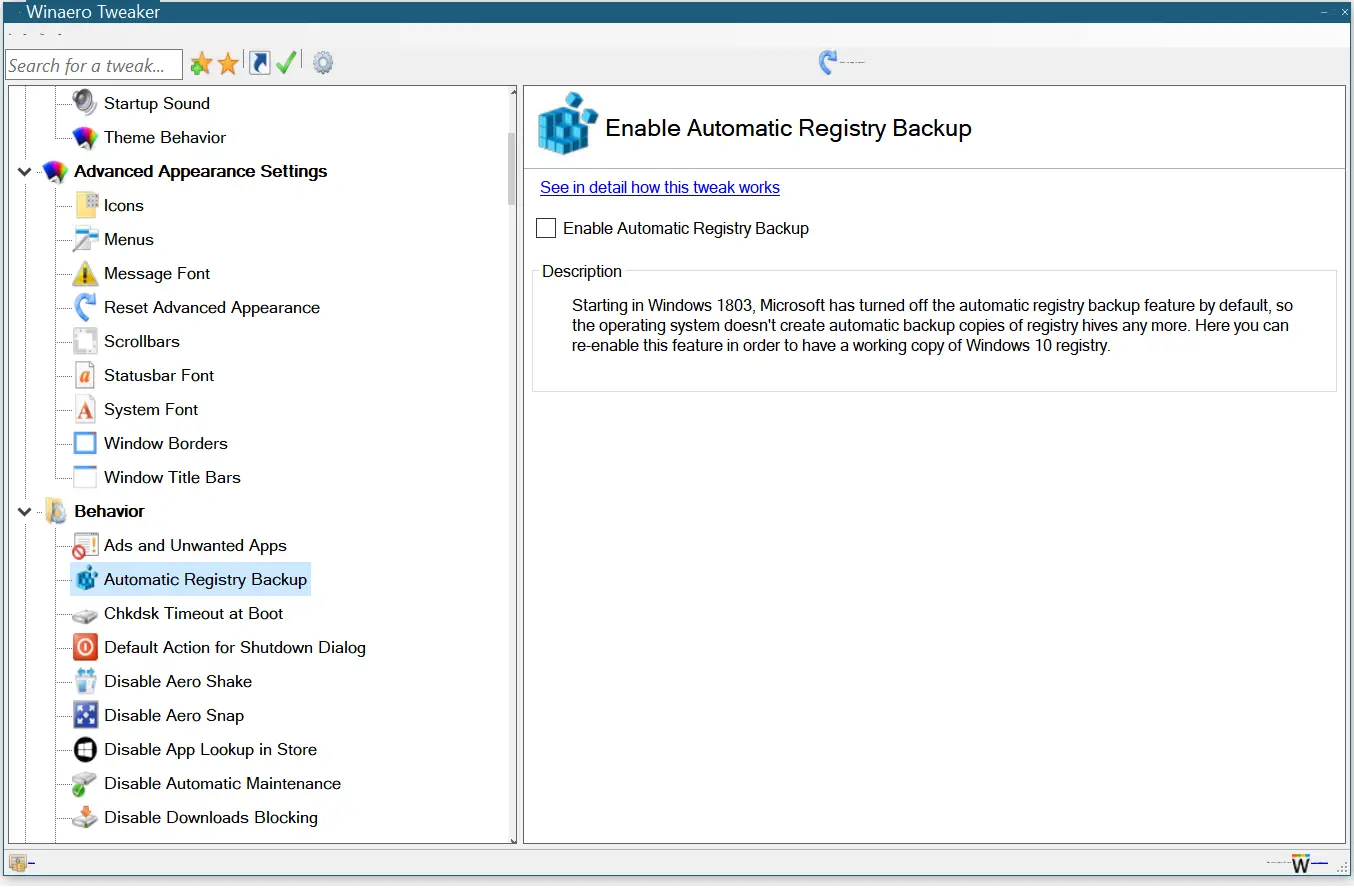
 Automatic Registry Backup – Starting Windows 10 version 1803, Microsoft has stopped the automatic backup of the Windows Registry. If you want to re-enable, you can do the same with Winaero Tweaker.
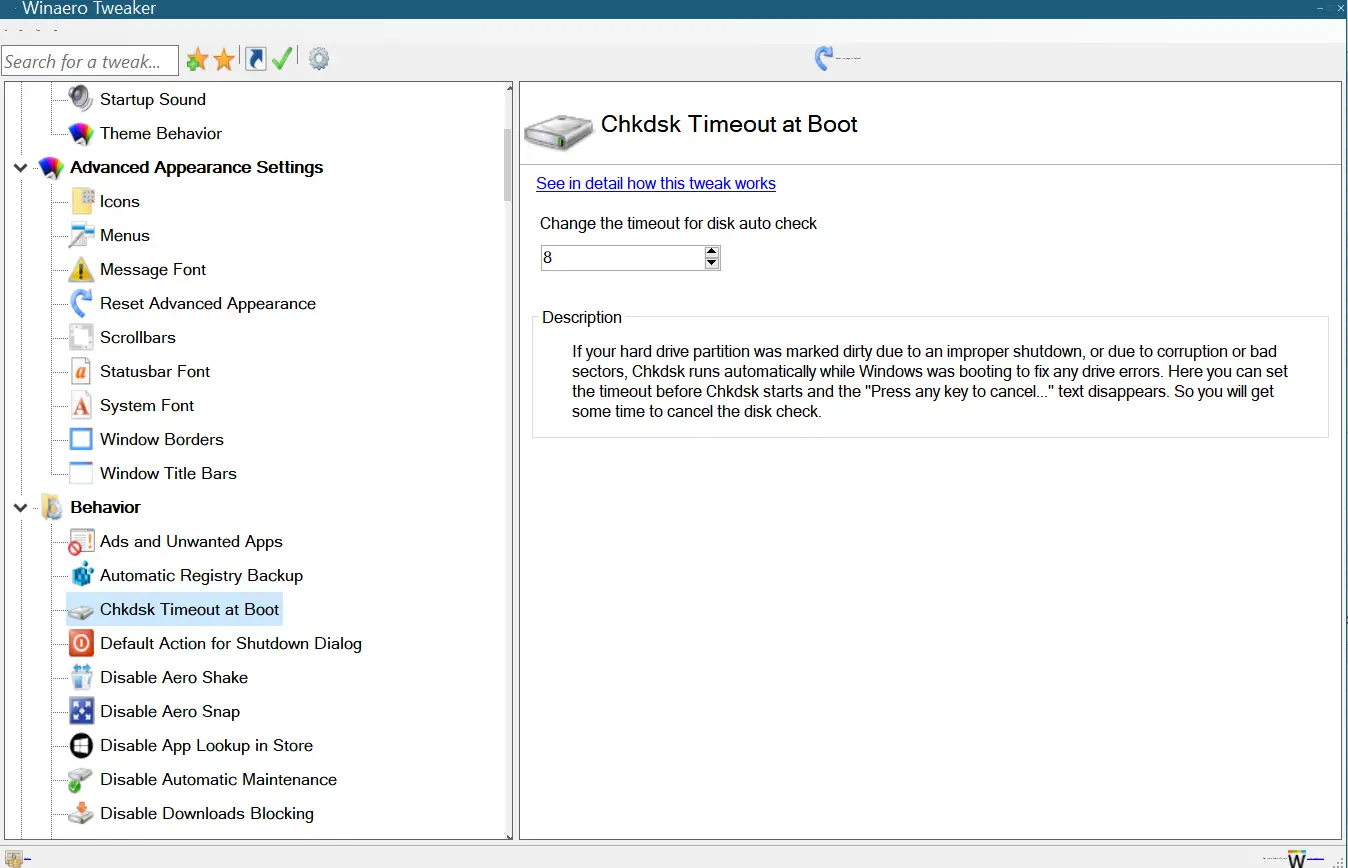
 Chkdsk Timeout at Boot – Due to improper shutdown of Windows, the hard drive partition gets corrupted, and when you start Windows, it tries to recover the files/folders during startup. If you want to set a custom timeout for auto-check, you can configure it from here.
Download Winaero Tweaker
There is a lot of customization possible using Winaero Tweaker. We have seen a few options to customize the Windows default behavior. You can download it from here.
FAQs
What is Winaero Tweaker used for?
Winaero Tweaker is a free, all-in-one customization tool that lets you modify the appearance and behavior of Windows 10, 8, and 7. It gives access to many advanced options that are not available through the standard Windows Settings app.
Is Winaero Tweaker safe to use?
Yes. Winaero Tweaker is a popular freeware tool trusted by many Windows users. It makes system-level changes, so you should apply tweaks carefully, but the tool itself is safe and widely used.
Does Winaero Tweaker work on Windows 11?
No. It is not designed for newer versions.
Do I need technical knowledge to use Winaero Tweaker?
No. The tool provides easy-to-understand descriptions for each option. Beginners can use it without difficulty, though it is always a good idea to apply changes one at a time.
Can Winaero Tweaker change Windows themes?
Yes. It includes options such as Aero Lite, colored title bars, theme behavior control, and transparency settings for elements like the Alt+Tab switcher.
Does Winaero Tweaker include performance tweaks?
Yes. You can disable ads, remove unwanted apps, re-enable automatic Registry backup, adjust menu behavior, and change system settings that may help improve usability and performance.
Do changes made using Winaero Tweaker affect system stability?
Most tweaks are safe and reversible. However, like any customization tool, applying too many changes without understanding their impact may affect stability. Use the tool’s built-in restore defaults option when necessary.
Can I undo a tweak if I don’t like the result?
Yes. Nearly all options include a toggle or reset button, allowing you to restore default Windows behavior easily.
Does Winaero Tweaker require installation?
Yes. It is not portable; you must install it to use it. Once installed, it becomes your central hub for Windows customization.
Is it better than using individual customization tools?
In many cases, yes. Instead of downloading multiple separate utilities, Winaero Tweaker brings dozens of customization features into one lightweight application.
Conclusion
Winaero Tweaker is one of the most powerful and user-friendly freeware tools available for customizing Windows. Whether you want to enhance the appearance, improve usability, or unlock hidden system settings, the tool provides everything in a single, well-organized interface. From enabling Aero Lite to restoring colored title bars, adjusting theme behavior, disabling ads, or re-enabling automatic Registry backup, it covers a wide range of customization needs. If you enjoy tweaking Windows to match your personal style and workflow, Winaero Tweaker is an excellent addition to your toolkit.